I’ve trained models on my own datasets since 2019, starting with GANs. My work has shown at CVPR and NeurIPS, and I’ve taught at ITP, Parsons, and SVA.
I work on product at TITLES, where I also train models with artists. I’ll say when an example comes from that work.
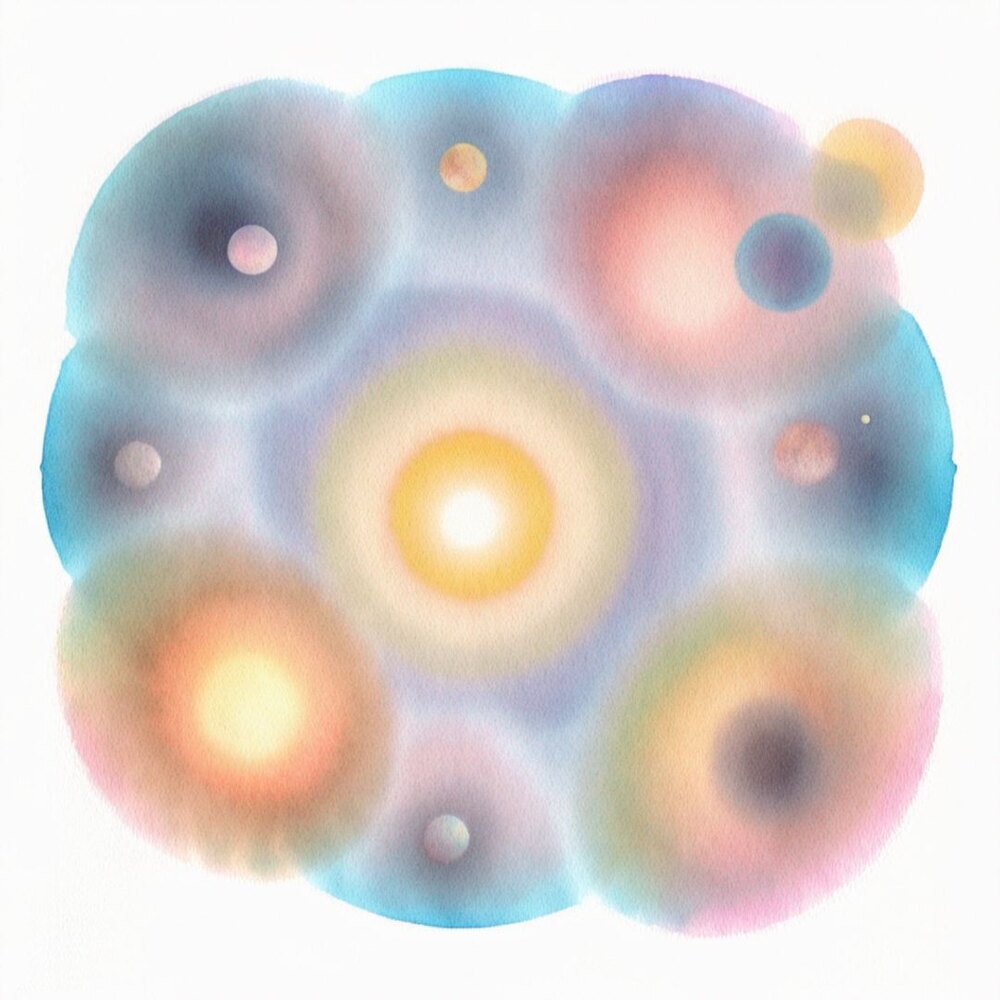
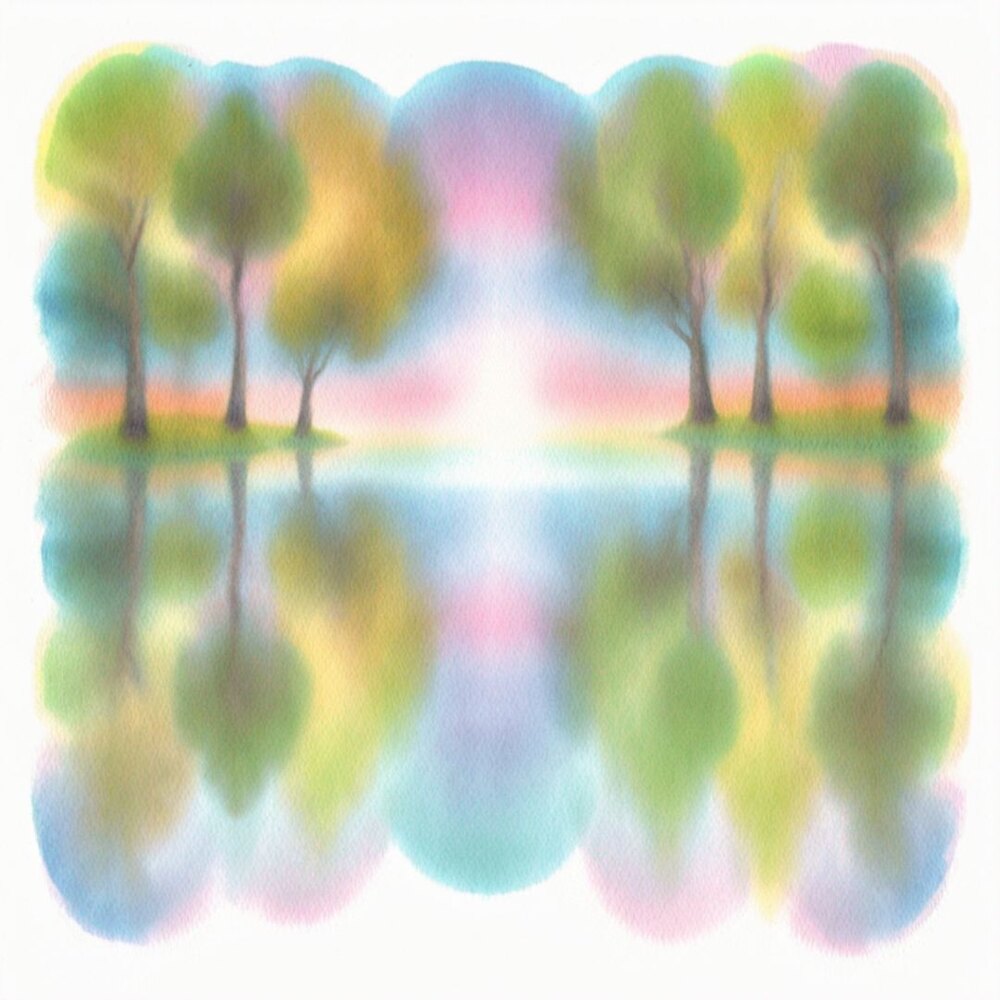
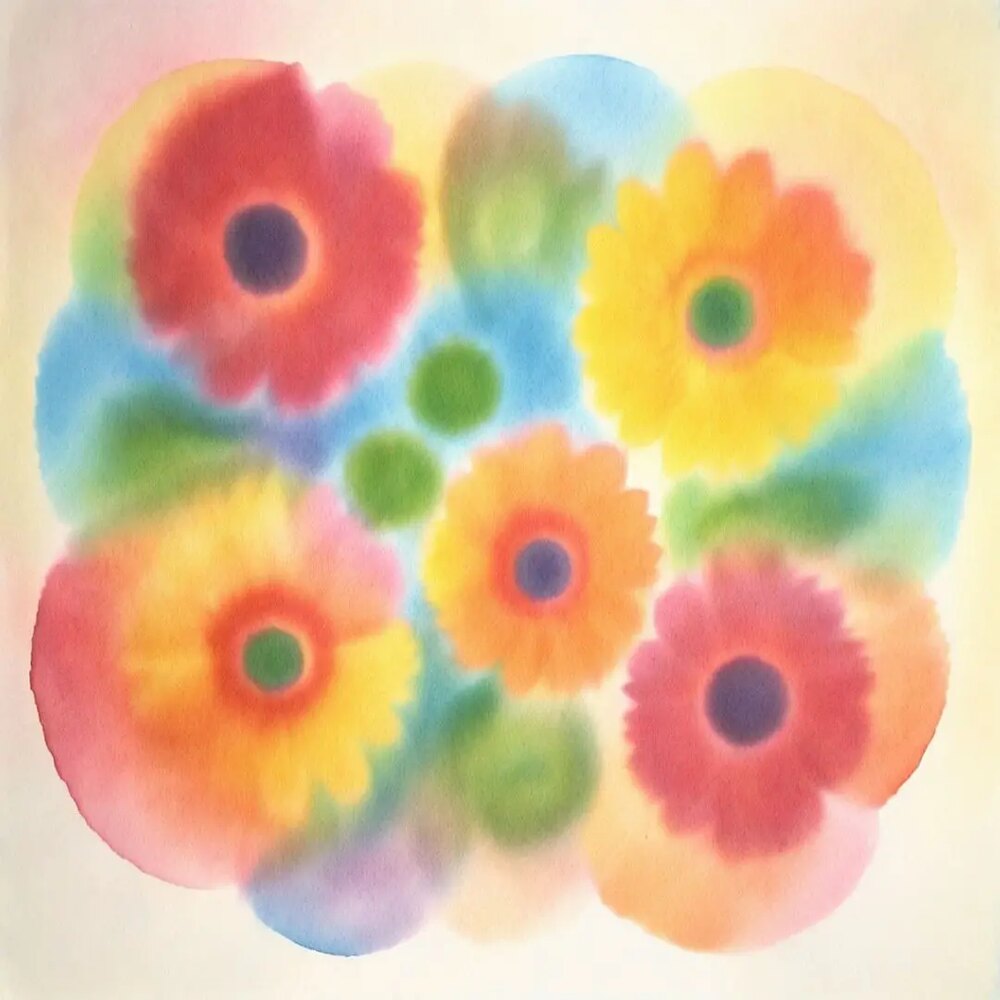
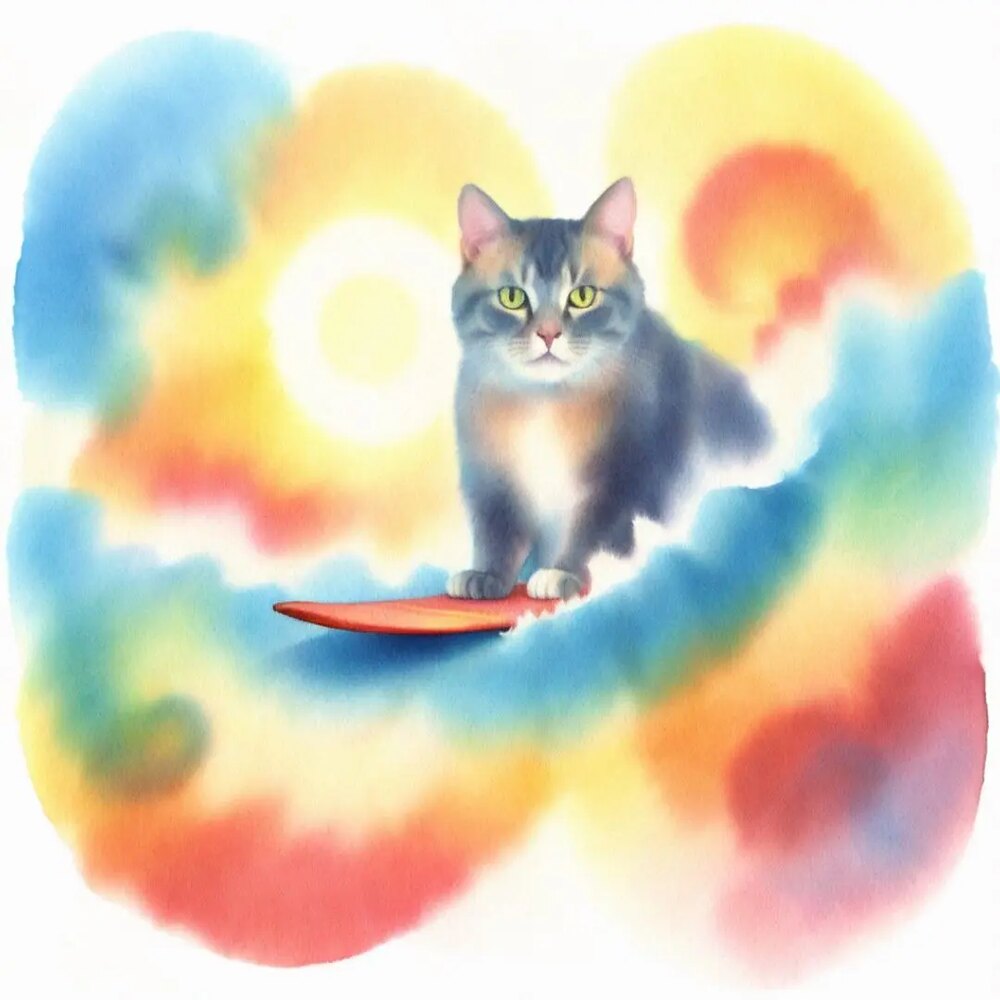
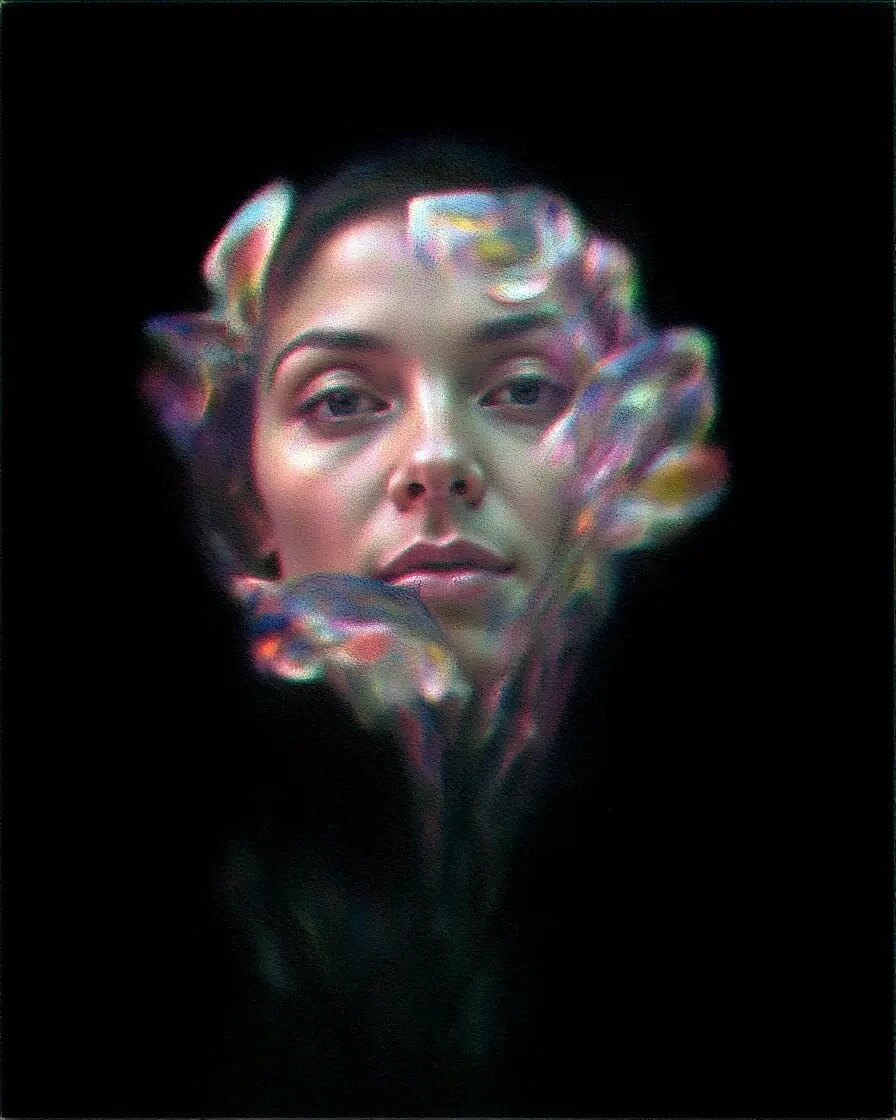
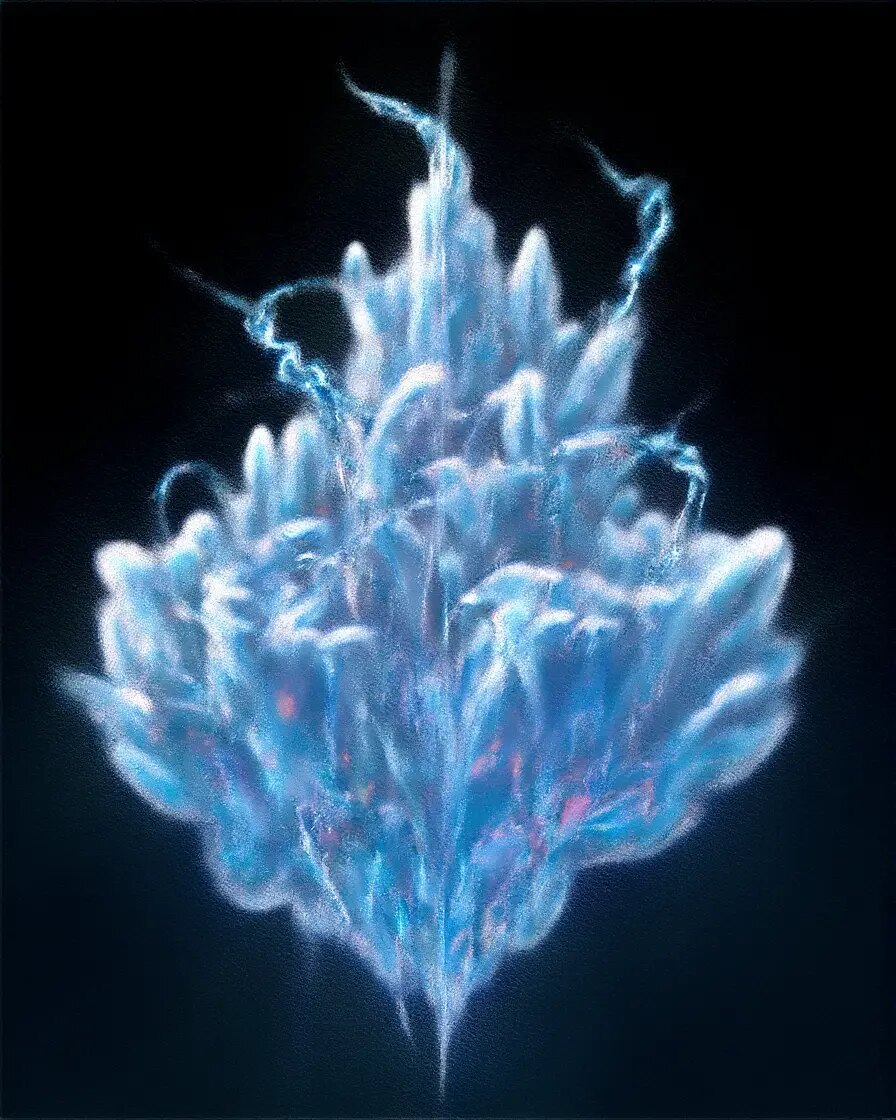
An SDXL LoRA I trained in 2024 on abstract chromatography images. It’s available to use on TITLES.
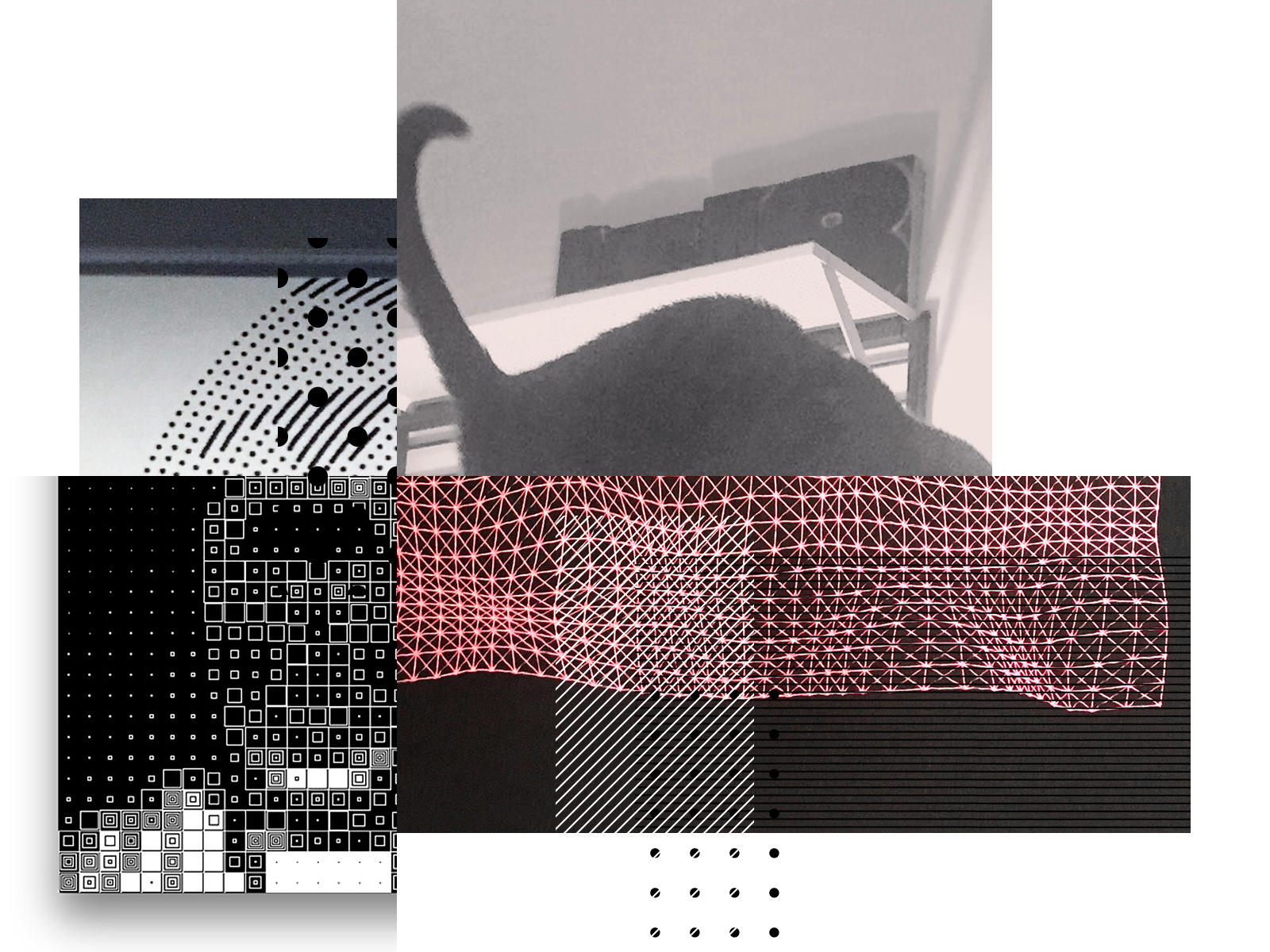
B-009A waterside sceneFlowersA cat surfing
Phantoms of Endless Day combined character and video LoRAs.
A four-channel installation by Ho Tzu Nyen at LUMA Arles, 2025. I was lead creative technologist. With Tim Moore, I generated over 10 hours of footage using custom-trained models, video-to-video, and face swaps.
BBVDAY 2025½ was trained on my own collages.
I made the original valentines by hand in 2022. For this film I trained a model on them, generated over 18,000 new collages, and sorted them into a 4-minute animation set to Model Man’s “Arms.”
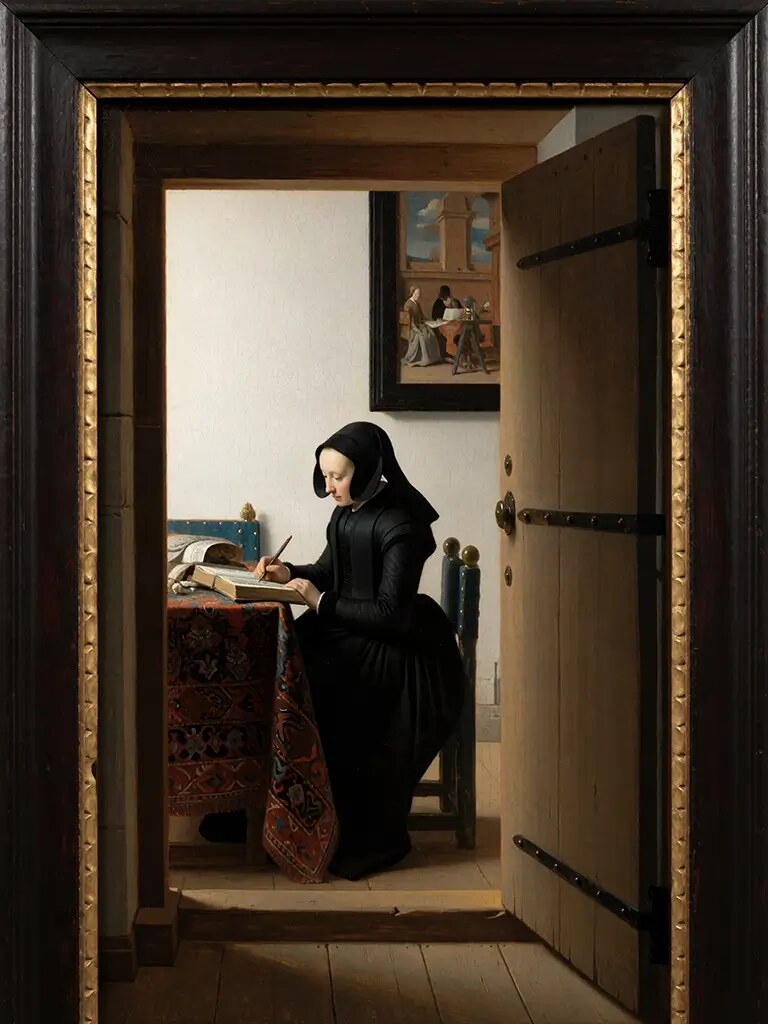
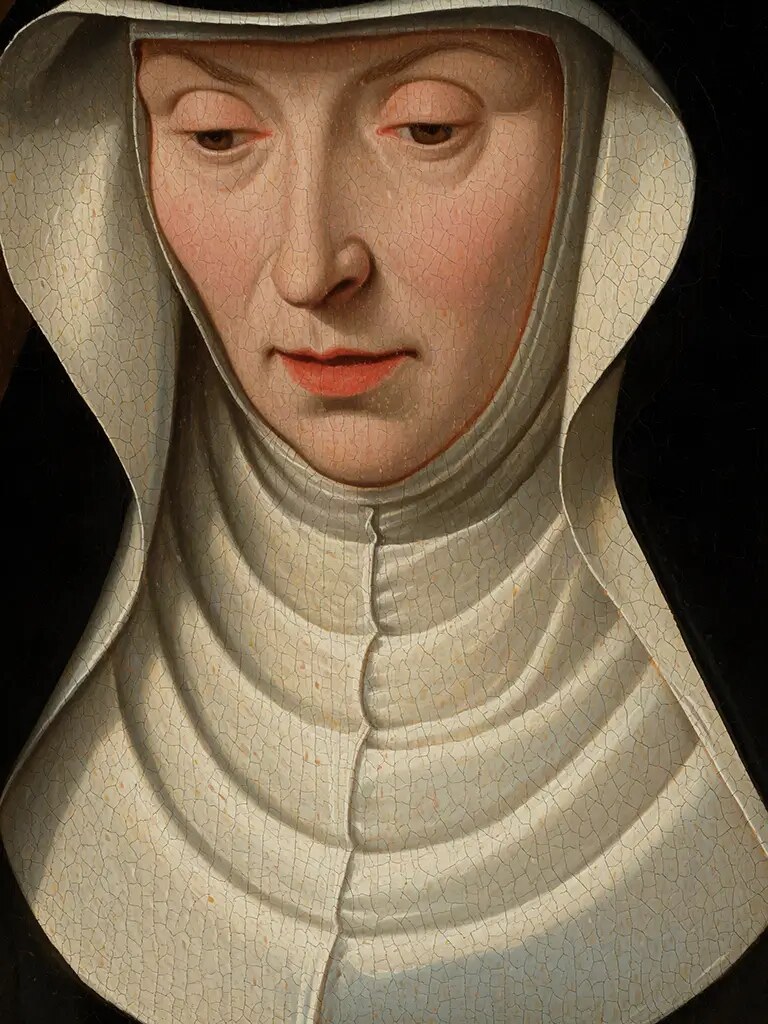
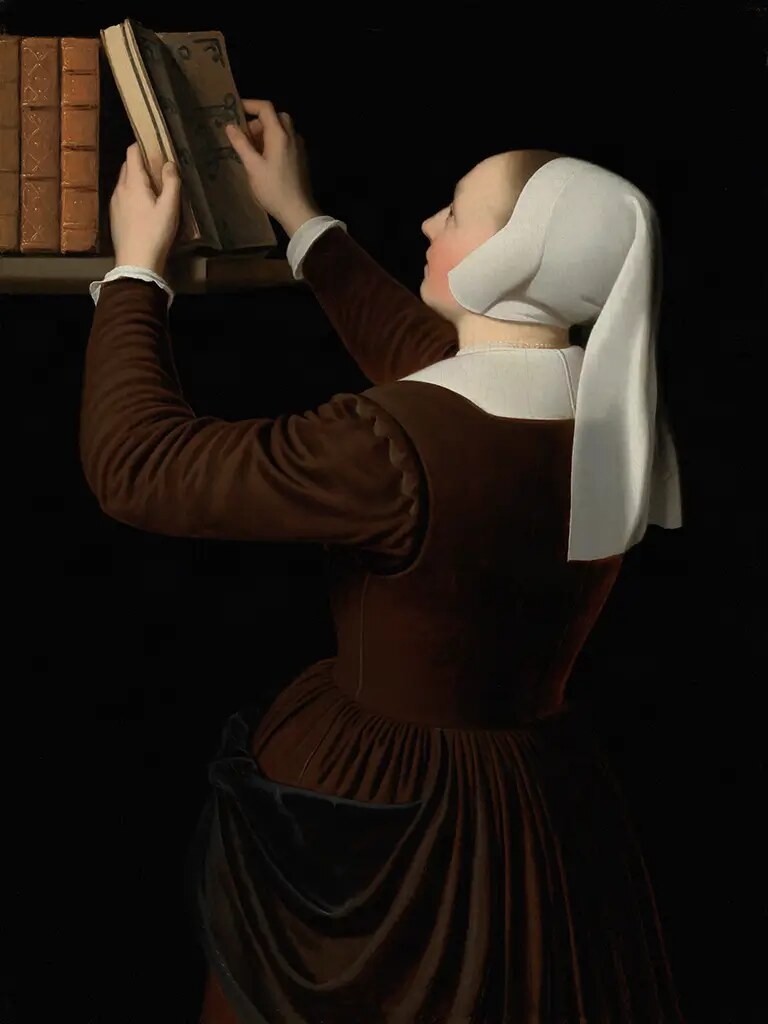
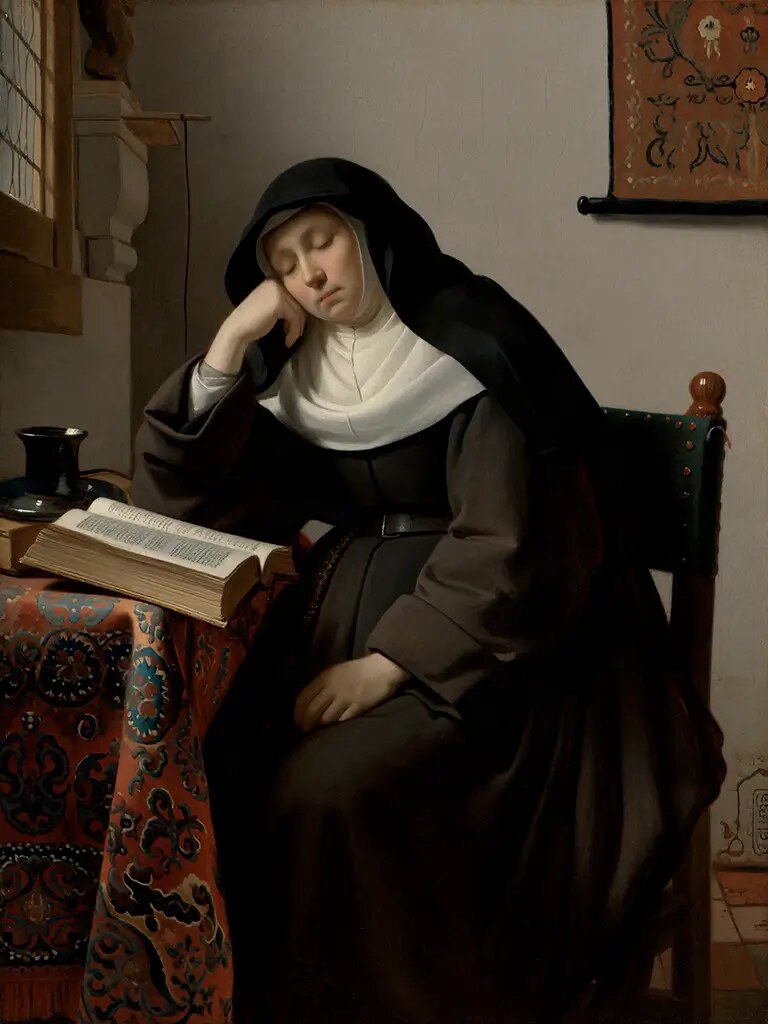
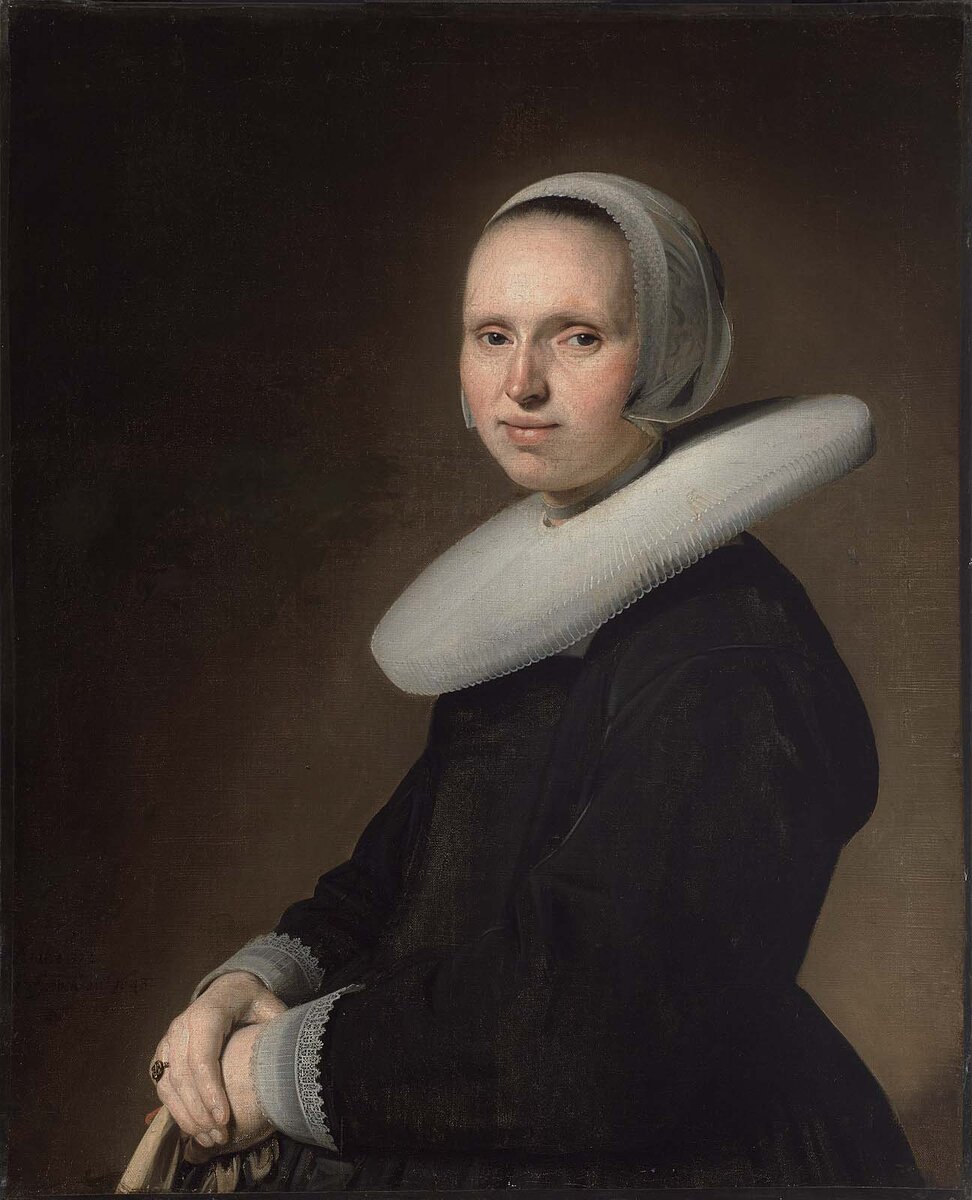
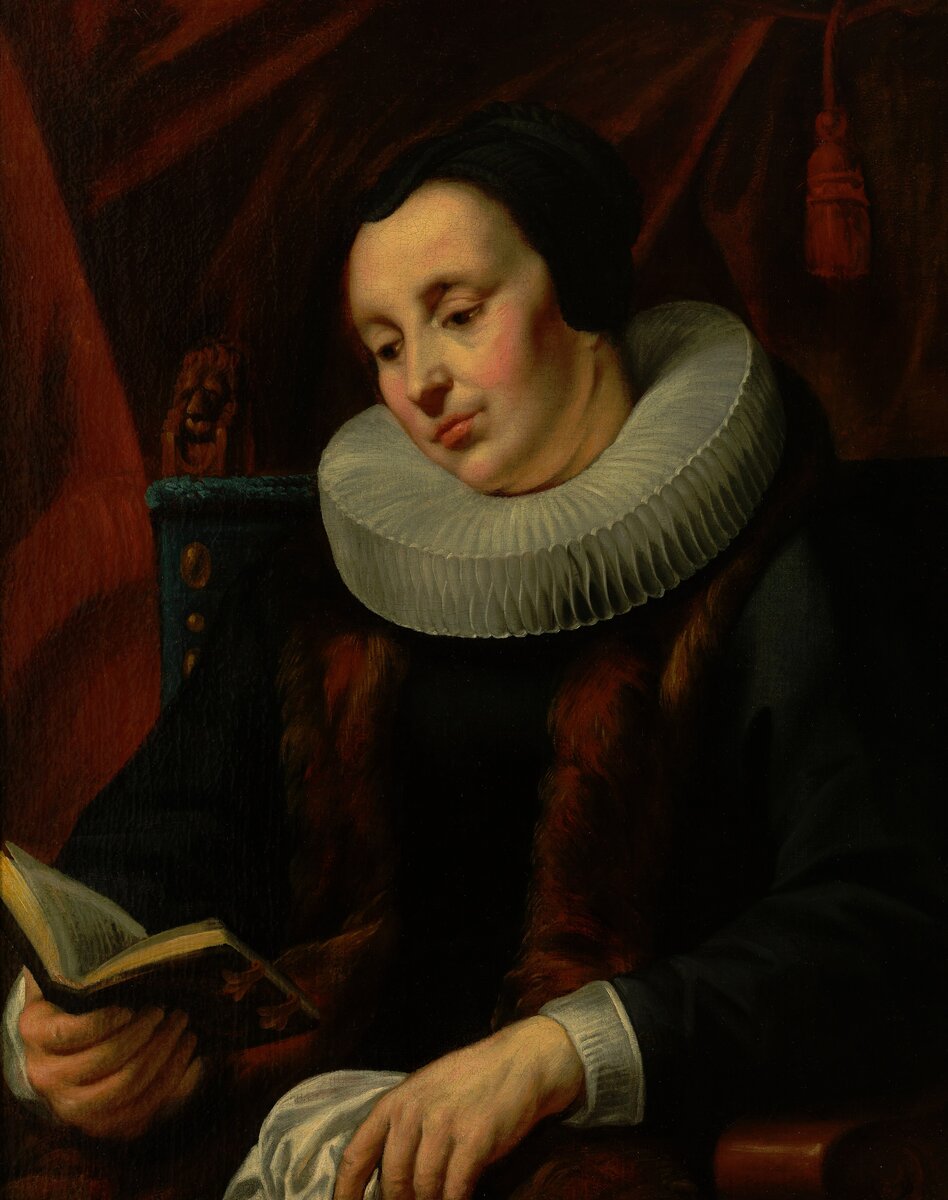
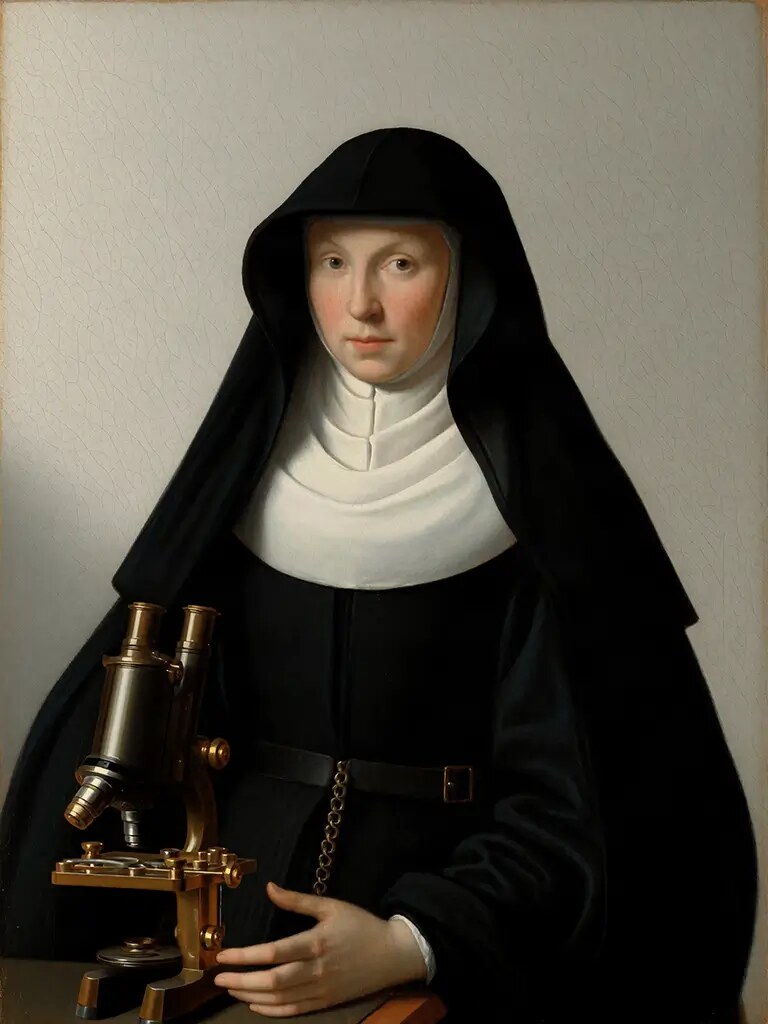
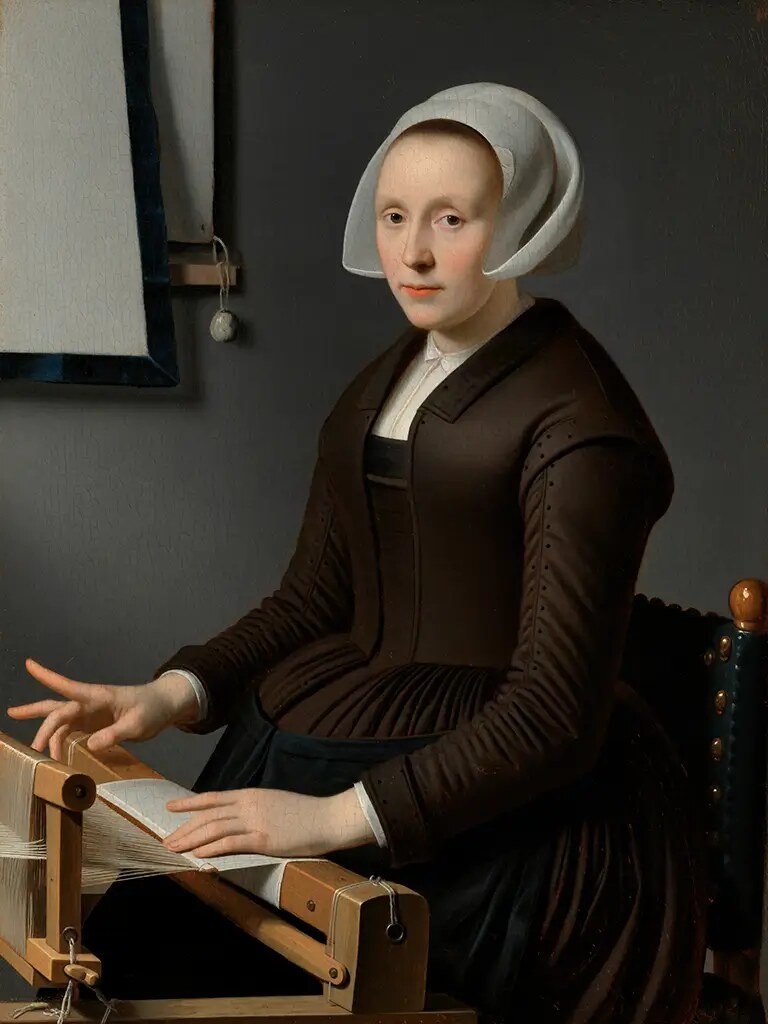
For Ana María Caballero, I trained a model on 87 Flemish portraits.
Her project Concerning Unknown Women imagines portraits of 106 women from Park Abbey’s records, 1690–1793. It opened at PARCUM in Leuven on 24 October 2026, with a website for the collection: concerningunknownwomen.com.
Maria Agnes Sureln, 1759Caecilia Delcon, 1780Anna Catharina Groetaers, 1780Isabella de Coninck, 1781
Course schedule
Week 1, Nov 8
Why train a LoRA; first test on Fal
Week 2, Nov 15
Datasets: collecting, curating, captioning
Week 3, Nov 22
Training image LoRAs
Nov 29
No class
Week 4, Dec 6
Image edit models
Week 5, Dec 13
Video LoRAs
Recordings and documentation go out after each session.
Course objective 1 of 5
Understand the end-to-end training process for LoRAs.
Decide, collect, caption, train, and test. Today you go through it once on Fal. Weeks 2 and 3 cover each step in depth.
Course objective 2 of 5
Choose a model type by its capabilities, speed, and cost.
Image, edit, and video models learn different things, train at different speeds, and cost different amounts. We compare them across Weeks 3 to 5.
Course objective 3 of 5
Create LoRAs that accurately represent your vision.
Build the dataset, write the captions, and run the training tools yourself, with an agent handling the commands.
Course objective 4 of 5
Explore the creative possibilities of LoRAs.
Combine models, train on unusual material, and find where they fit in your own practice.
Course objective 5 of 5, optional
Understand an agent’s role in optimizing your LoRA process.
An agent can set up runs, watch them, and shut down the GPU when they finish, so your time goes to the dataset and the results.
Today’s schedule
2.00
Introductions, my work, and course overview
2.15
Lecture: why train a LoRA
2.55
Break
3.05
Lab: prepare images and start a training run on Fal
artificial-images.com/lora-week1, with a new deck each week.
Everyone is a beginner at something. Everyone is an expert at something.
This room
Some of you have trained models before, and some have never built a dataset. Some work with cameras, paint, code, bodies, words, or materials. All of that is useful here.
Discord intro
After class, post the four things you just shared. It helps people find each other for references, process questions, and feedback.
When you’re stuck
Ask in #questions when the answer can help the group. For a problem with your own account, message me the exact error with any keys removed.
Setup problems, failed runs, and errors. Paste the error text, not a screenshot of it.
Agent
An agent in the server answers questions at any hour. I’ll check in as well.
#training-runs
One post per model you train, with the dataset, settings, and samples, including the ones that went wrong.
You pay for compute. I’ll help with agent tokens.
Fal
You pay. Training runs and test images, starting today.
RunPod
You pay. GPU hours from Week 3, billed until you stop the pod.
Course web app
I’m subsidizing the tokens, but I may not be able to cover all of your usage.
Your own agent
If you already pay for Claude Code, Codex, or Hermes, you can use it instead. I’ll record a tutorial on setting it up for this course.
TITLES
I’ll put course models there to try, with some credits. Heavy use may cost more.
Lecture
Why train a LoRA
2.15
A LoRA is a small model that teaches a larger model your style, subject, or motion.
It doesn’t run on its own. You load it onto the base model it was trained for.
A LoRA comes from three parts.
Base model
The general model
For example, FLUX.2 Klein 9B. It already knows how to generate images from text.
Dataset
Your images
The images or video clips the LoRA learns from. I usually use 5–50 images.
LoRA
Your adjustments
A file of changes learned from your dataset. My Klein 9B LoRAs are about 165 MB.
A LoRA trained for one base model won’t work on a different one.
Choose a prompt, a reference, or a LoRA.
Prompt
Reference image
LoRA
Setup
None
One or a few images
A dataset and a training run
Works from
What you can describe
What one image shows
What repeats across your dataset
Use it for
Exploring and one-off images
Matching an image you already have
Repeated work in one style, subject, or motion
Cost
Per image
Per image
Training, then per image
Train when the base model misses your details.
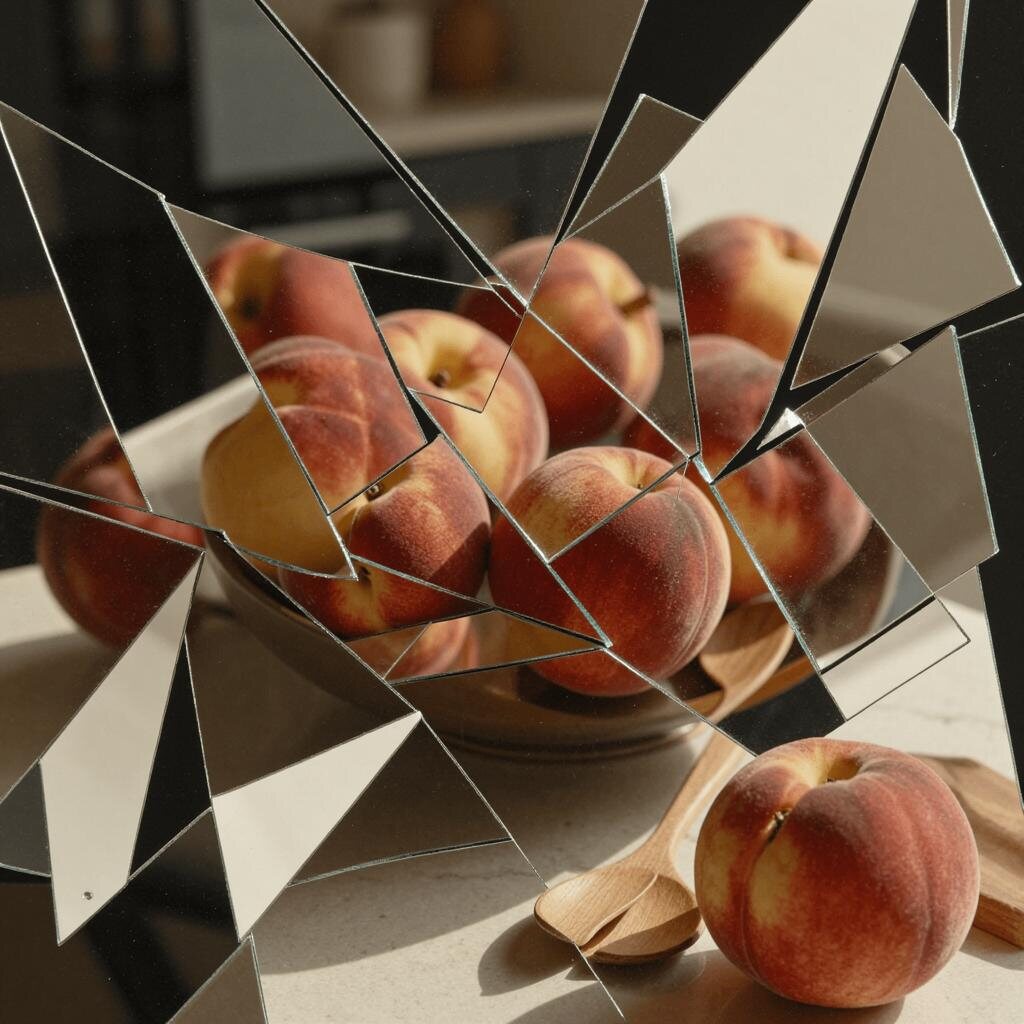
A base model may have seen your work in its training data, but it averages it with everything else. Fragmented Moment, my LoRA on Klein 9B: two training images, then two new prompts at 1,500 steps.
TrainingTrainingA dance recitalA bowl of peaches
Train when the base model can’t hold your style.
Concerning Unknown Women needed the glazes, dark grounds, and period dress of Flemish oil portraits, in scenes the paintings never show. Two of the 87 public-domain training paintings, then two of the finished portraits.
Training: Verspronck, 1643Training: Jordaens, c. 1640Joanna Opdebeeck, 1779Barbara Crabeels, 1755
Train a small model to reproduce an expensive model’s look.
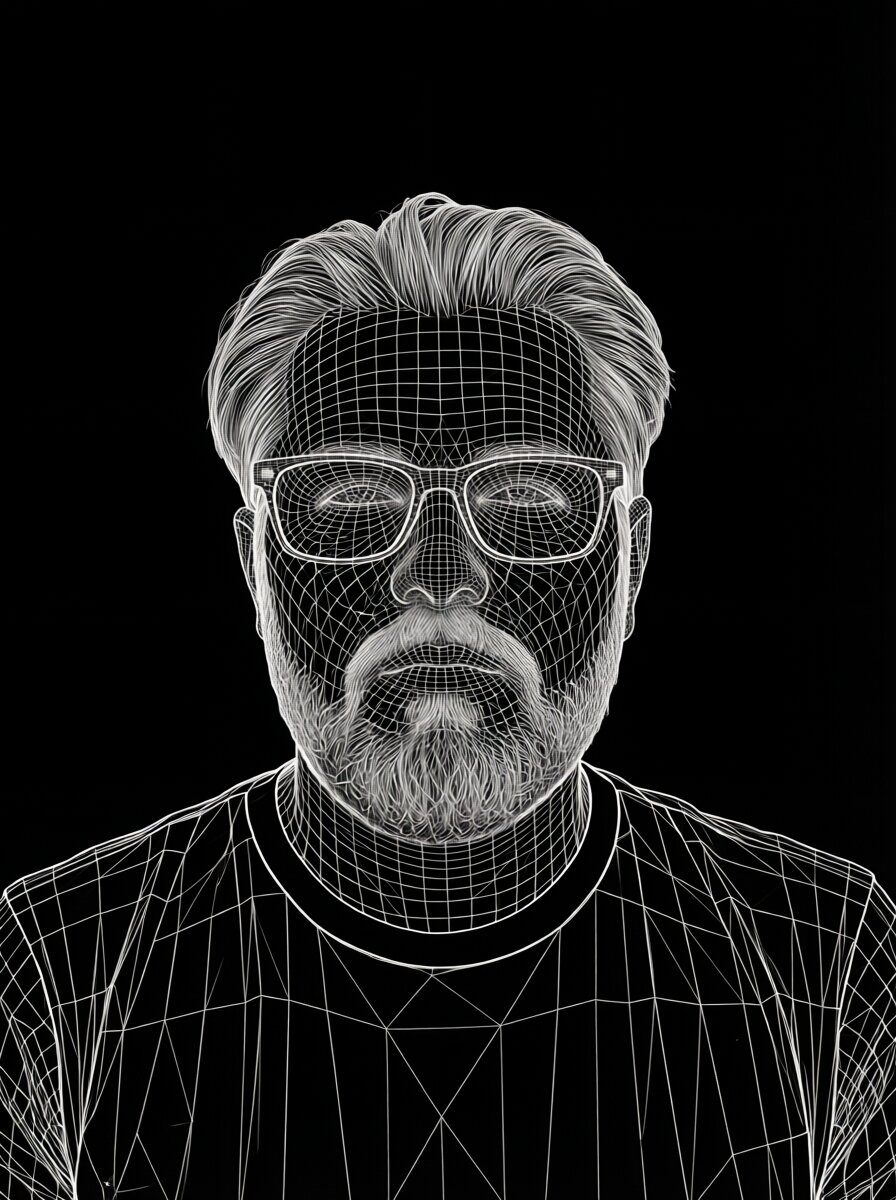
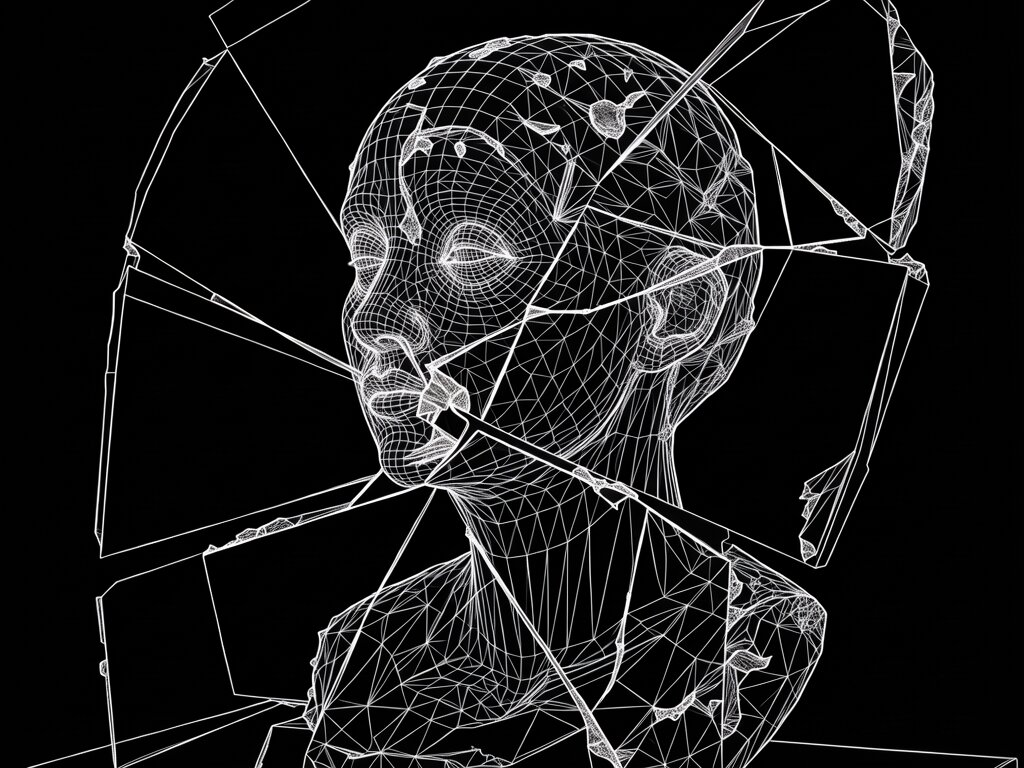
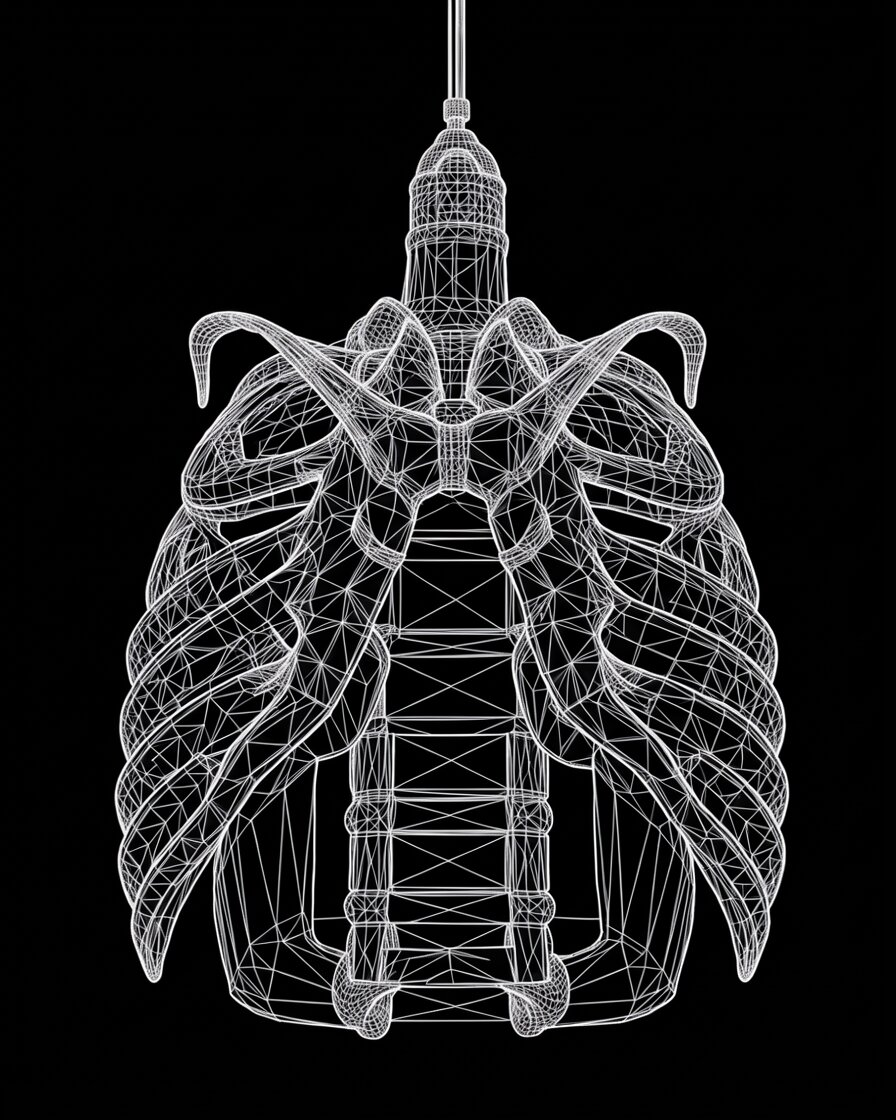
I made the training images for Generation Mesh with ChatGPT Images, then trained a Klein 9B LoRA on 10 of them. A high-quality GPT Image 2 image costs about $0.21 through OpenAI’s API. Klein 9B with a LoRA costs $0.02 per megapixel on Fal. Prices checked 7 November 2026.
New Headshot, @derrickTransformed Fracture, @derrickUntitled, @tvbot
Train on your best results to make a look consistent.
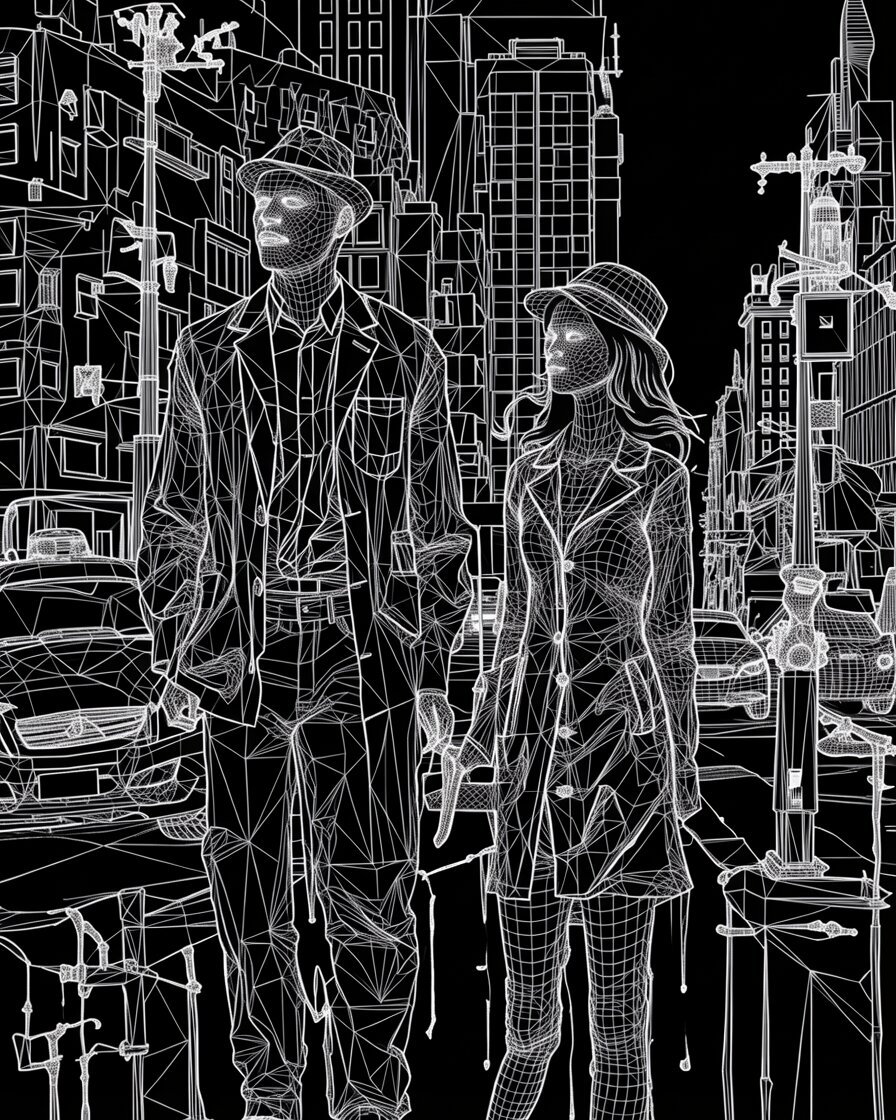
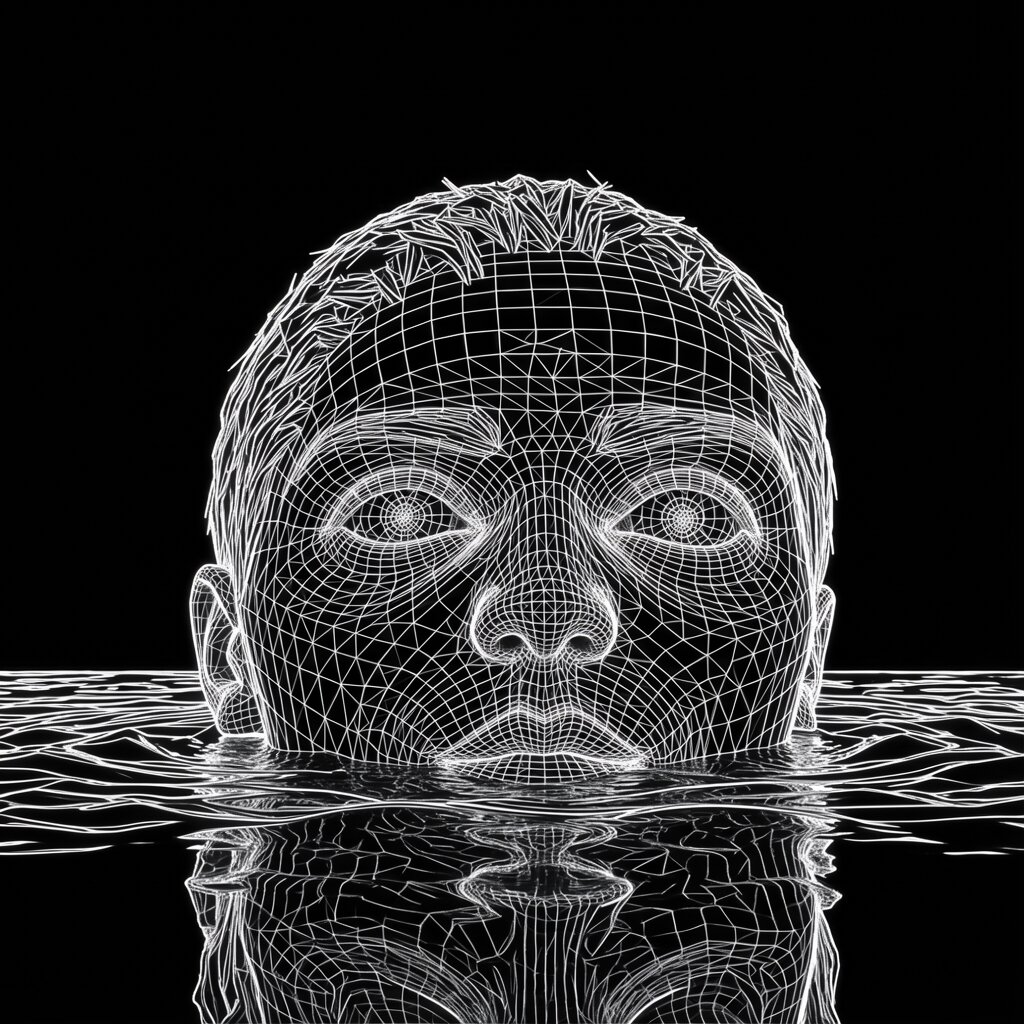
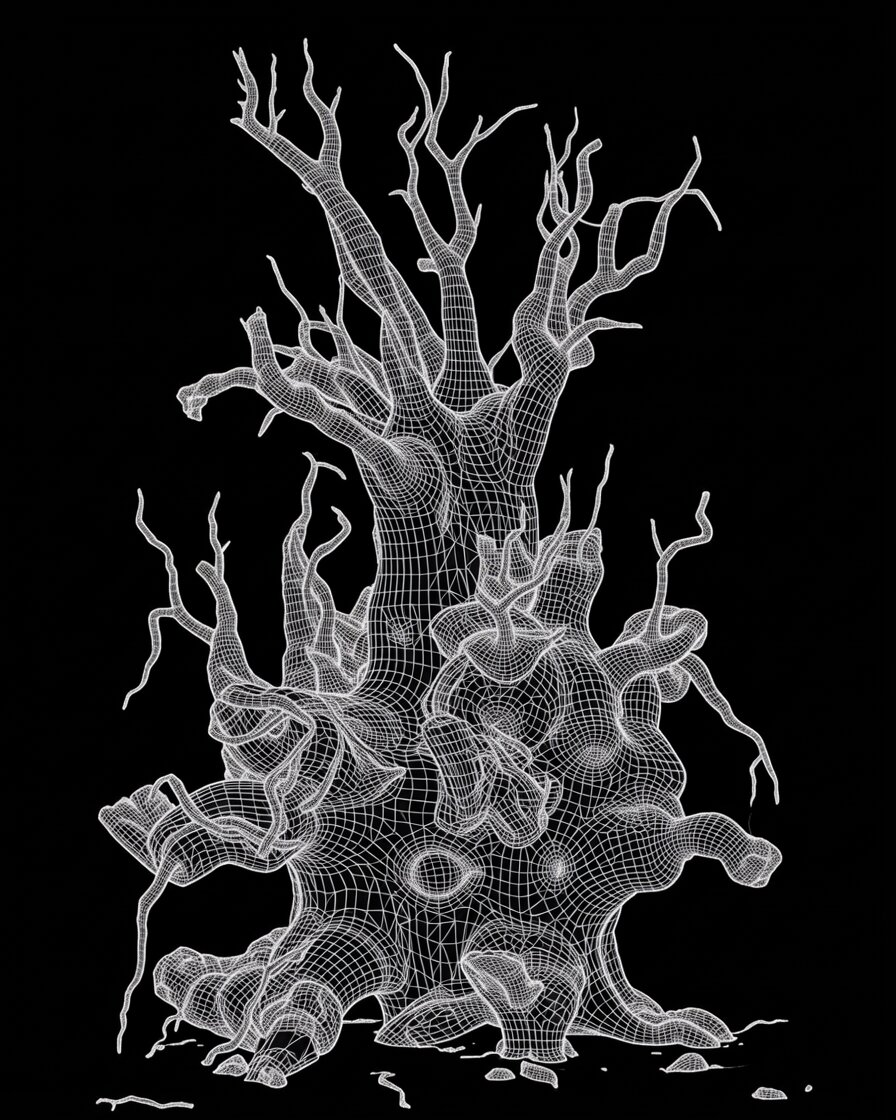
ChatGPT Images gave me many kinds of mesh. I kept the ones closest to what I wanted and trained on those. The look now holds across subjects. These are other people’s images made with Generation Mesh on TITLES.
Mesh Walk, @sorenUntitled, @tvbotUntitled, @tvbot
Compare one prompt across six trained models.
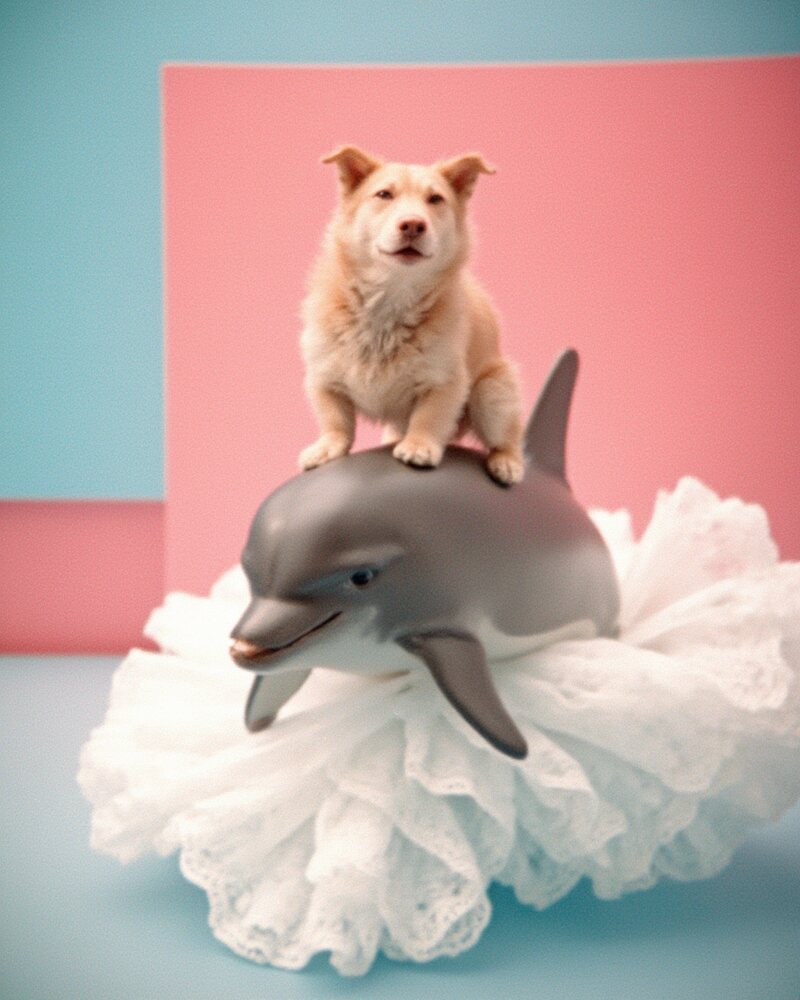
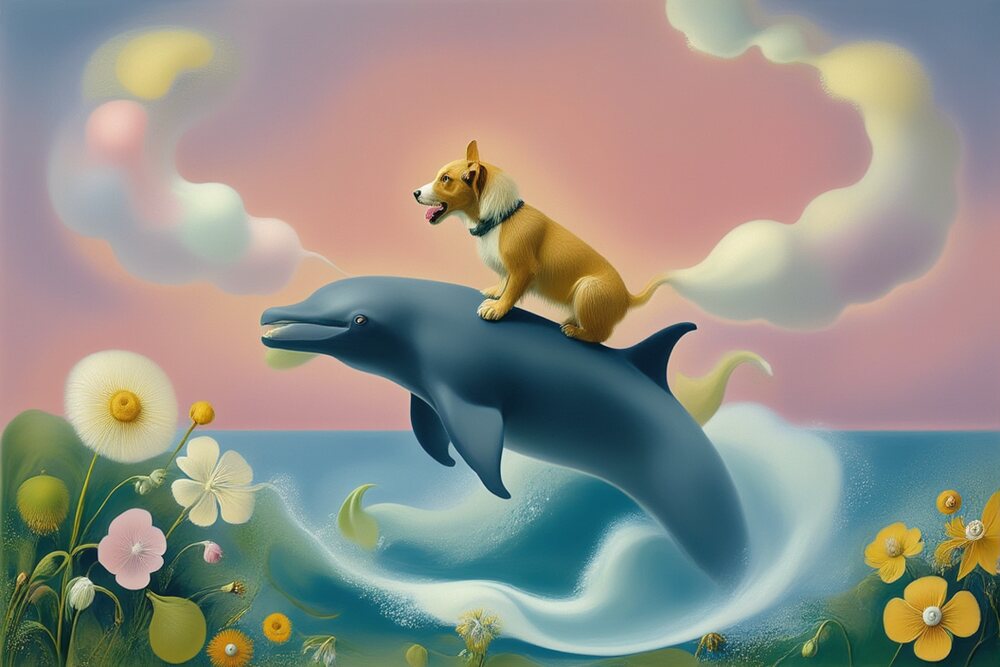
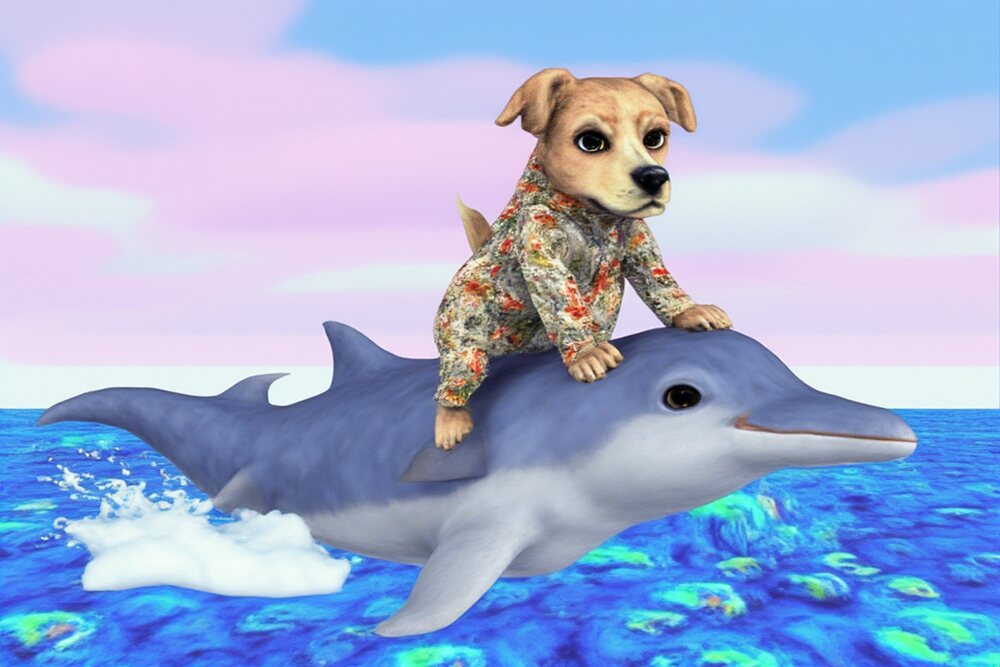
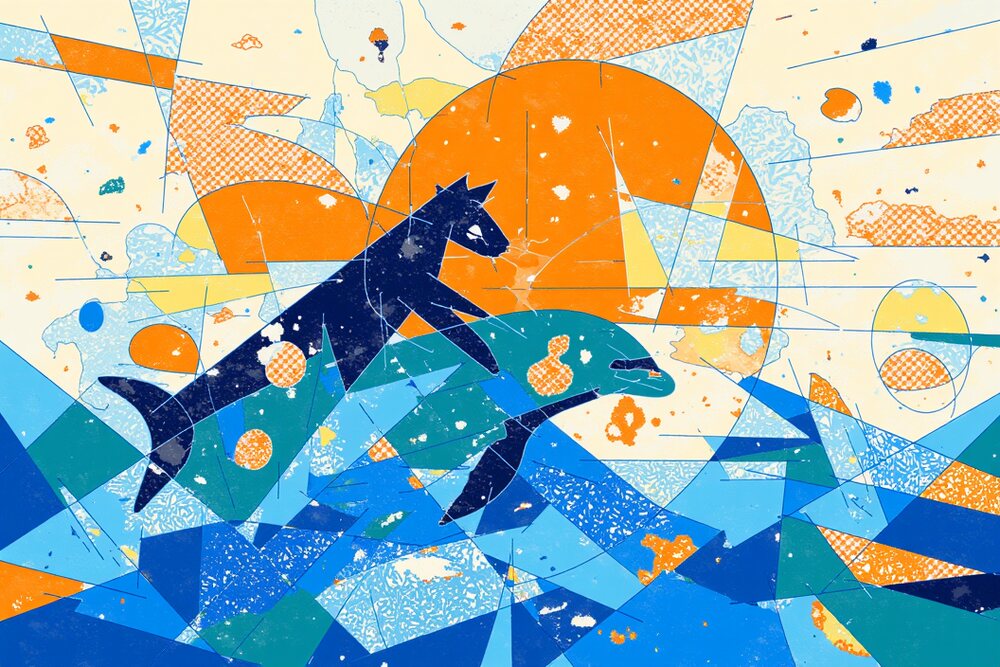
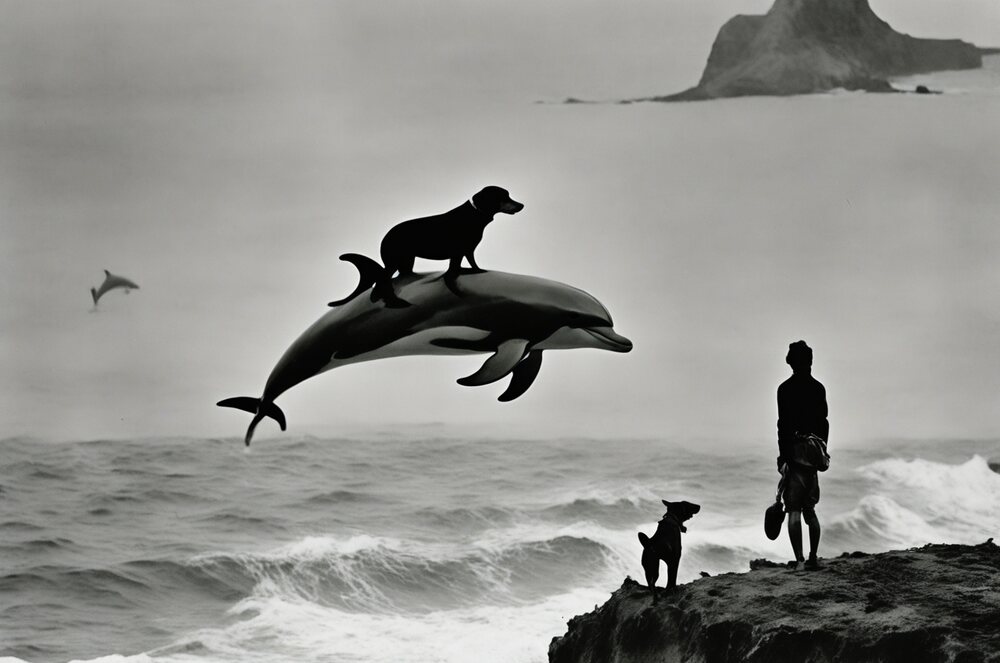
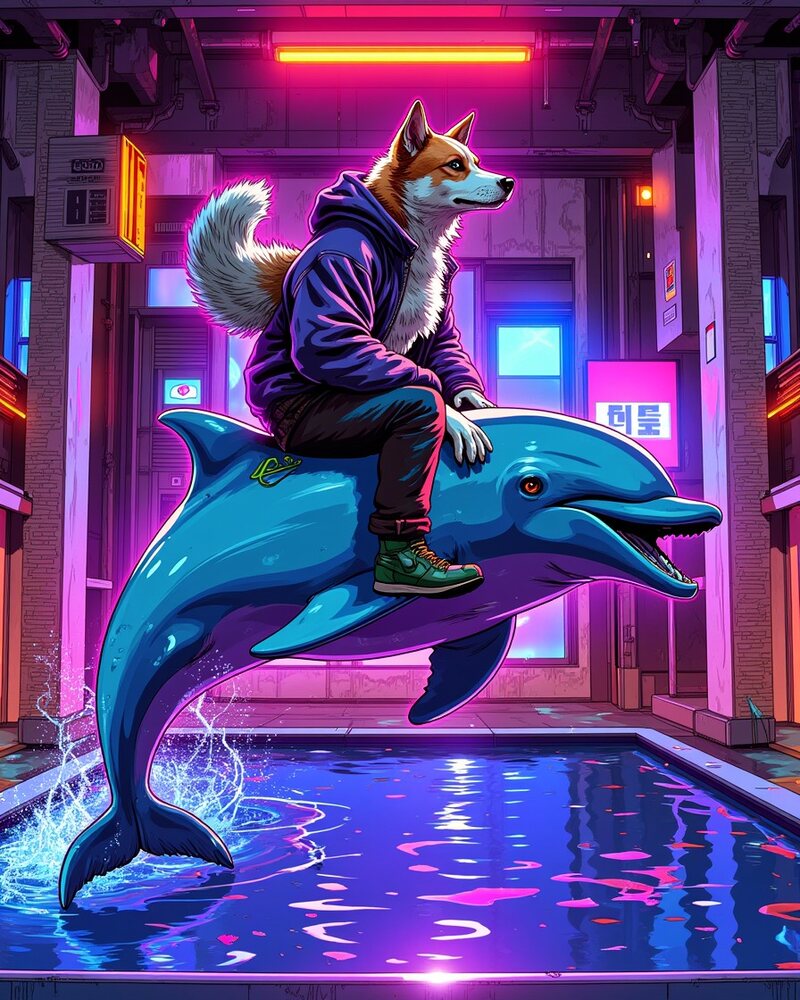
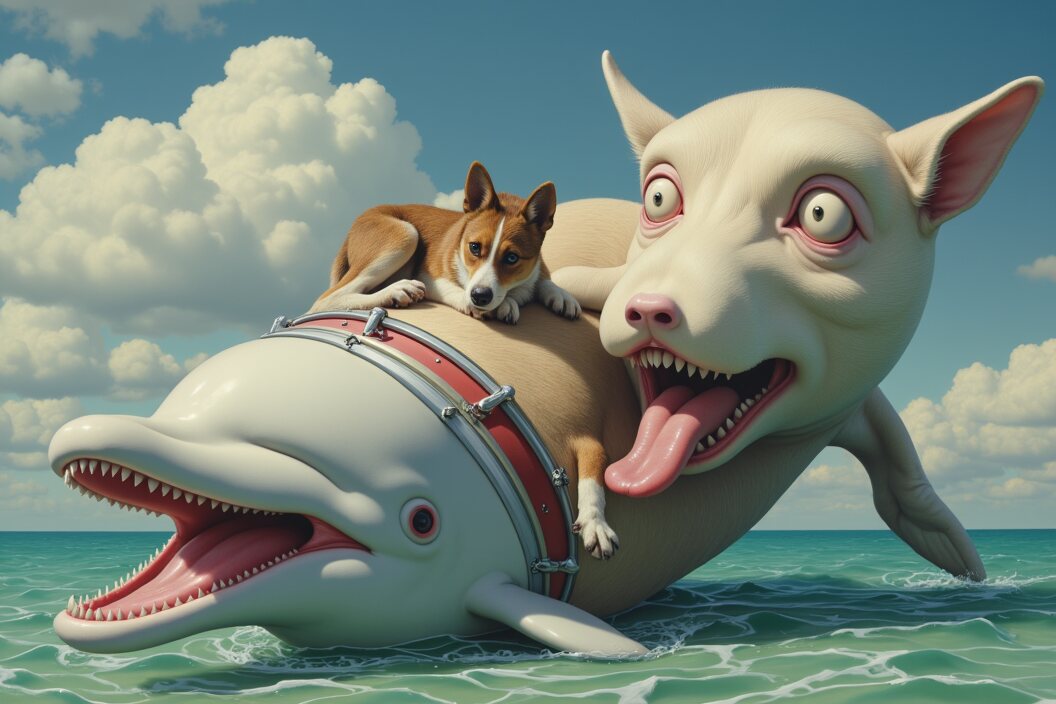
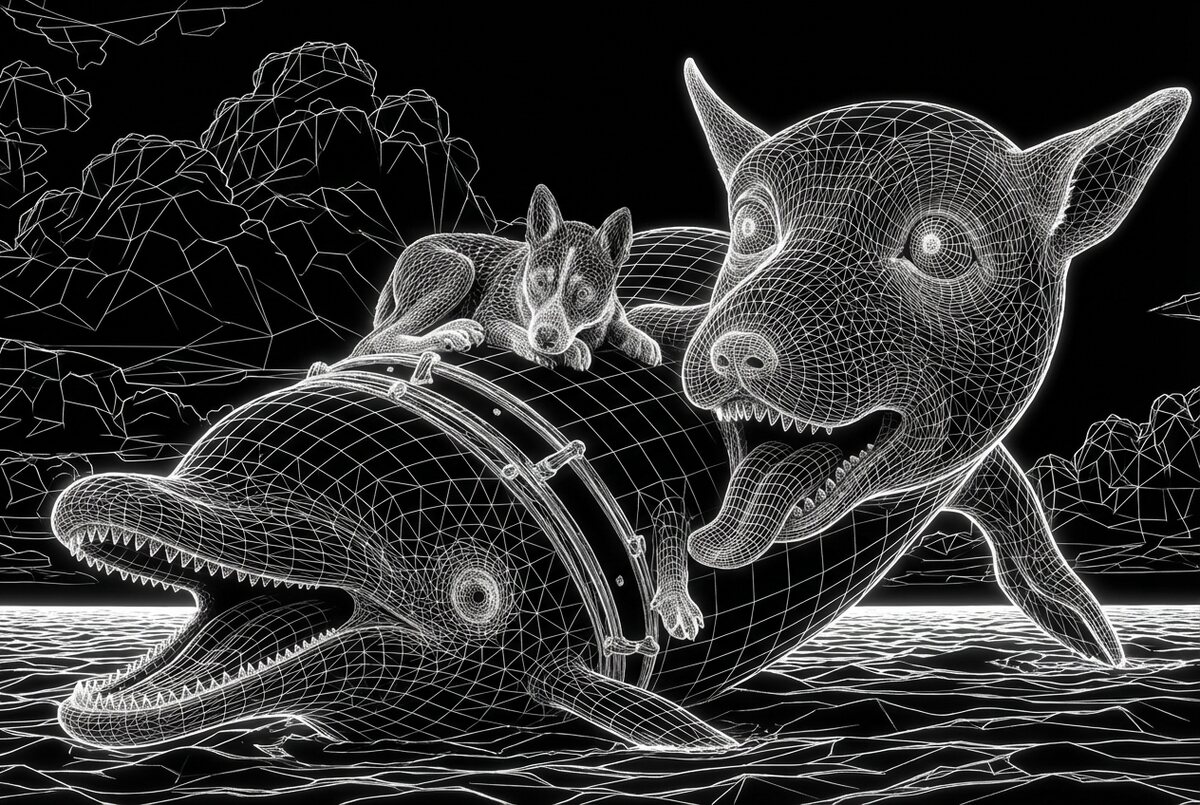
Prompt: a dog riding a dolphin. Made on TITLES, with seeds not controlled. The first two models are mine.
Selfie Song 16Selfie Song SquaredModern Times, @canekzapataBucket Art, @vgrBeing Borges, @anamariacaballeroHYP3R PHANT0M, @maddogjones
Use a LoRA to extend a body of work.
In 2021 I made an animation called 11 Rudniks. In 2025 I trained a FLUX.1 [dev] LoRA on its images. People on TITLES have used that model, Light Projections, to make these.
Train to get results you can’t write as a prompt.
Base models
Newer models follow the prompt closely. That helps with specific requests and makes odd results less common.
Your LoRA
A model trained on unusual material can combine it in ways you wouldn’t have described.
Your job
Odd results aren’t automatically useful. Generate many and choose which ones to keep.
Decide whether other people can use your model.
On TITLES, where I work, the artist who trained a model is credited and paid when other people use it. Sharing also lets people see and remix what your model learned.
Generation Mesh, my own modelHybrid Garden, by @vitoriacribbModern Times, by @canekzapata
This course covers four kinds of LoRA.
Week 3
Style
Learns the look of a body of work and applies it to new subjects.
Week 3
Subject
Learns a character, person, or object and places it in new scenes.
Week 4
Image edit
Learns a change from before and after pairs, and keeps the input image.
Week 5
Motion
Learns from video clips, then generates new video.
Train an edit LoRA on before and after pairs.
Left: a Generation Mesh training pair. Right: my Stop Making Sense print model on an input it never saw. Both models keep the composition of the input.
Before, training pairAfter, training pairNew inputOutput
Train a motion LoRA on video clips.
A LoRA I trained on MiniMax H3 from Andrzej Pawłowski’s 1957 Cineforms. Training took about 13 hours and cost around $60. The footage is someone else’s film, so check the rights before you publish a model like this.
Training clip, Cineforms (1957)Generated, MiniMax H3 LoRA
Every LoRA goes through the same five steps.
01
Decide
What the model should let you make. Today.
02
Collect
Gather and choose your images. Week 2.
03
Caption
Describe each image in text. Week 2.
04
Train
Run training on a GPU. Today on Fal, in depth in Week 3.
05
Test
Generate new images and judge the results. Week 3.
Today you go through all five once, quickly. The rest of the course covers each step properly.
Skip training in these cases.
You need one image
Use a prompt or a reference image.
Your dataset comes from a prompt
If a base model made all your images, it may already make the result without a LoRA.
Your images don’t vary
More of the same image doesn’t help. I usually work with 5–50 images, ideally 20–30.
Train only on material you have the right to use.
Safe to use
Your own work, work you have permission to use, and work that is out of copyright.
AI-made images
Usable, but their copyright status is unsettled.
Recognizable people
Get permission from anyone a subject LoRA is trained to reproduce.
Base model license
Read it before you sell work or offer the model to others. The Klein 9B weights use a non-commercial license that treats outputs and running the model differently. Fal labels today’s endpoints “Commercial use.”
Plan for these costs.
Fal, Klein 9B
$4.30 for 1,000 steps. $0.02 per megapixel to generate. Prices checked 3 November 2026.
Rented GPU, image
About $4–8 on Klein 9B in my runs, 1.5–2.5 hours on an H100.
Rented GPU, video
About $60 in my runs, around 13 hours on an H200.
Forgotten GPU
A pod bills until you stop it. My forgotten pods reached $37–77.
These are my own runs, not estimates for yours. Length, dataset size, and GPU price all change the total.
Make the decisions and let an agent run the commands.
You decide
What goes in the dataset, how it’s captioned, and which checkpoint is good.
The agent runs
Setup, GPU rental, training commands, downloads, and shutdown.
Today
No agent. You’ll use Fal in the browser so you can see each step.
Write down what your model has to do.
Its job
This model should let me make ____.
What stays
Every image should keep ____.
What changes
I want to be able to ask for ____.
Take three minutes. Use your answers to choose images in the lab.
Set up your Fal account during the break.
Sign up
Create an account at fal.ai.
Add credit
Add at least $5. Today’s run costs $4.30 and test images cost a few cents each.
Check
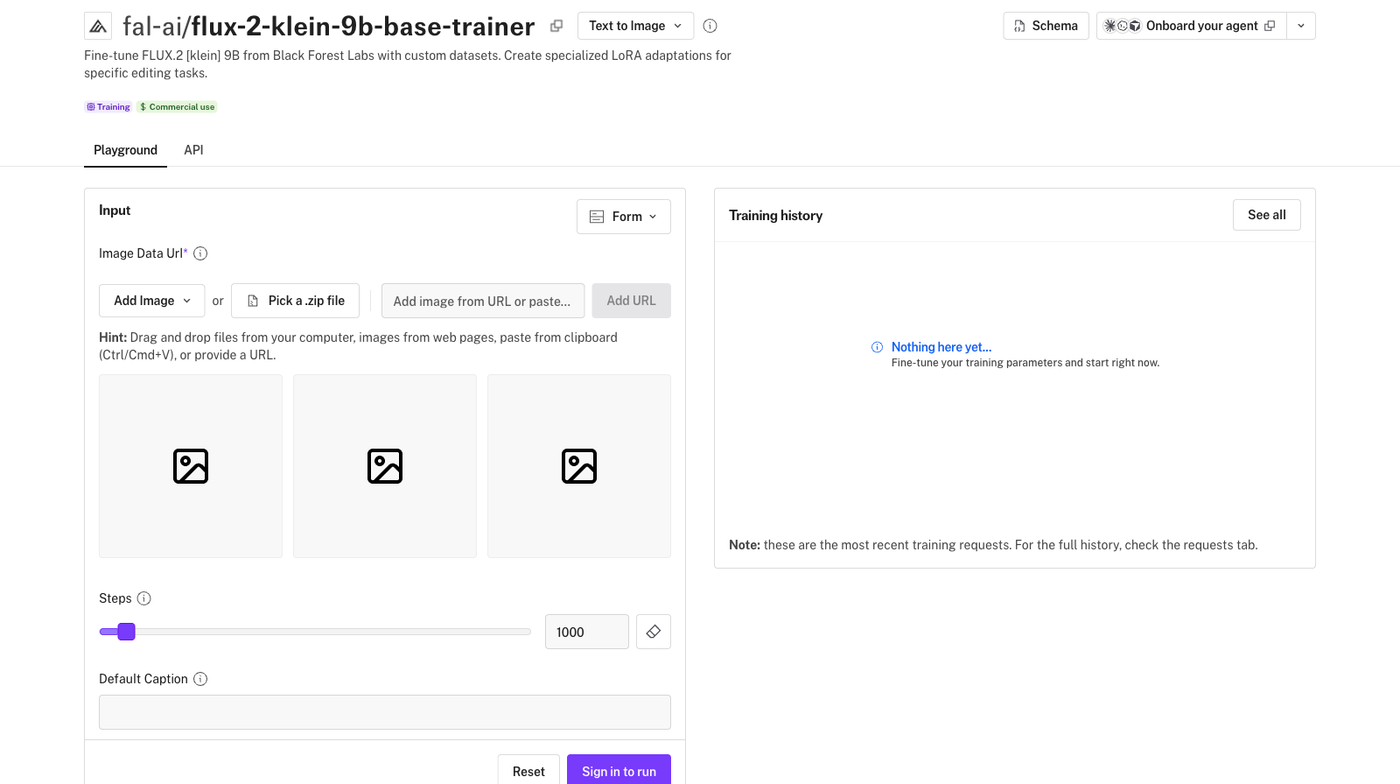
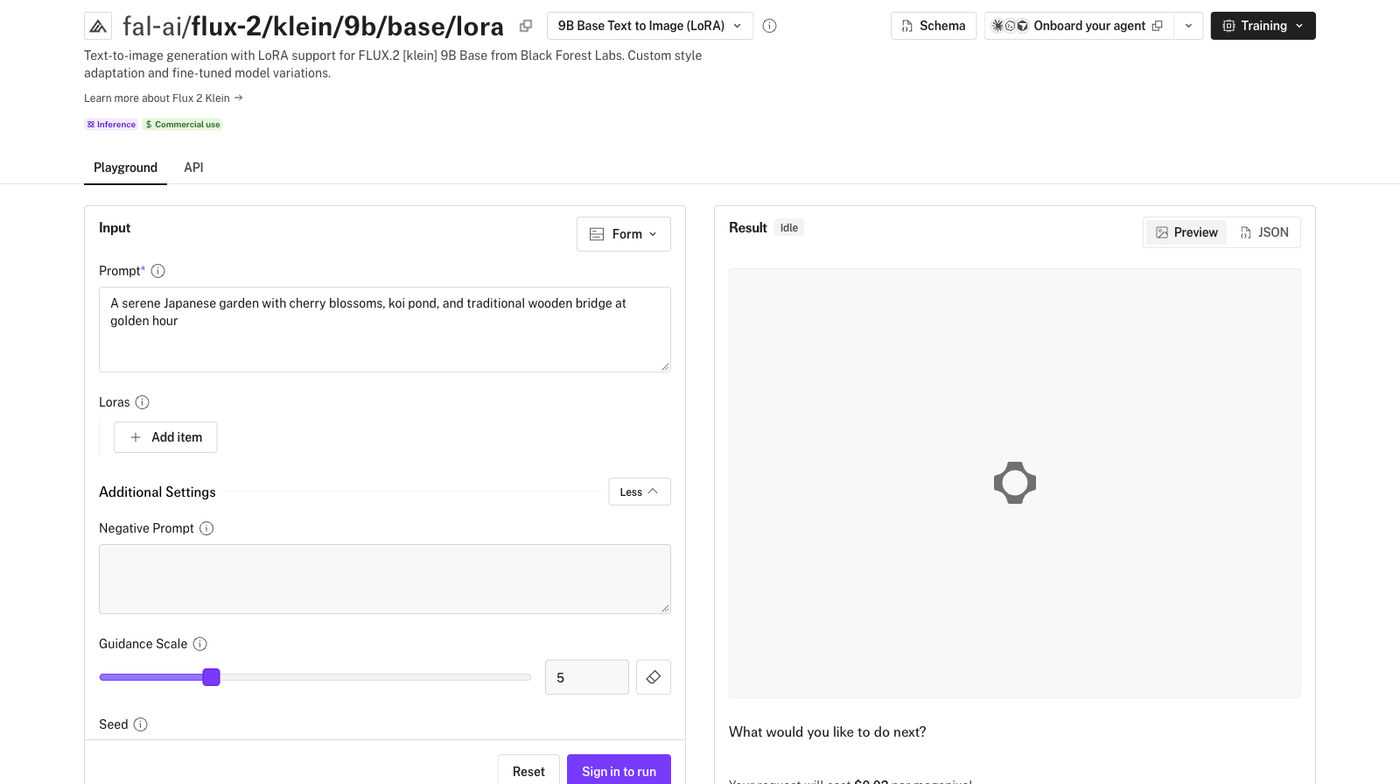
Open the Klein 9B trainer page and confirm you’re signed in.
If you already set this up after the email, use the break to choose your images.
Ten minutes
Break
2.55
Lab
First test on Fal
3.05
Complete the whole process once.
Today
Images, training run, weights file, test images.
Expect
A rough model. This run uses one shared caption and default settings.
Next
Week 2 improves the dataset and captions. Week 3 covers configuration and checkpoints.
Use Fal for a first test, and a rented GPU for control.
Fal, today
Rented GPU, Week 3
Setup
An account and a browser
Code, API keys, and an agent
You pay for
Steps, at a price shown before you run
Hours, until the pod stops
You control
Images, caption, steps, learning rate
The full training configuration
You get
One final weights file
Checkpoints and samples along the way
Choose 10–30 images.
One idea
One style or one subject. Use your notes from the exercise.
Variety
For a style, vary the subjects. For a subject, vary the settings, angles, and lighting.
Quality
Leave out duplicates, small files, and anything that doesn’t fit the idea.
Fal recommends at least 10 images. No images ready? Use a folder of your own photos and treat this as a practice run.
Write one default caption with a made-up word.
# style v3lv3tp41nt style, a painting
# subject m4rbl3d0g, a photo of a dog
Fal applies this caption to every image without a matching .txt file. With neither, training fails. The made-up word gives you a way to call up what the model learned, so put it in your test prompts. Week 2 covers captions and these words properly.
Start the run.
1. Sign in to your Fal account and check that it has credit.