LoRAs: Keep one thing consistent; vary everything else.
One target
Keep one style or one character per folder. Mixing two styles trains a muddy average of both.
Present in pixels
A LoRA cannot invent a texture, material, or lighting style that never appears in your training images.
Useful variety
Vary everything you want to change with prompts later. Vary subjects and layouts for style, or poses, clothes, and places for a character.
Clean files
Use sharp originals without watermarks, logos, gallery frames, or heavy screenshot compression.
Start with 20–50 images for style or 20–40 for a character. Below 15 images, the model starts memorizing shots.
Vary the right details for style or character models.
Style dataset
Character dataset
Stays constant
The look: medium, texture, line, light, or palette.
The person, creature, or object in every image.
Must vary
Subjects, compositions, backgrounds, and framing.
Poses, expressions, outfits, angles, lighting, and places.
Common leak
Every image shows portraits or flowers, so they appear on every prompt.
Every photo uses one outfit or bedroom, so it sticks to the character.
Count range
20–50 images, minimum about 15.
20–40 images, minimum about 12.
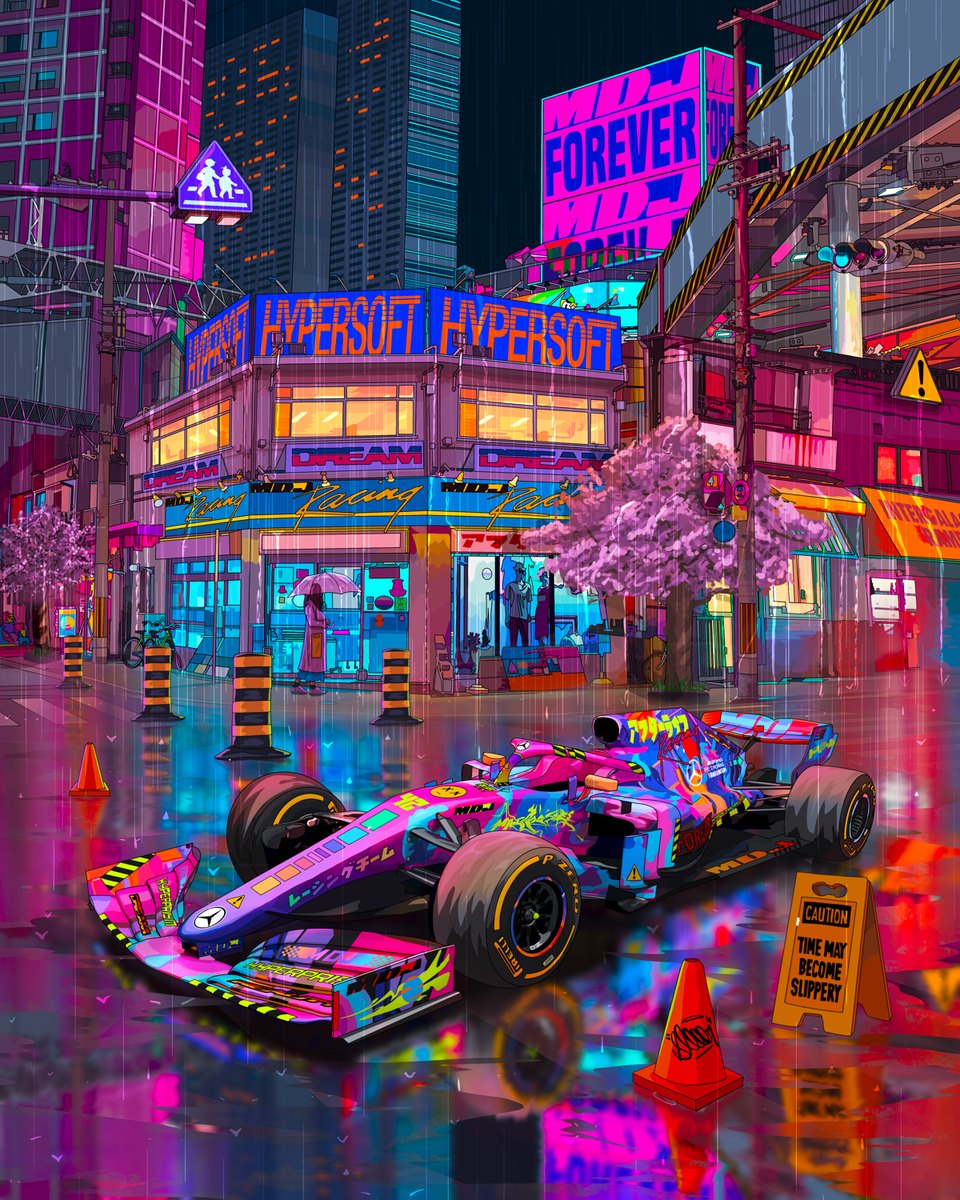
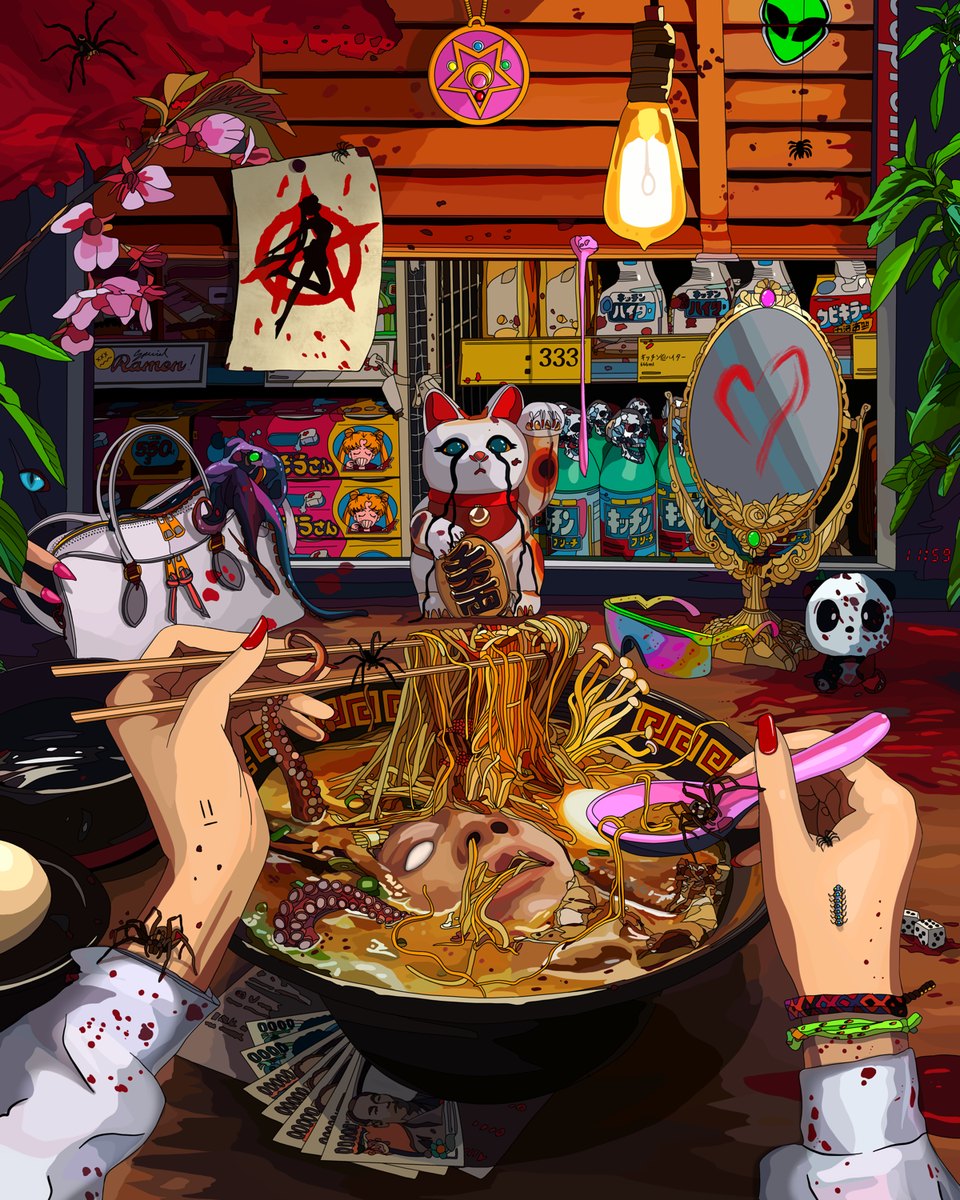
Good style dataset: one look across varied subjects.
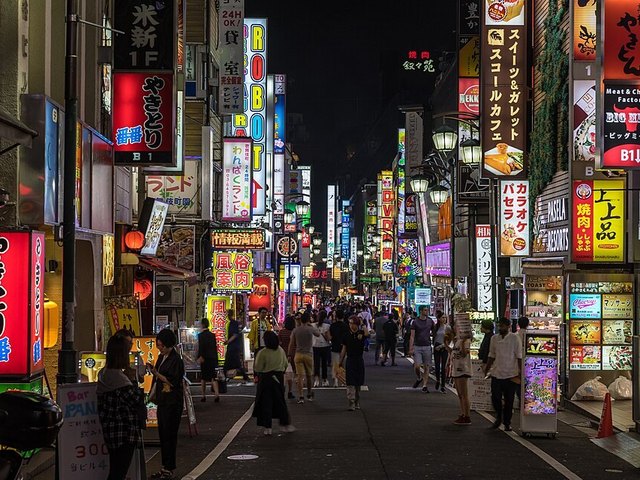
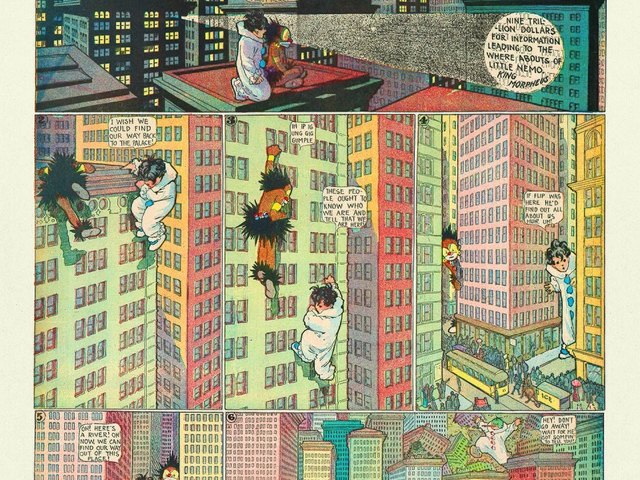
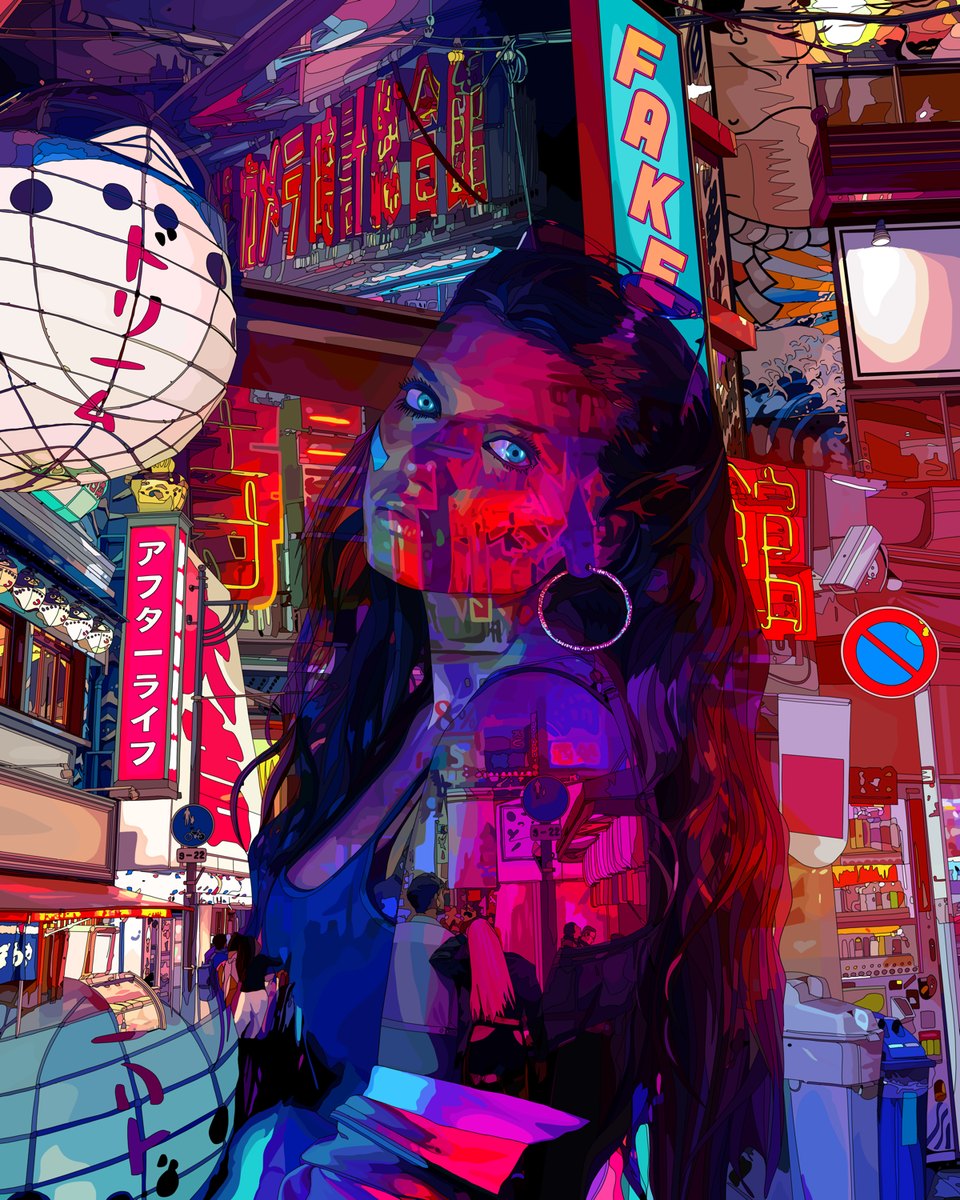
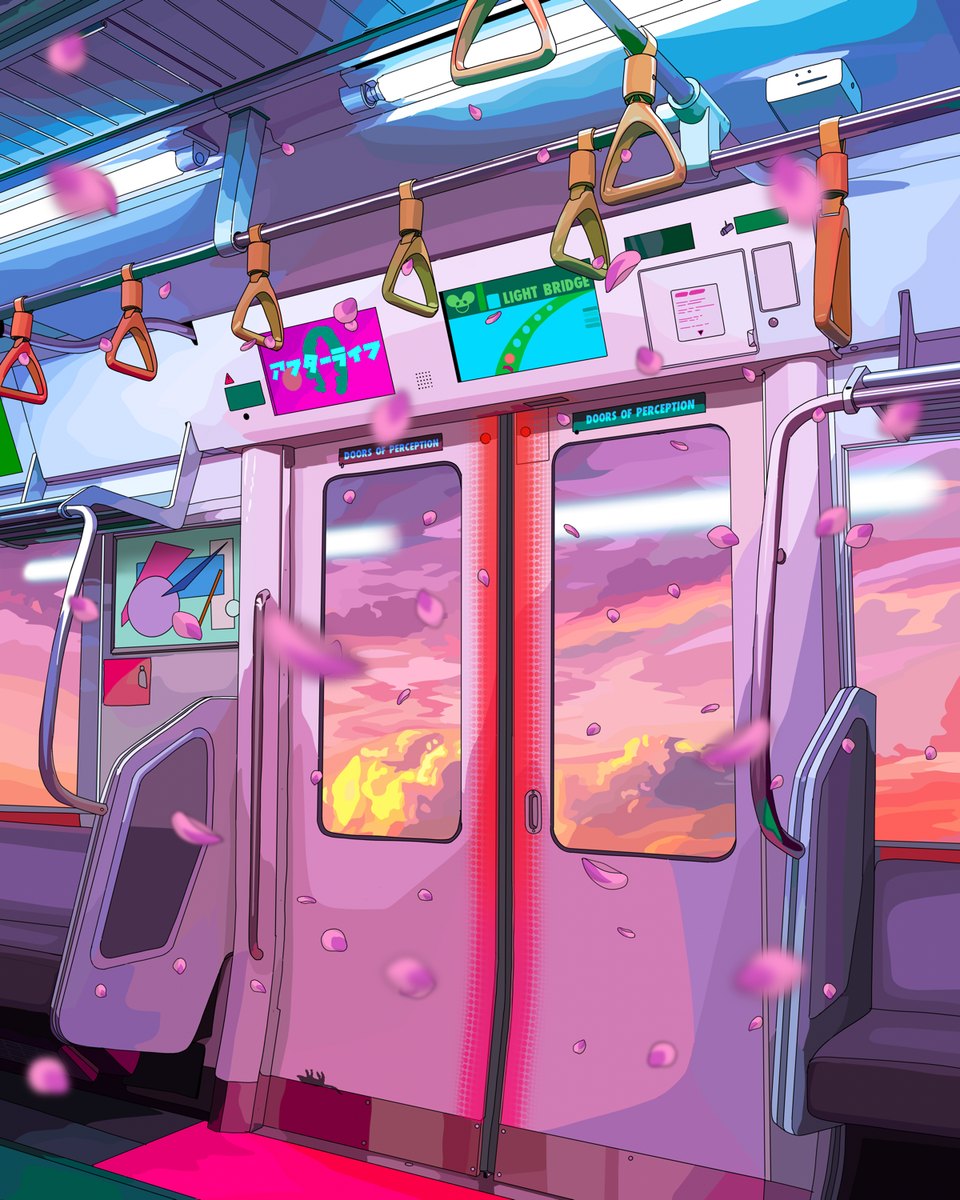
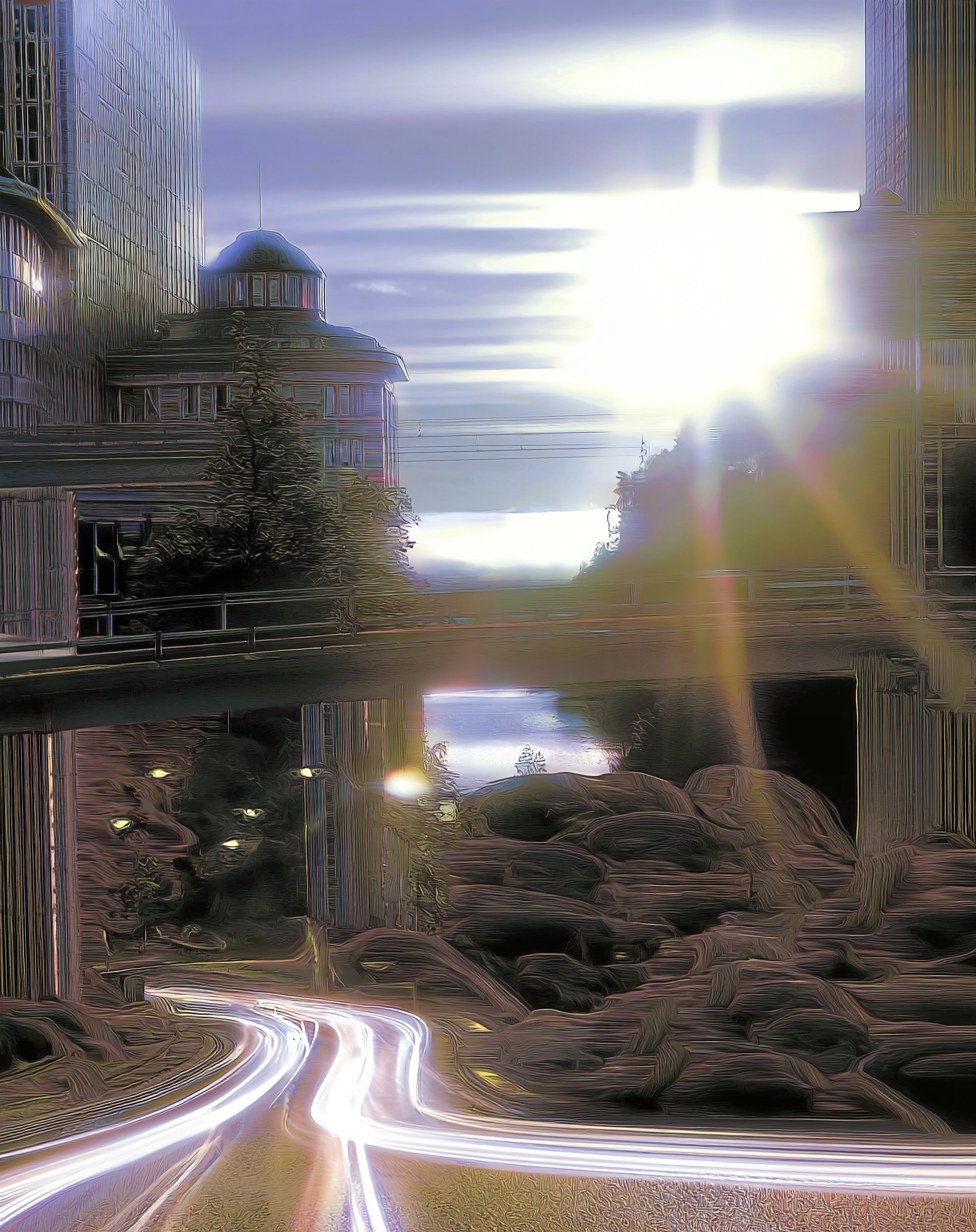
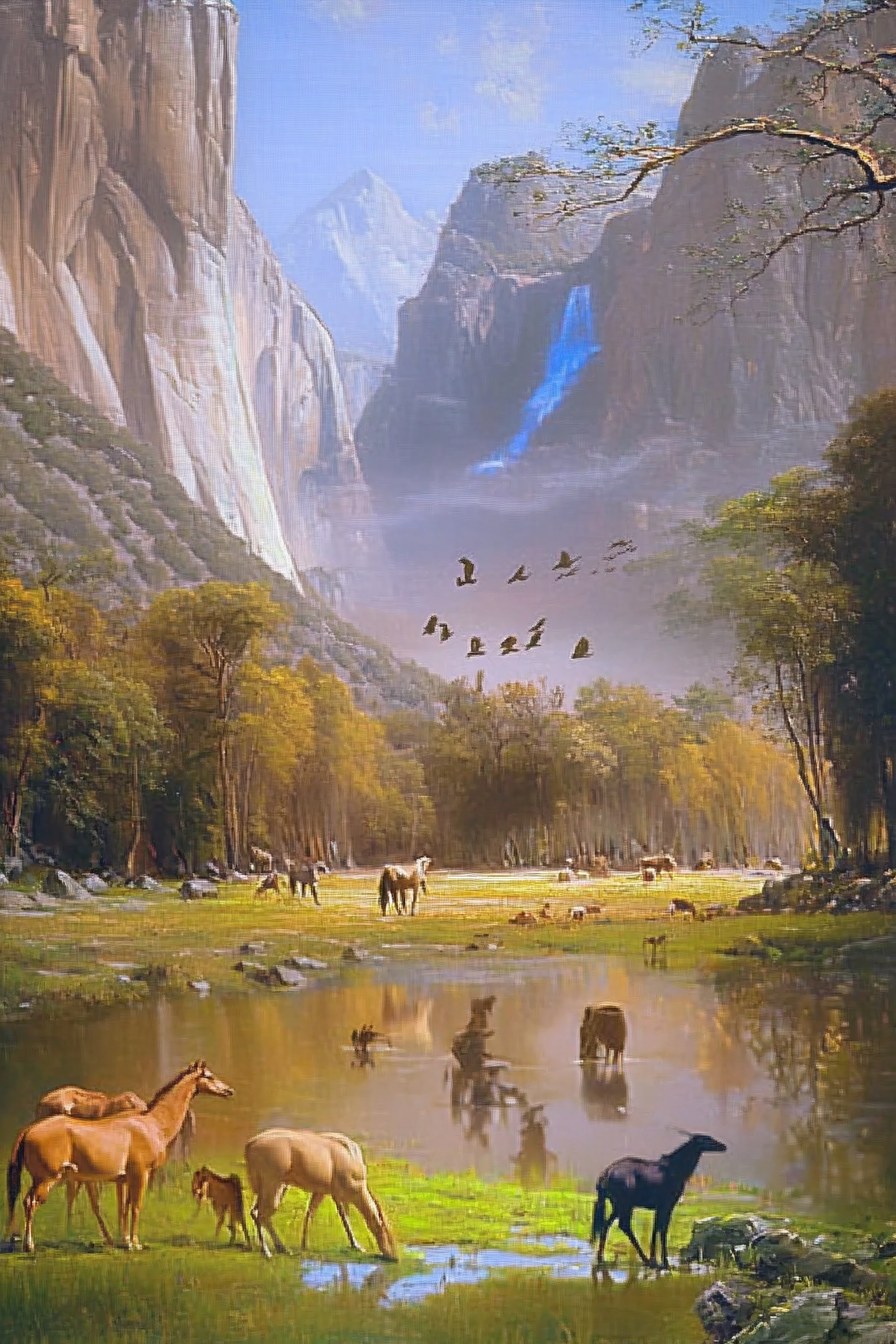
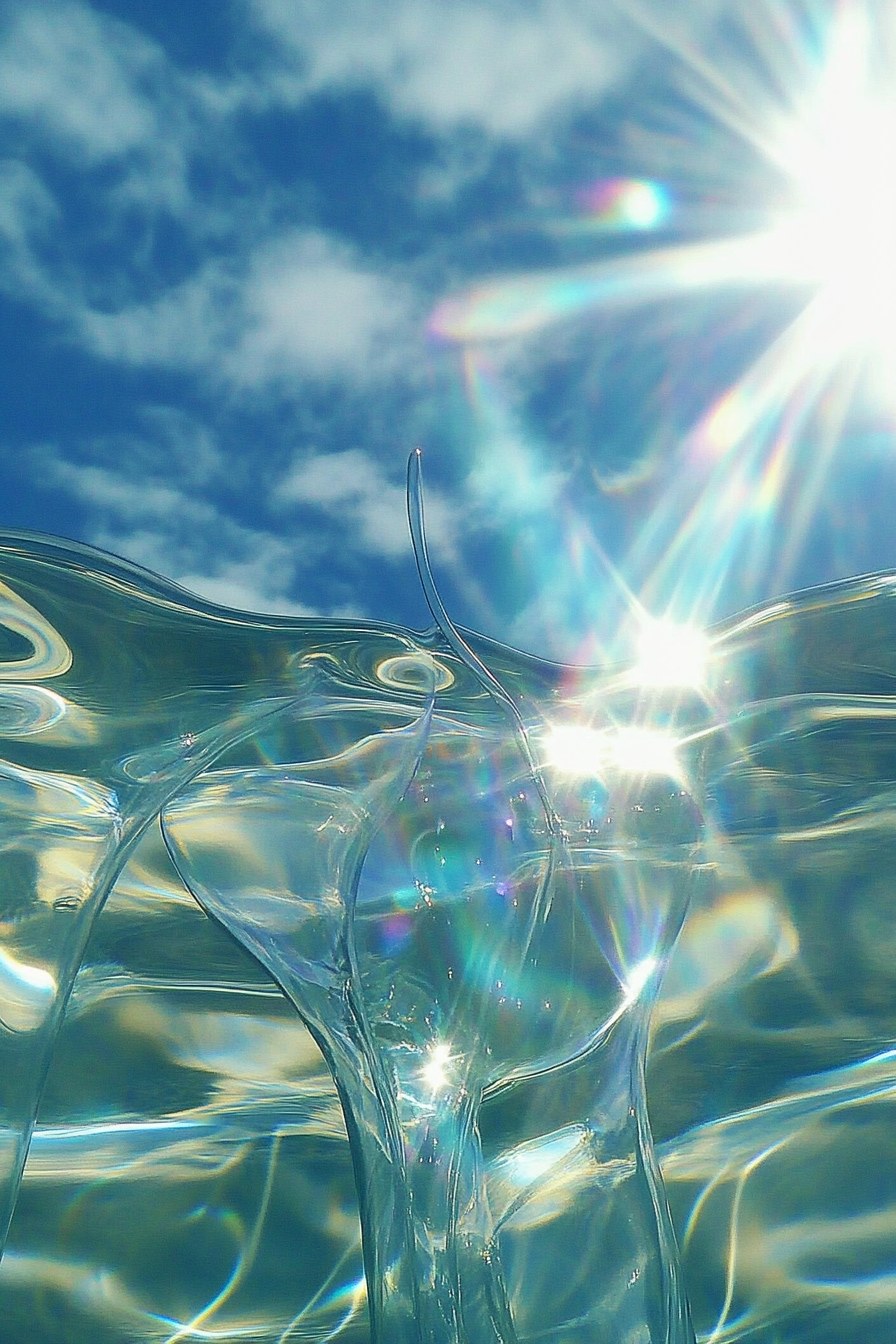
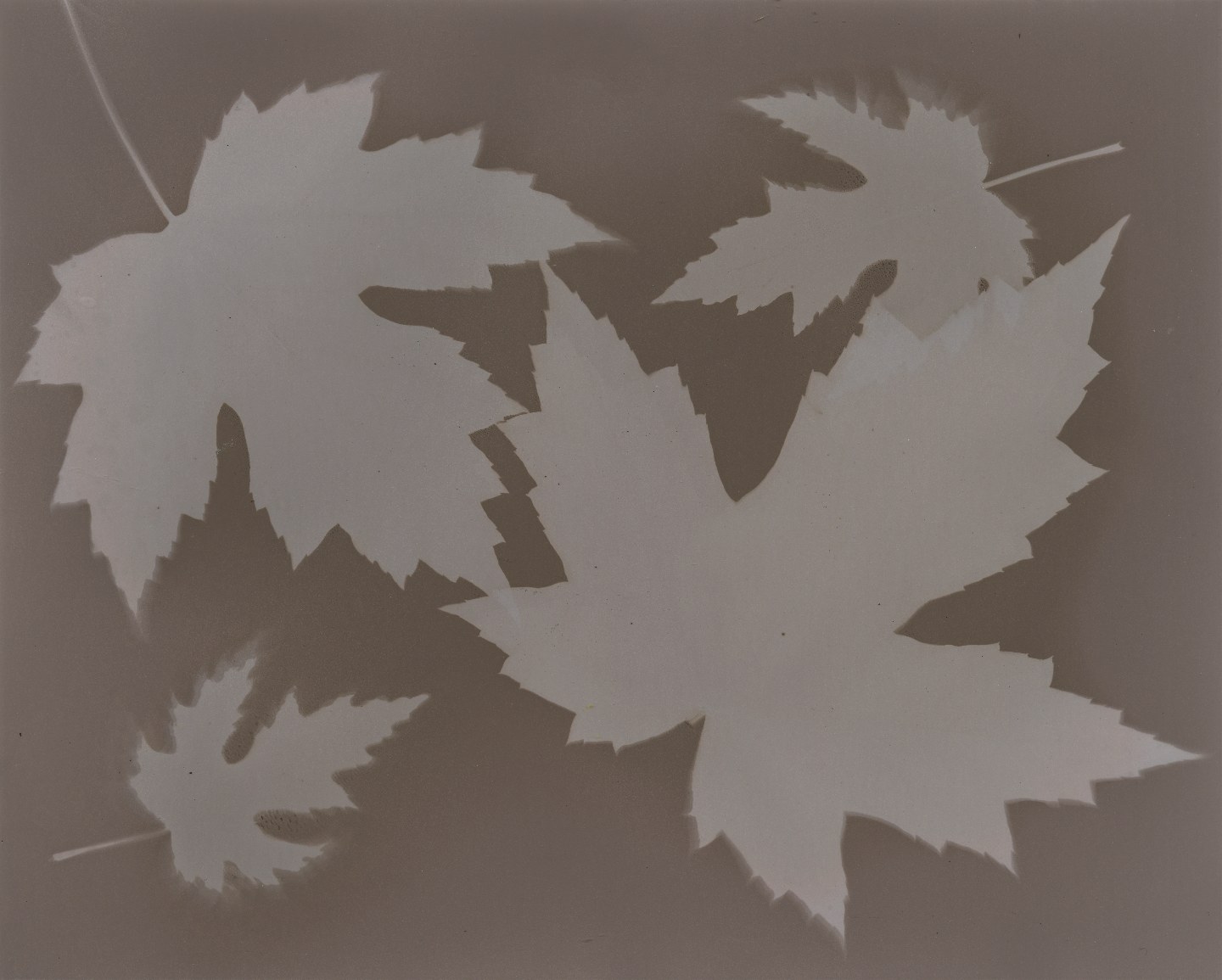
Four of 48 training images from Mad Dog Jones’s HyperPhantom dataset. The linework, palette, and neon lighting stay constant while the subject shifts from portrait to train interior, race car, and ramen bowl.
Mad Dog Jones: portraitMad Dog Jones: train interiorMad Dog Jones: street + vehicleMad Dog Jones: overhead still life
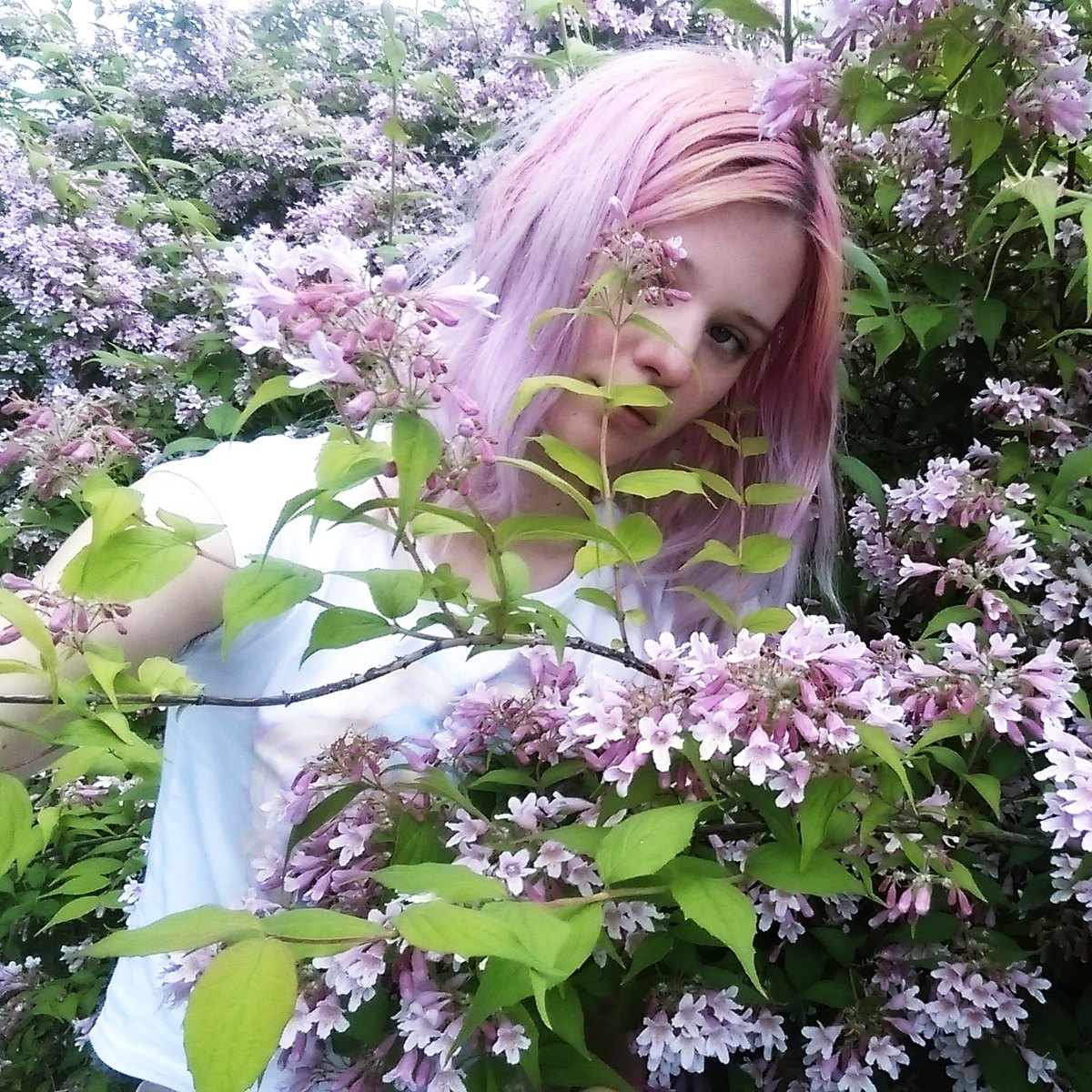
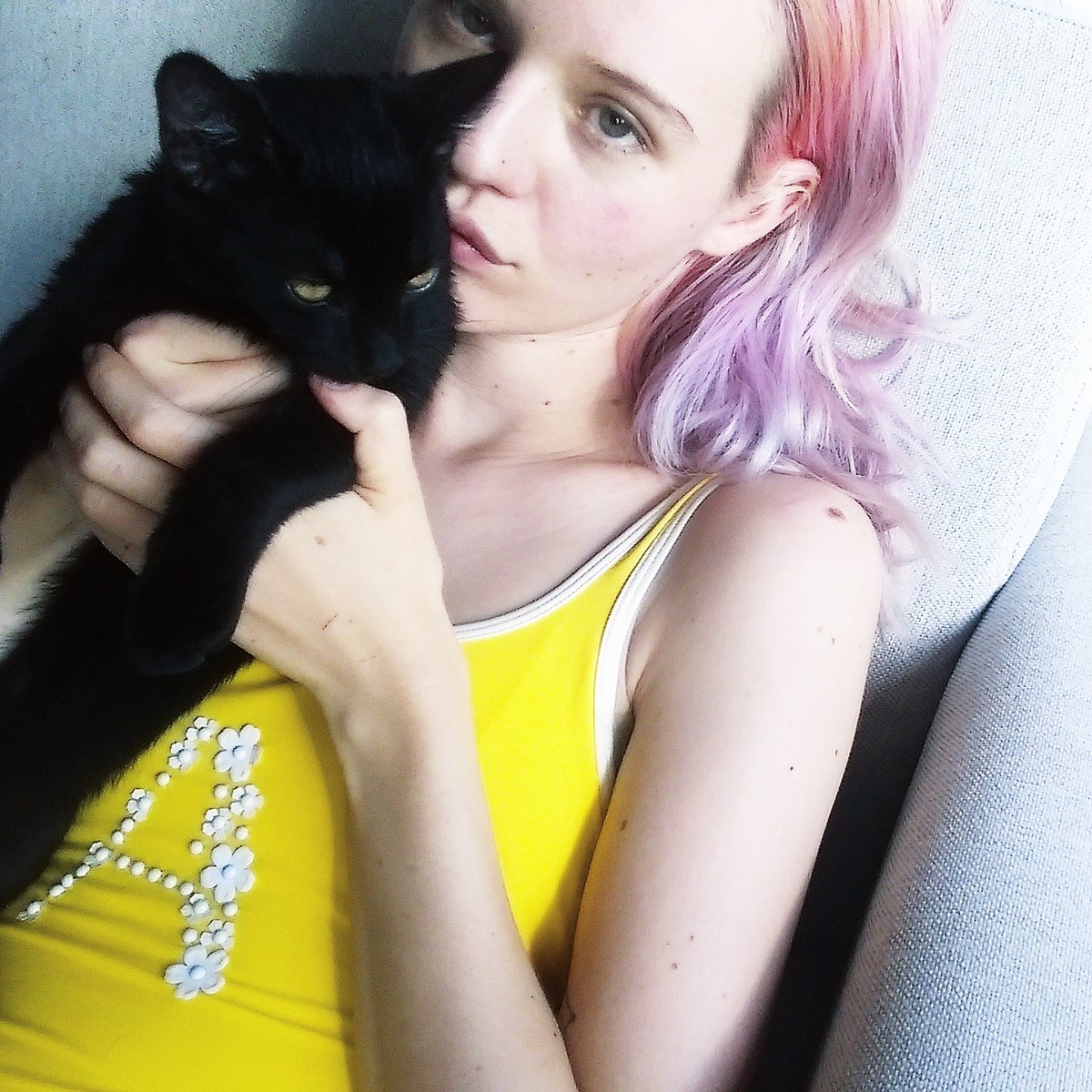
Good character dataset: one person across varied scenes.
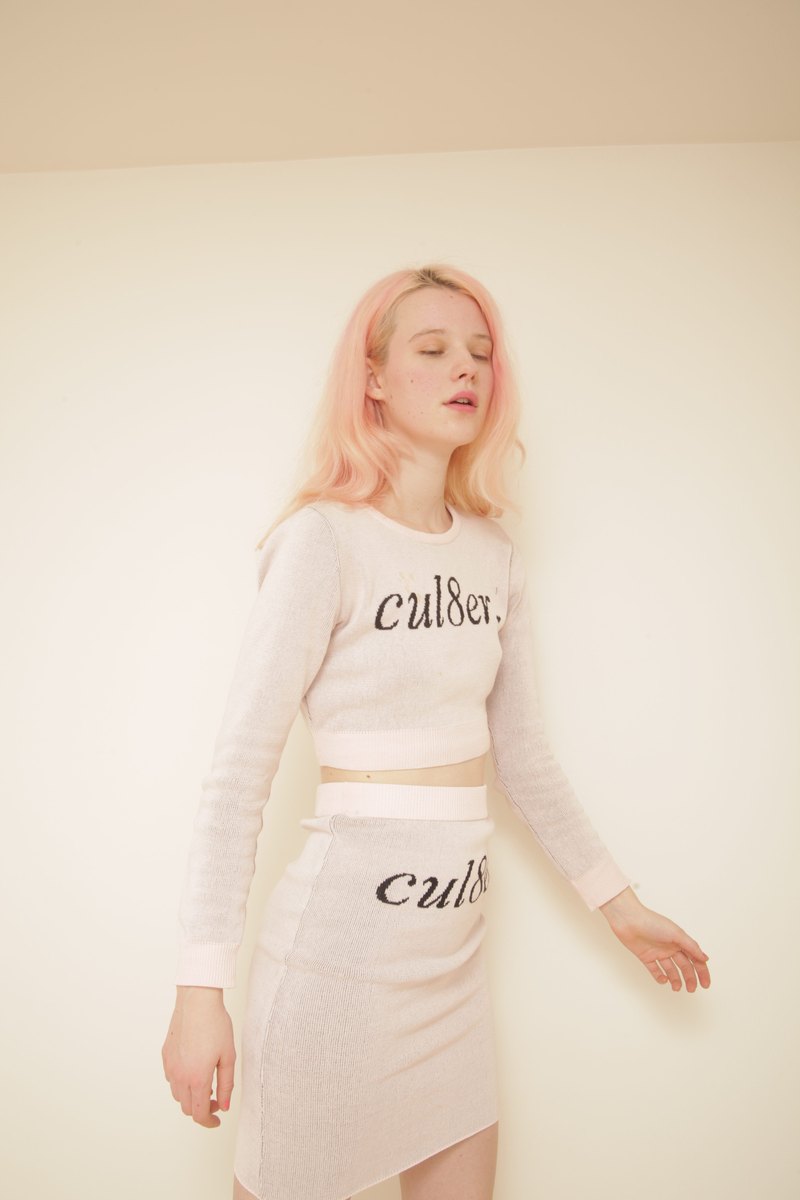
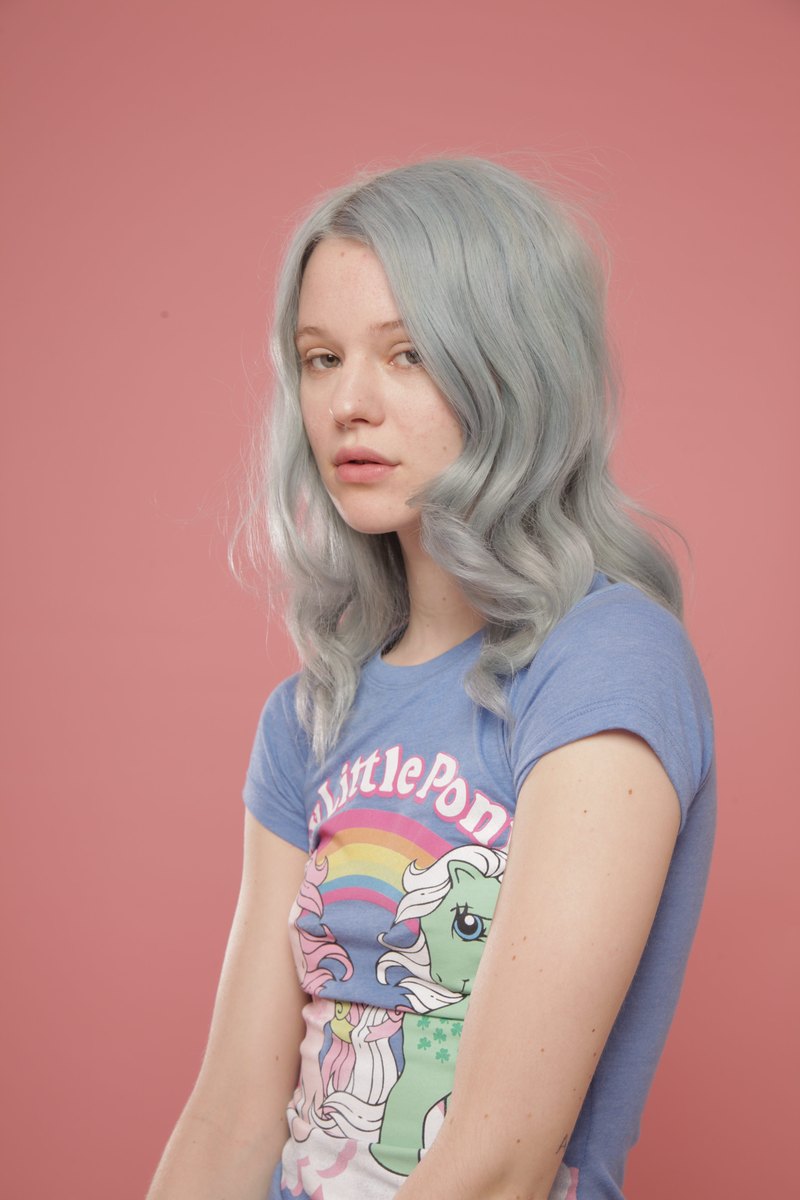
Four of 119 training images from Arvida Byström’s she is just a number dataset. Her likeness stays constant while outfits, hair, poses, camera distance, and lighting change.
Arvida Byström: outdoor daylightArvida Byström: indoor candidArvida Byström: full bodyArvida Byström: studio turn
Build datasets from three sources.
01
Collect your own
Photograph, scan, export, or pull frames from your own work or public-domain archives.
02
Generate with AI
Make candidates in Midjourney, Krea 2, ChatGPT Images, or Nano Banana, then keep the ones that share one look.
03
Edit existing images
Use image edit models to restyle new subjects, swap backgrounds, or clean stray marks.
Mixing your own work with curated AI images can fill subject or lighting gaps while keeping your look.
Collect originals into a separate working folder.
Your own work
Export sharp, high-resolution files from your originals instead of social posts or screenshots.
Camera and video
Shoot from different distances, angles, and lighting. Pull spaced-out frames from video so shots do not repeat.
Archives and scans
Check rights and remove mismatched items like engravings, book spreads, or black-and-white plates mixed into color paintings.
Local cleanup
Crop museum frames, scanner borders, and watermarks on copies. Never enlarge small files with standard resizing.
To enlarge a small file, use an AI upscaler like Topaz on Fal and check it at 100%. Standard resizing bakes softness into the model.
Start by narrowing a wide moodboard to one look.
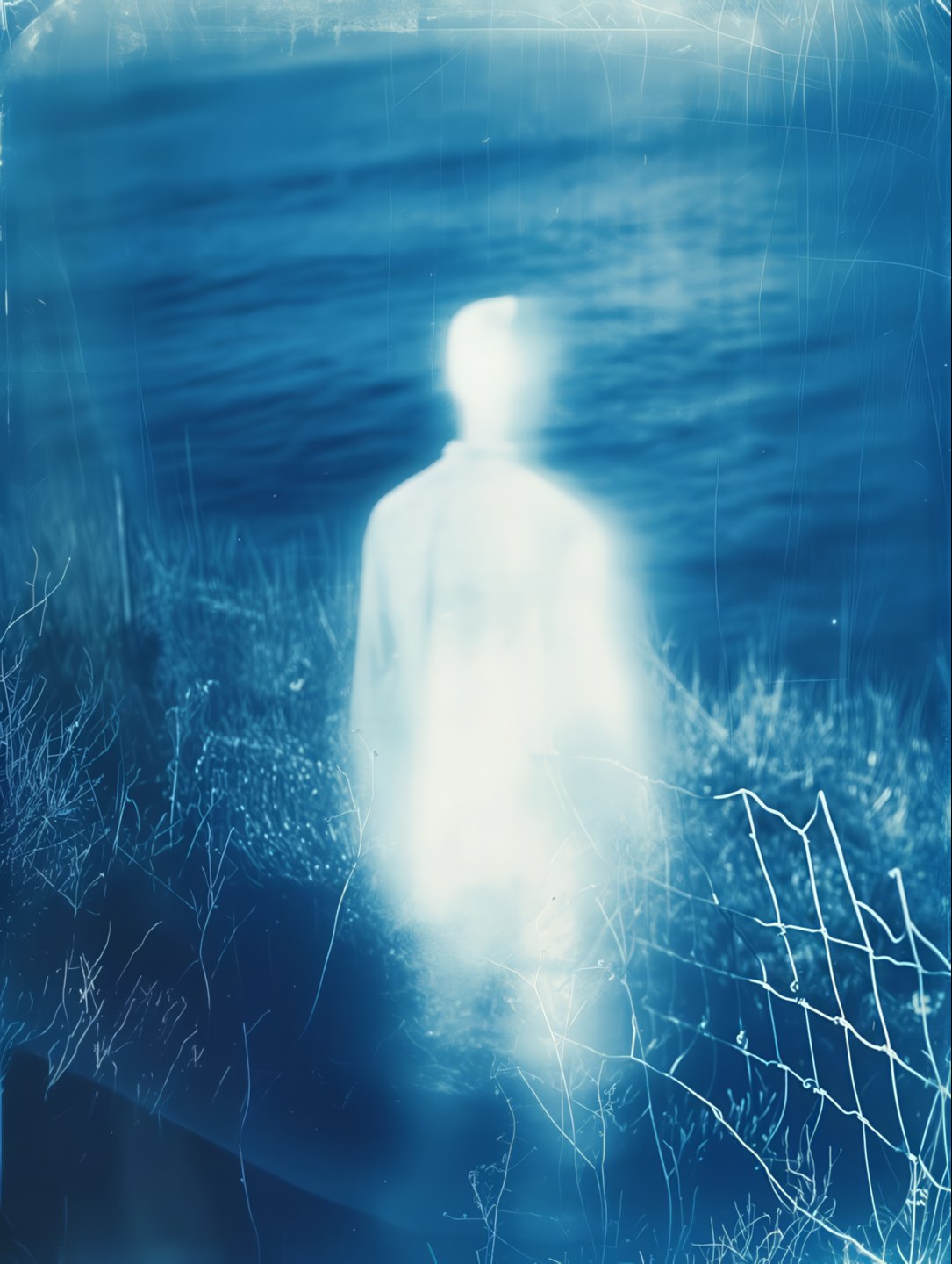
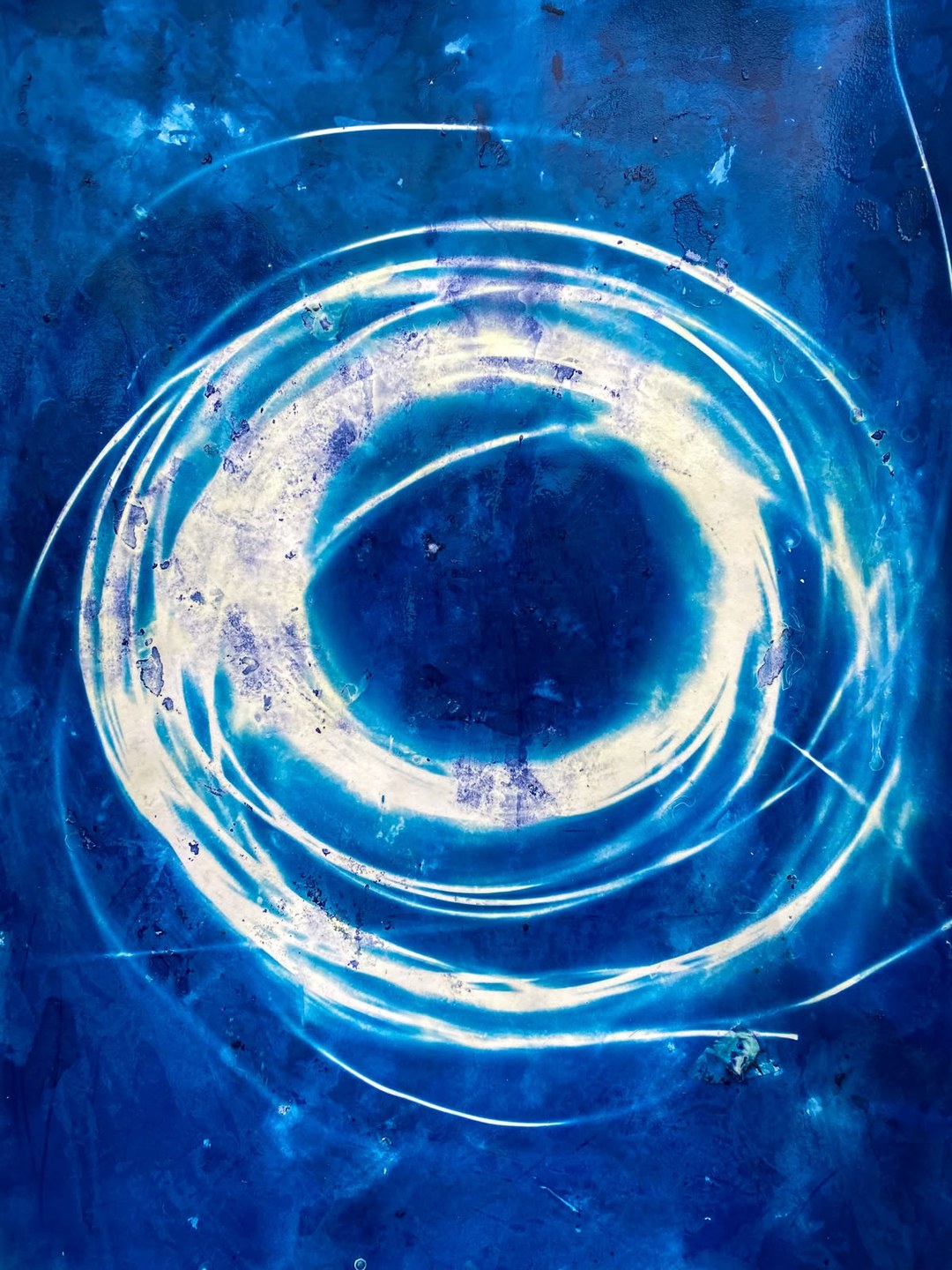
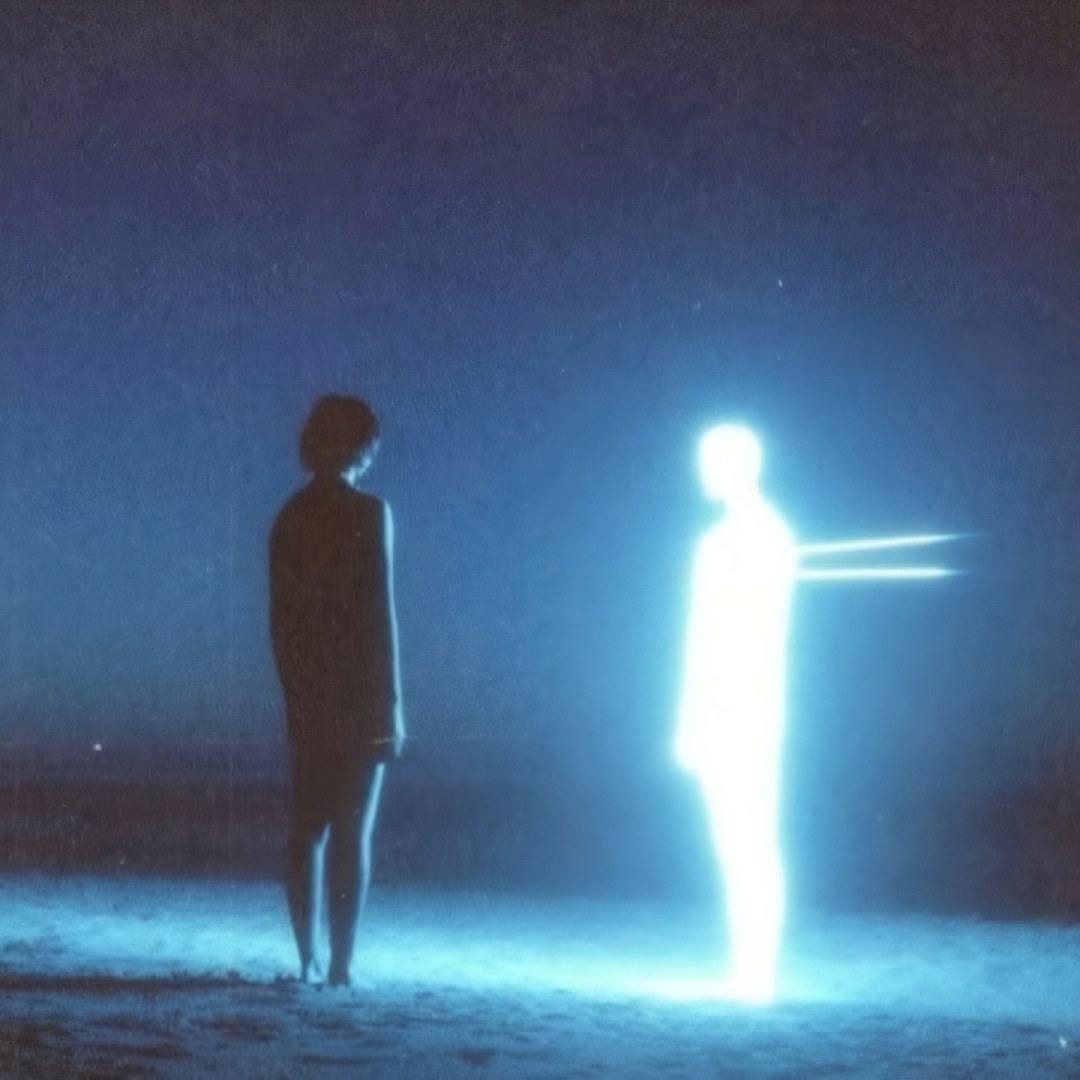
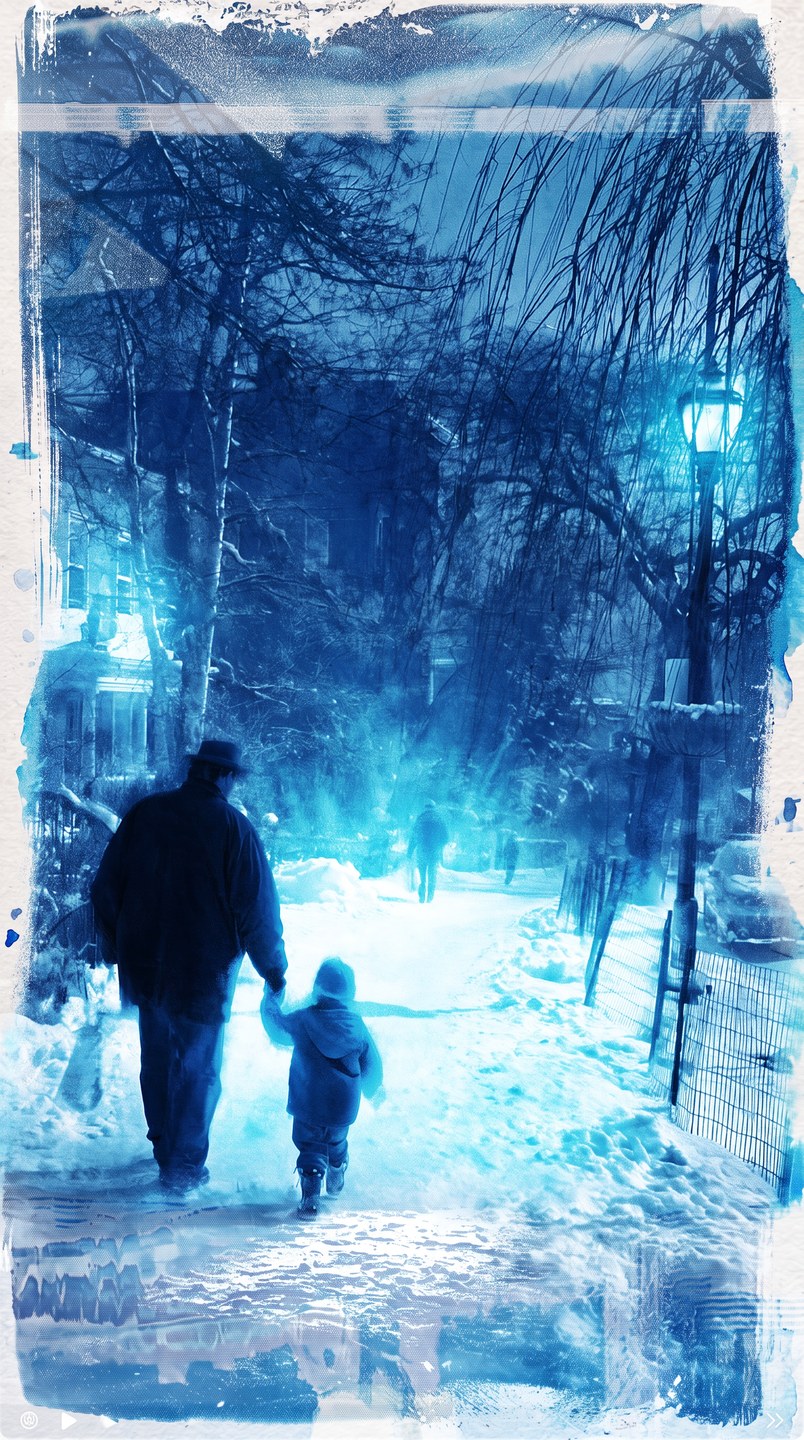
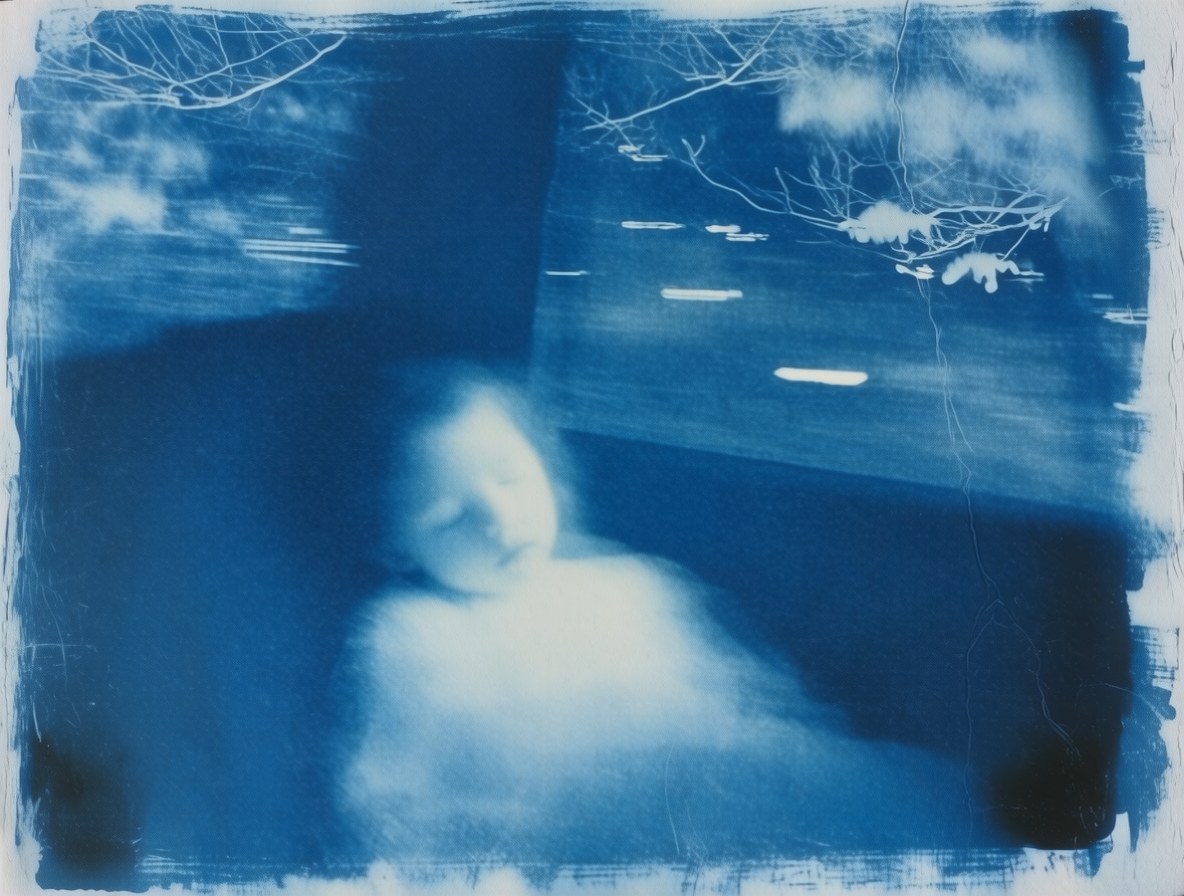
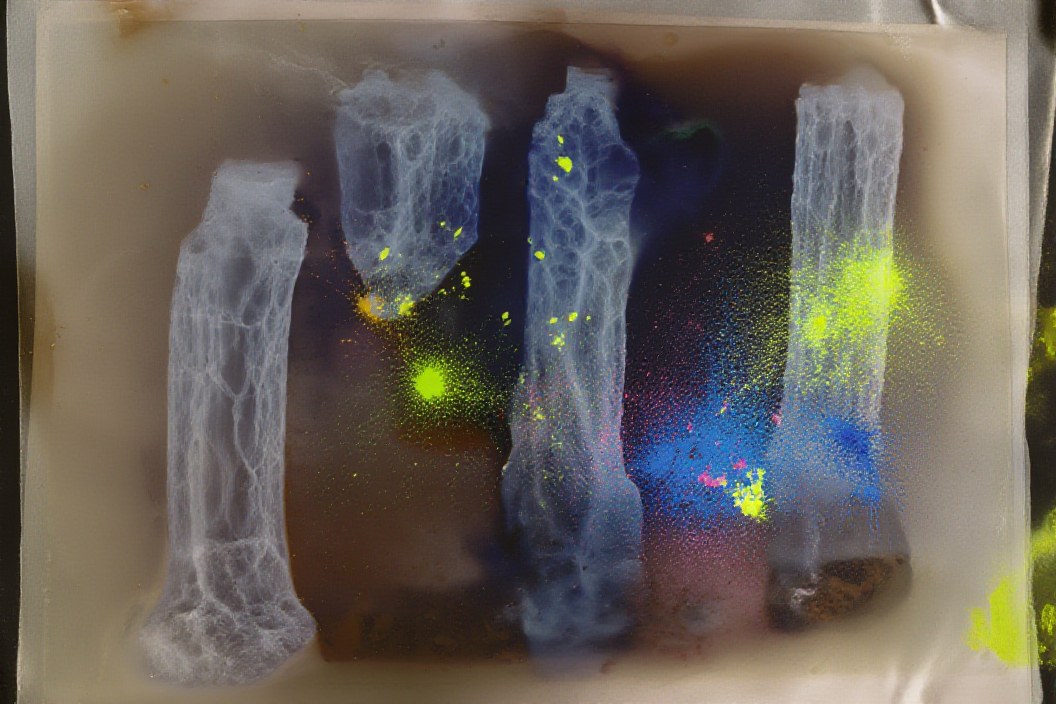
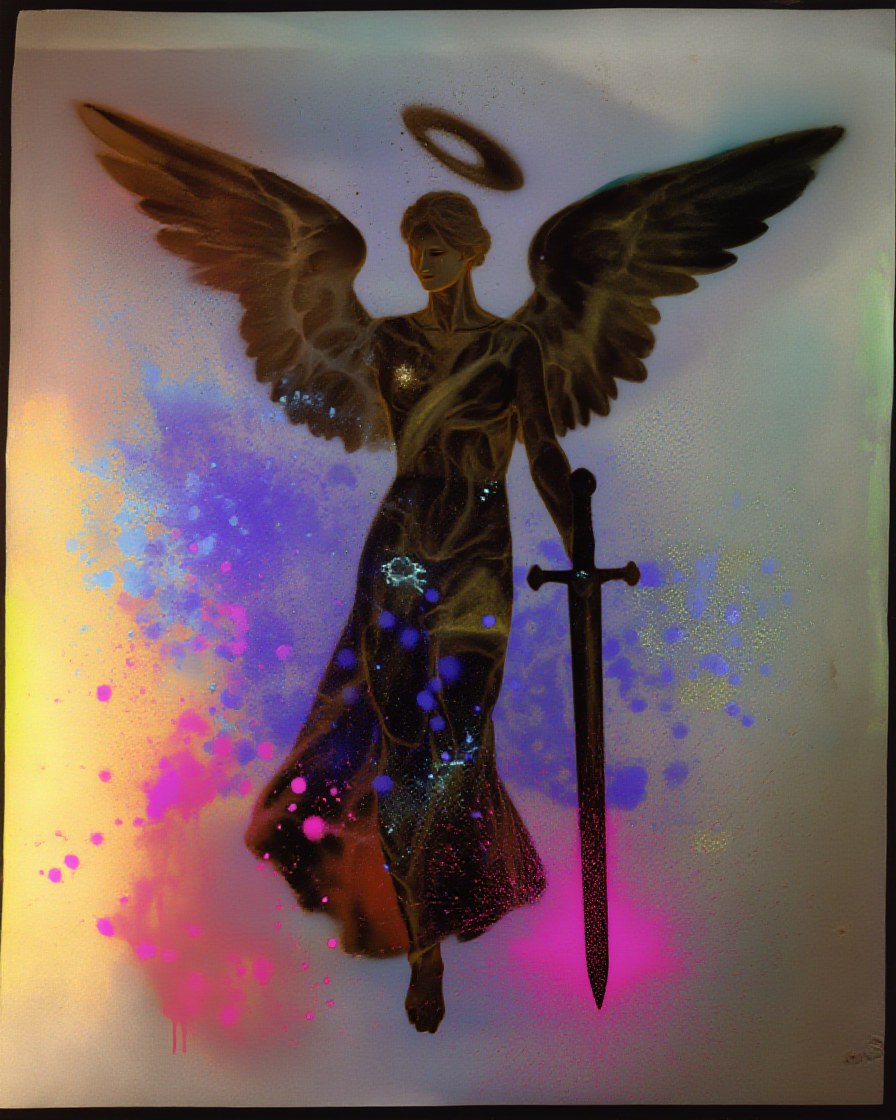
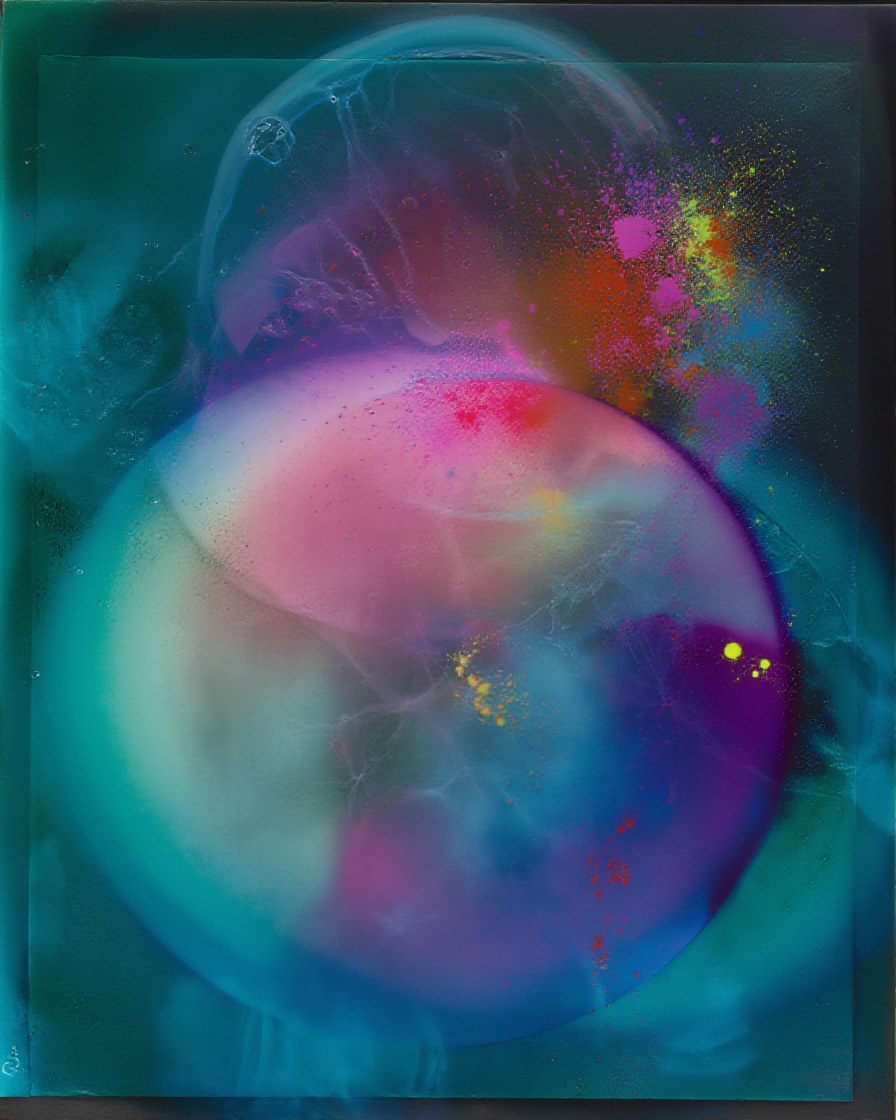
Four of 44 images from Jake Oleson’s Imprint project. Mixing hand-brushed cyanotypes, neon light orbs, and stark night silhouettes gave the model conflicting looks to average together.
Use image edit tools to restyle, clean, and expand a dataset.
Restyle new subjects
Pass varied photos and style references into Nano Banana, GPT Image Sunburst, Qwen-Image-Edit, or Kontext to widen your subjects.
Swap scenes and outfits
Move a character or object into new backgrounds, clothes, and lighting so those details stay promptable.
Clean stray marks
Remove baked-in labels, divider lines, or logos on flat backgrounds. Check at 100% that surface texture stayed intact.
Test your edit prompt on the hardest image first and check it at 1:1 before running the whole folder.
Build a consistent dataset from one reference image.
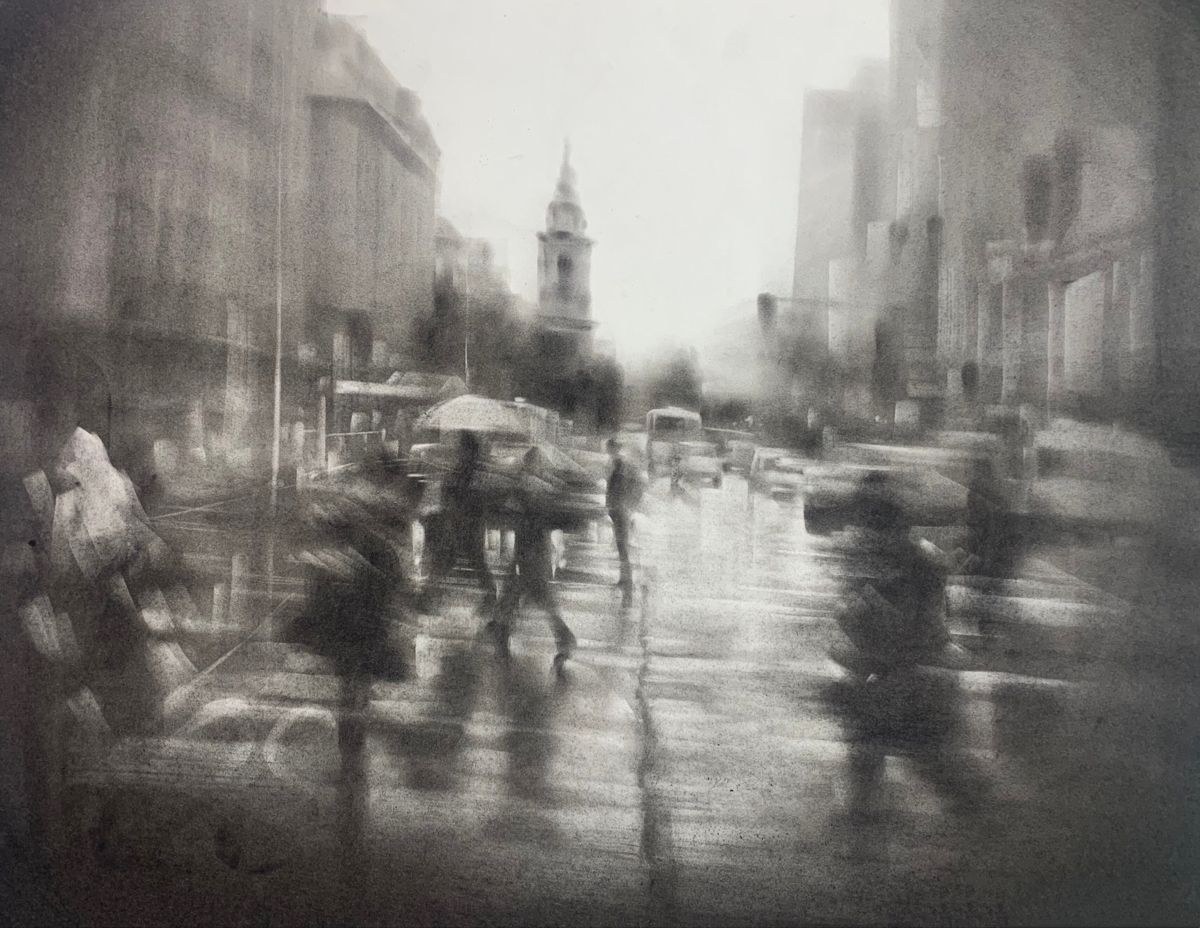
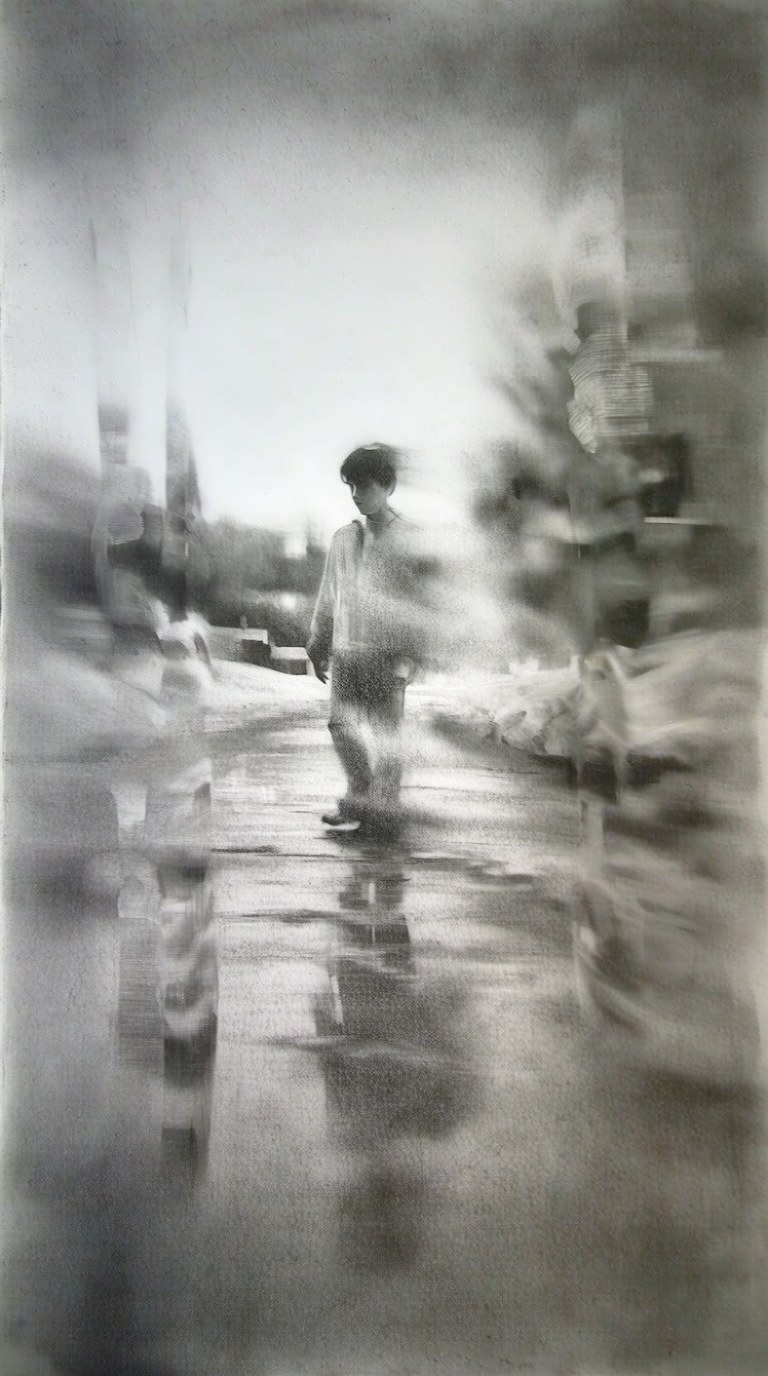
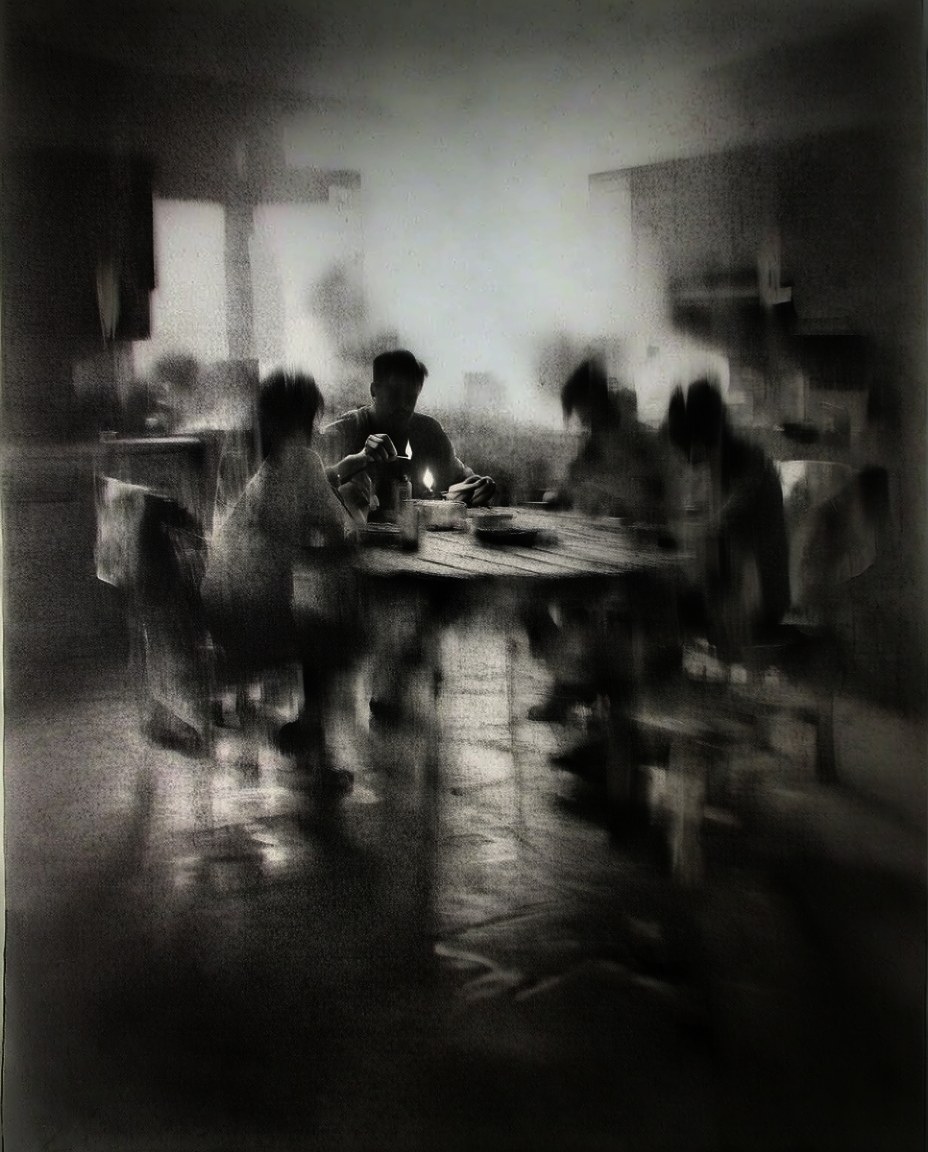
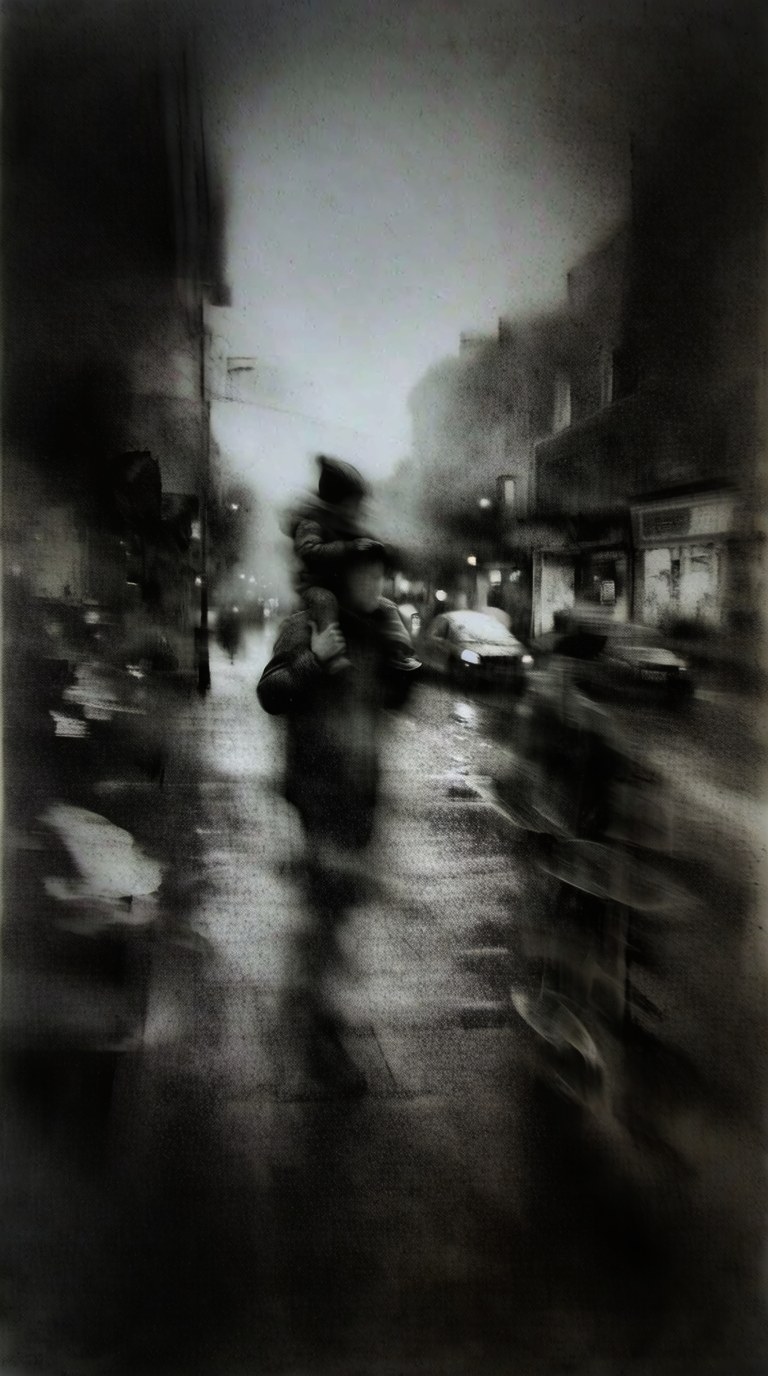
For Jake Oleson’s Remembering v5b and v5dr, one wet-street reference became 50 styled training images across daylight, indoor, and night scenes with the same warm-grey grain and smeared edges.
Single reference: Jake Olesonv5b / v5dr styled: snowy pathv5b / v5dr styled: dinner tablev5b / v5dr styled: night street
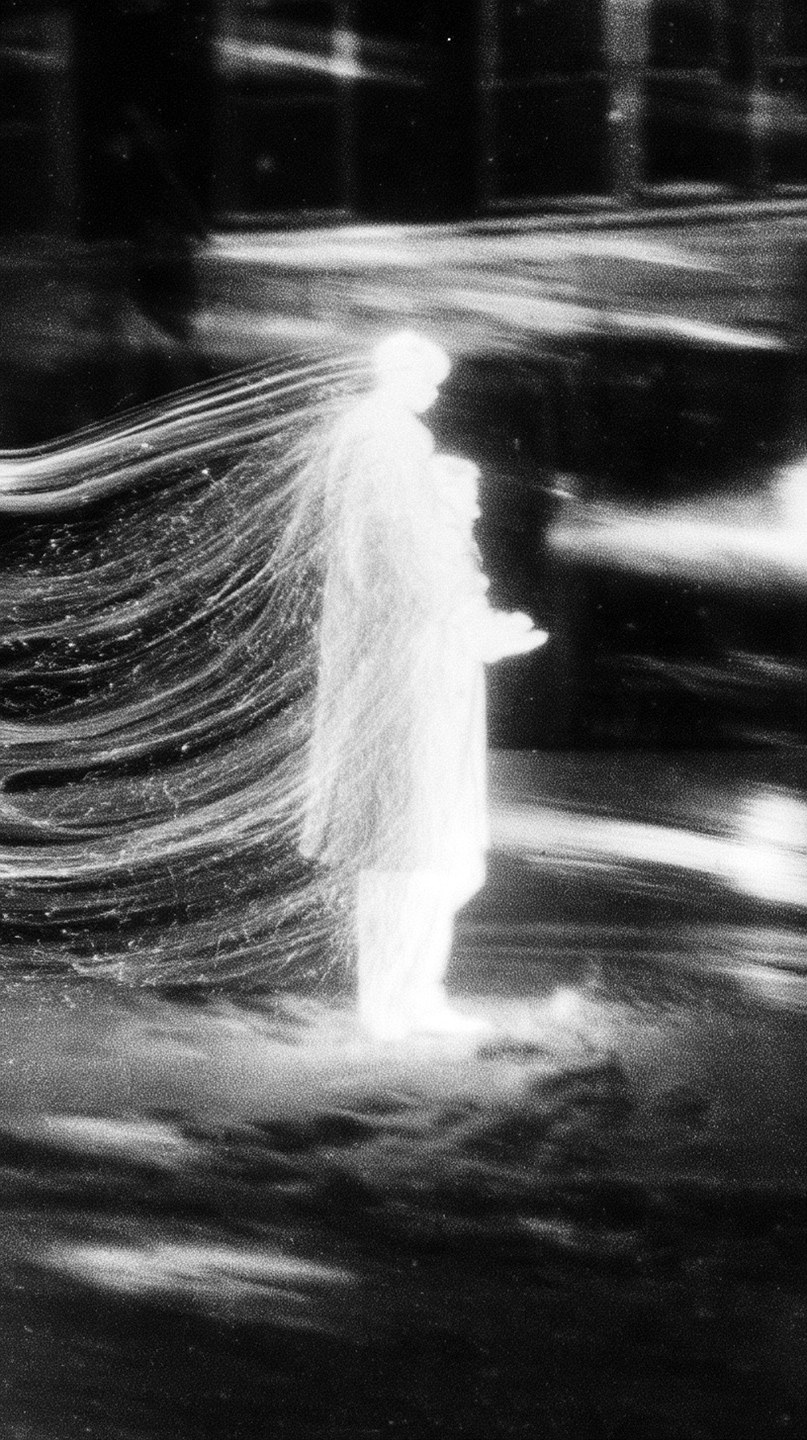
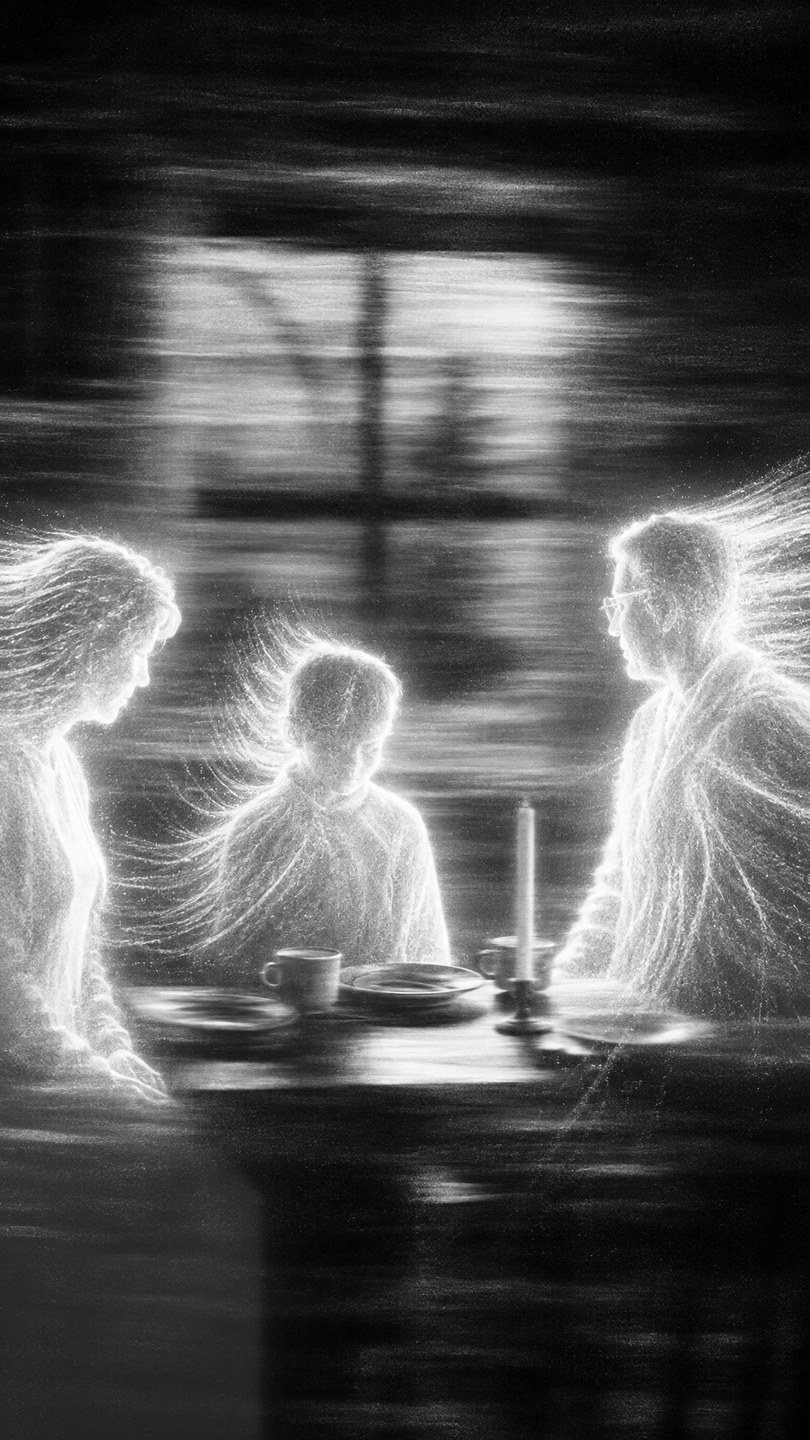
Use one reference and GPT Image to keep one look across scenes.
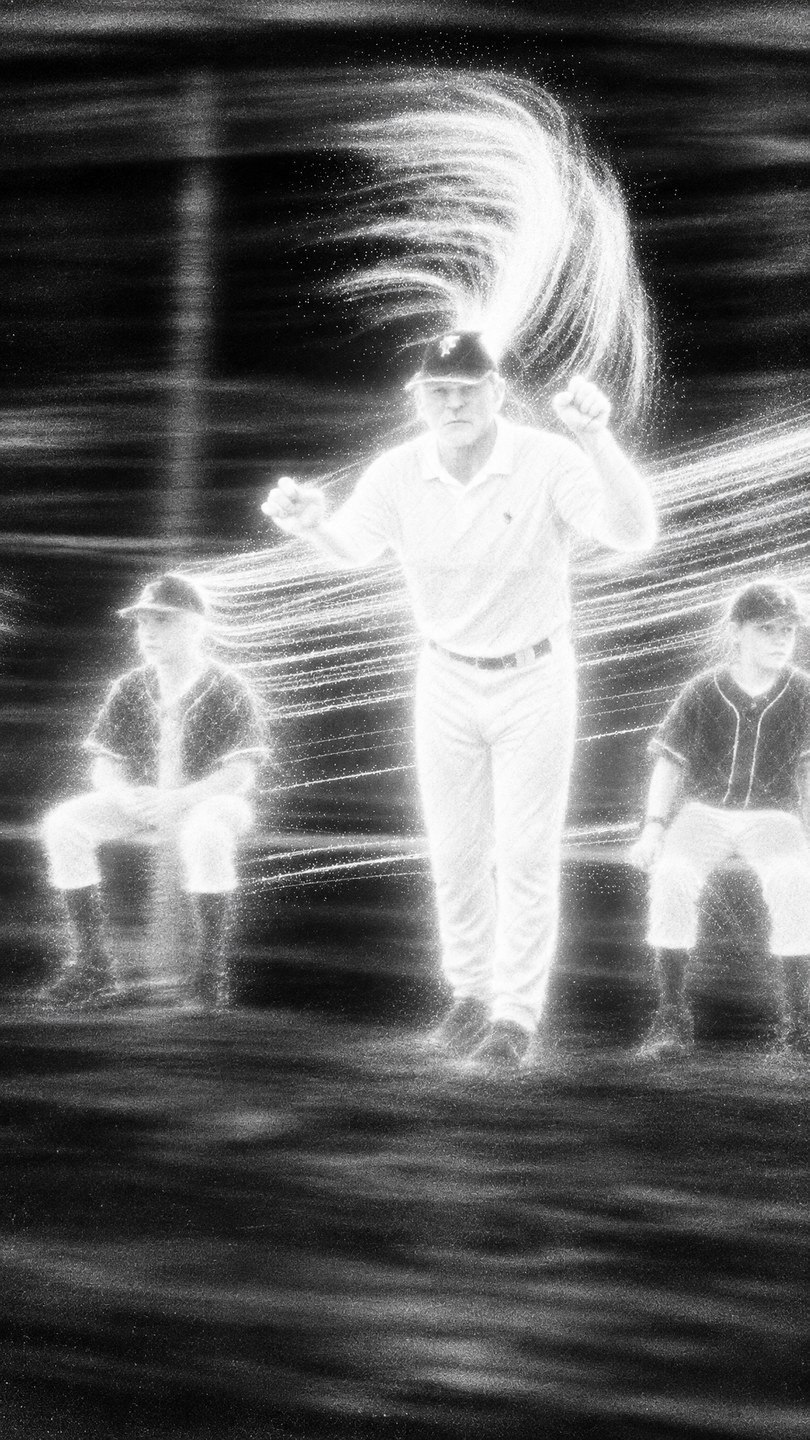
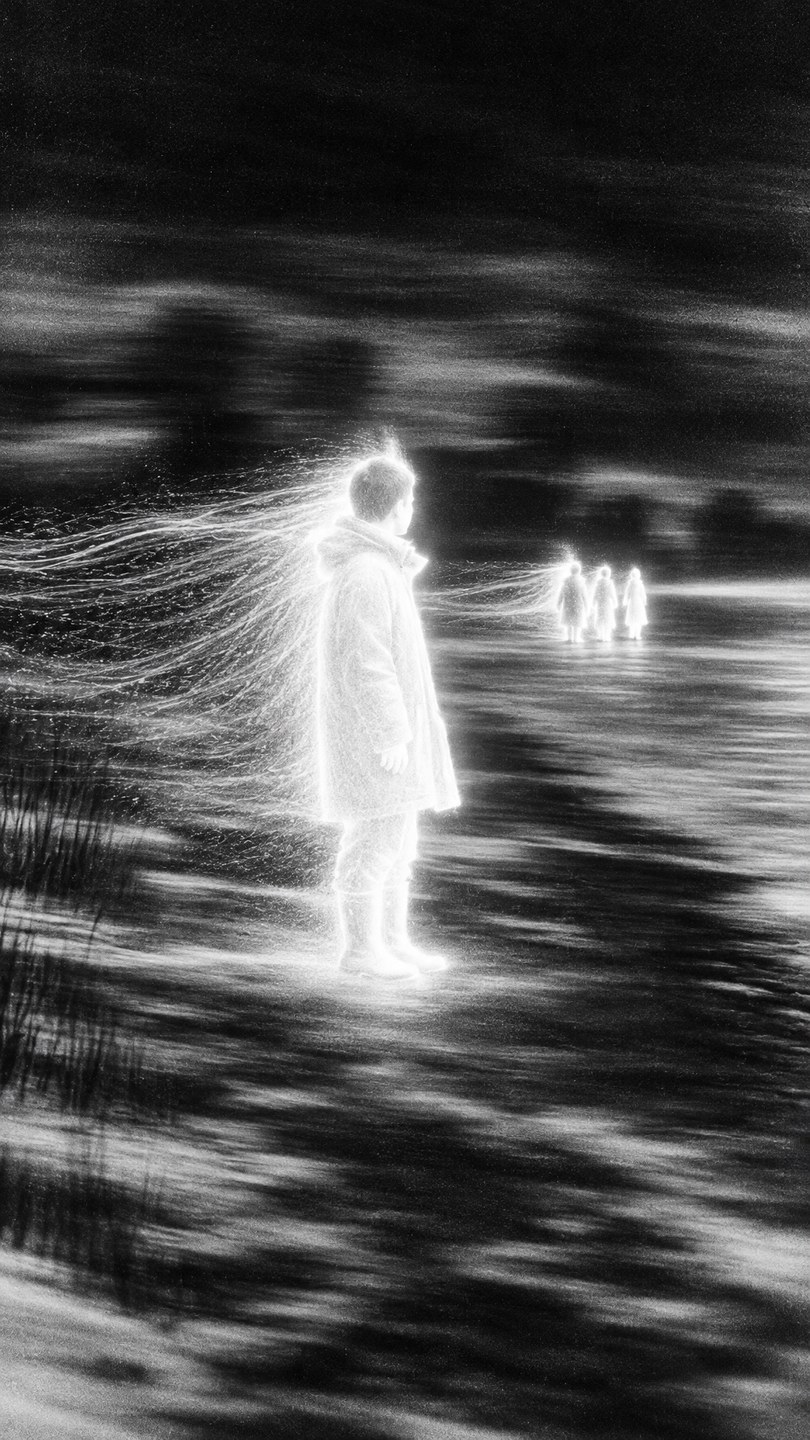
For Jake Oleson’s Remembering v9, one reference guided GPT Image to restyle a dinner table, a baseball dugout, and a winter shore with the same glowing figures, streaming trails, and sideways drag.
Use Midjourney style references, moodboards, or personalization, Krea 2 Large style references, ChatGPT Images, or Nano Banana.
Over-generate
Make 80–100 candidates across varied subjects, compositions, and seeds, then cut down to 25–40 consistent images.
Fill gaps
Generate scenes your real work lacks, such as daylight shots, wide frames, objects, or missing materials.
Anchor with real art
Mix curated AI images with your real work so the generator’s default smoothness does not take over.
Read a generator’s terms before training a model for paid or public release.
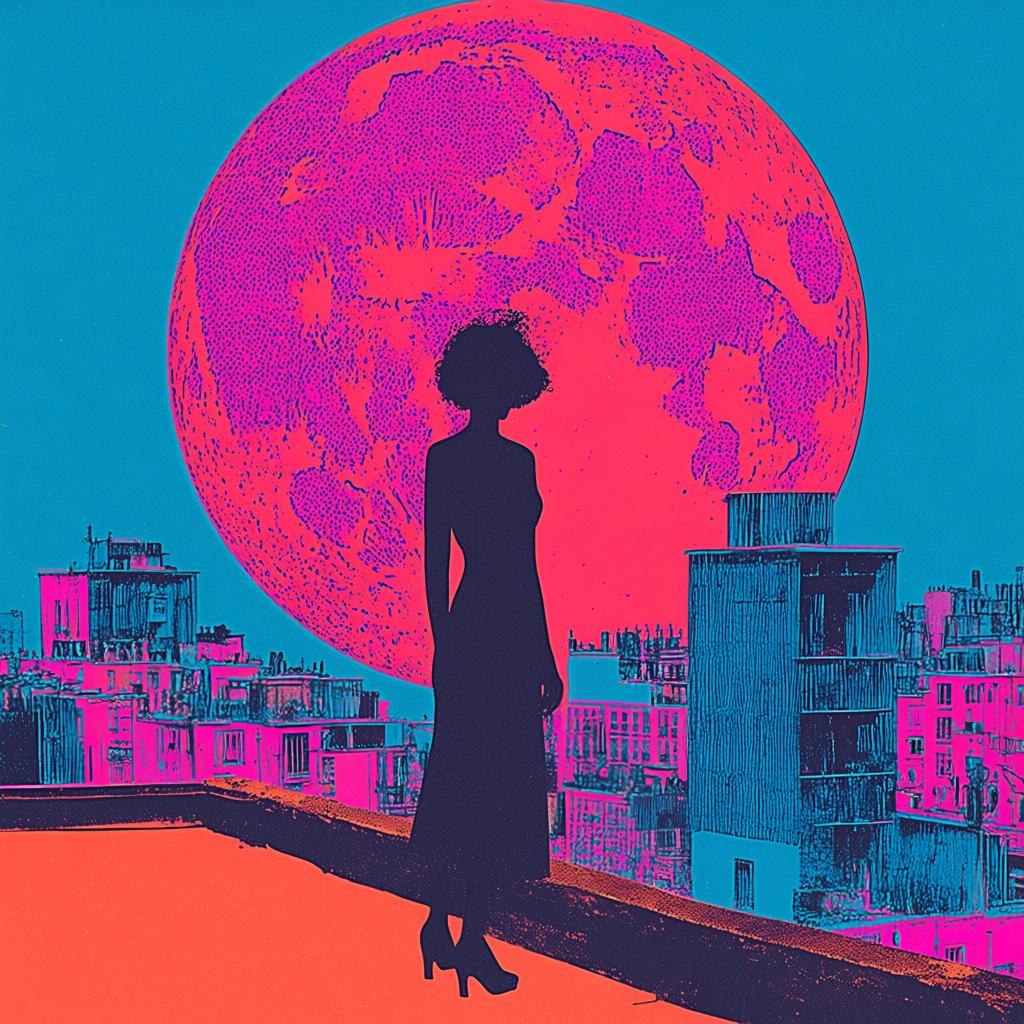
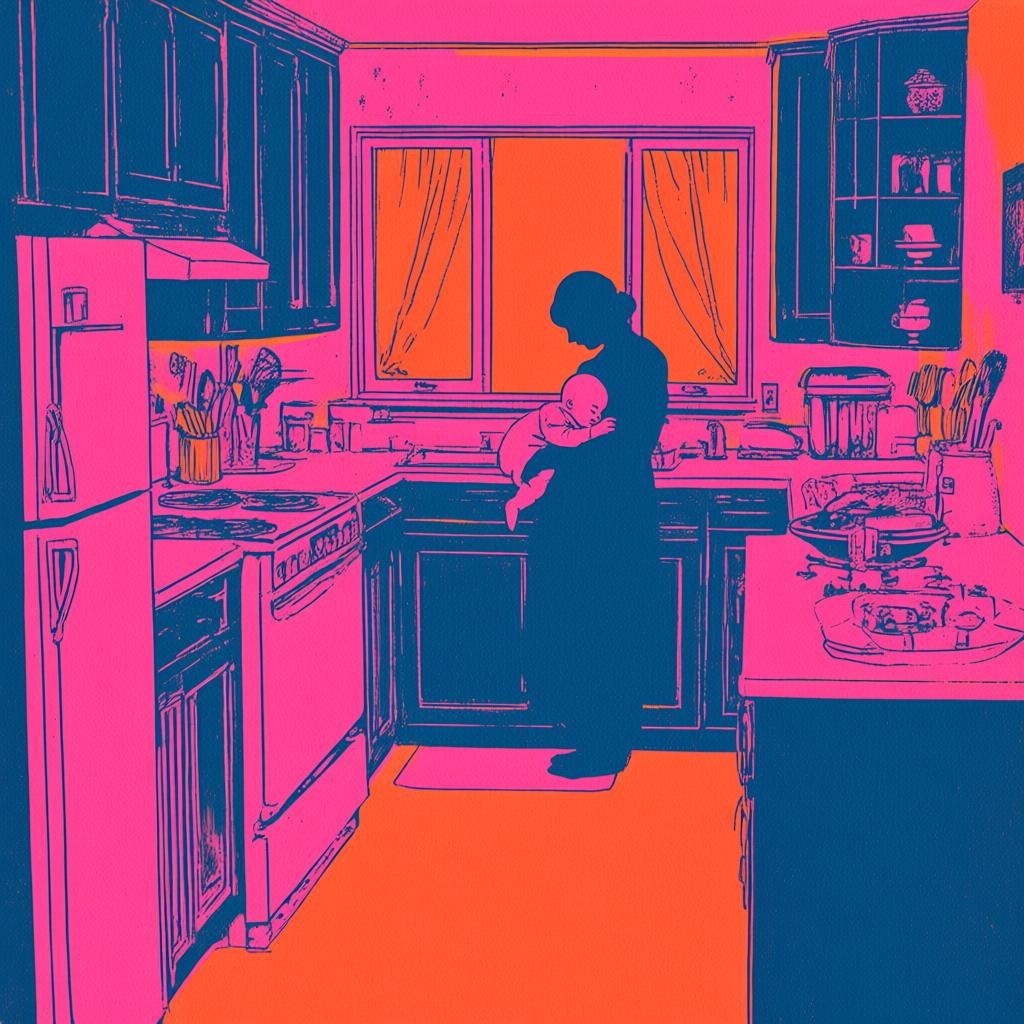
Curate AI generations to one look, like Neon Dreamscape.
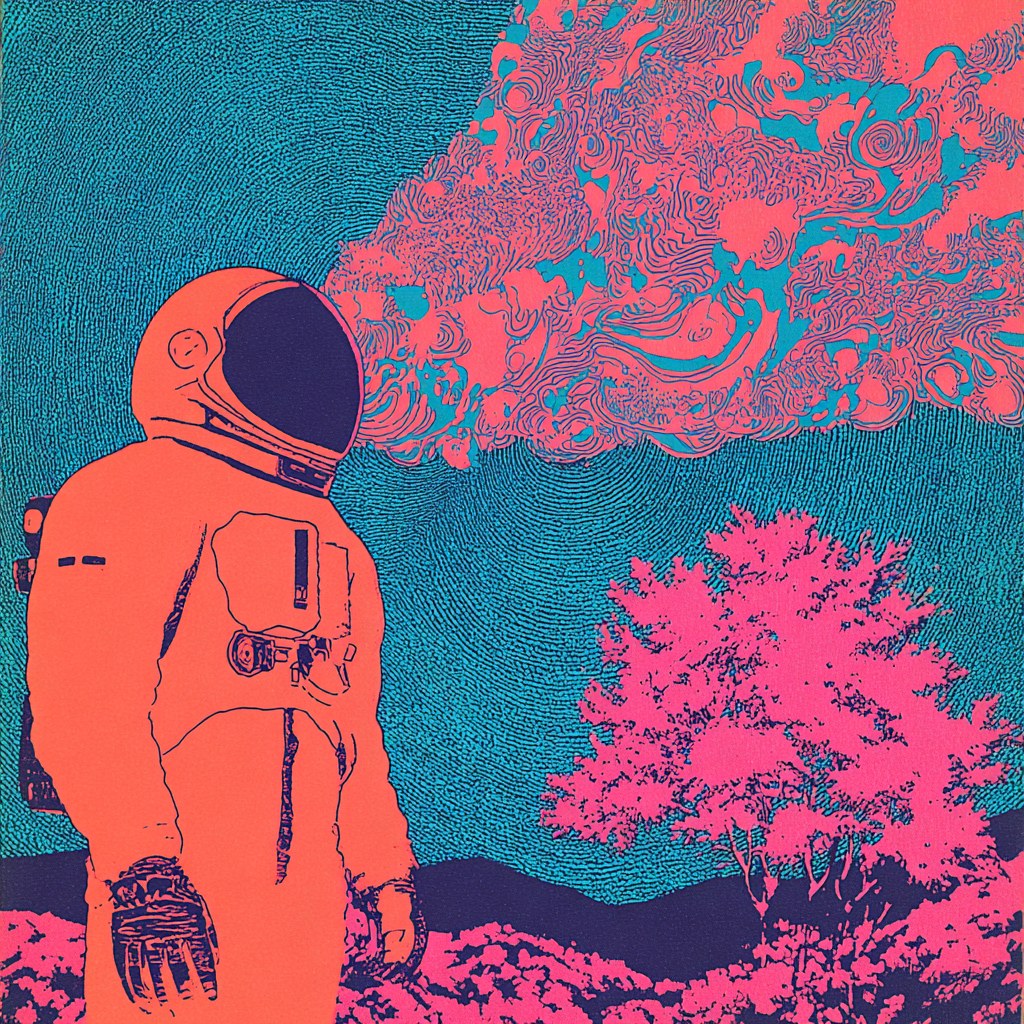
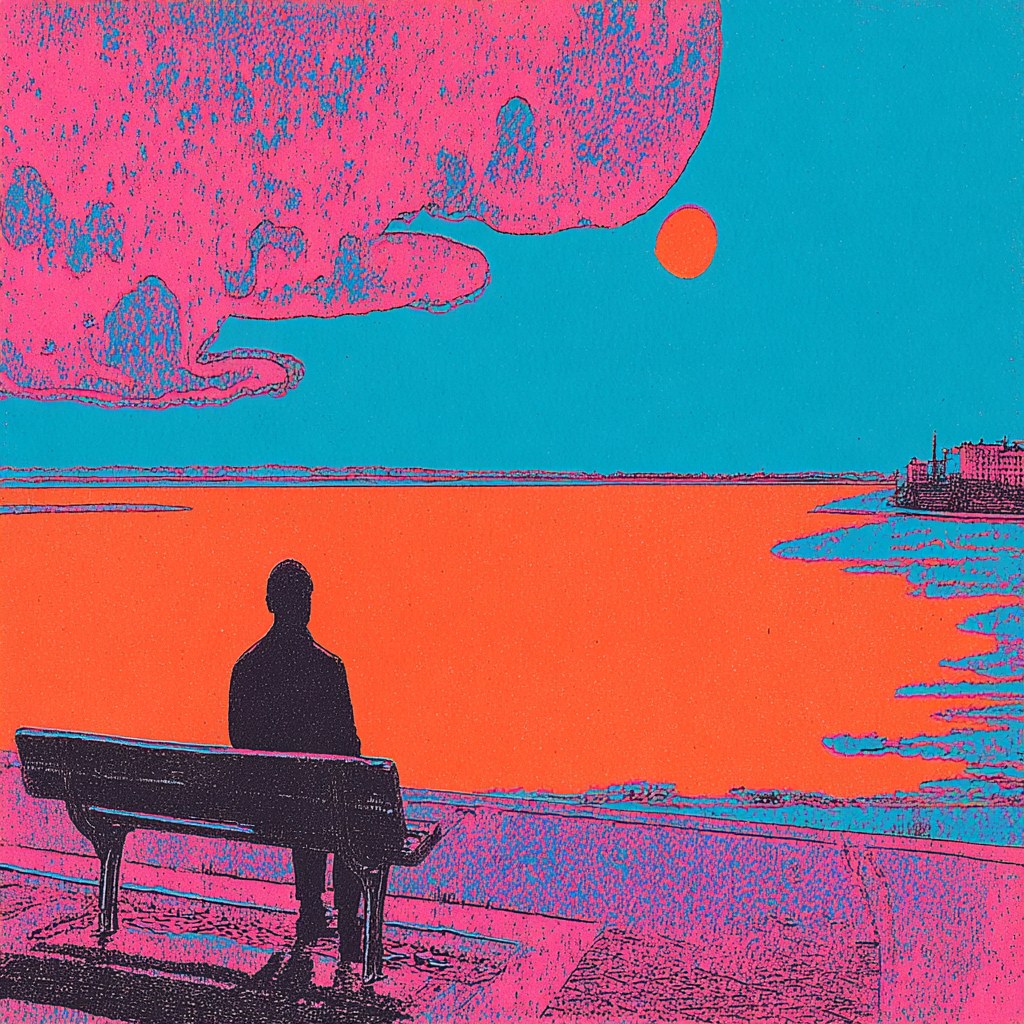
47 Midjourney V7 images by juujuumama with one neon palette and halftone grain. It trained cleanly on Krea 2 in one run with a single made-up trigger word, neondrim.
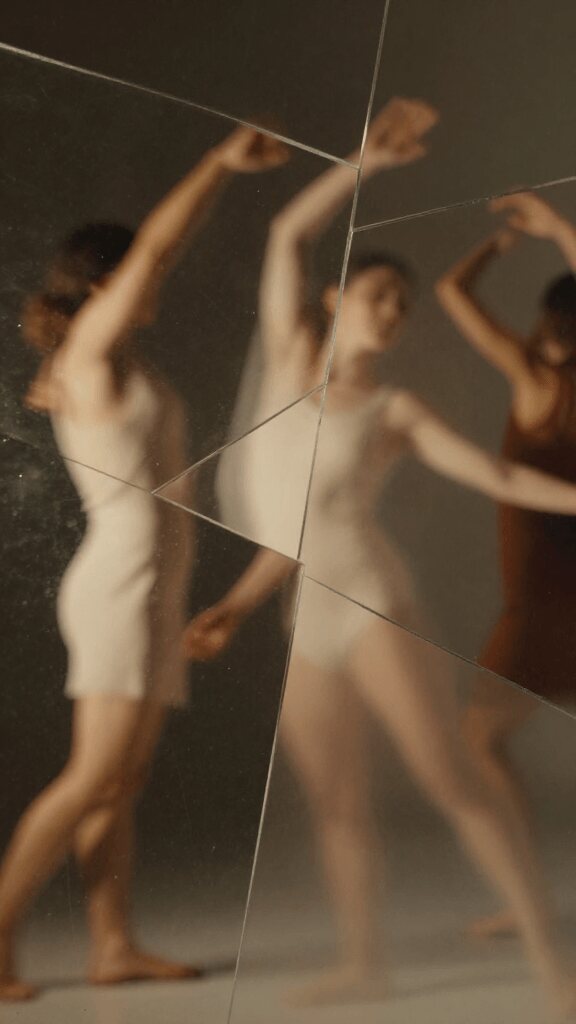
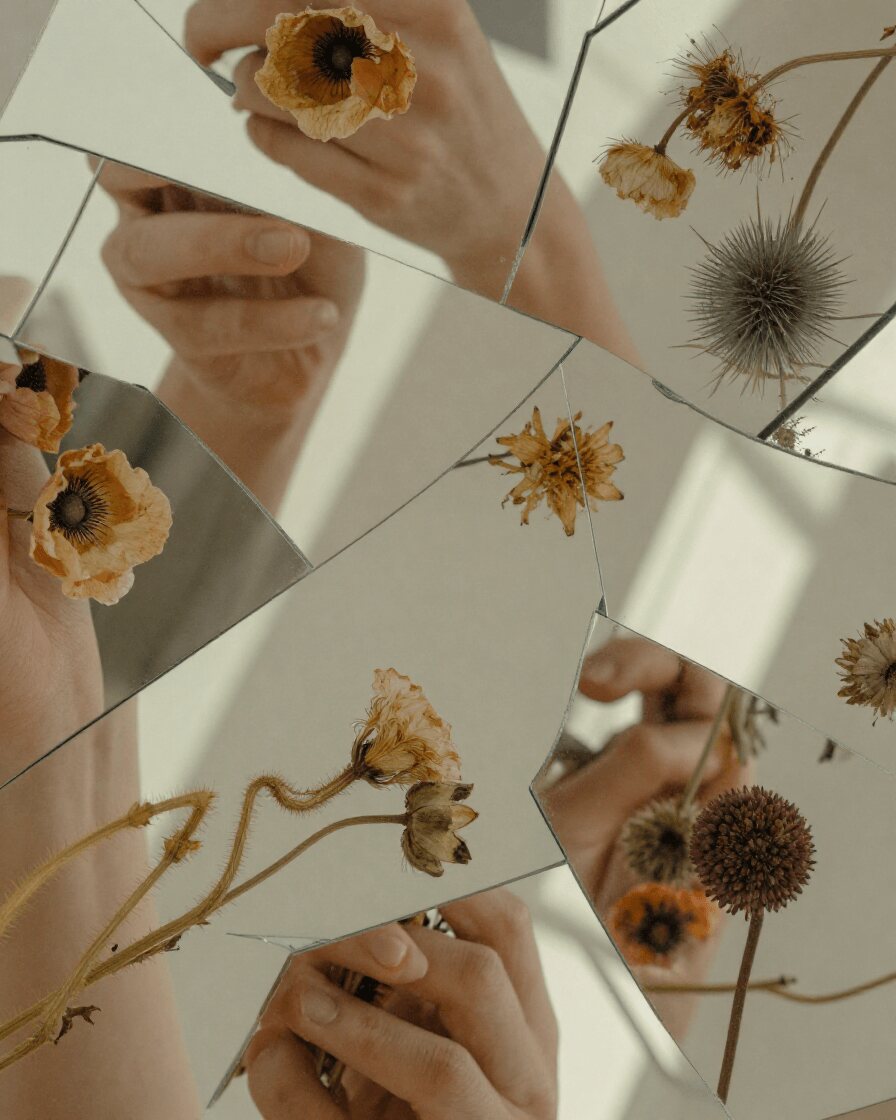
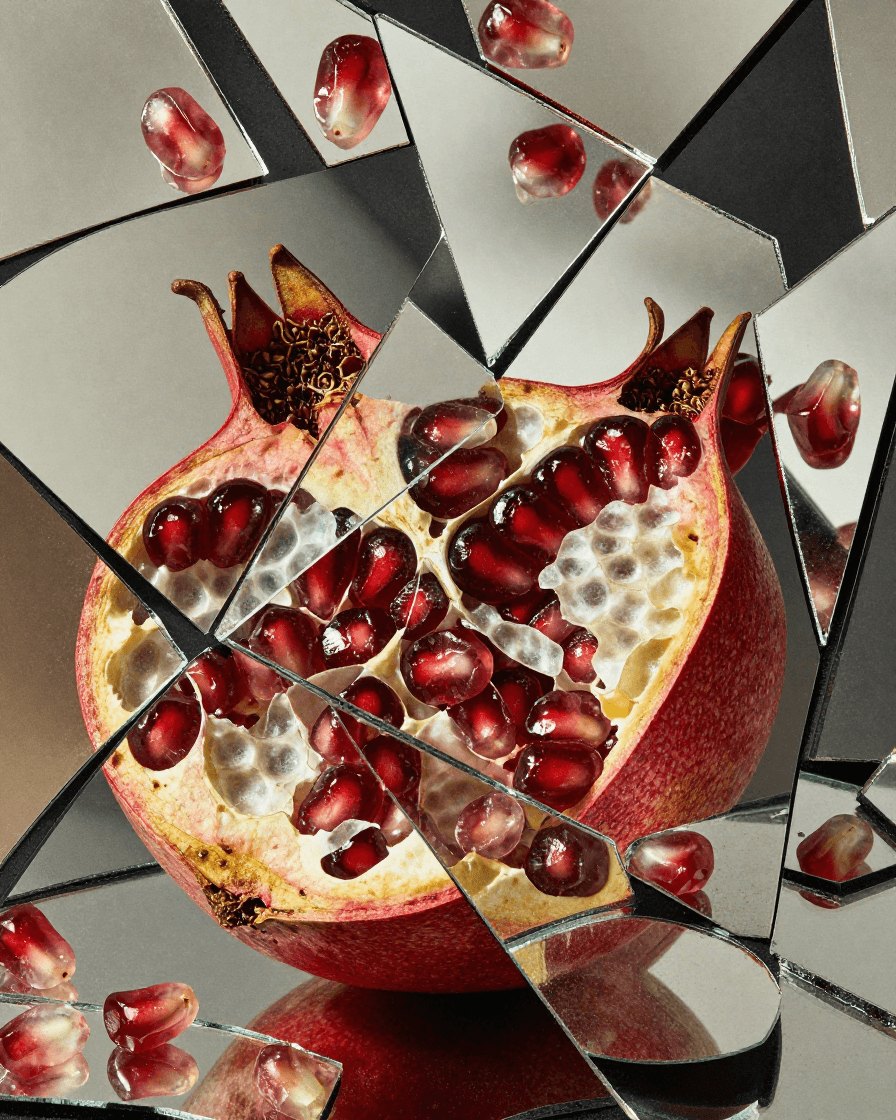
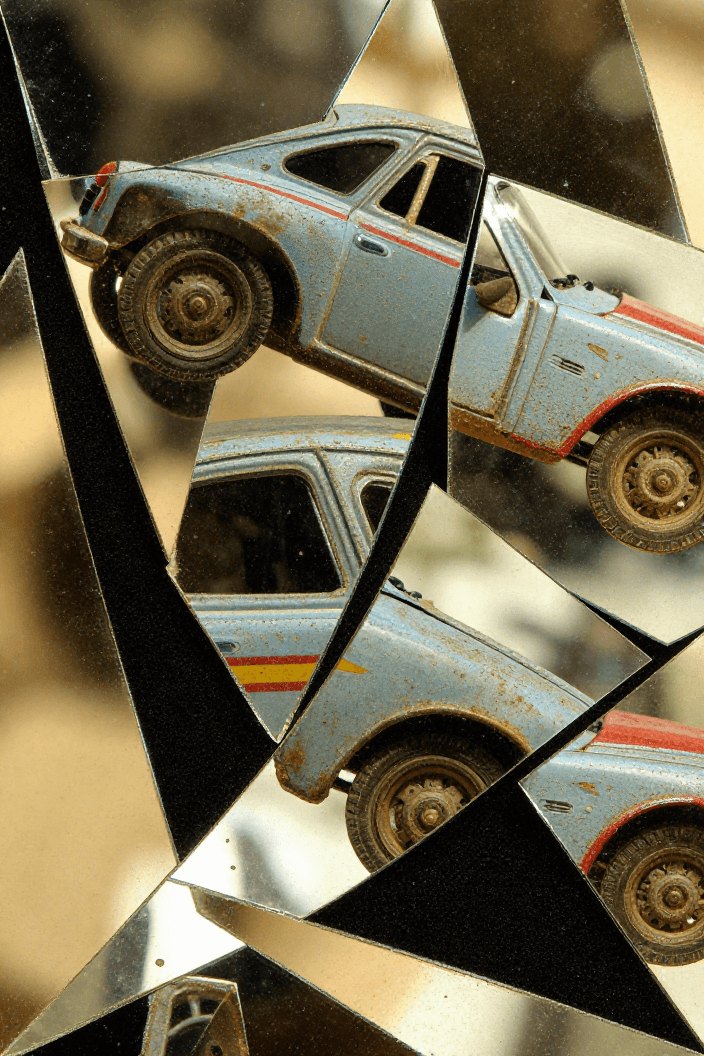
Keep one look across varied subjects: Fragmented Moment.
Four of 32 training images from my Fragmented Moment dataset made in Krea 2 Large. Dancers, hands and dried flowers, a pomegranate, and a vintage car all share the same broken-mirror look.
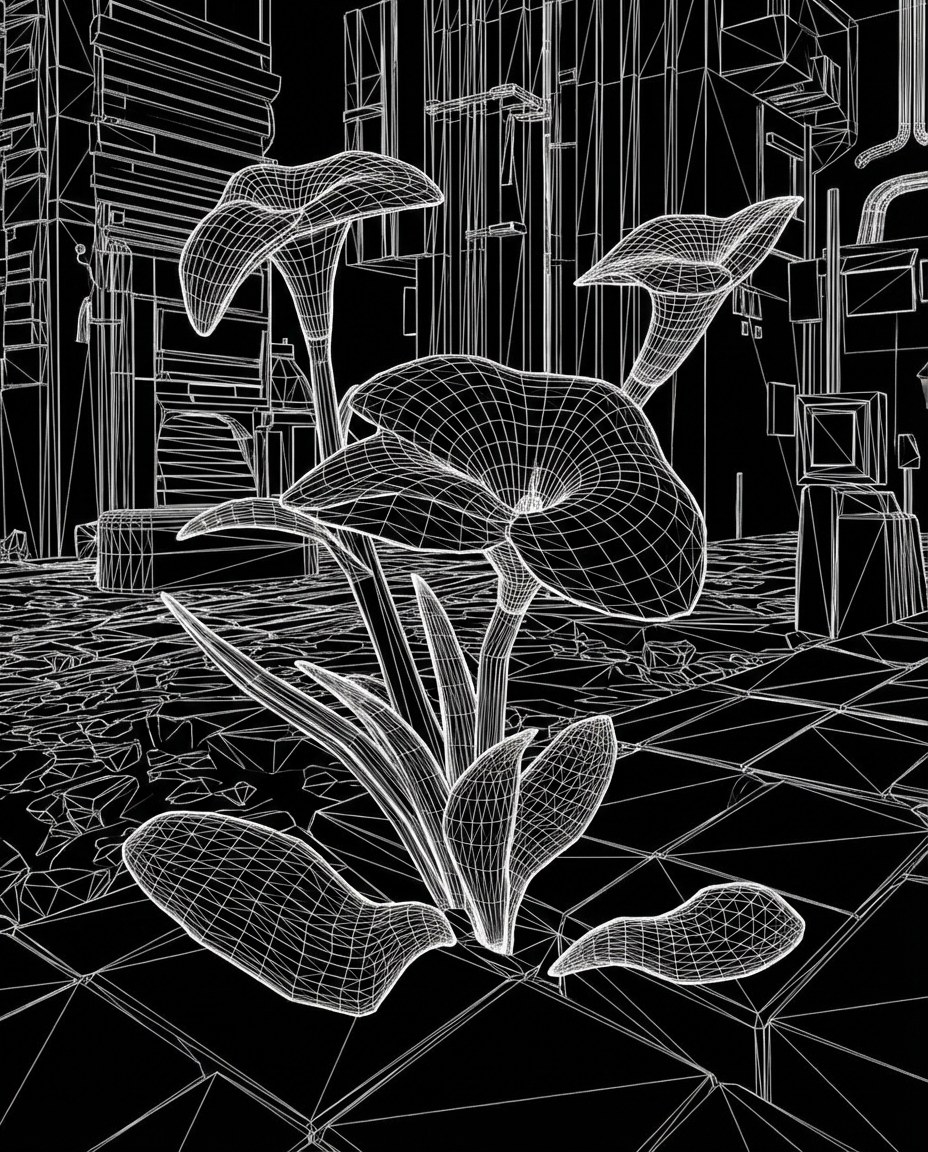
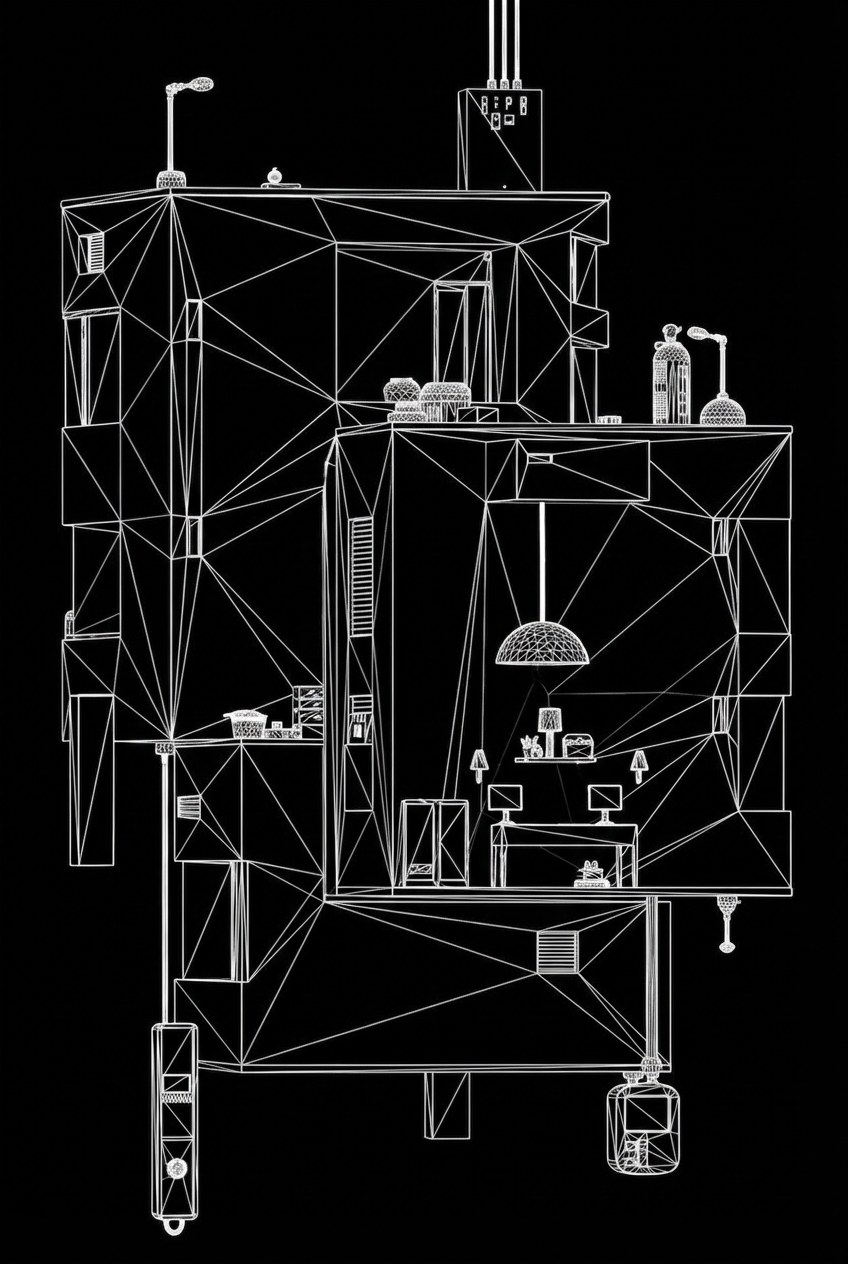
Curate AI outputs down to one look: Generation Mesh.
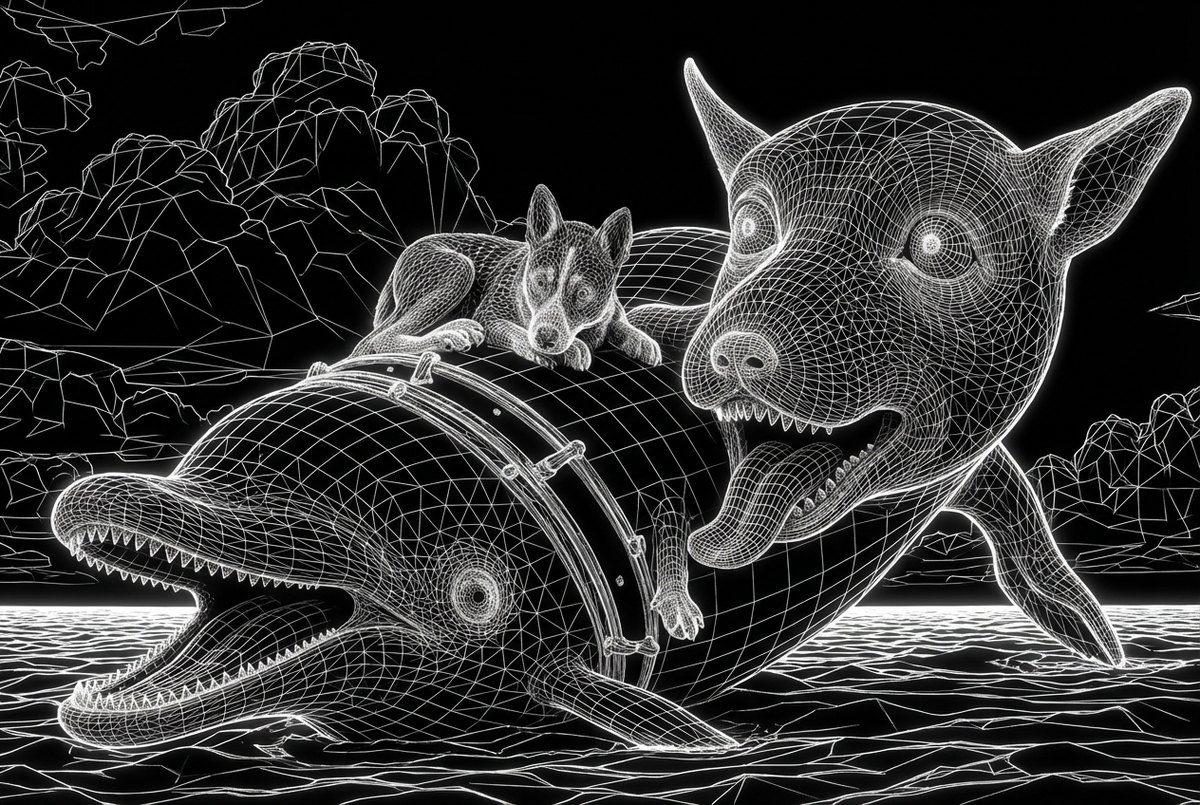
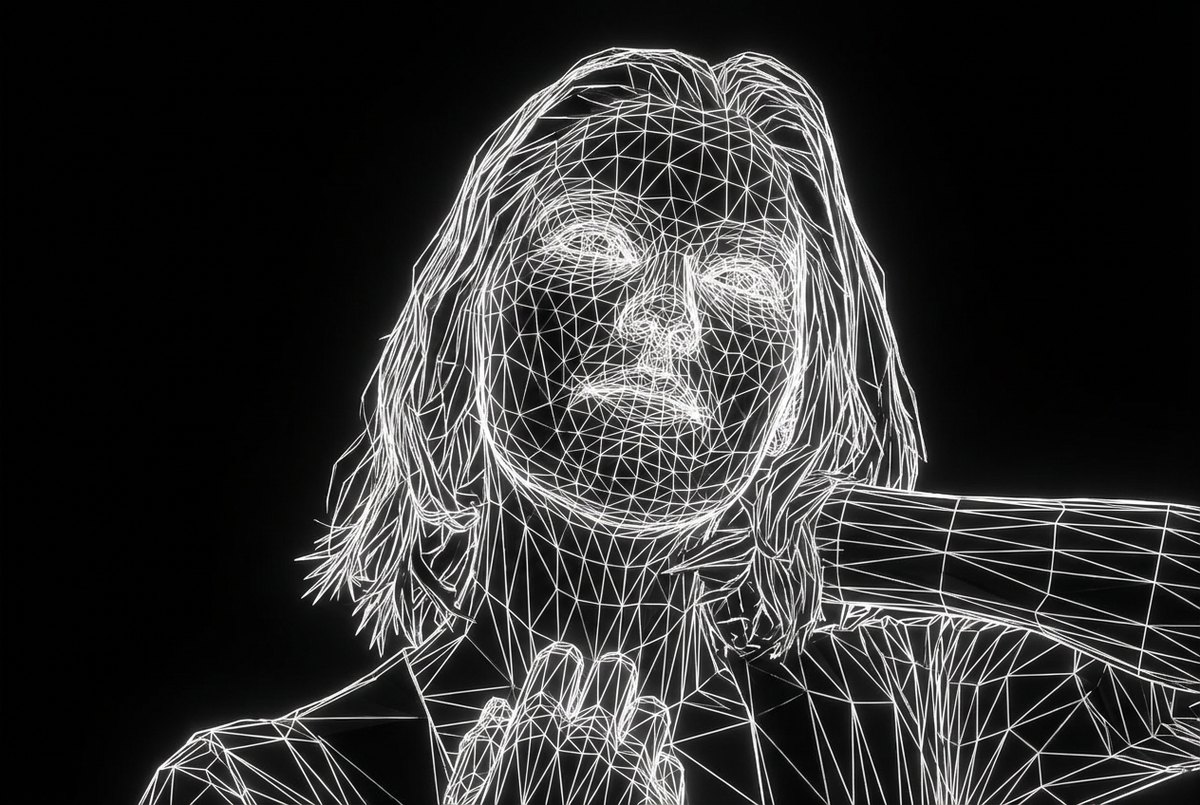
Four training images from my Generation Mesh dataset curated from ChatGPT Images. Only frames matching the exact white wireframe mesh on black survived the cut across botanicals, architecture, animals, and portraits.
Duplicated details can be memorized into the training set.
Fake texture at 100%
In Jake Oleson’s Imprint, Krea turned film grain into a regular digital mesh invisible on contact sheets. Check 1:1 crops beside originals.
Slop to Slop
There's a slow degradation as you train on generated data. Do it too often and the whole thing descends into muck.
Material limits
In Sununguro’s dataset, Nano Banana could not generate clear glass over metal armor.
Check collected sets for hidden defaults before training.
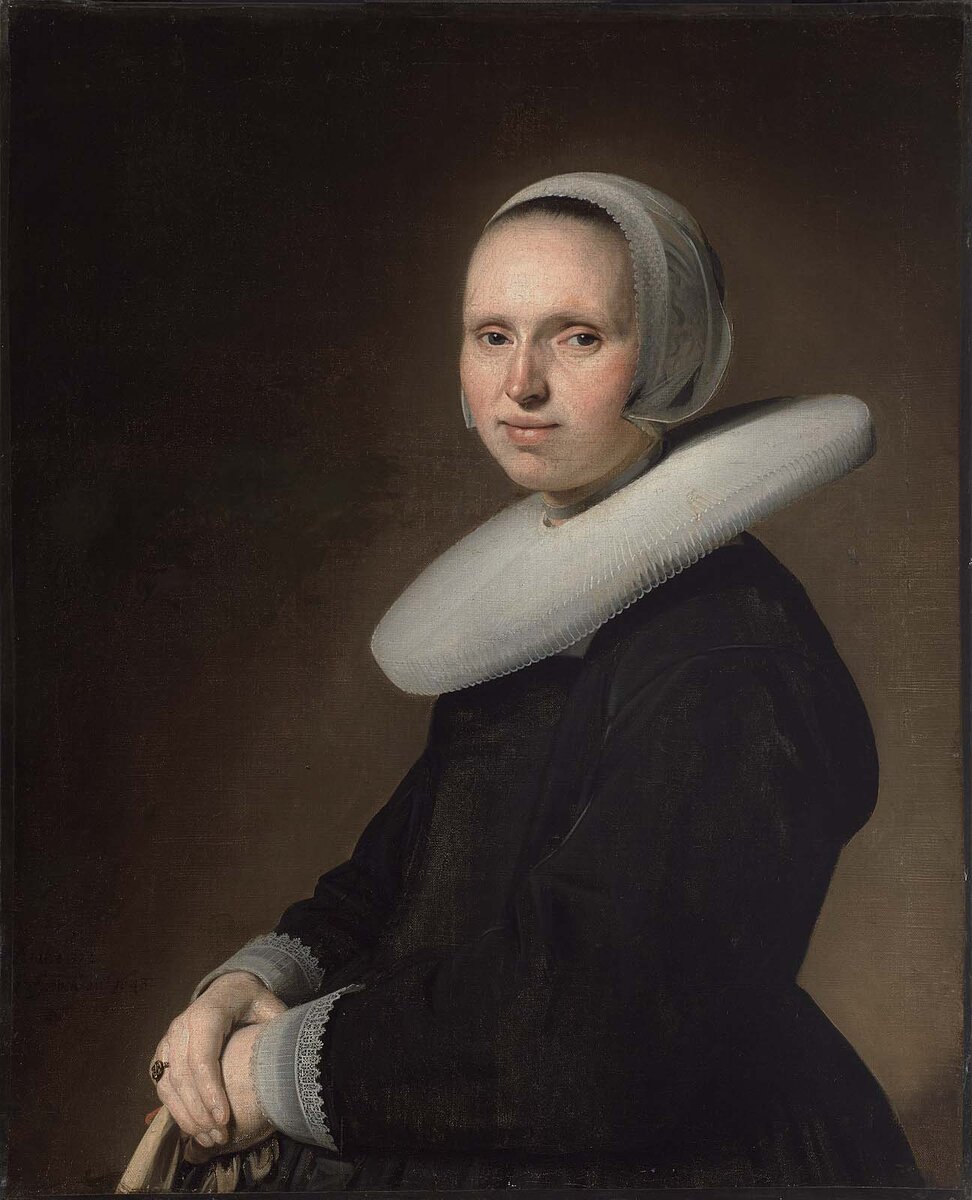
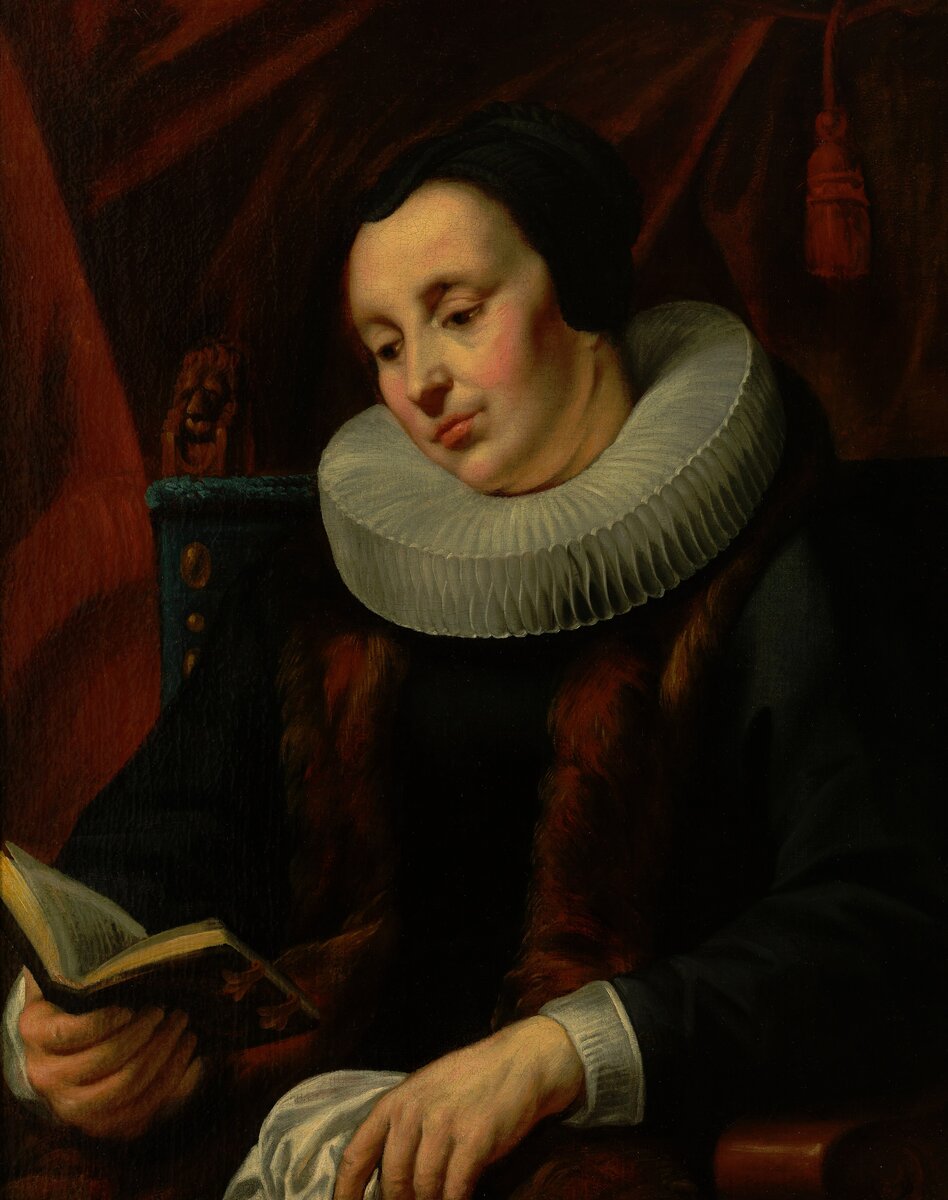
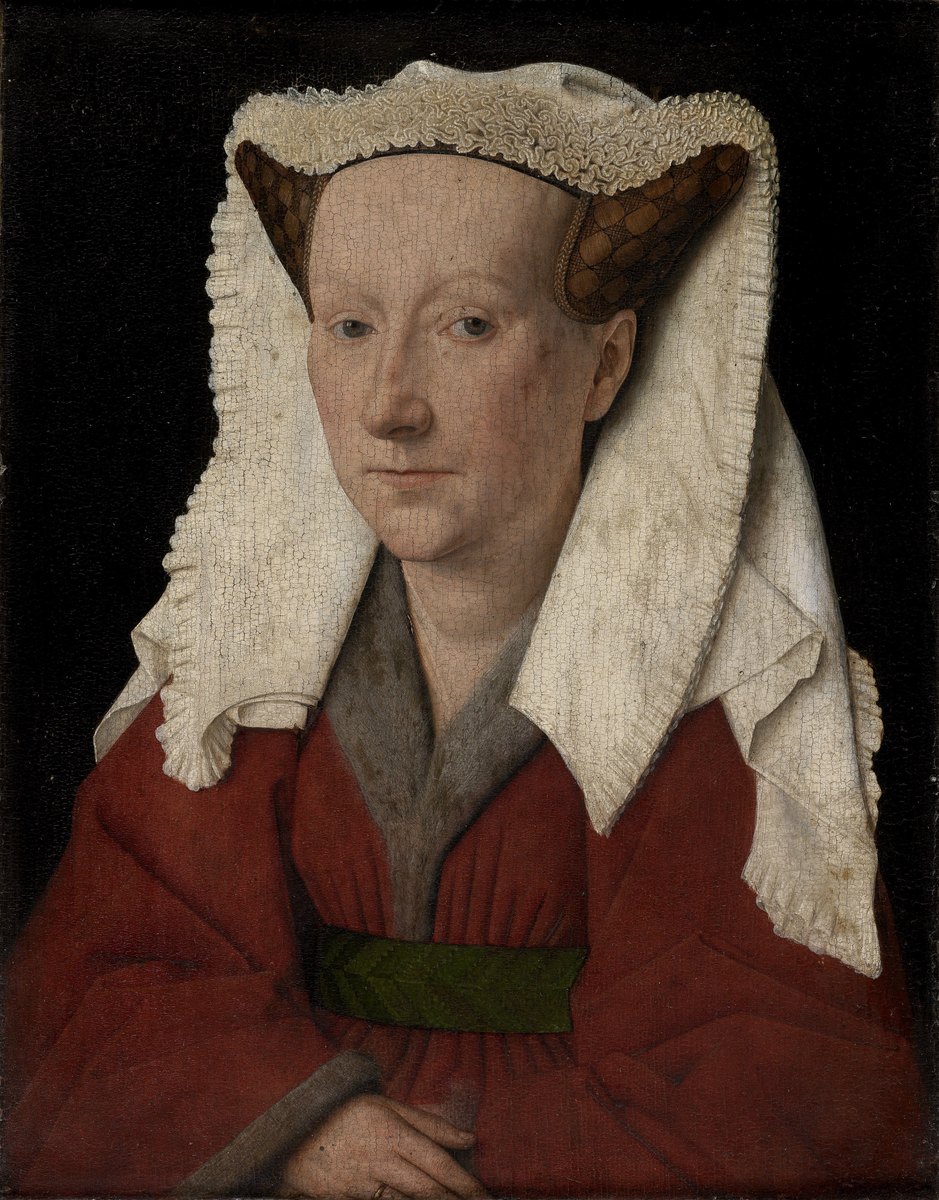
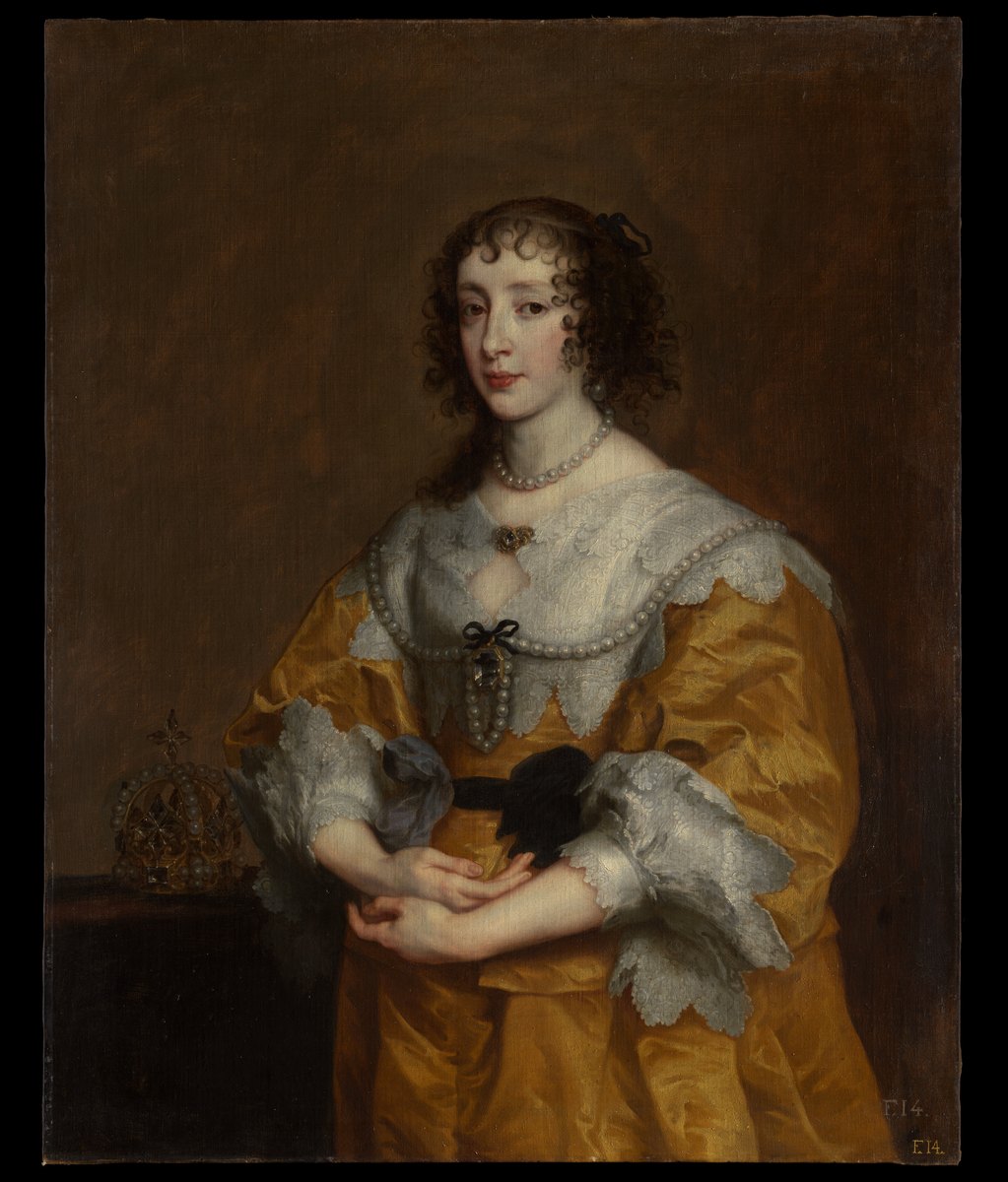
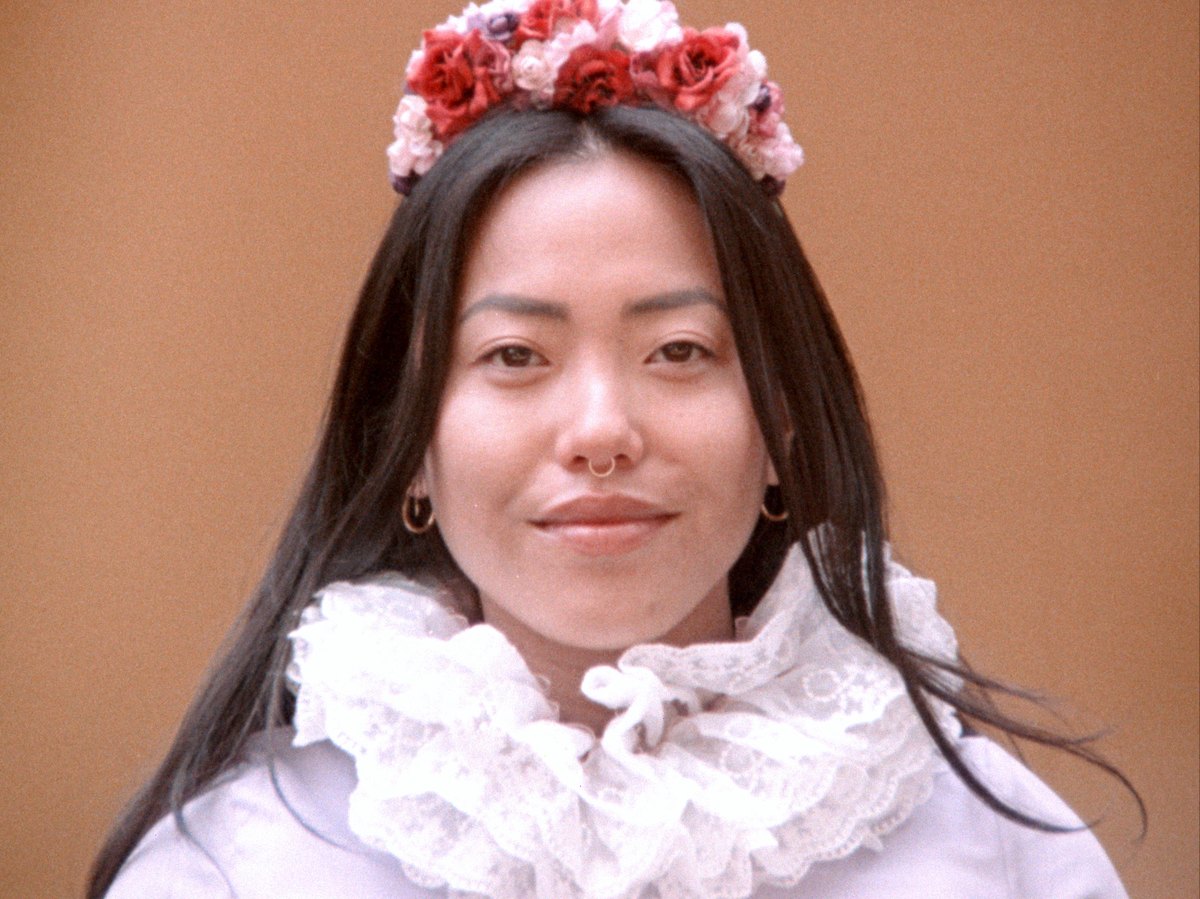
Four of 87 public-domain museum scans from Ana María Caballero’s Concerning Unknown Women. Historical archives repeat conventions like dark clothing and white ruffs.
Verspronck, 1643Jordaens, c. 1640Jan van Eyck, 1439Anthony van Dyck, 1636
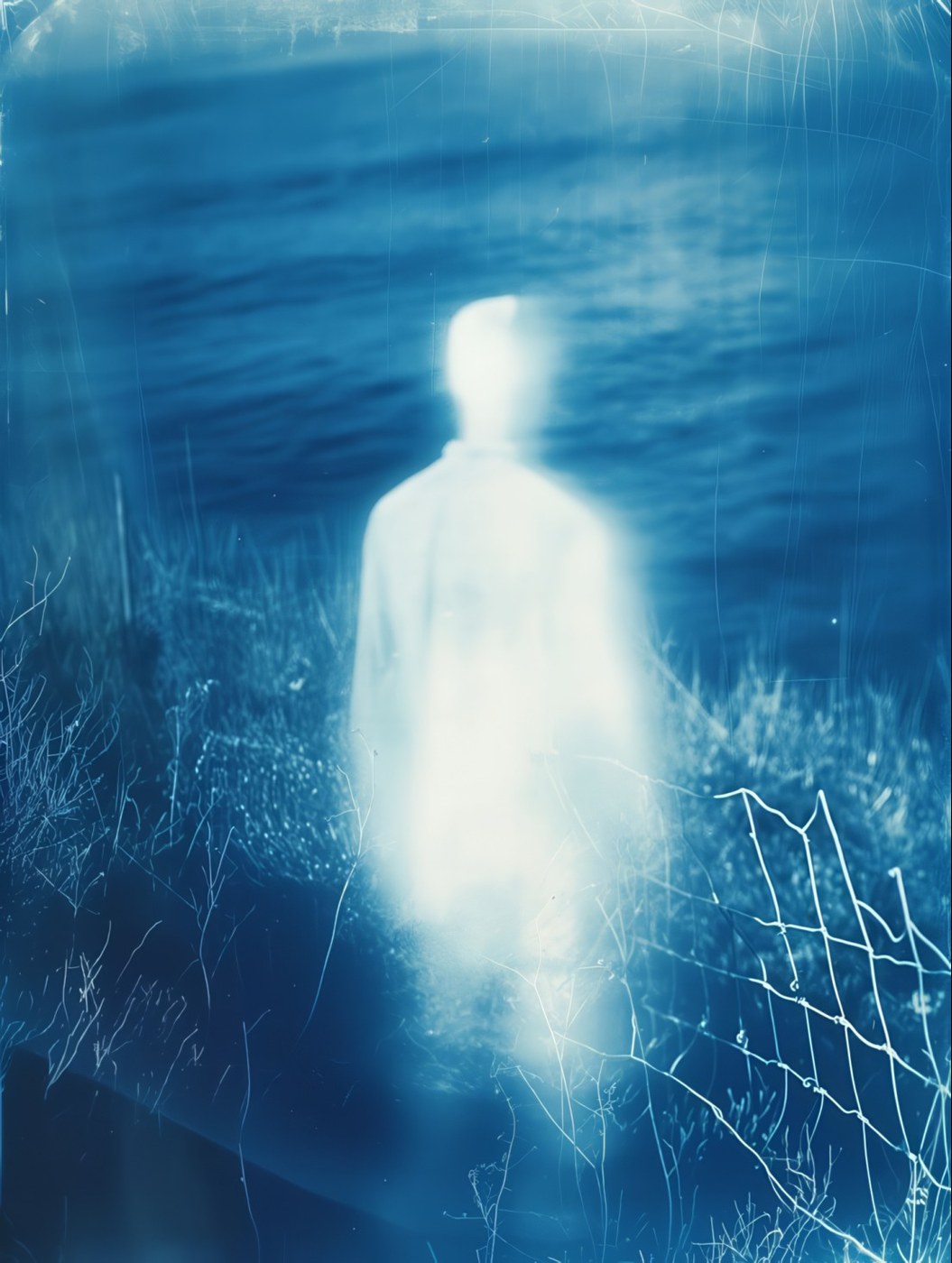
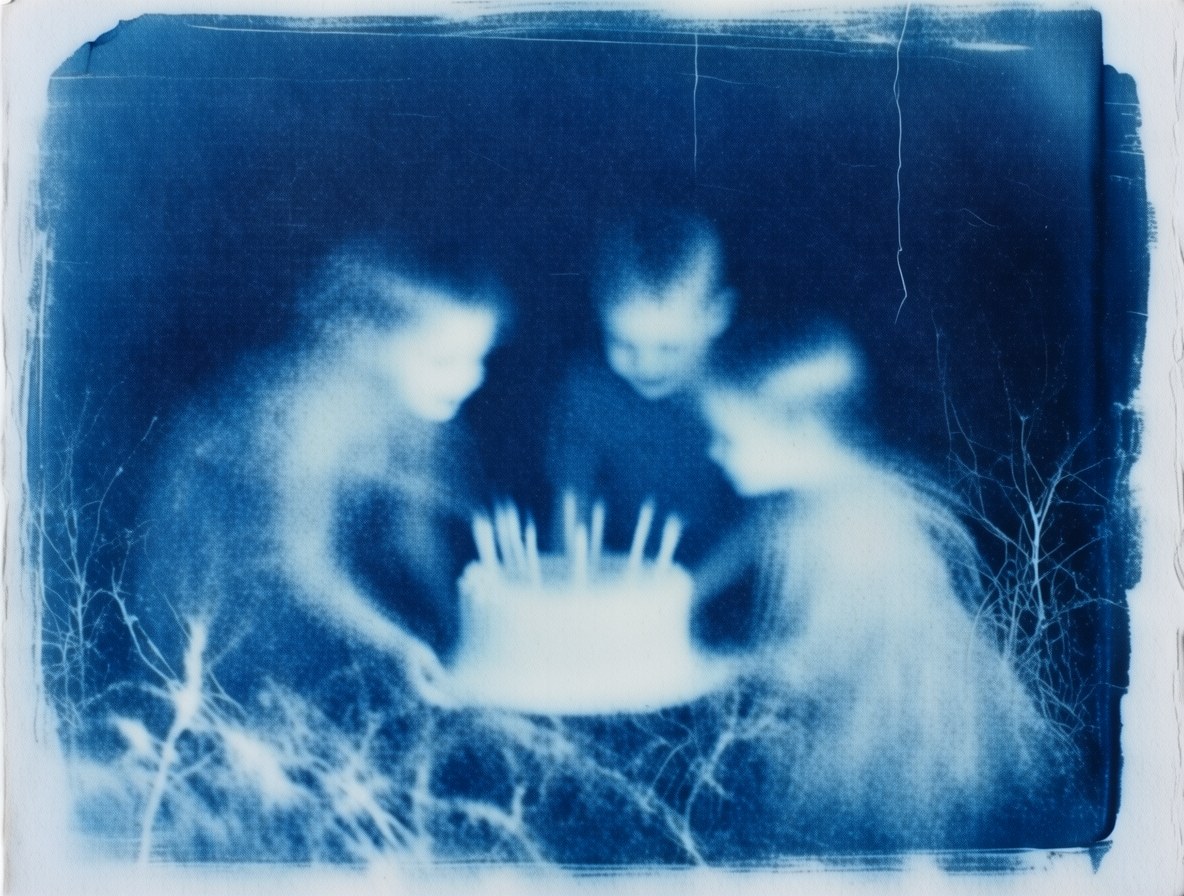
Check AI expansions for copied foregrounds in Remembering.
For Jake Oleson’s Remembering, Krea 2 Large copied the grass and twigs from the left reference into 21 of 22 synthetic cyanotypes. Outdoor branches ended up on a birthday table and inside a car.
Real reference: Jake Oleson (0019)Krea expansion: birthday cakeKrea expansion: car backseat
Image Cleanup: Image Edit or Photoshop?
For FIGA (@figalink), Nano Banana Pro at 4K removed text labels and divider lines from 51 of 91 turnaround sheets while keeping 3D-print layer lines sharp. The 40 clean files stayed untouched.
Before: raw sheet, @figalinkAfter: Nano Banana Pro 4K cleanup
Ten minutes
Break
2.40–2.50
Assessing Your Dataset
2.50
Check consistency and variety separately.
Consistent enough?
Varied enough?
Failure mode
Too diverse. The look, lighting, or medium drifts across images.
Too similar. Subjects, poses, or layouts keep repeating.
What breaks
The model averages conflicting looks or drops the main texture.
The model bakes repeated subjects into the trigger or memorizes shots.
What the app checks
Scores every image against your 3–4 references and sorts darkest to brightest.
Groups similar shots into clusters, flags near-duplicates, and counts recurring subjects.
How to fix
Cut outliers, split mixed styles, or add more strongly styled images.
Add new subjects and layouts, trim near-duplicates, or name repeated subjects in captions.
No single score measures dataset quality. The app checks consistency and variety separately and shows the images behind each number.
Pick an image count that gives variety without bloat.
Style LoRA
Aim for 20–50 images, with a minimum around 15. Below 10, stop and collect or generate more before moving on.
Character LoRA
Aim for 20–40 images, with a minimum around 12. Past 20, varied poses, outfits, and lighting matter more than extra photos.
Under 15 images
Small folders make it hard to separate your look or character from the exact shots you uploaded. Add varied scenes instead of repeating the same frame.
Over 100 images
Large folders are harder to curate by eye. One hidden batch of watermarks, weak crops, or a second style can dilute the whole set.
Count how many images clearly show your signature look.
Why references come first
Plain text summaries flatten grain, halftone, datamosh, or smear into vague words like “soft” or “photographic.”
0–3 match score
The app scores every image against your 3–4 references and counts how many clearly carry the look at score 2 or 3.
90–100% match
Dominant look. Standard captions and default training settings work.
60–90% match
Majority look. It still learns with less margin, so review later checkpoints closely.
Under 60% match
Minority look. It will not learn by omission alone. Cut clean images, or adjust training settings in Week 3.
High coverage helps, but it is not a guarantee. One past set at 100% still failed to transfer its grain across three base models.
Cut images that contradict your look.
Darkest and brightest
The app sorts your darkest and brightest images on one strip so you can uncheck outliers.
Mixed lighting
Even 15% bright daylight shots inside a dark style teaches the model to alternate, which breaks daylight prompts.
Mixed styles
Two aesthetics or mediums in one folder train to a muddy average. Split distinct styles into separate runs.
Color spread
The app checks whether color clusters in a few hues or stays greyscale. Use that to decide whether to caption color.
No fixed brightness rule fits every dataset. Look at the strip and cut images that break your look.
Too diverse: three modes in thirteen images collapsed.
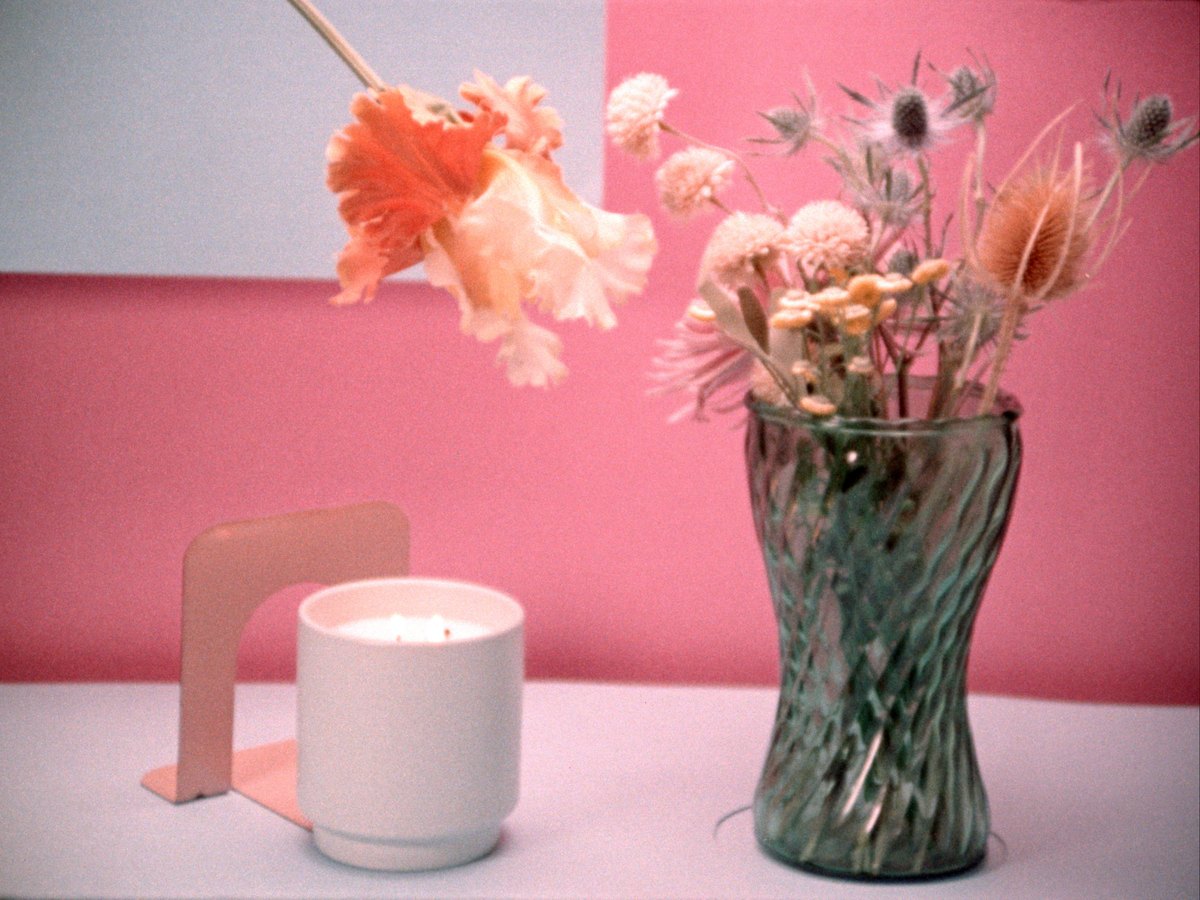
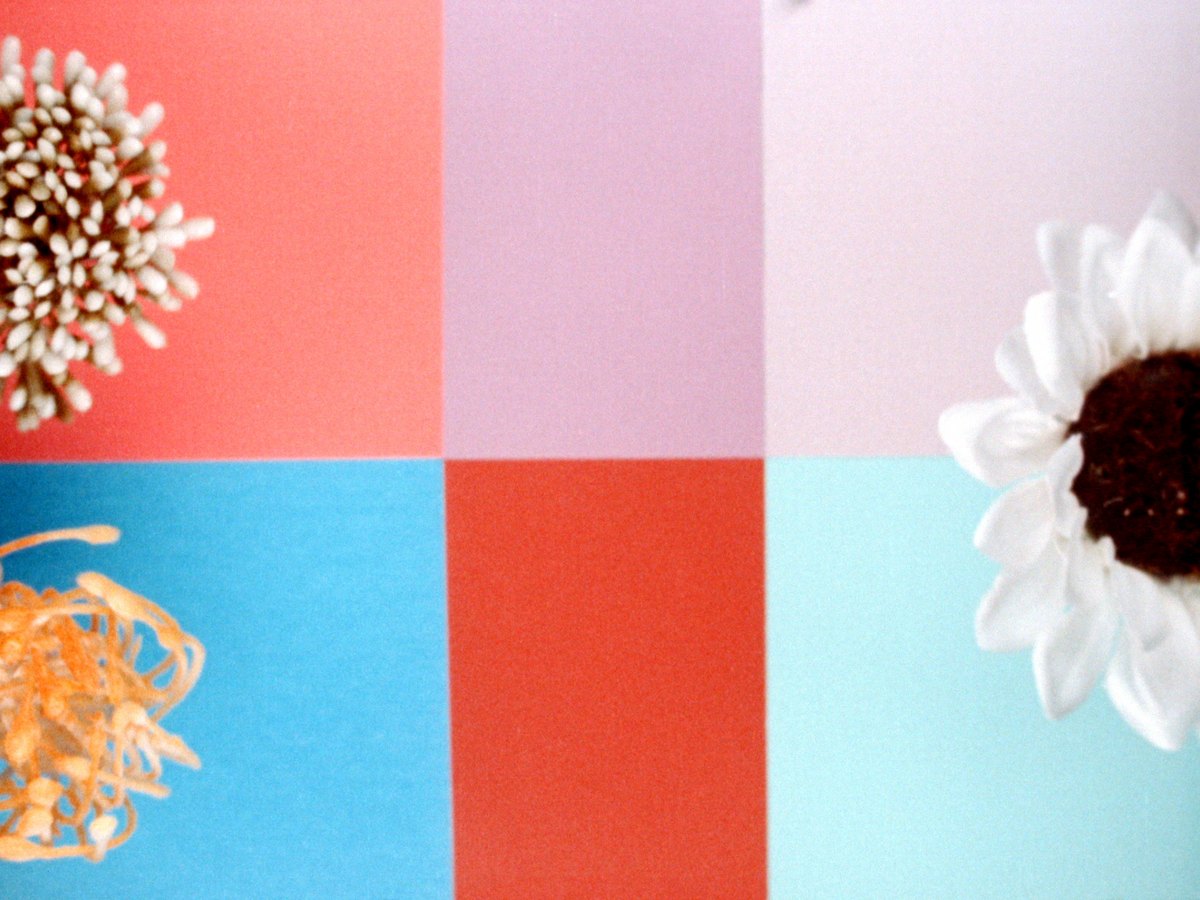
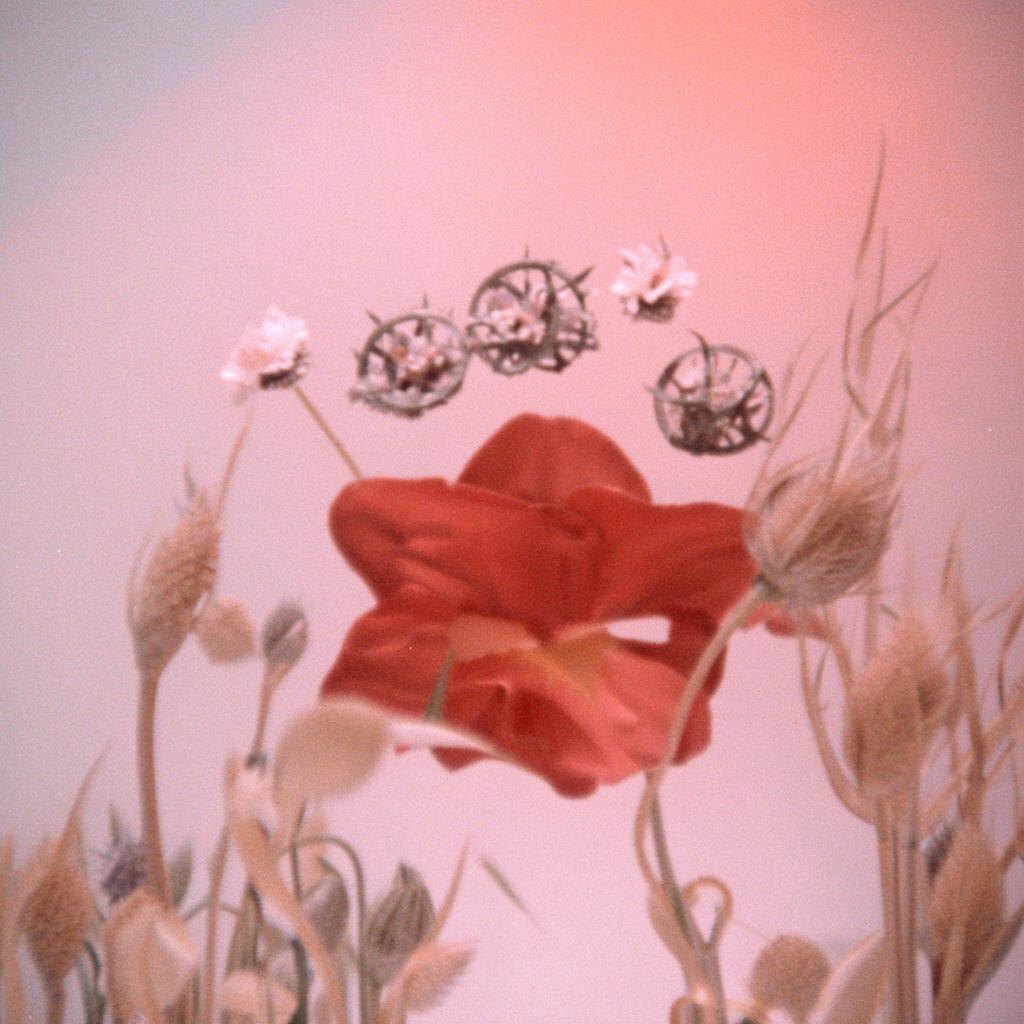
My selfie-16 dataset split 13 images across portraits, still lifes, and color-block grids. Without mode labels, v1 averaged them into dried flowers even when prompted for a portrait.
selfie-16: portrait modeselfie-16: still-life modeselfie-16: color-block gridv1 prompt: “a portrait of a woman”
Check for repeated subjects with similarity clusters.
Similarity groups
The app groups visually similar images and builds a contact sheet of your largest clusters.
Largest cluster share
This shows what percent of your folder shares one subject or layout. Whatever a huge cluster shares can bake into the model.
Read in context
A 93% largest cluster is normal for a character model or an 87-portrait series. For a general style model, it is a warning.
How to act
Add new subjects and layouts, or name the repeated subject in every caption so prompts can replace it.
A very uniform dataset can peak early. Check samples starting at step 250 in Week 3.
Too consistent: one dominant shape locked out new materials.
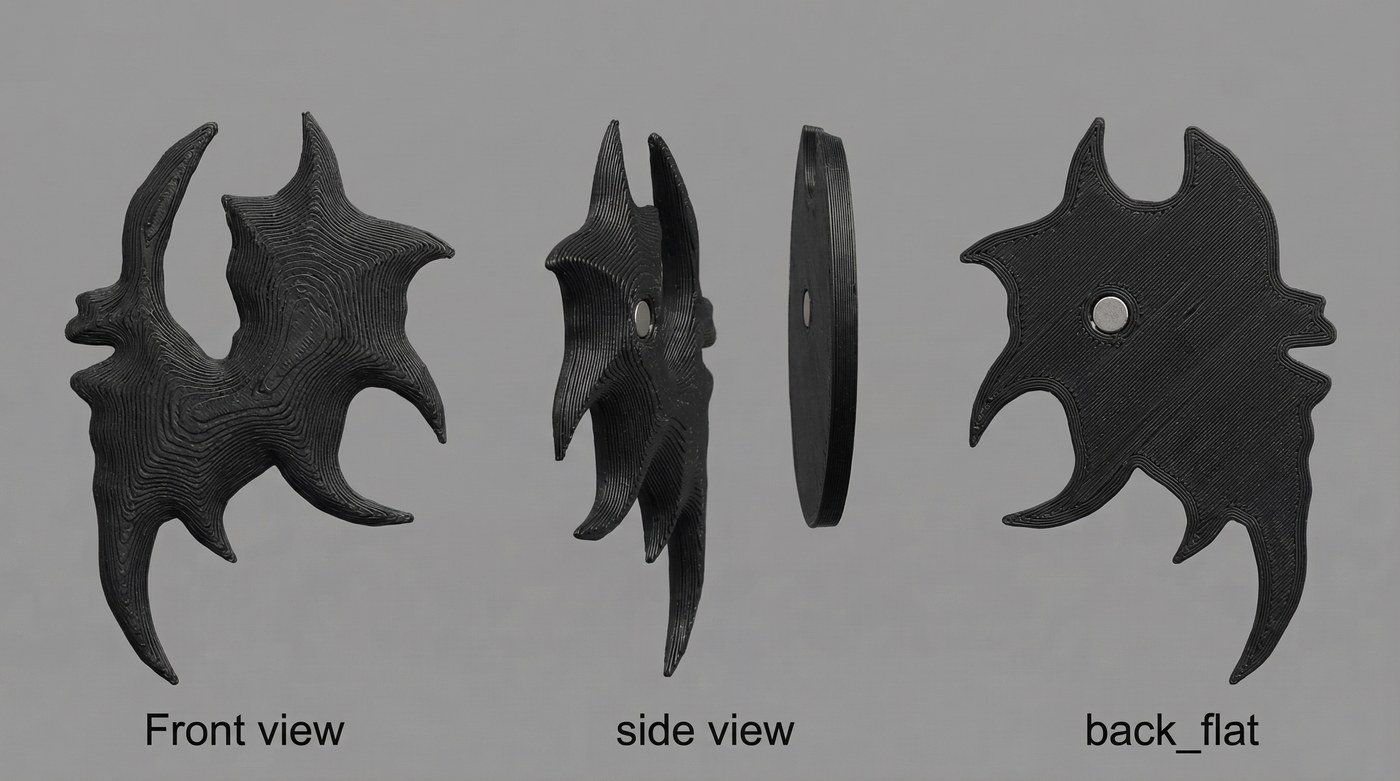
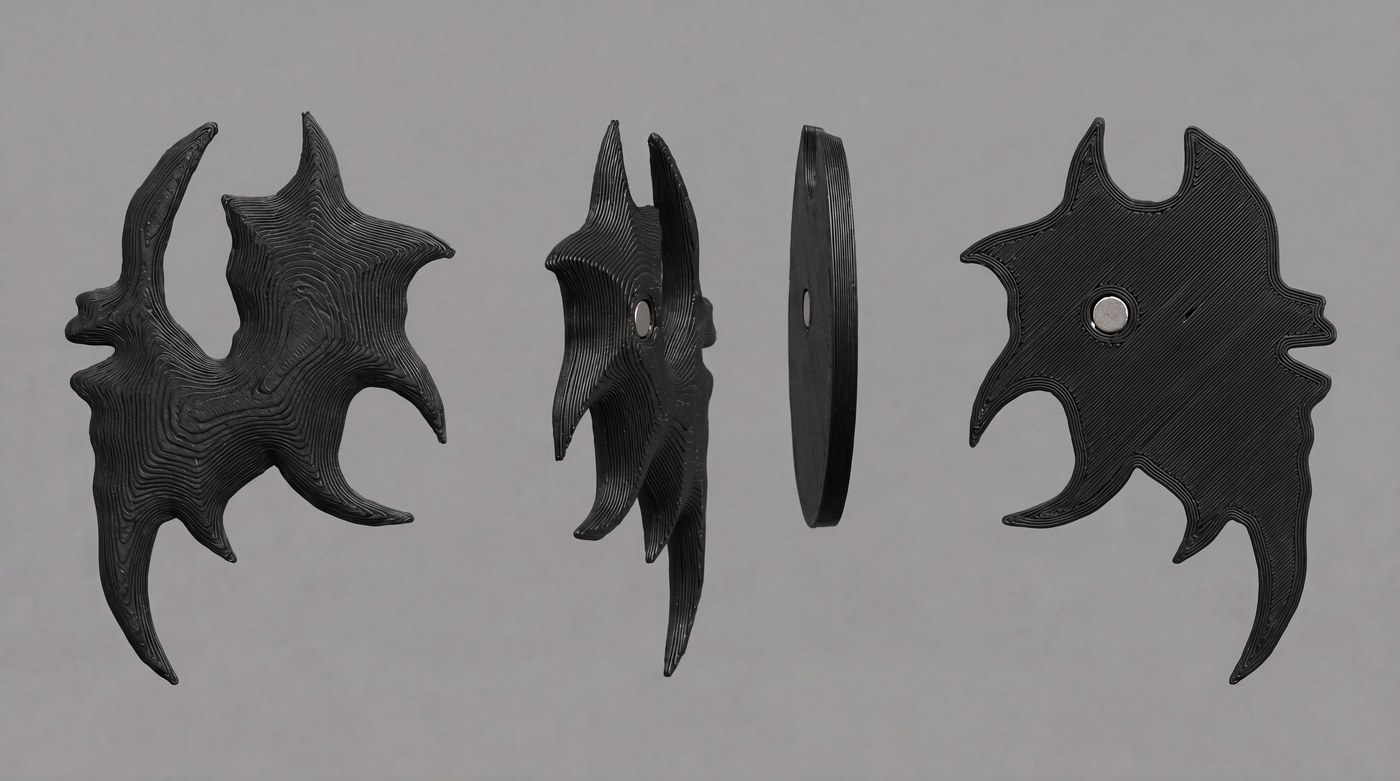
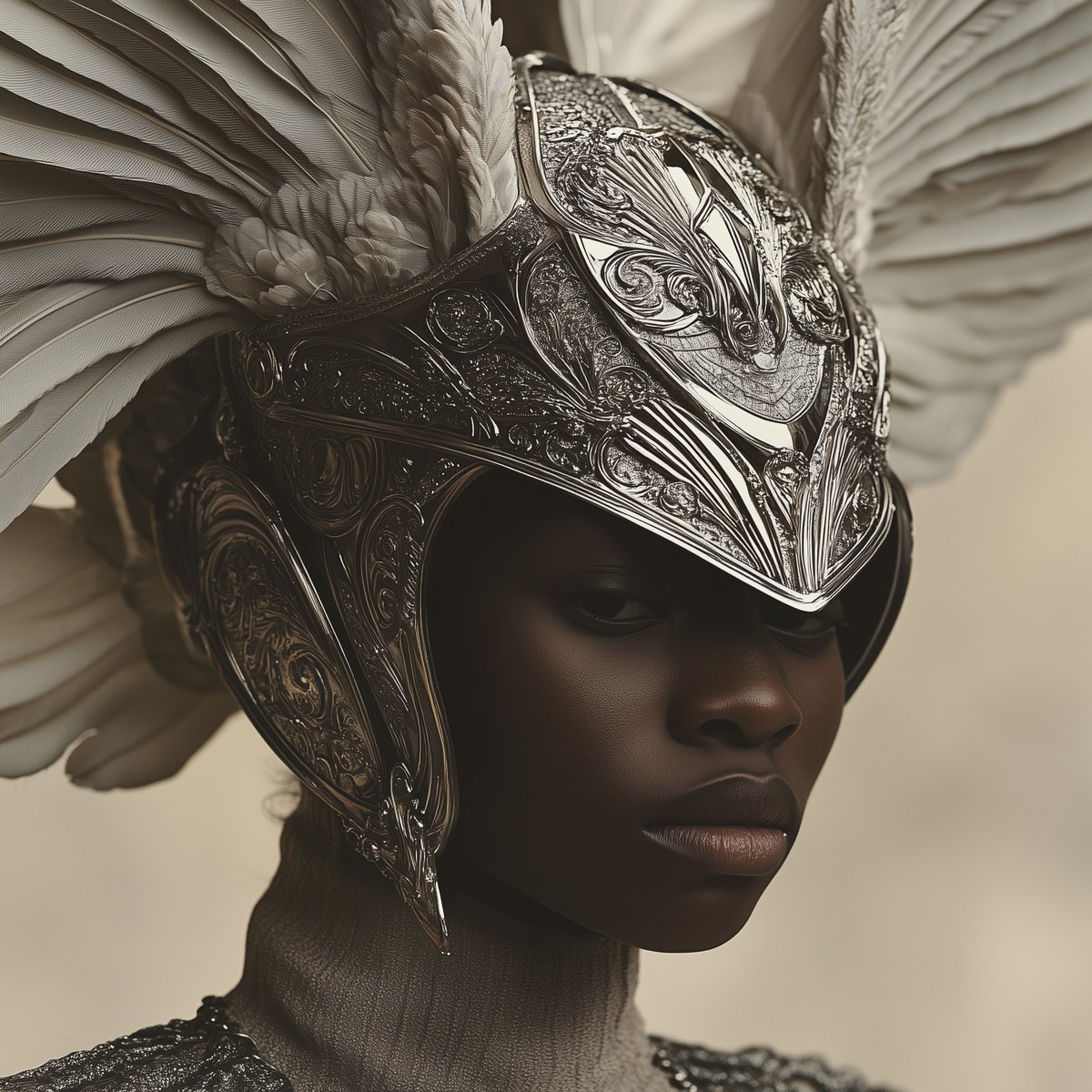
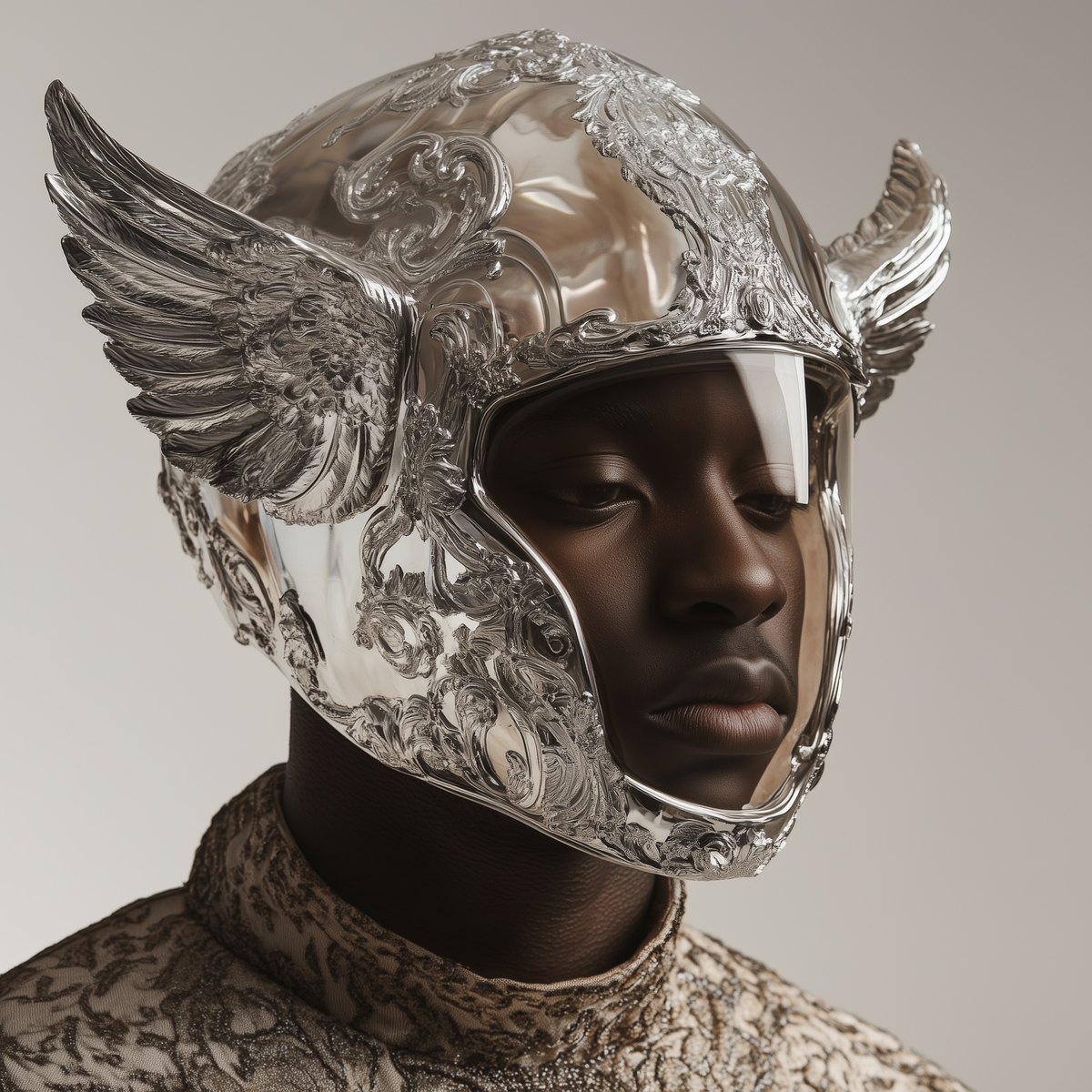
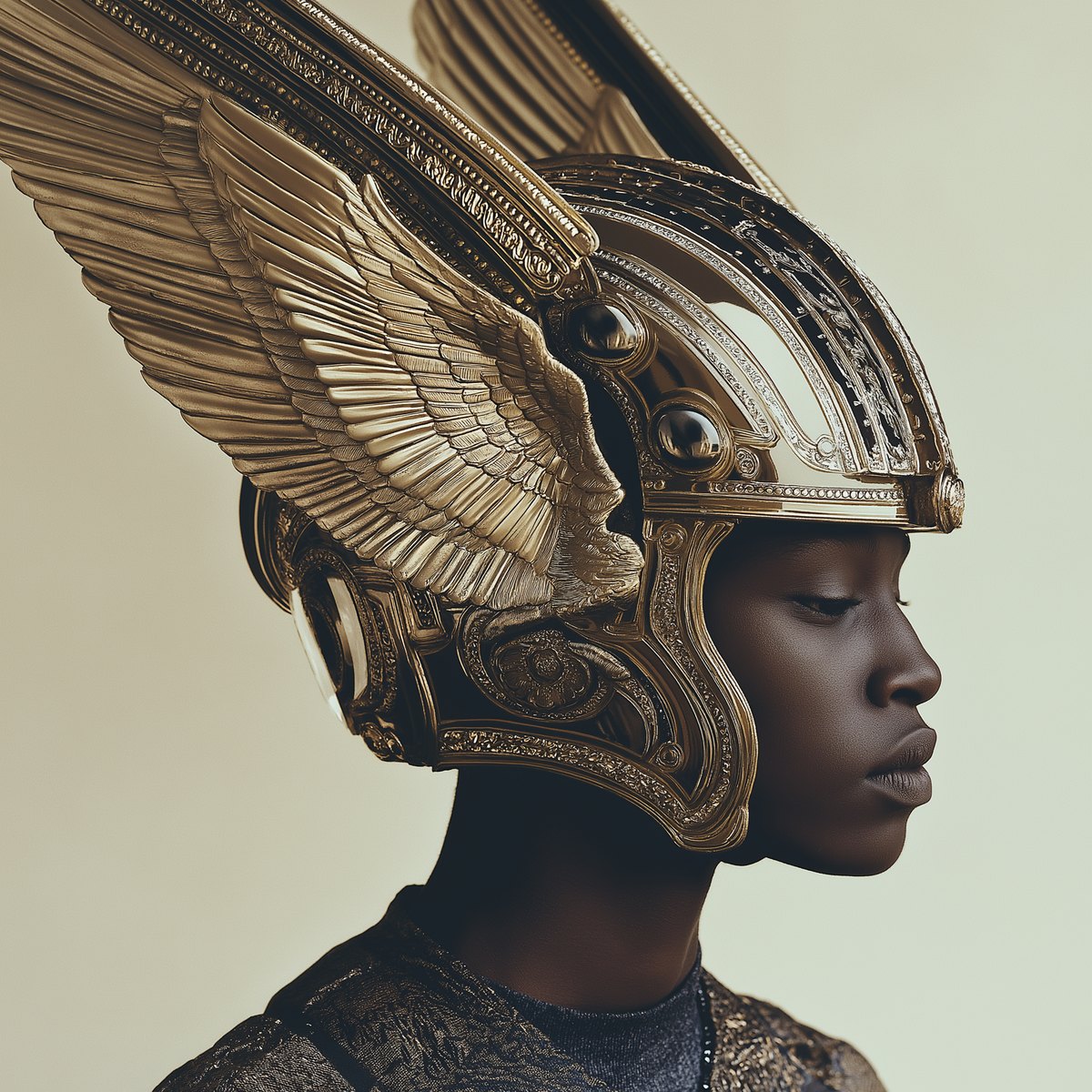
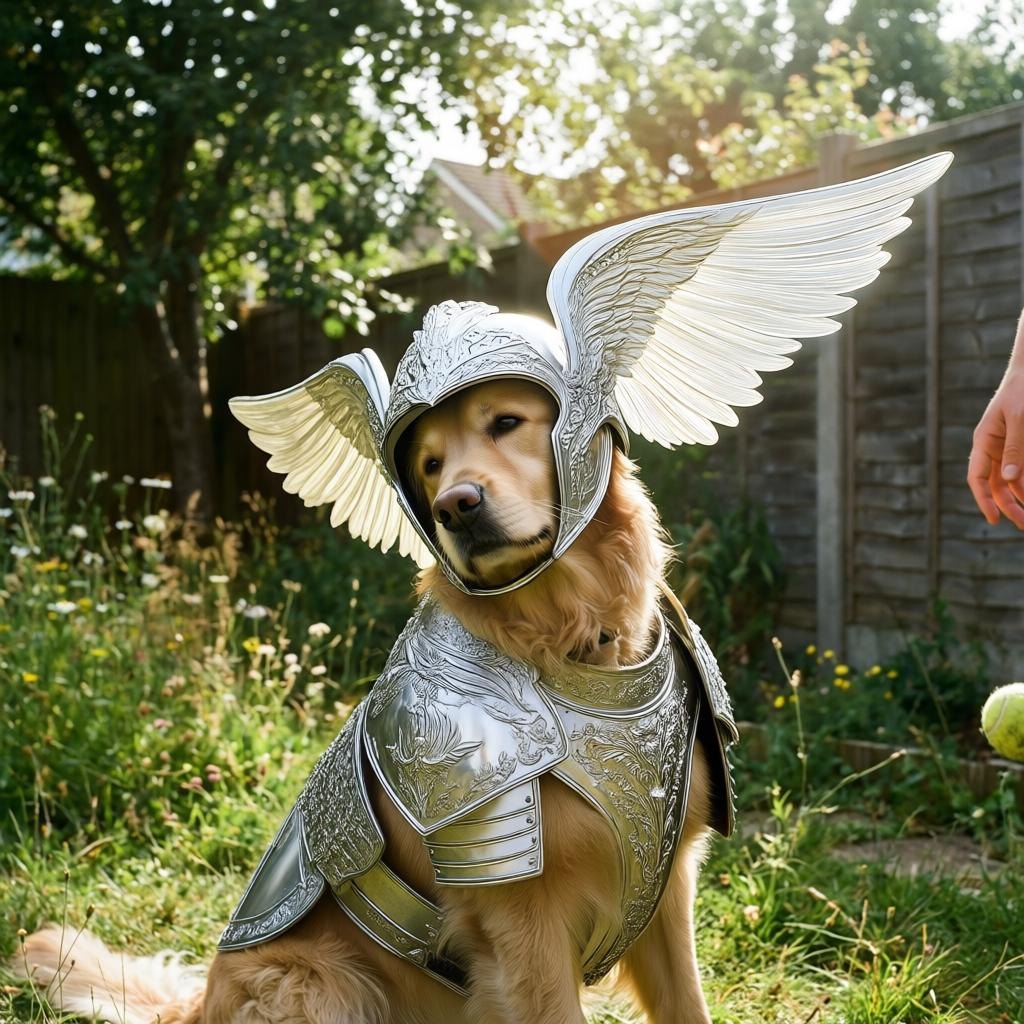
Eight of ten targets in Sununguro’s dataset were opaque winged helmets. Every v1 output stamped that same Roman helmet onto the subject, and no checkpoint could produce the glass or feathers the artist wanted.
Sununguro: training targetSununguro: training targetSununguro: training targetv1 output: same opaque helmet
Remove exact copies and near-duplicates.
Exact copies
The app catches identical files automatically.
Near-duplicates
The app groups alternate crops, neighboring video frames, and re-exports so you can review them side by side.
Why repeats hurt
Duplicates make the model see the same image twice without adding new variety. Twenty-one images copied twice do not equal forty-two distinct images.
Intentional repeats
Keep near-duplicates only when you want to give a strongly styled example extra weight.
Check image size, aspect ratio, and extra files.
Image size
The app reports your smallest short side and how many images reach 768, 1024, 1280, and 1440 px.
Aspect spread
The app counts portrait, square, and landscape files. If every image shares one crop, outputs will pull toward that crop.
Broken files
The app flags unreadable files, rotated photos, corrupt JPEGs, and unsupported formats like .HEIC or .tiff.
Stray files
The app catches hidden macOS ._* files, .DS_Store, mixed images and videos, and files nested in subfolders.
Small files are not an automatic blocker. Two past sets mostly under 1024 px still trained well. Send broken or stray files to Dataset triage.
Separate accidental marks from intentional text.
Watermarks and logos
Corner logos, URLs, and product stamps turn into garbled text in outputs. Crop them out on your computer before uploading.
Physical frames
Crop gilded frames, scanner borders, and gallery walls out of photographed art unless you want borders in generated images.
Signs and labels
Signs, posters, and book text that belong in the scene can stay. Transcribe the exact words in the caption.
Artist marks
Deliberate signatures, stamps, or registration lines may be part of your style. Decide per file whether to keep, caption, or exclude them.
The app flags text and marks on every image and lists them under Images to decide on.
Decide whether recurring sigils stay promptable or get cut.
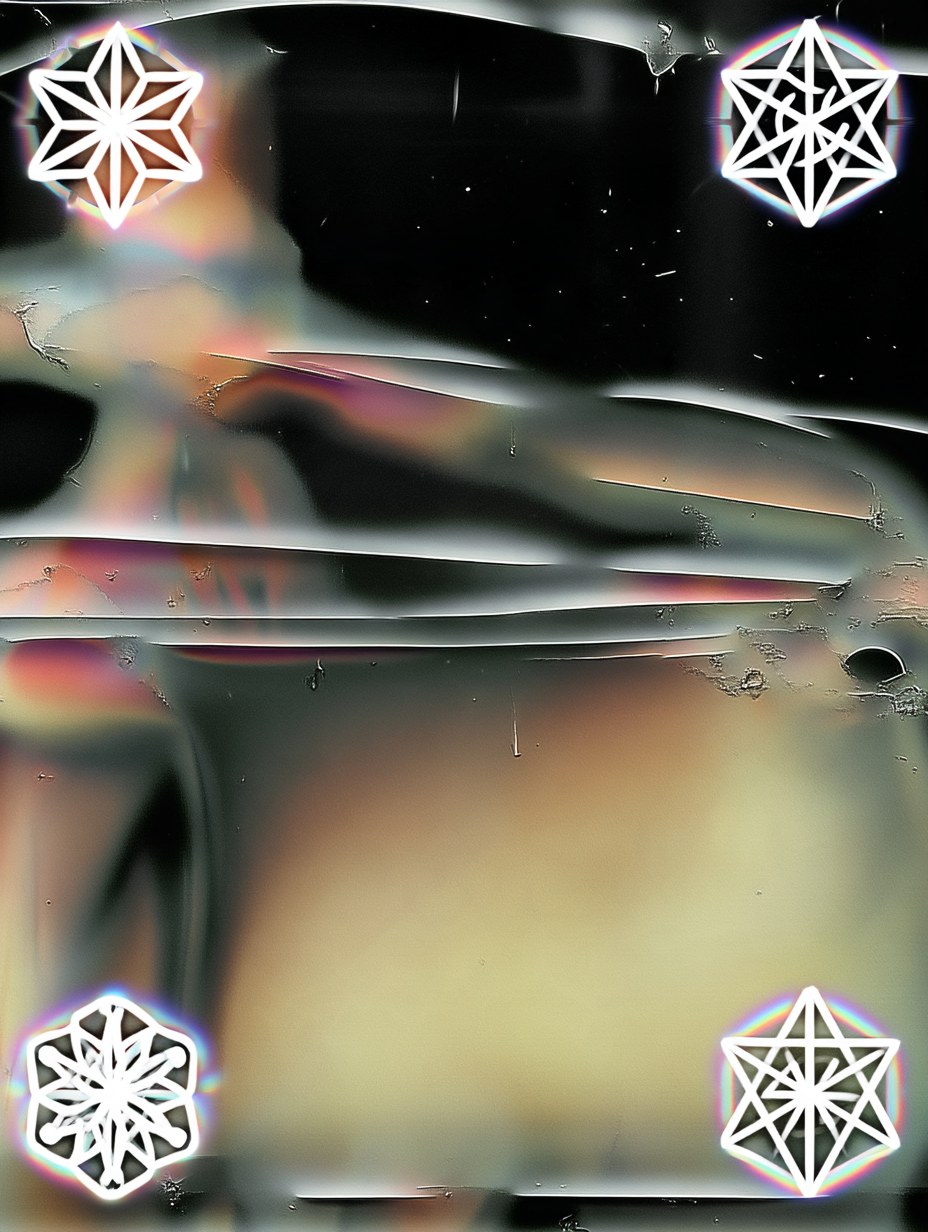
About a third of Eli Decker’s Protocolized plates carry glowing geometric sigils (left). Leaving them uncaptioned turned them into garbled logos; naming them with one non-text phrase kept them clean and promptable.
Eli Decker: corner sigilsEli Decker: no sigilsEli Decker: no sigilsEli Decker: no sigils
Catch hidden balance traps before you train.
Rare signature traits
If a look you care about, like neon glow or gold leaf, only shows up in a third of your images, it will not stick on its own. Push it closer to two-thirds of the set, or plan to ask for it in prompts.
Accidental pairings
If ornate creatures only appear on black backgrounds and forests only hold plain animals, the model glues them together and cannot put an ornate creature in a forest.
One-material lock-in
If your style spans several materials or palettes, show each one across different subjects. Otherwise the model ties one texture to one shape.
Scan your folder as a contact sheet to catch traits that are too rare or always stuck together.
Captioning
3.15
Caption only what you do not want baked into the model.
Traits you describe in captions stay controllable with prompts. Consistent traits you leave out attach to the trigger word. Reversing this rule is the biggest mistake in LoRA training.
You Decide What is Promptable
Captions set the dials
Your captions decide what stays controllable at generation time. Name a trait in the captions to keep it promptable; leave it out to make it automatic.
Colors
Should colors be promptable? Include colors in your captions. Want one fixed palette baked into the model? Leave color words out.
Textures and effects
Want to turn textures, grain, or glow on and off? Name them in the captions where they appear. Want them on every output? Omit them.
Two people can caption the exact same dataset differently depending on what they want to control later.
Captions split each image into promptable details and trigger defaults.
During training, words in the caption account for the details they name. Consistent traits left out of every caption attach to the trigger word.
Write three lists before captioning.
Bake into the model
Traits to leave out of captions so the trigger adds them automatically: texture, brushwork, lens artifacts, a fixed palette, or facial identity.
Keep promptable
Details to name in captions so prompts can change them: subjects, clothing, actions, settings, framing, or variable colors.
Leave out
Watermarks, stray borders, mismatched styles, and recurring objects you do not want showing up uninvited.
Use these three lists to set your caption rules and avoid list.
Pair each image with a matching .txt caption file.
Exact matching
image_007.jpg pairs with image_007.txt. Do not put two images with the same name and different extensions in one folder.
Plain text
Write non-empty plain text, usually 15–60 words, describing only what is visible.
Existing captions
The app skips any image that already has a .txt file unless you explicitly ask to overwrite it.
Model formats
FLUX, Krea 2, Z-Image, and Qwen use plain text. Ideogram v4 requires structured JSON captions.
Omit different traits for style and character LoRAs.
People are bad at staying consistent about what to include or leave out across 30 images. By image 15, style words slip back in and details get skipped.
Vision models + LLMs
Give a vision model your rules, trigger word, and avoid list, and it applies the same structure and omissions to every image in the folder.
In this class: Gemini
We will use Gemini in the LoRA Trainer app to write every .txt caption from your rules, then audit the results so you only fix what leaked.
You decide what goes in and what stays out; the vision model enforces it consistently.
Describe the single subject and end with the trigger.
Actual .txt captions from my Fragmented Moment dataset. Each names one subject and background with zero mirror, crack, or lighting words, then ends with the same trigger phrase.
36cbf3b1.txt
a dancer in a pale sleeveless dress at the center, the dancer raises her arms overhead with one arm extended to the side, the dancer stands on bare feet with dark hair tied in a low bun, dark neutral background, fr4gm3nt mirror fragment photograph
650ebbfe.txt
a pair of bare hands holding an arrangement of dried flowers, the hands have fingers gently gripping slender stems, the dried botanicals include dried yellow poppies and spiky globe thistle seed heads, pale neutral background, fr4gm3nt mirror fragment photograph
dabbfc6f.txt
a halved ripe pomegranate with deep crimson seeds exposed at the center of the frame, the pomegranate displays pale membrane pockets and a textured red rind with its crown calyx intact, loose pomegranate seeds rest around the fruit, neutral grey background, fr4gm3nt mirror fragment photograph
9bead1fe.txt
a vintage pale blue toy car at the center of the frame, the toy car has red and yellow racing stripes running along the side, dirt and grime cover the miniature vehicle’s metal body and textured wheels, pale neutral background, fr4gm3nt mirror fragment photograph
Remove style words, filler, and counted reflections.
Flawed draft
a beautiful mirrored collage of multiple hands holding fresh roses in muted warm tones, fr4gm3nt
Clean caption
hands holding dried flowers against a light background, fr4gm3nt
From my Fragmented Moment dataset. Remove filler like “beautiful,” style words like “mirrored collage” and “muted warm tones,” wrong facts like “fresh roses,” and counted reflections like “multiple.”
Start with the trigger and describe everything that changes.
Character captions for Arvida Byström’s she is just a number dataset. Each omits her face, eyes, skin, and build so her likeness bakes into the trigger, while naming outfits, hair color, poses, places, and lighting.
IMG_20150625_133518.txt
arv1da outdoors behind blooming purple lilac bushes, wearing a white t-shirt with dyed pastel pink hair, head tilted toward the camera in bright natural daylight, close-up portrait
IMG_20150630_193433.txt
arv1da seated on a grey couch holding a black cat to her shoulder, wearing a yellow tank top with pink-tinted hair, soft window light from the side, candid close-up
IMG_4205.txt
arv1da standing against a plain off-white wall with eyes closed and arms relaxed, wearing a white knit two-piece top and skirt with peach hair, warm flash lighting, full-body shot
IMG_8142.txt
arv1da turned in a three-quarter pose looking at the camera with a neutral expression, wearing a blue graphic t-shirt with wavy silver hair against a pink studio backdrop, even studio light, waist-up shot
Pick a trigger word that does not fight the base model.
Made-up word
Use an invented word like fr4gm3nt or ph0tgrm with no prior meaning. Use the exact spelling in captions and test prompts.
Real-word anchor
When your look sits far from normal photos, pair a real phrase with your trigger, like photogram print, ph0tgrm, and include both when generating.
Competing words
Skip real phrases that trigger the base model’s own look. Words like “halftone print” or “risograph” can override your dataset.
Not a strict switch
A loaded LoRA can still tint prompts without the trigger. Test prompts both with and without the trigger in Week 3.
Ban whole synonym families in your avoid list.
Synonym swaps
If you ban iridescent, Gemini swaps in pearlescent, opalescent, prismatic, or shimmery. List the whole family.
Medium and process
Ban shared medium words like photograph, painting, illustration, render, scan, digital, artwork.
Vibe and quality filler
Ban filler like vintage, dreamy, ethereal, atmospheric, cinematic, beautiful, masterpiece, detailed, 4k. These words dilute the trigger.
Hedging
Ban phrases like appears to be, looks like, seems like, kind of. Name what is actually visible.
Concrete examples
Give the captioner at least 5 good and 4 bad example captions. Vision models follow concrete examples better than abstract rules.
Avoid four common captioning mistakes.
Color rules and caps
Omit color only when one fixed palette covers the whole image. If color should vary, name every main hue. Limiting captions to 1 or 2 colors traps outputs in one hue.
Hiding text in scenes
Transcribe signs and labels word for word, such as a sign reading “OPEN”. Leaving visible text uncaptioned teaches the trigger to draw gibberish letters.
Hiding a main subject
Never leave out a subject that fills your dataset. Name it in every caption, such as a cluster of flowers, or it attaches to the trigger and invades other prompts.
Back-door triggers
A word repeated in almost every caption, or omitted across every caption, can activate your style even when you leave out the trigger.
Catch four subtle caption leaks before training.
Subject vs. texture overlap
In leaf photograms, leaf is the subject, while leaf veins and translucent are the style. Name the leaf and ban the vein words.
Counting reflections
When your style splits one subject across mirrors or facets, caption one singular subject. Counting copies stops the model from fragmenting.
Inconsistent captions
If 5 of 24 captions say in cursive script and 19 leave it out, cursive becomes optional and plain prompts fall back to generic text.
Avoid-list collisions
Make sure allowed subject or mode words do not appear in your avoid list, or the captioner will drop them from every caption.
Stubborn Datasets
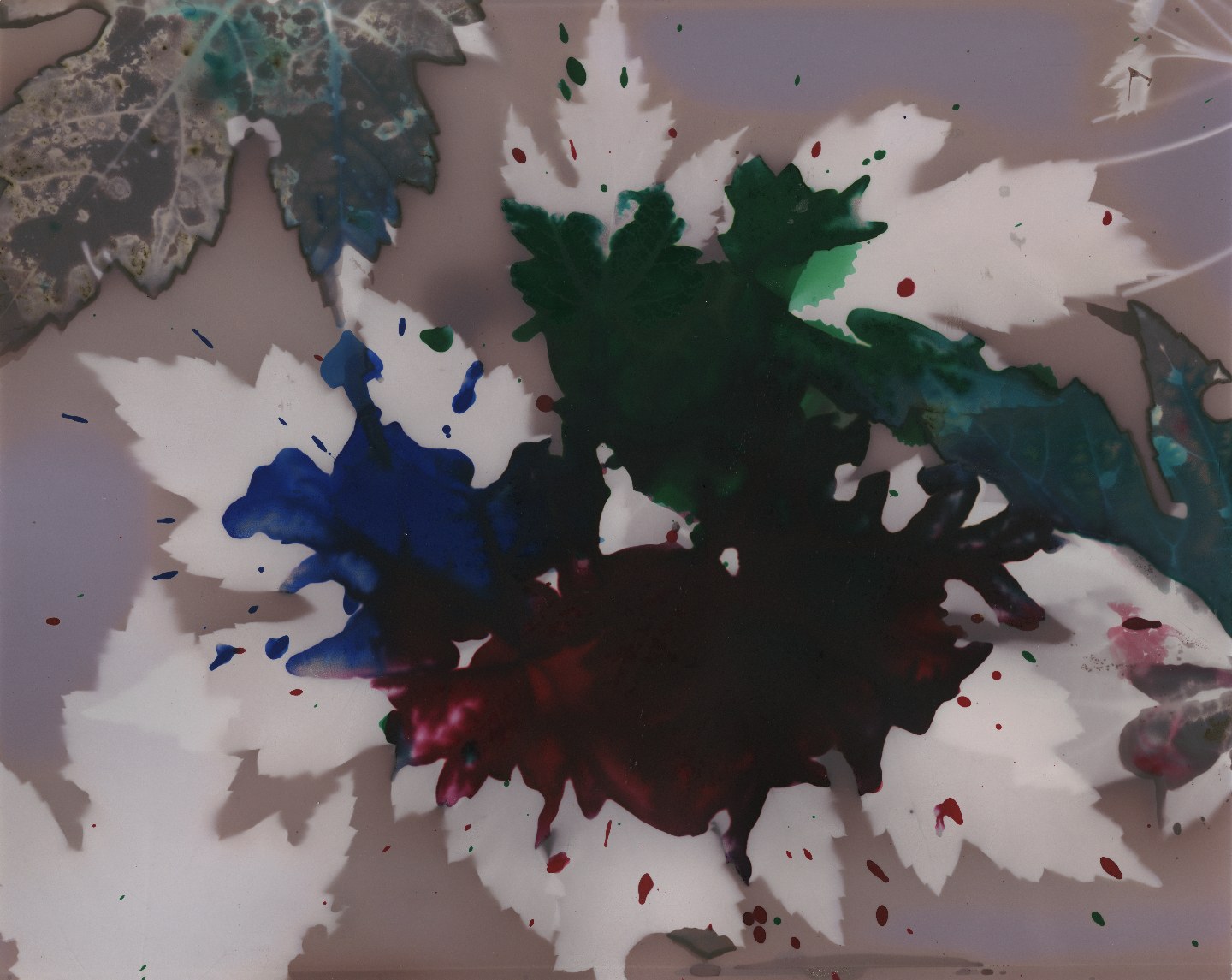
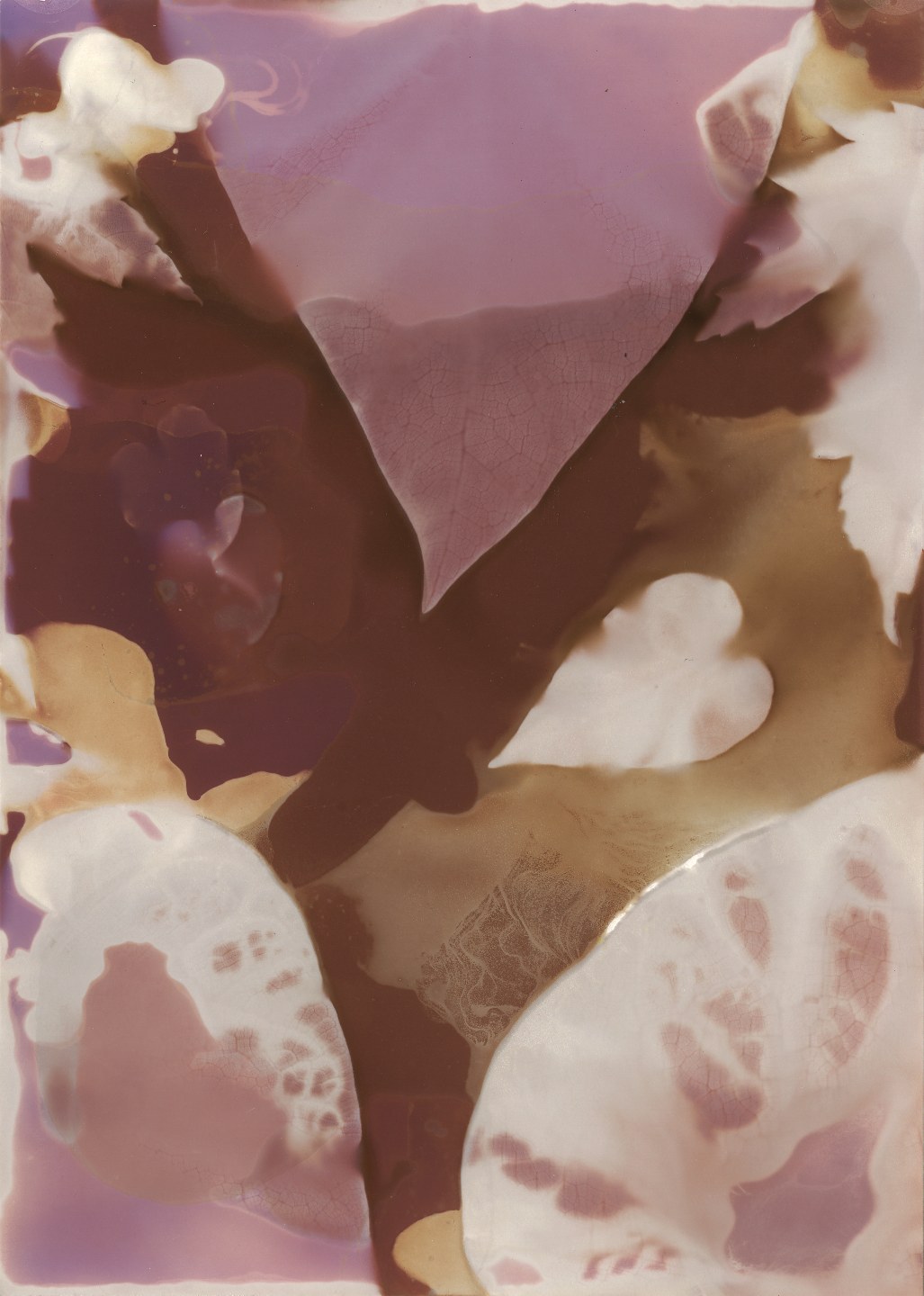
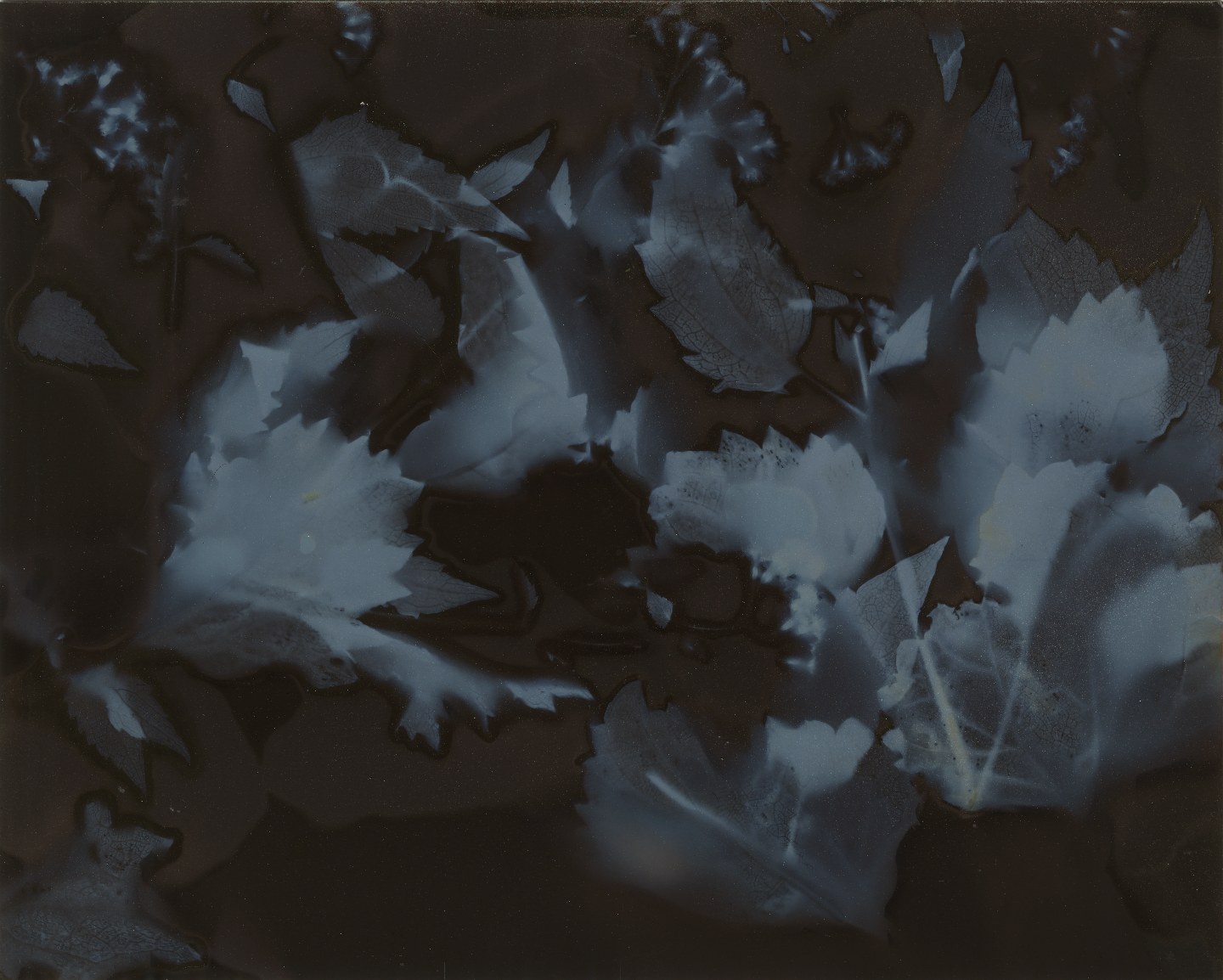
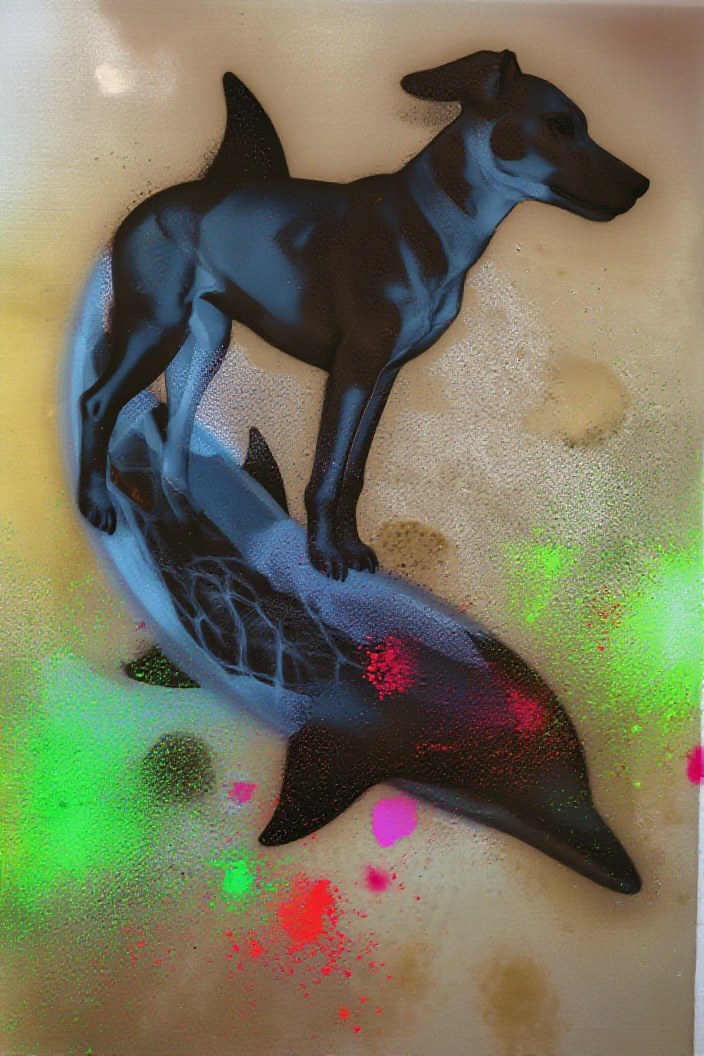
Split subject from texture in my illumens dataset.
39 darkroom phytogram and lumen prints of leaves across four chemical palettes. Every caption names leaf count, shape, and layout while banning veins, chemistry, color, and spray words so texture attaches to the trigger.
My illumens model faded in v1 and collapsed to sepia in v2. Pairing chemigram print, 1ll6m3ns with higher-resolution training kept the fine veins so non-leaf prompts inherit the chemistry without drawing leaves.
157 abstract works by Dawn Jian across four folders. Gestural painting made up 69 of 157 images and matched what the base model already knew, so it swallowed her fine halftone dots until we trained at 1440 px and inspected at 100%.
Split stubborn looks with separate triggers in Dawn Jian v8.
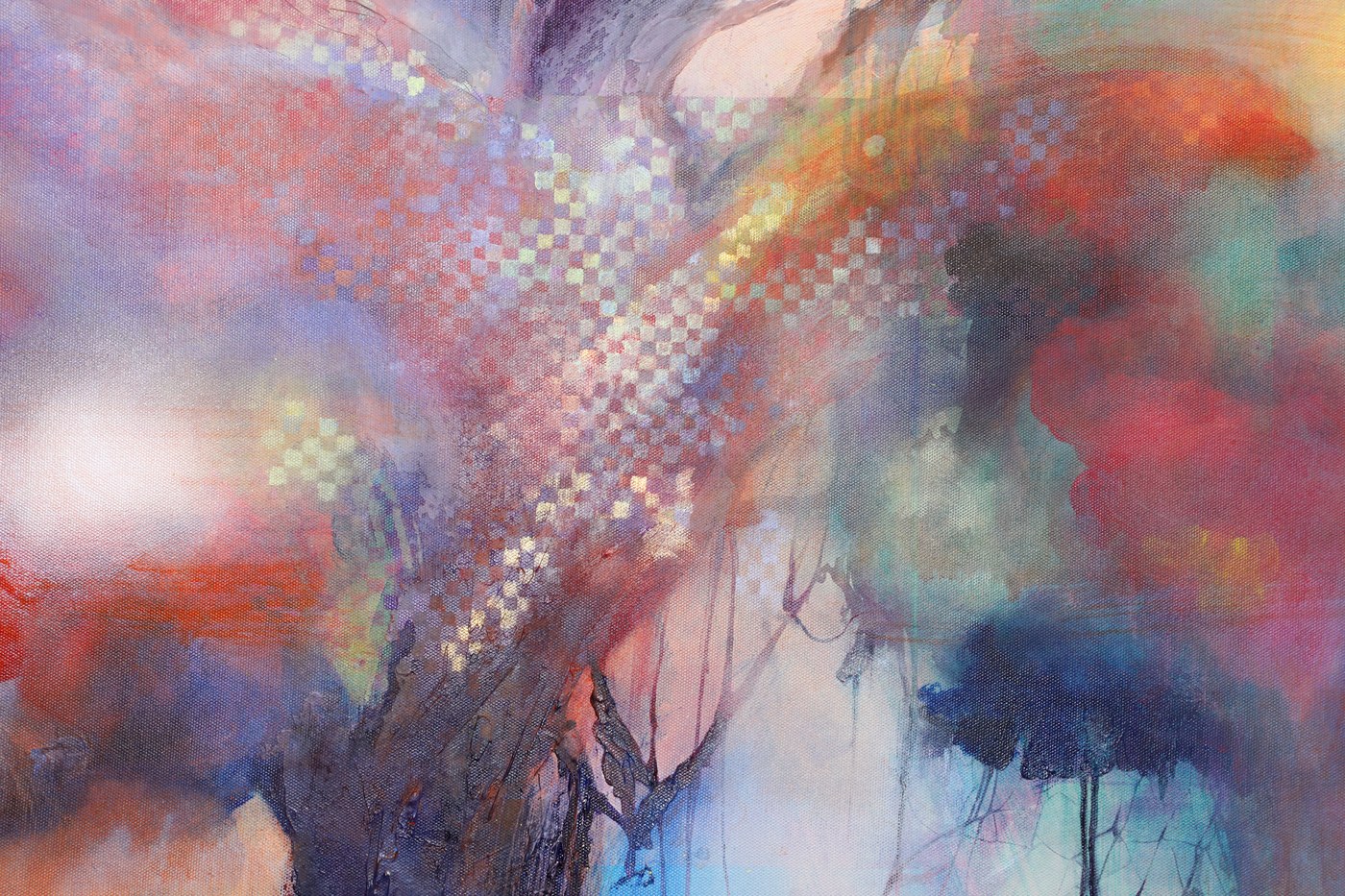
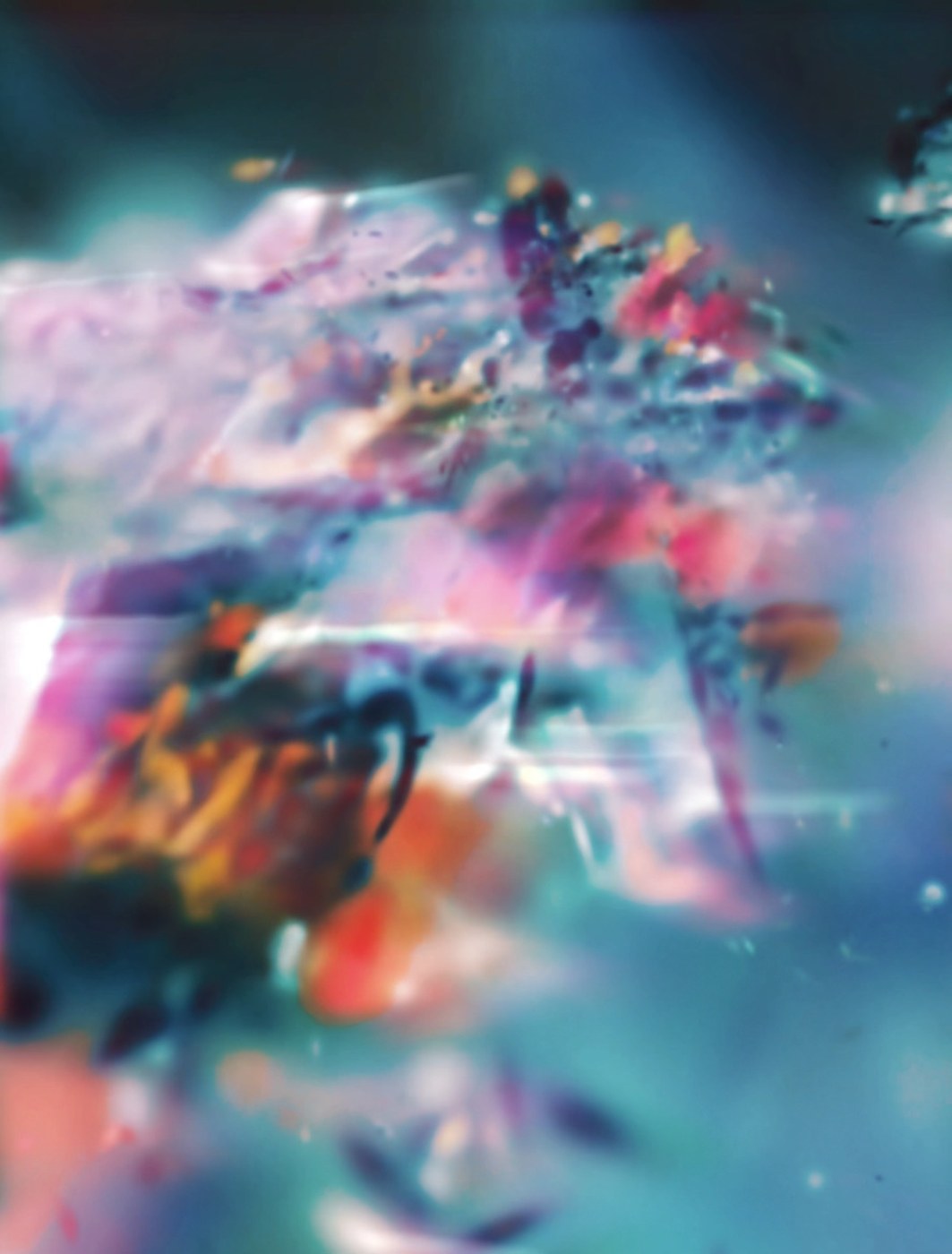
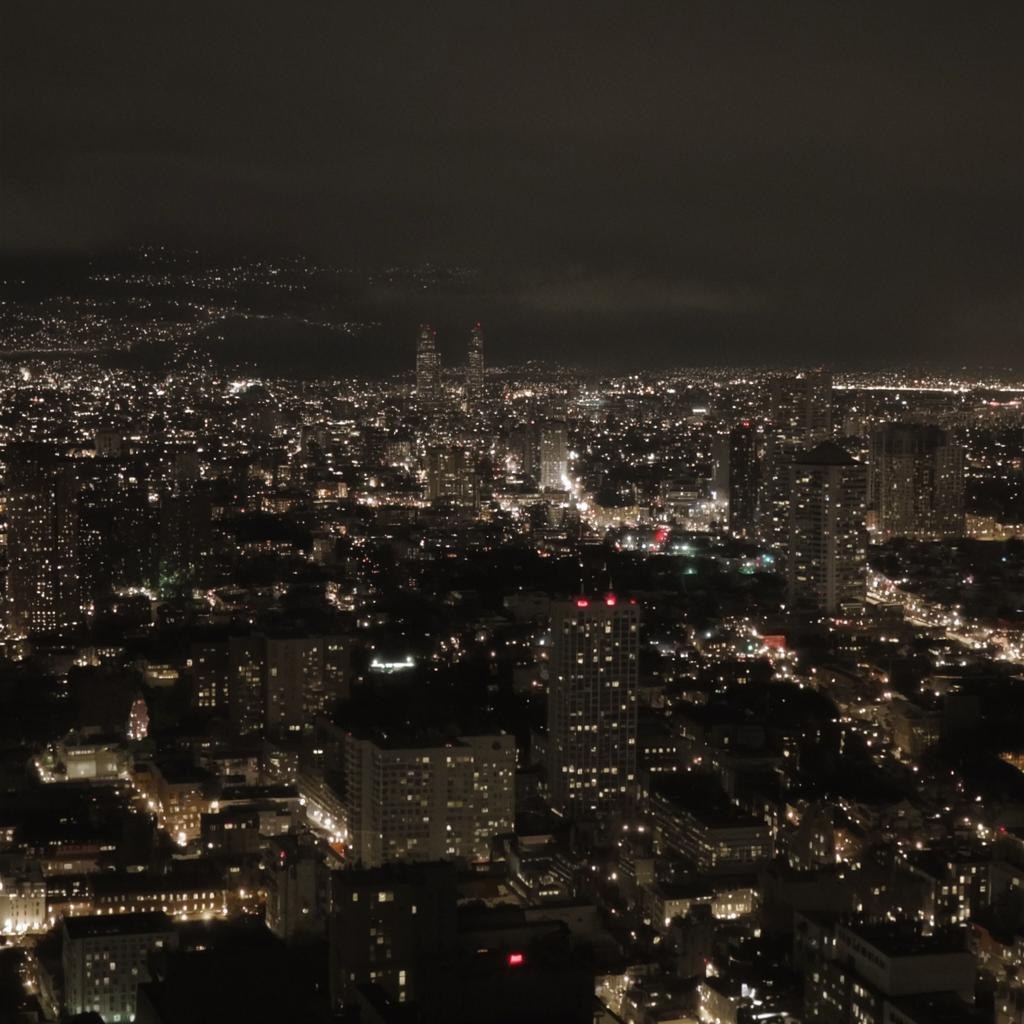
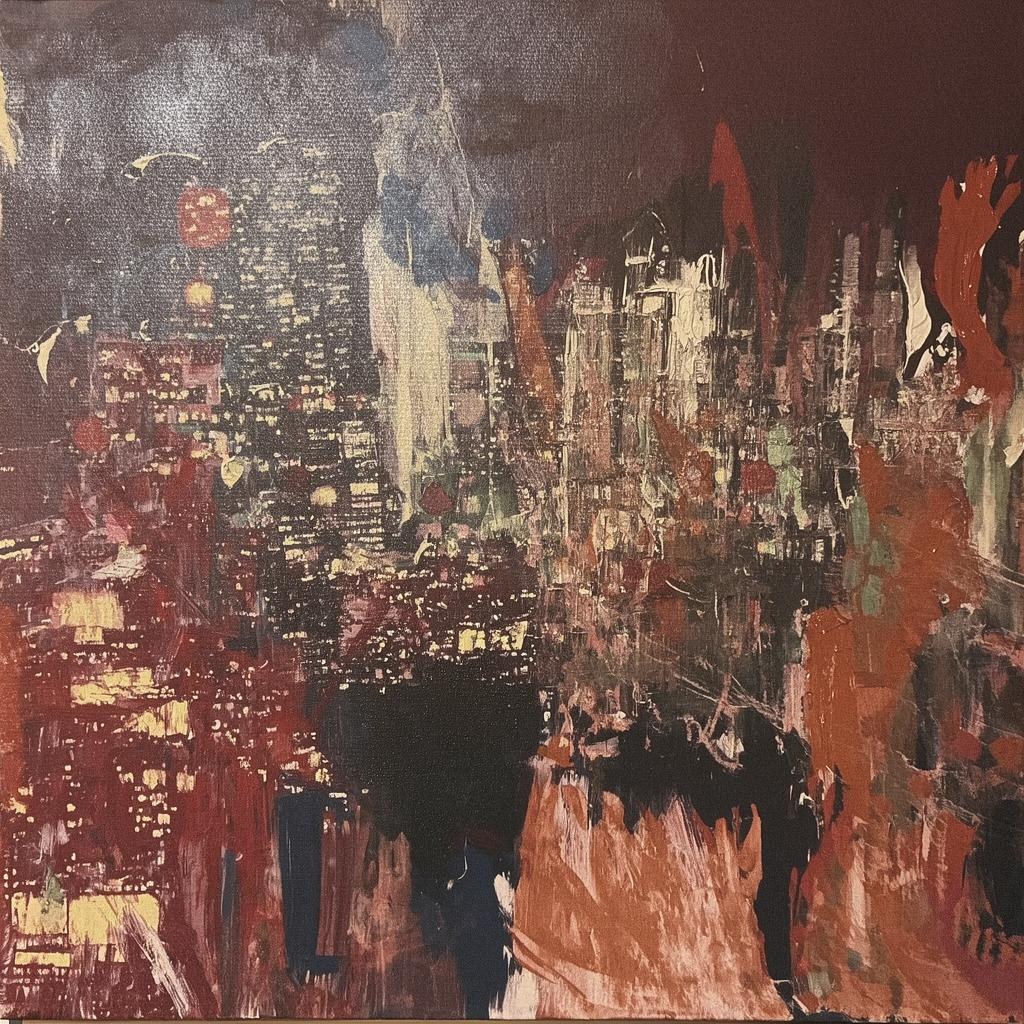
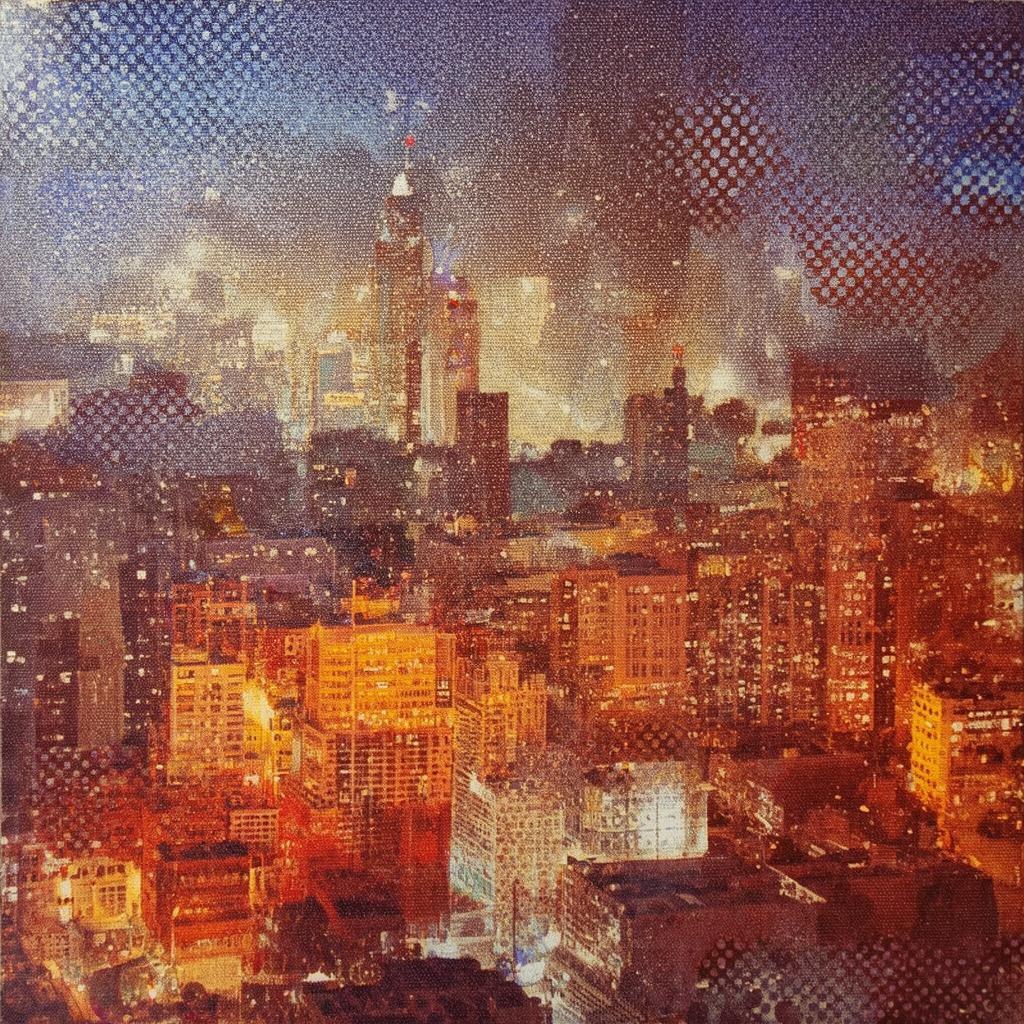
Dawn Jian’s model on the prompt a city skyline at night. In v7, a shared trigger plus halftone print turned into grainy night photos. Giving each look its own made-up trigger kept all three distinct with no bleed when untriggered.