MCP

The medium is the model
AI Agents for Creative Work
Somerset House Studios · The Lancaster Rooms
31 July 2026 · 14.00–17.00
Derrick Schultz · TITLES

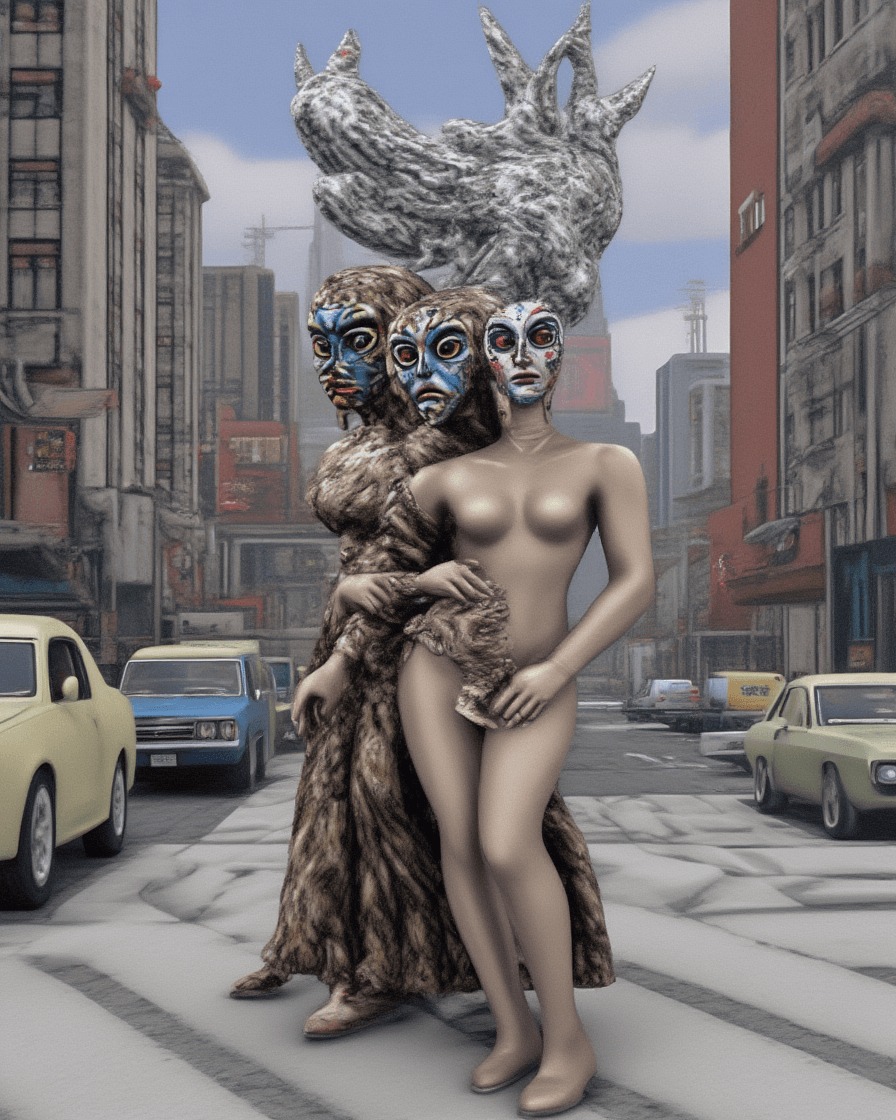
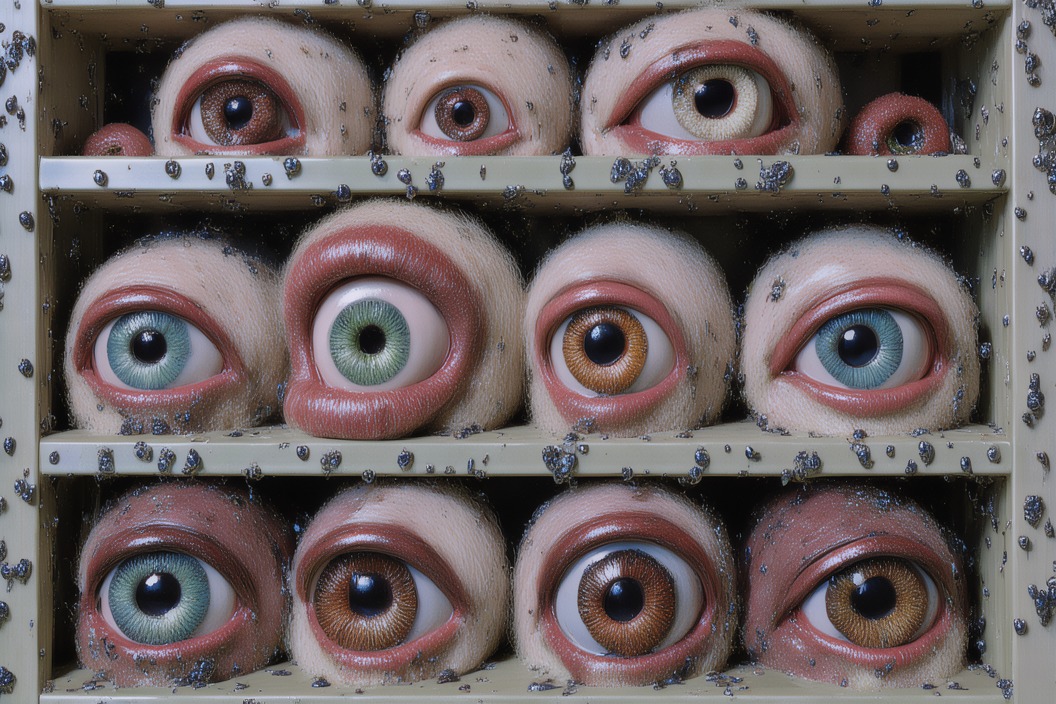
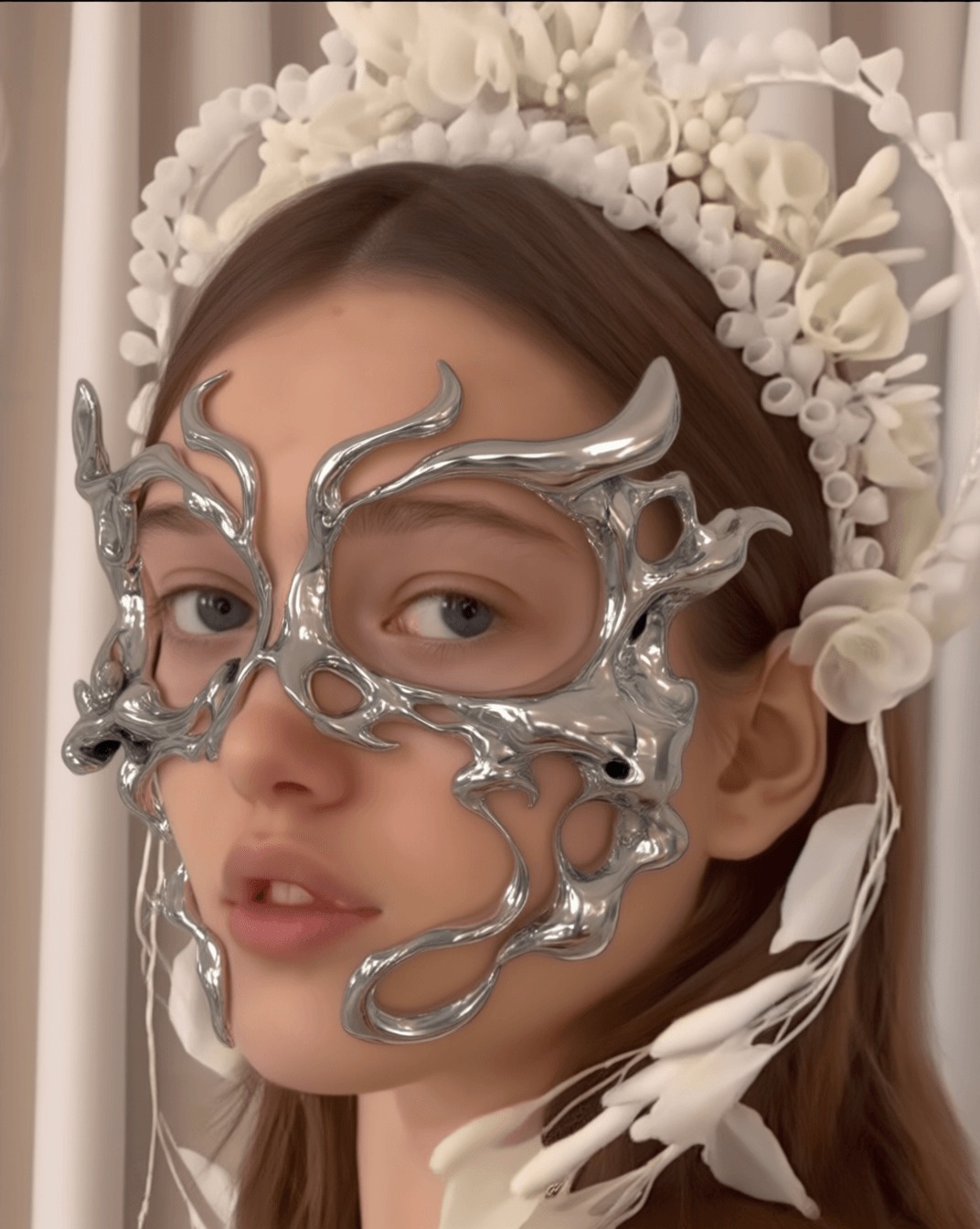
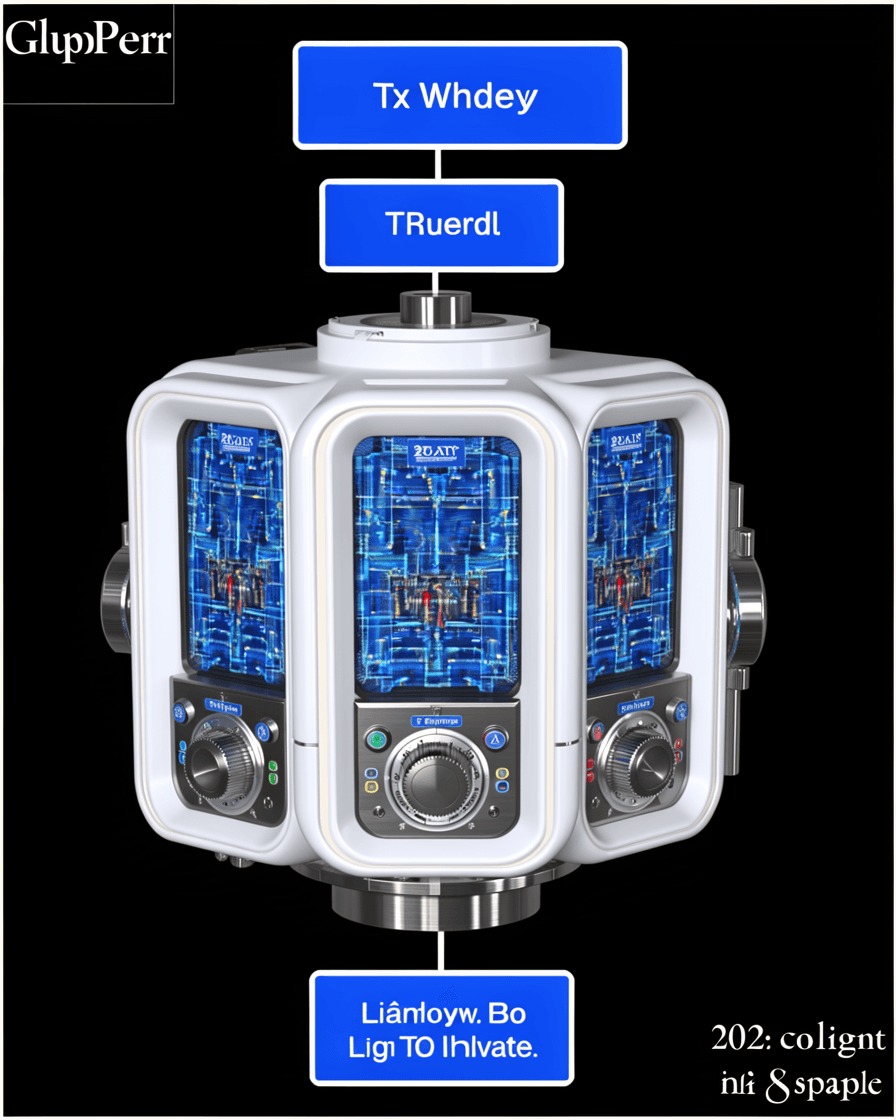
Portrait wearing a liquid-chrome mask and white ceramic floral crown, generated on TITLESWhite and blue laboratory device diagram on black, generated on TITLESTwo masked figures on a city street beneath a stone bird sculpture, generated on TITLES

first

Send us your TITLES username

Sign up at titles.xyz, then add your username to the form.

titles.xyz/u/…scan →
QR: username collection form

What you can take home

01

An agent on your laptop

Hermes stays installed after the workshop.

02

Your agent connected to TITLES

It can search the live catalogue and make work through your account.

03

Your first TITLES workflow

Save the process as a skill you can run tomorrow.

Today’s schedule

14.00

Meet TITLES and use Studio by hand

14.30

How agents work

14.45

Install Hermes and add TITLES

15.25

Break

15.35

Skill demos with time to try each one

16.30

Working time

16.50

Share and discuss

01

What is TITLES?

14.00–14.30 · 30 minutes

who's running this

TITLES is a creative studio built around artists’ models.

Artists train custom models with their own work and get paid each time someone uses one.

I’m Derrick, an artist and filmmaker who works on product at TITLES.
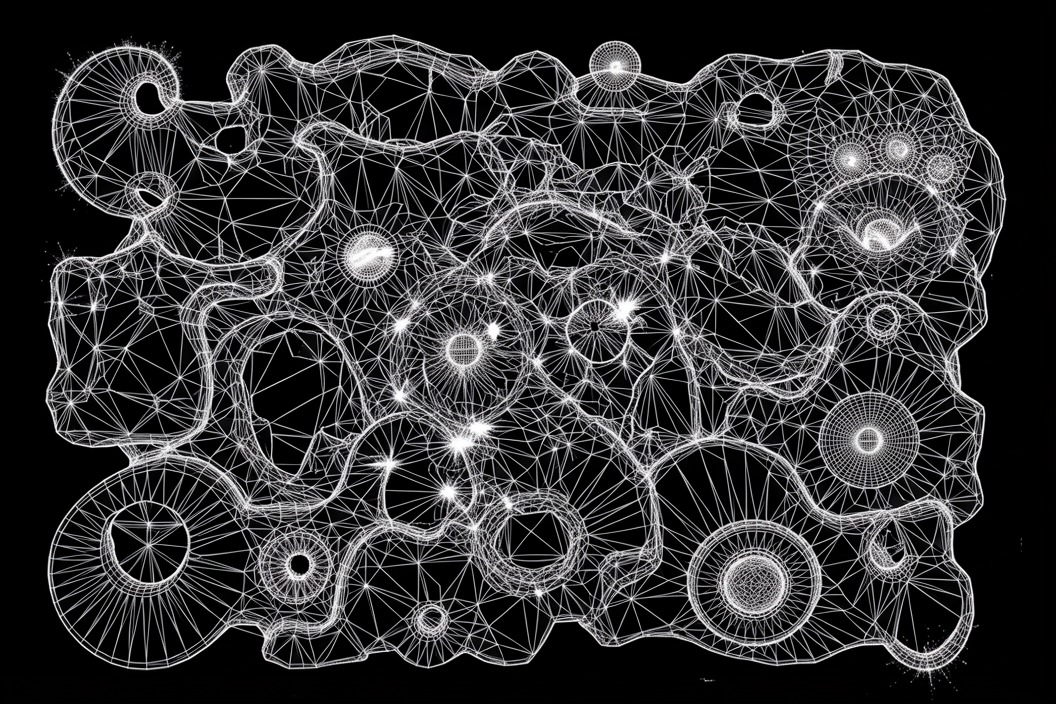
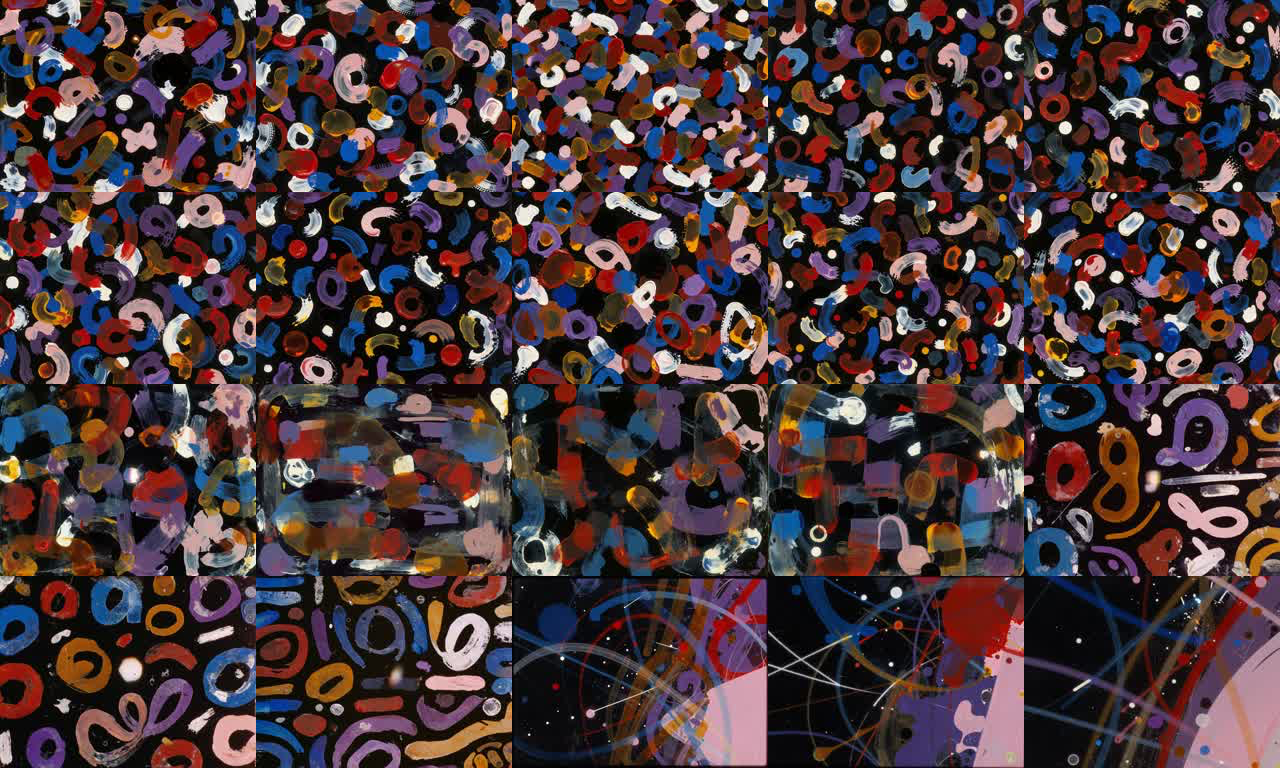
Generation Mesh — Scraped Color Chorus #18, made with the Generation Mesh model
Generation Mesh
Keepsakes, made with the Hybrid Garden model by @vitoriacribb
Hybrid Garden · @vitoriacribb
Duel, made with the Modern Times model by @canekzapata
Modern Times · @canekzapata

how the models work

Artists train and own their models.

TITLES credits and pays the artist who chose the work used for training whenever someone uses the model, including through an agent.
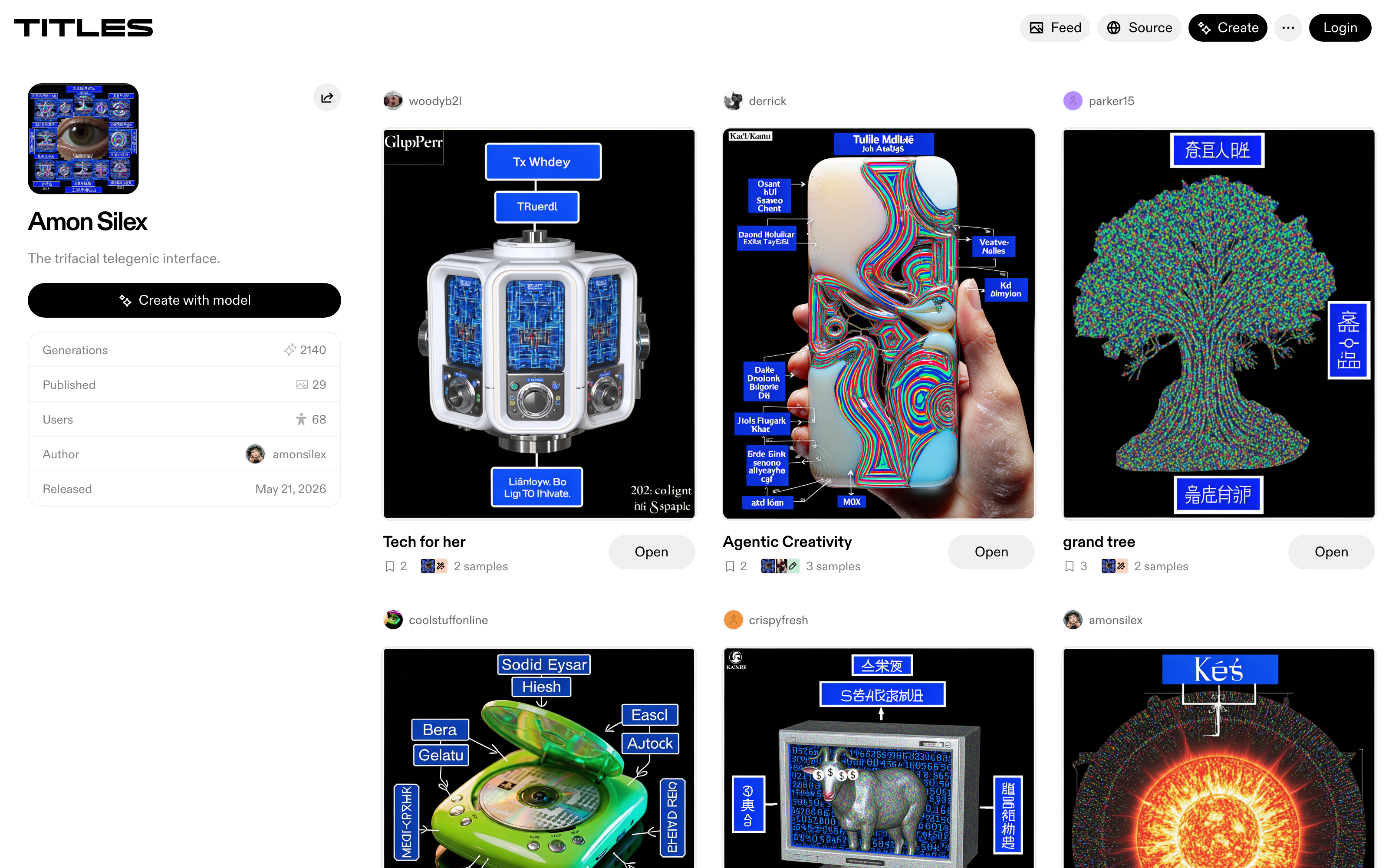
The Amon Silex model page on TITLES: the model is credited to its author @amonsilex, with generation and user counts, above works other people made with it

One model, credited to @amonsilex — with other people’s work made from it below.

There are four ways into TITLES.

studio

Make work

Start with a blank canvas and leave with a finished file.

explore

Browse the feed

Open a piece to see which model and prompt made it.

publish & remix

Share a piece

Its credit and royalties travel with it.

your assistant

Use an agent

Today we’ll give the agent access to these tools.

finding a model

Search for the feeling you want.

Use the short description on each model to search before you know the artist’s name.

The agent reads the same catalogue and chooses from live results.
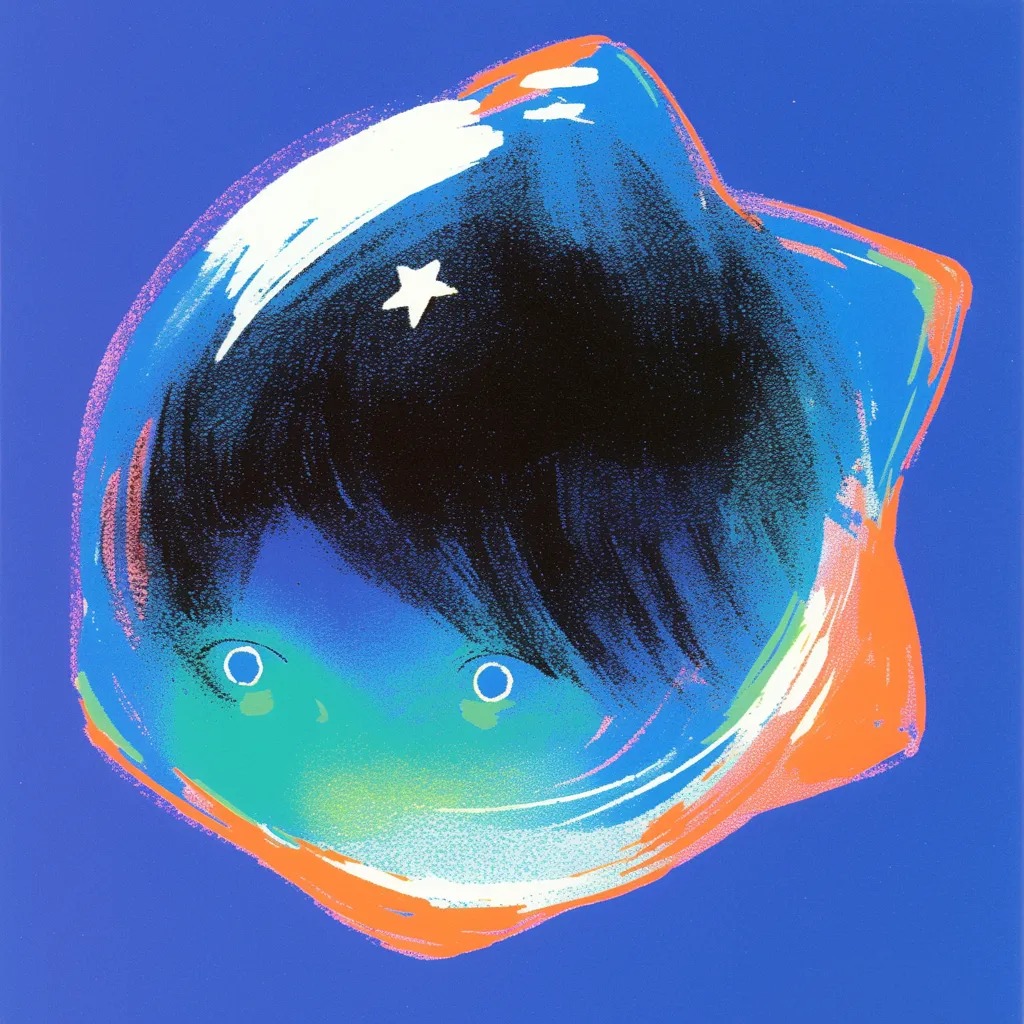
Cover image for the Glintsomes artist model by @gwilym

Glintsomes

by @gwilym

Style
painterly, illustrative
Mood
surreal, playful, folkloric
Excels at
single-figure characters

your turn

Make one image in Studio.

At titles.xyz, choose Enter Studio, pick an artist’s model and type a prompt.

titles.xyzgo

Spend ten minutes getting your bearings.
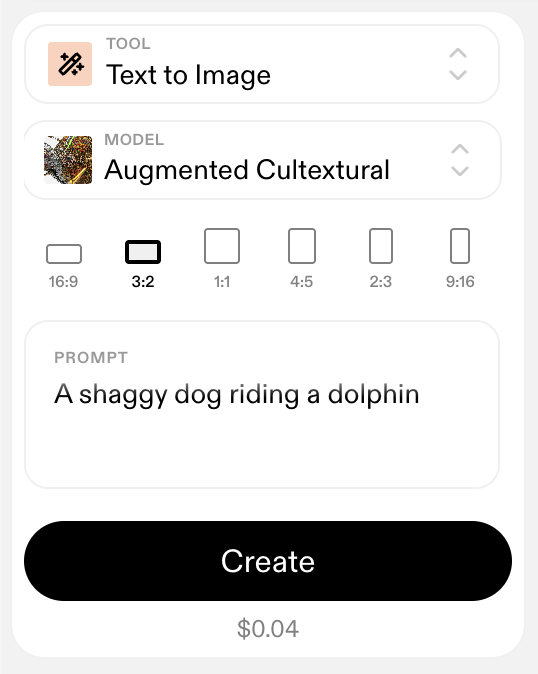
TITLES Studio Text to Image tool with the Augmented Cultextural model and a sample prompt

next

The agent can repeat the process you just used.

02

What is an agent?

14.30–14.45 · 15 minutes

a working definition

An agent can use tools on your behalf.

inside an agent

What an agent is made from

AGENT

01

User input

Your request and files

02

Memories

Saved context from earlier work

03 · HARNESS

04

LLM

Reads, reasons and chooses the next action

Runs the loop and keeps the working context

05

Tools

Actions the agent can take

06

Skills

Instructions for doing a job

how it works

The agent works in a loop.

After running a tool, the agent inspects the result inside the conversation and chooses a next step with the same files and context still available.
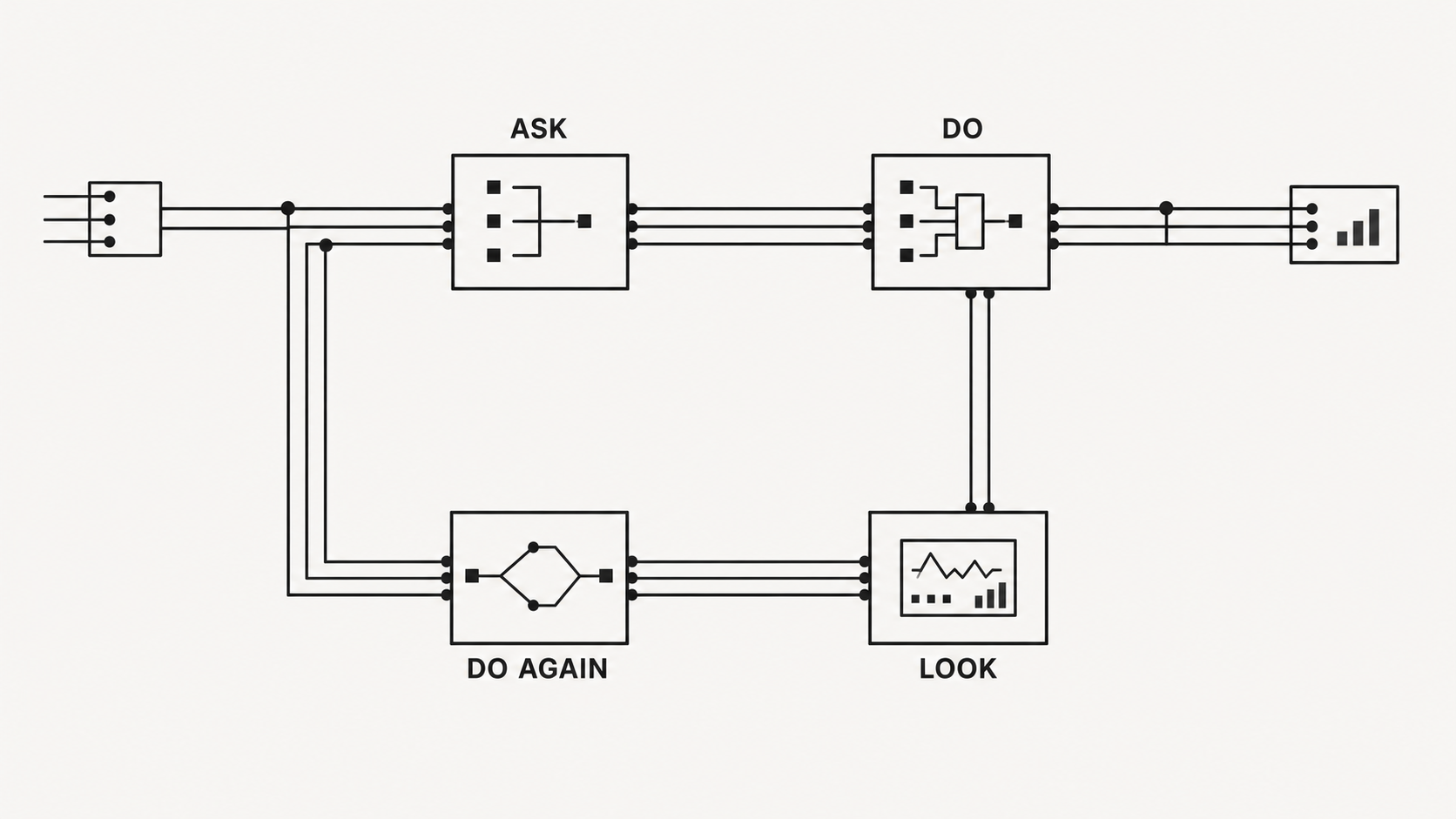
Diagram showing an agent moving through ask, do, look and do again

what “connecting” means

Once you connect TITLES, the agent can use it through your account.

It can search the catalogue, make work and publish when asked.

We’ll add TITLES to Hermes in the next section.
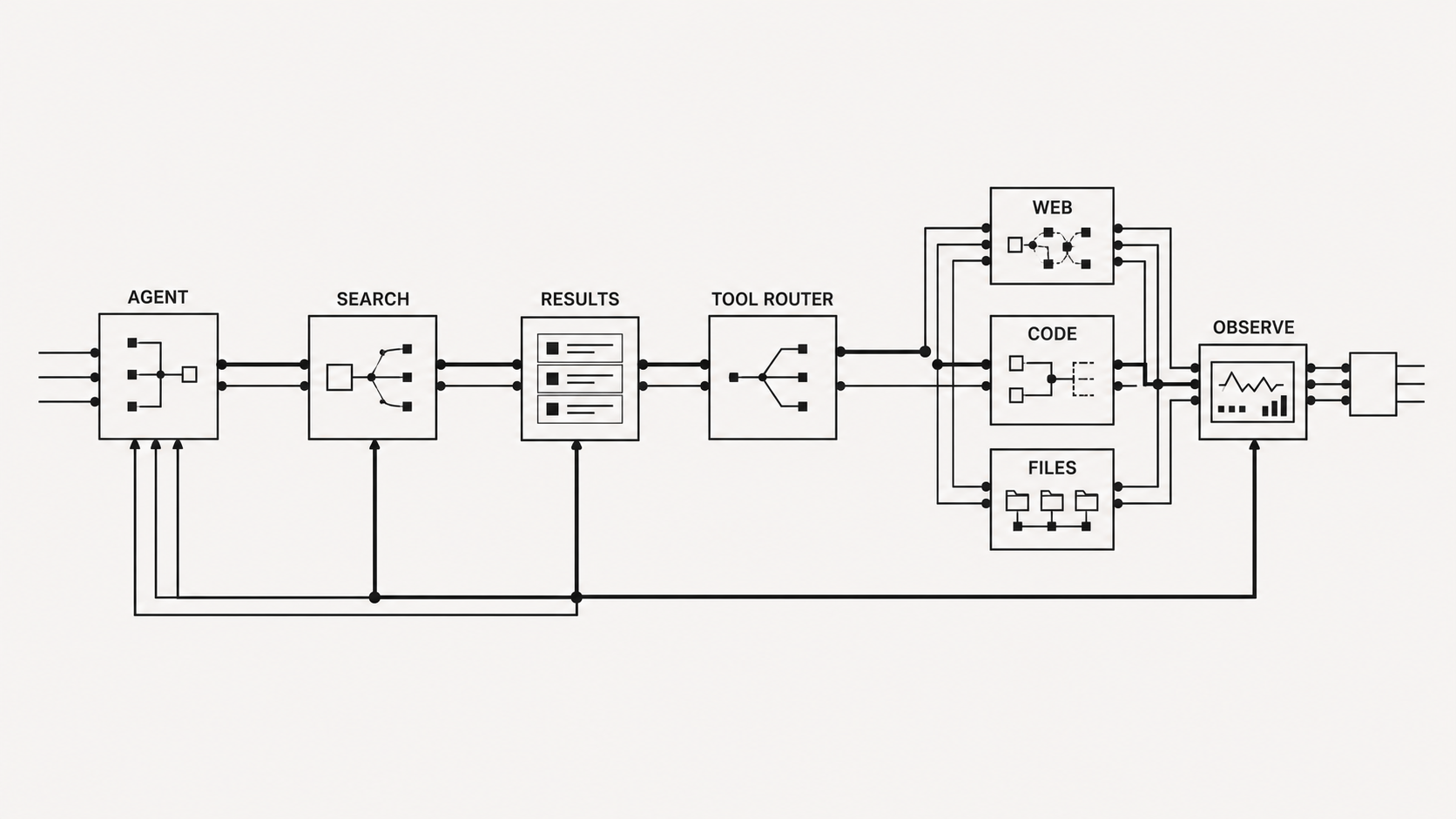
Diagram showing an agent routing work through search results and web, code and file tools before observing the outcome

whose account

The agent uses your TITLES account.

Published work carries your handle, while each run comes out of your credits under the connection you control in settings.

How Artists Use Agents Today

clear the desk

Handle the admin

Take the non-art work off my plate so I have more time to make.

  • Sort messages and schedules
  • Gather files and references

today’s focus

Make work with me

Stay in the process while I choose the direction.

  • Bring me references I would have missed
  • Generate material I can react to

fully autonomous

Work on its own

Run from a brief and make independent decisions.

  • Decide what to make
  • Choose when the work is finished

how I use one · 01

I use it for small jobs that eat up the week.

A scheduled job reads Slack, Linear and my meeting notes, then posts one list: what needs me today, what’s only FYI, and a suggested next step on each.

I started here because mistakes are cheap and easy to catch.
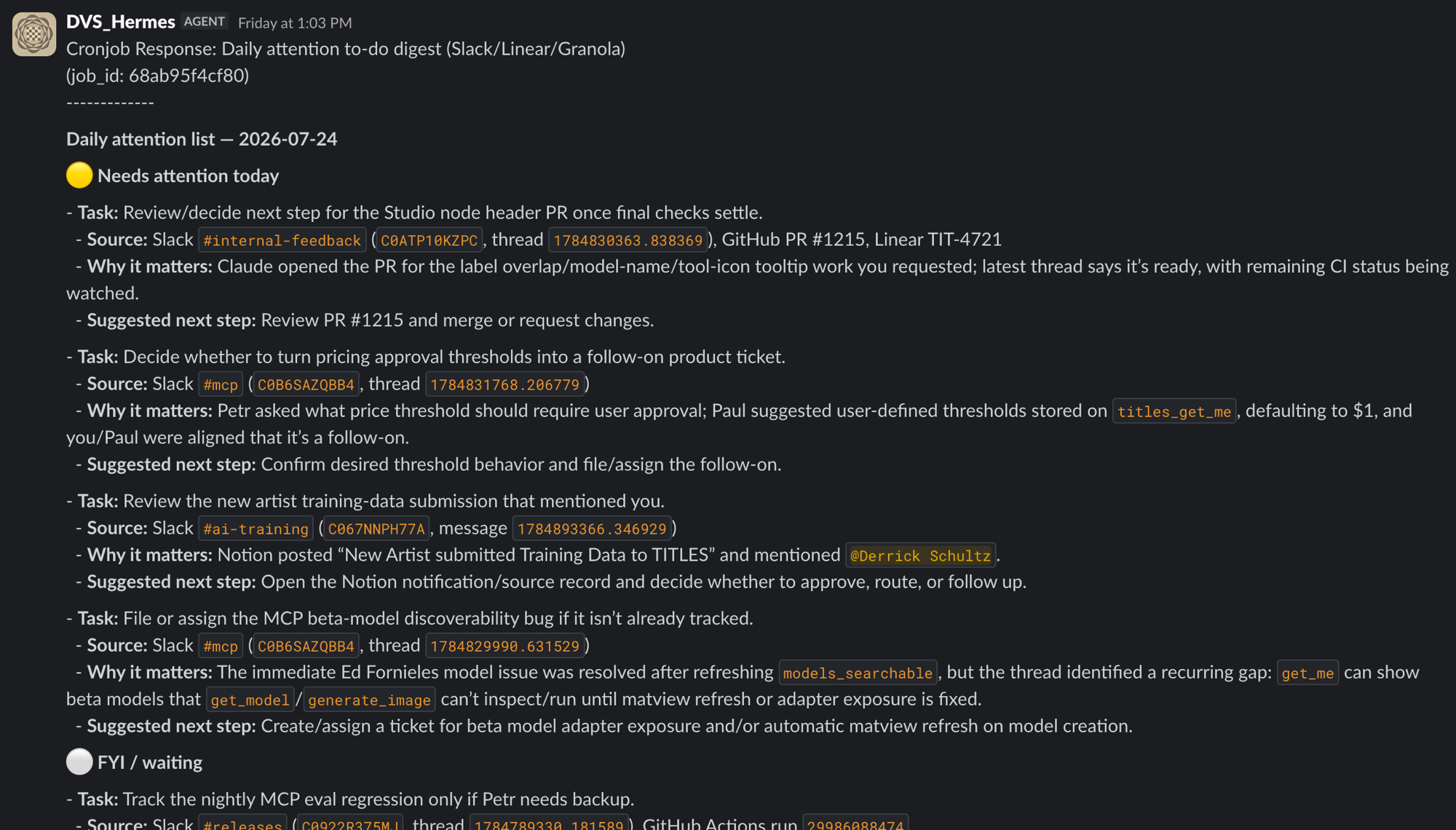
Slack message from the DVS_Hermes agent: a daily attention digest built from Slack, Linear and Granola, splitting tasks into needs-attention-today and FYI, each with why it matters and a suggested next step

how I use one · 02

For films, I use an agent as an ongoing image source.

After I give it a direction, it makes stills and short clips while I work elsewhere, ready for me to browse whenever I get stuck.

Some of the stranger results change where the film goes.
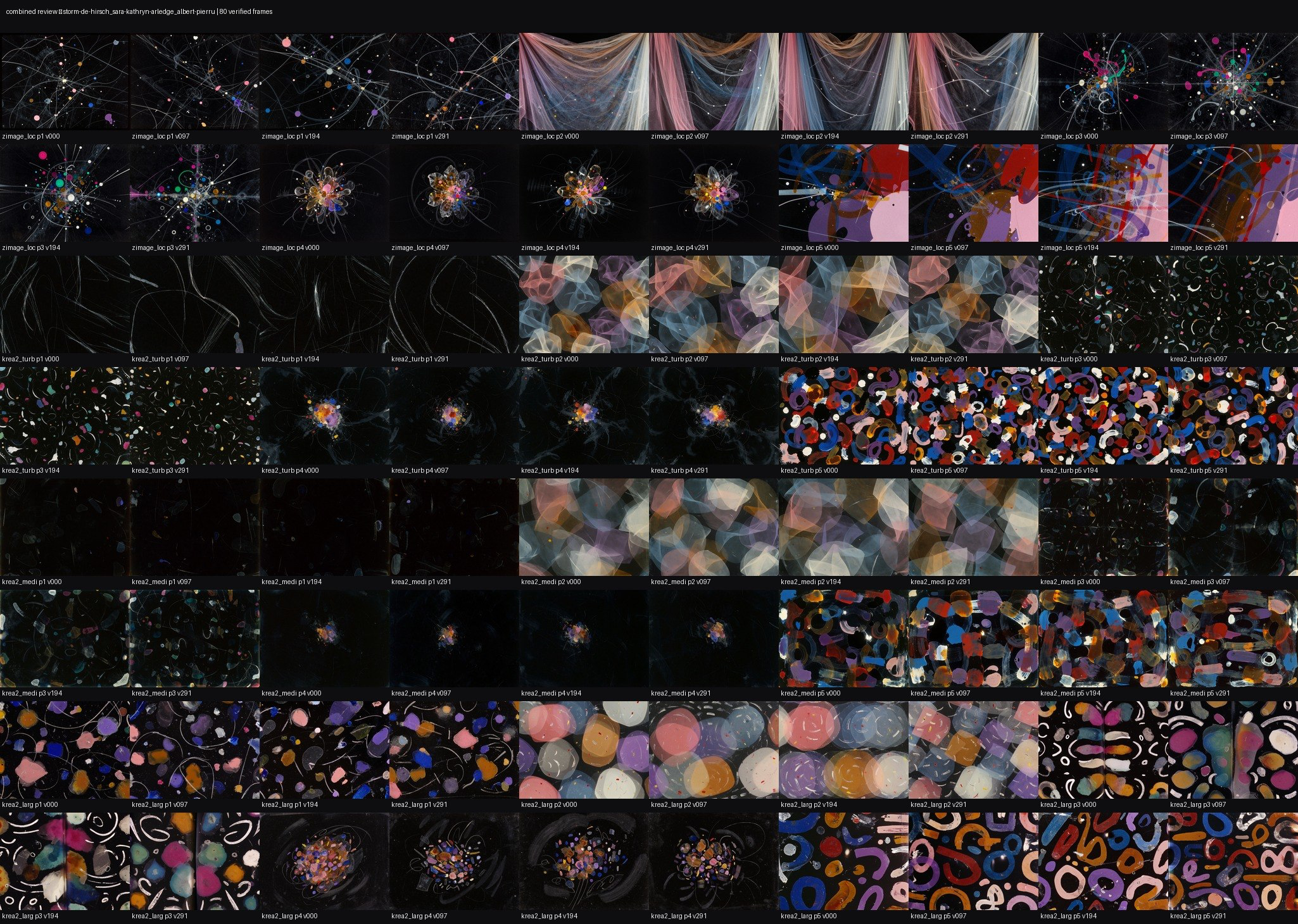
Contact sheet of abstract animation frames made during an agent-led visual review
review sheet
Composite of colorful abstract animation frames on a black background
combined frame
ambient clip
Err Me Z

Where I still watch it closely

Taste

It praises plenty of mediocre work.

When to stop

An open loop can polish away the interesting version.

Spending

Long loops add up because every run costs money.

Intent

The agent follows the words you gave it.

03

Setup

14.45–15.25 · 40 minutes

Setup takes about 40 minutes.

step 1

Install the app

Download Hermes and open it.

step 2

Add the provider key

Use the card on your table.

step 3

Connect TITLES

Add the server address and sign in.

step 4

Install skills

Choose them from the TITLES list.

step 1

Install Hermes

hermes-agent.nousresearch.com

Download the app and open it with the runtime already included.

The install takes a few minutes, so start it now while I keep talking.
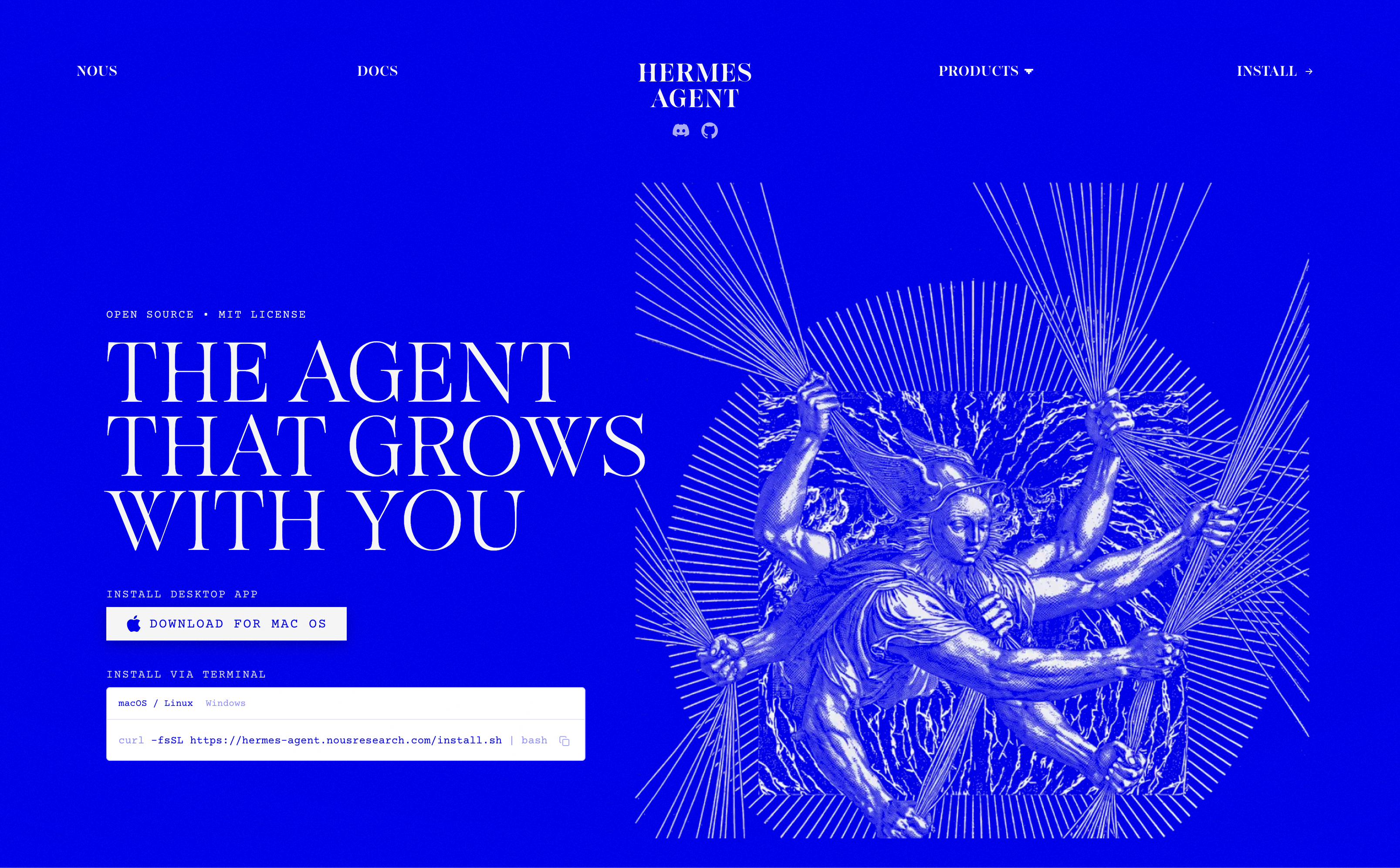
Hermes Agent website with the Mac download button and terminal installation command

step 2

Add the OpenAI key

Under Settings → Providers → OpenAI, paste the long string from the card on your table.

The key gives Hermes access to OpenAI for today’s workshop.
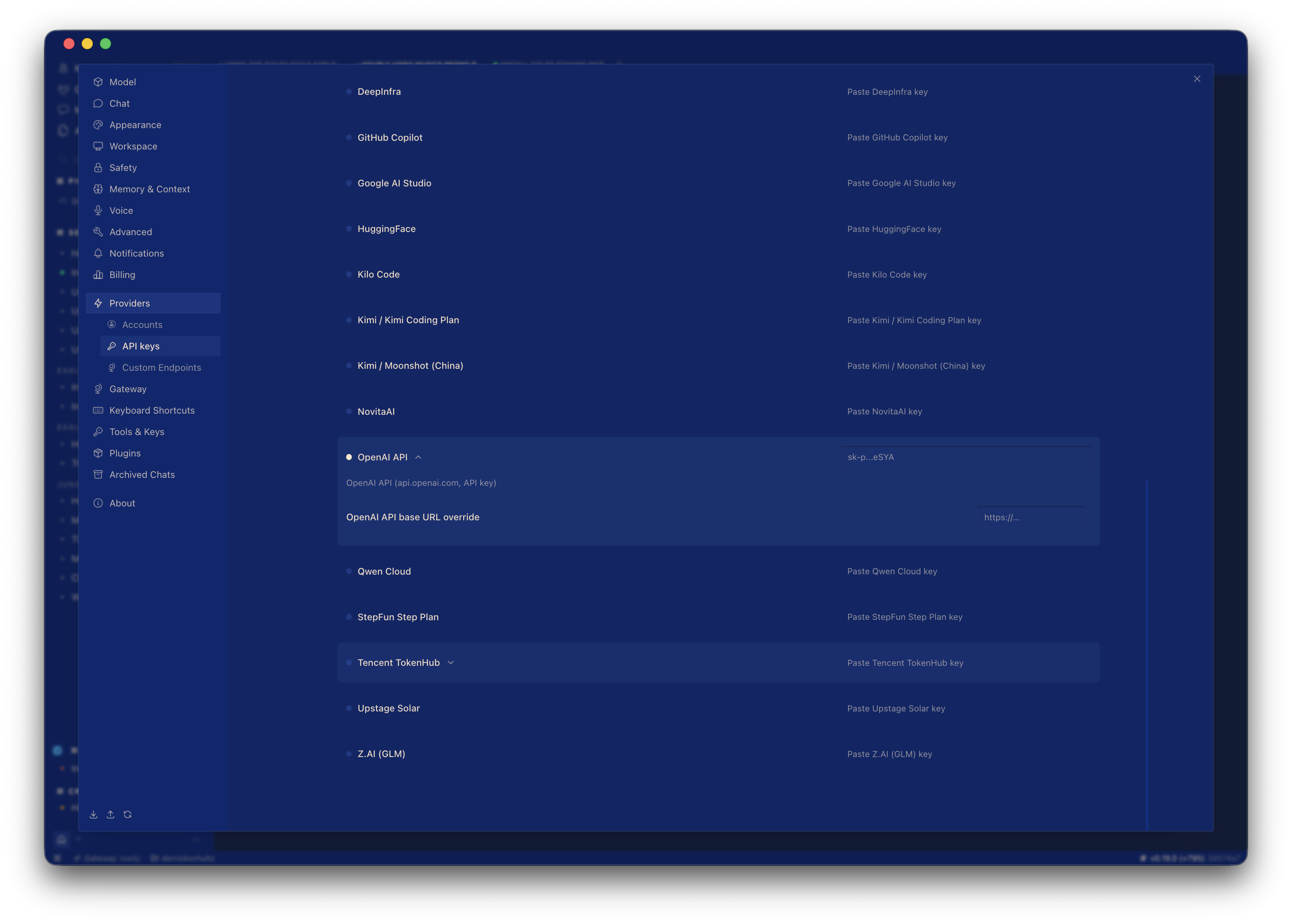
Hermes Providers settings with API keys selected and the OpenAI API field expanded

Keep the key on this machine and use it only today.

step 3

Connect TITLES

Start a new chat in Hermes and send:

Install https://mcp.titles.xyz/mcp as an MCP server.send

Hermes adds the server and opens the TITLES sign-in page.
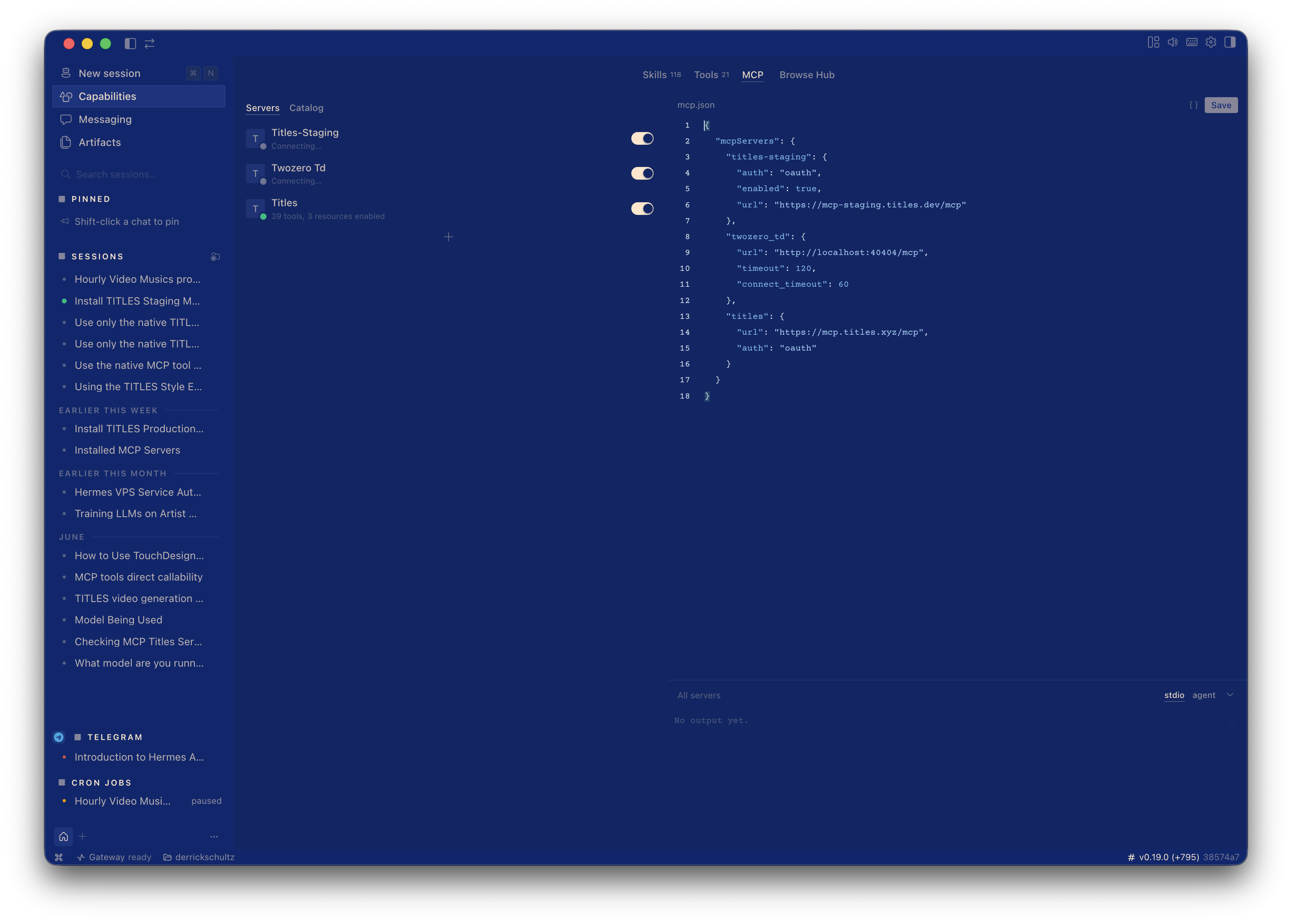
Hermes MCP settings with the TITLES production server enabled and its server URL shown

step 4

Add the TITLES skills

Stay in the Hermes chat and send the skills repository as your next message.

For today, use generate-image and animate-image.

Install https://github.com/titlesnyc/titles-skills as skills.

The TITLES skills are installed. I’ll read the matching instructions when you ask me to make something.

verify

Ask it who you are

Your TITLES handle should appear in the reply.

Who am I on TITLES?

titles_get_me · called

You’re signed in as @derrick.

checkpoint

Everybody make one image before we go on.

Common setup problems

“I can't make images”

Start a new chat so Hermes loads the TITLES connection.

“It says I'm not allowed”

Open MCP servers → TITLES and sign in again.

“No browser opened”

Click connect again in the MCP servers list.

“I logged in but nothing happened”

Sign in at titles.xyz first, then return to Hermes and reconnect.

“It can't find the server”

Paste the full server address again.

“It tries, then fails”

Add your TITLES username to today’s form so we can load credits.

Put a hand up as soon as one of these appears.

04

Skills are the unit of work

15.35–16.30 · break first

what a skill is

A skill is a page of plain-English instructions for one kind of job.

The agent reads it before starting the work.

Skills available today

images

generate-image · restyle-image · edit-image · upscale-image · vary-image · blend-images

video

generate-video · animate-image · restyle-video · upscale-video

audio

generate-music · text-to-speech

packs

promo-pack · motion-pack · curation-digest · style-explorer

setup

titles-setup reconnects TITLES when the connection drops.

github.com/titlesnyc/titles-skills

what's inside one

You can open the skill and read its instructions.

The “When to use me” section tells the agent when to load it.

Edit the instructions and the agent follows your version.

generate-image

When to use me “make a poster”, “album cover”, “in an artist's style” How to do it 1. Search the live artist catalogue 2. Choose a model returned by search 3. Render the image 4. Return the file For an existing image load edit-image

A skill can cover the whole run.

discover

Find a model

Search the live catalogue.

create

Make the first version

Use the chosen model.

revise

Work from the result

Edit, animate or upscale it.

publish

Share the piece

The artist credit appears in the feed.

skill · generate-image

One request can cover the full run.

Ask for the result you want, and the skill will search the catalogue before returning the finished files.

Your turn: ask for an image.

Make me a poster for a night of experimental film.

titles_search_modelstitles_generate_image

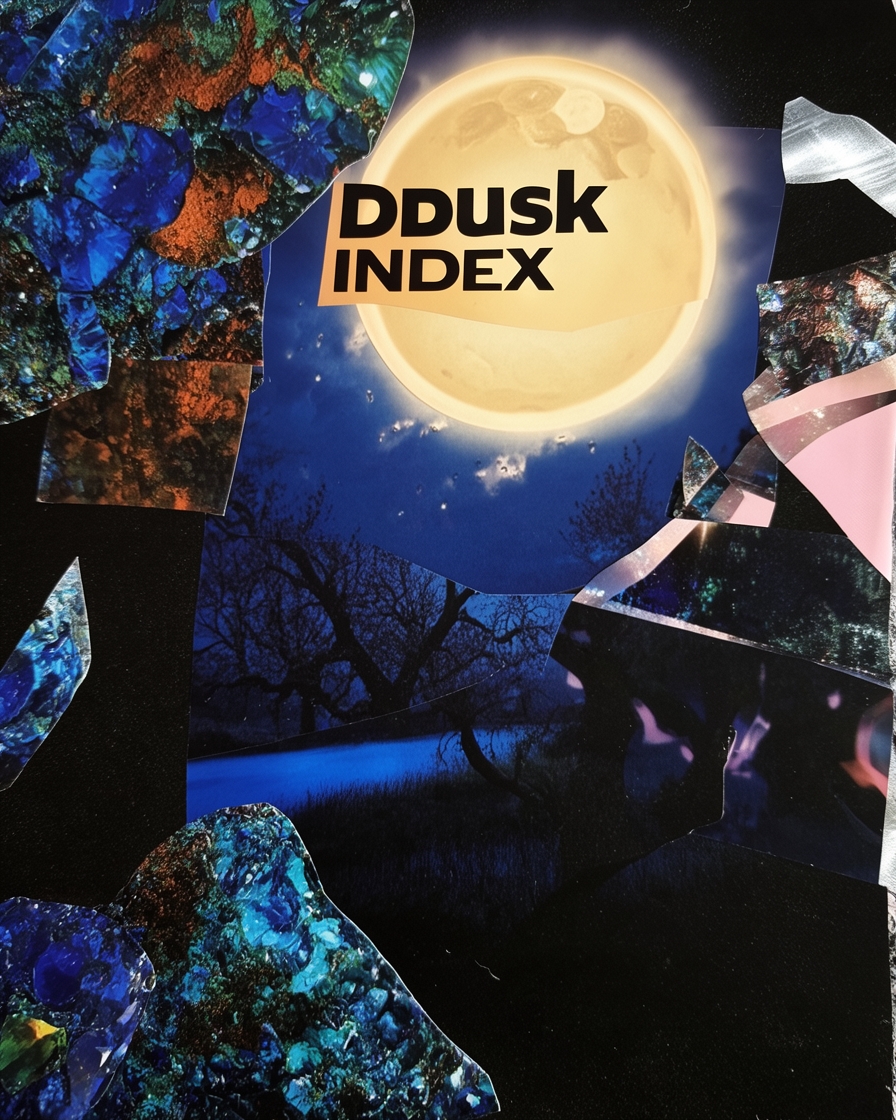
Dusk Index experimental film poster with a luminous moon and collage fragments
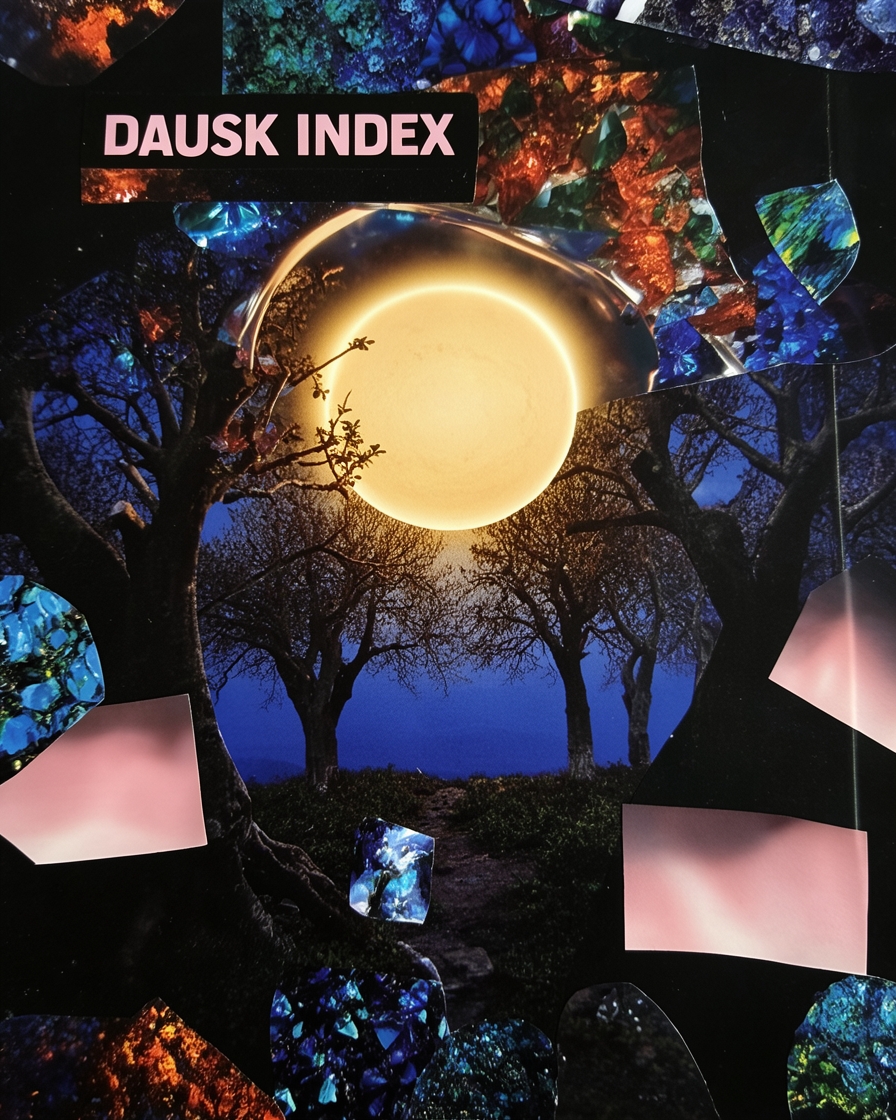
Dusk Index experimental film poster with a glowing moon among trees and collage fragments

Two versions from Cut From Elsewhere by @juujuumama, with links to both files.

iteration

Keep working in the same conversation

The source image and its context are already available to the agent.

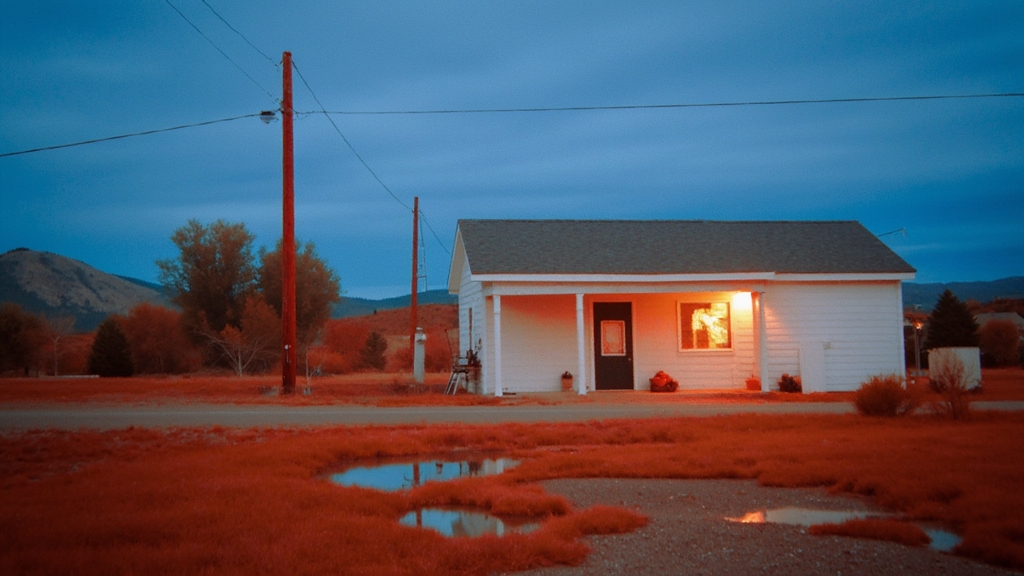
Push the building toward dusk. Keep the red light in the window.

titles_generate_image · two outputs
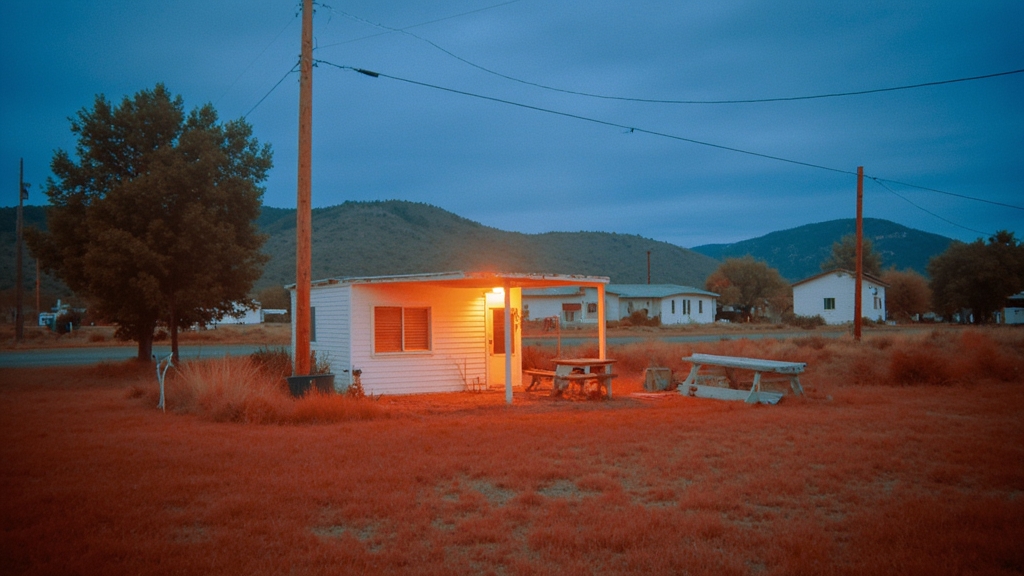
Remote building at blue hour with a red light glowing inside
Second view of a remote building at blue hour with a red window light

Keep the second one.

Infrawest by @jungleboy made both dusk studies.

skill · edit-image / restyle-image

Choose the kind of change you want.

Use edit-image for a local change such as the sky or background.

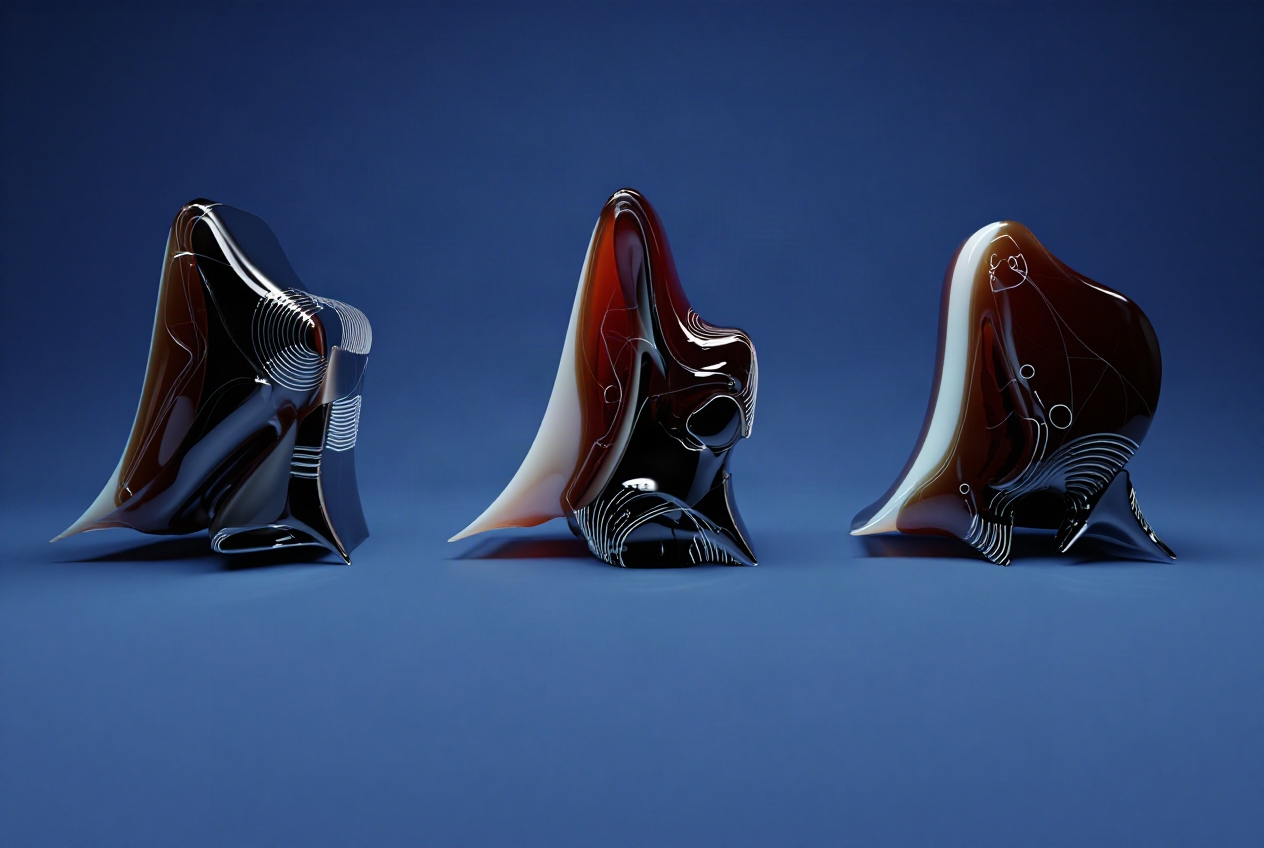
restyle-image keeps the subject while an artist’s model rebuilds the image around it.
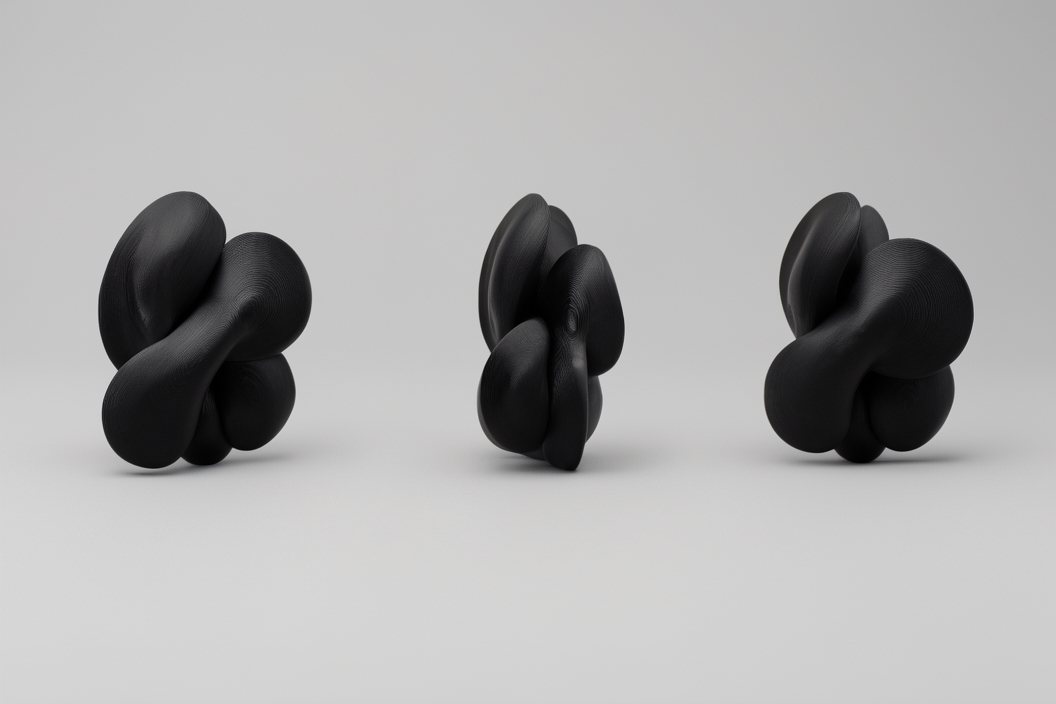
Three black biomorphic sculptures photographed on a neutral studio background
source · FIGA by @figalink
The same sculptures on a deep blue background with warmer side lighting
local edit
The sculptures rebuilt as glossy translucent forms with red interiors
Bones and All by @antidote

skill · animate-image

Turn a still into a clip

Your chosen image becomes the opening frame when you describe the motion and identify which parts stay fixed.

Your turn: animate the image you just made.

packs

A pack produces several related files.

skill · style-explorer

Roam the library

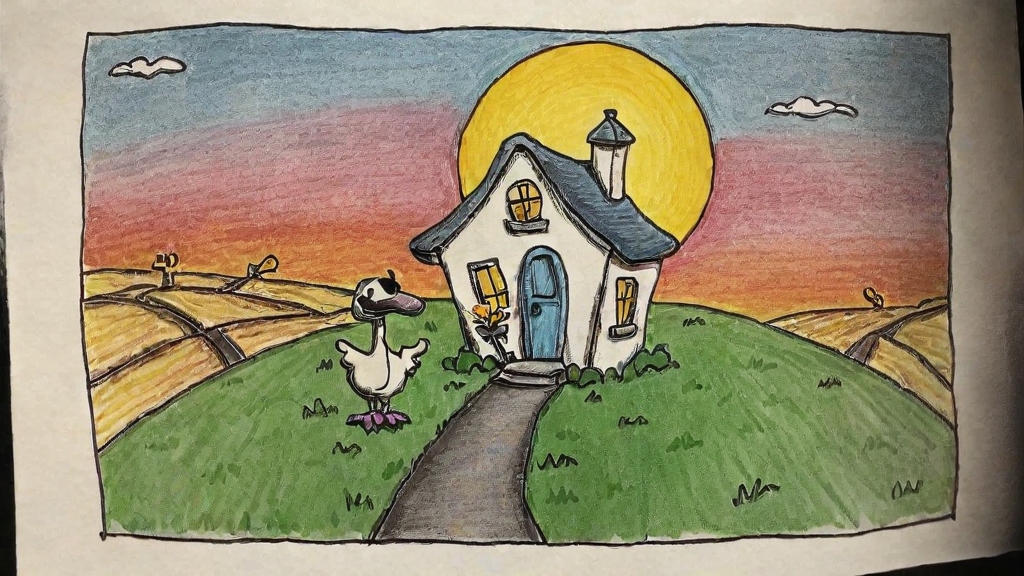
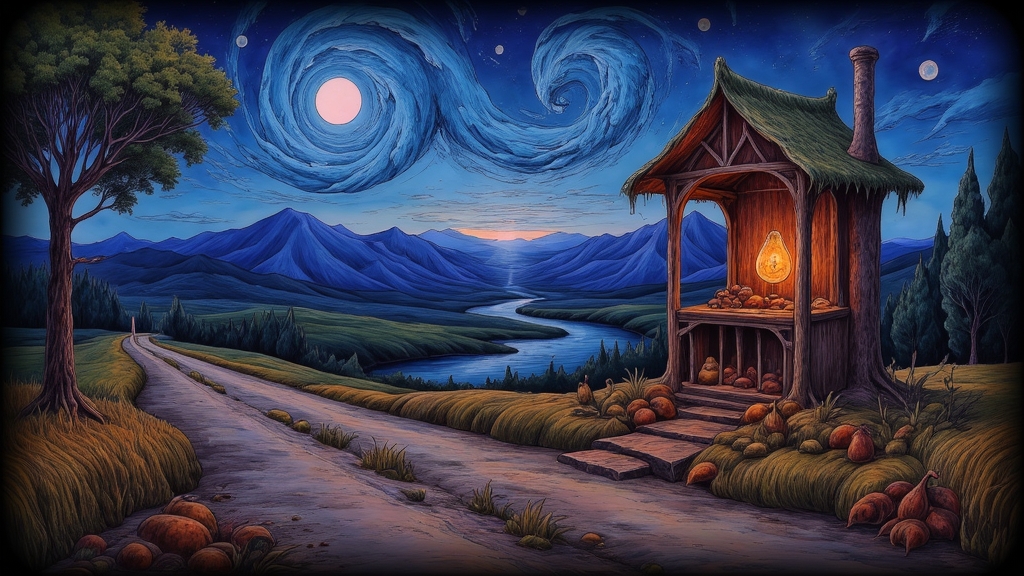
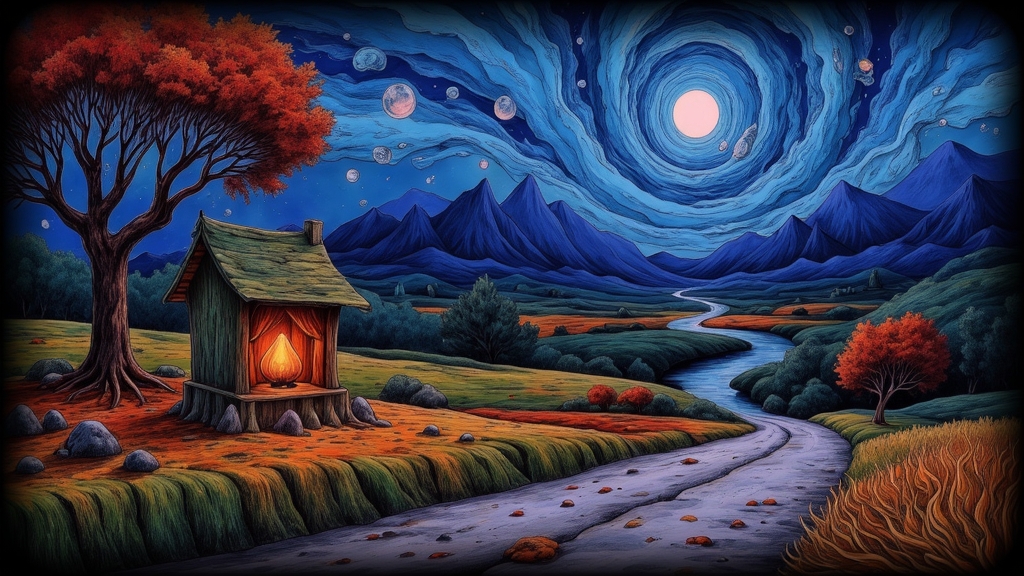
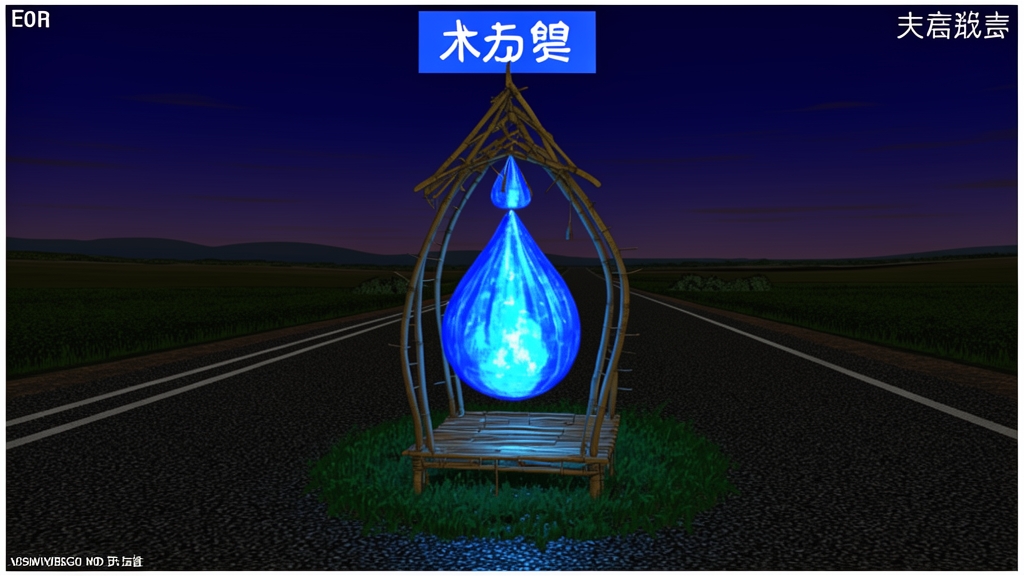
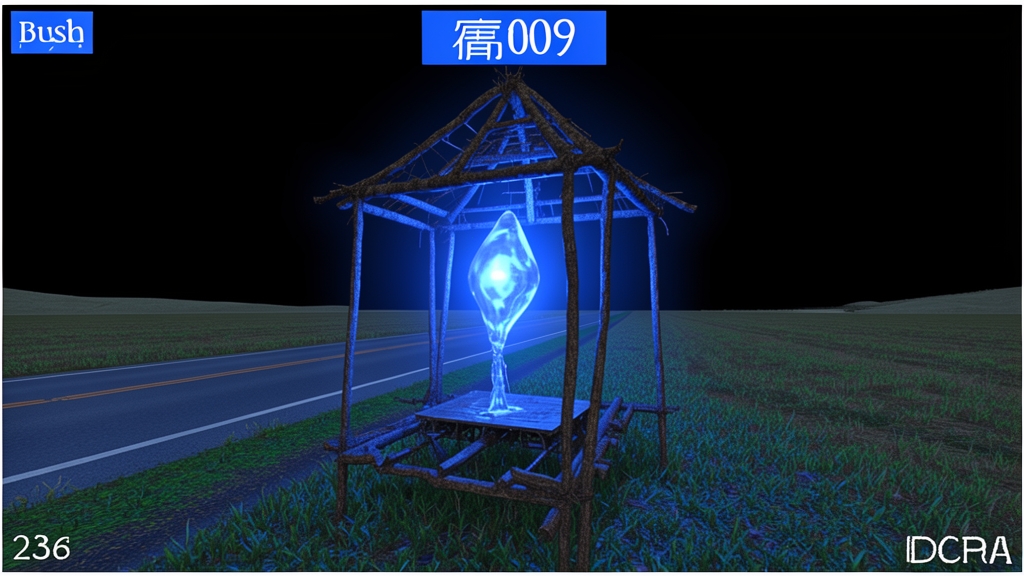
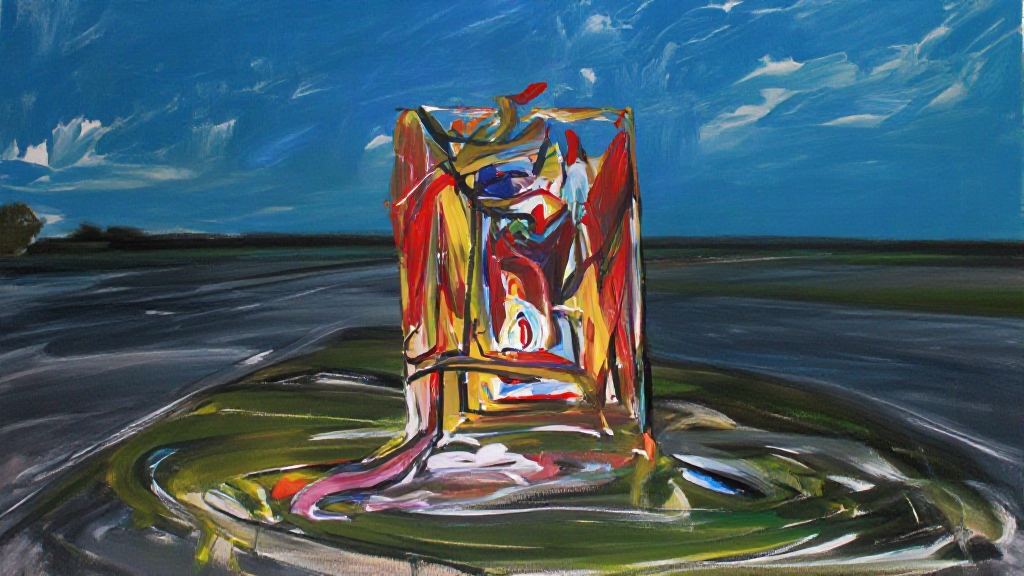
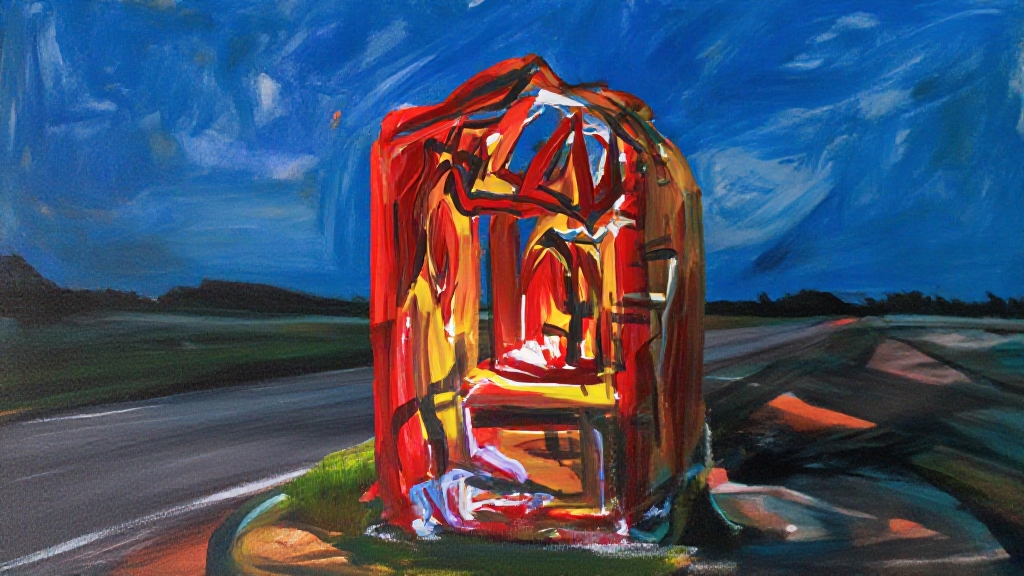
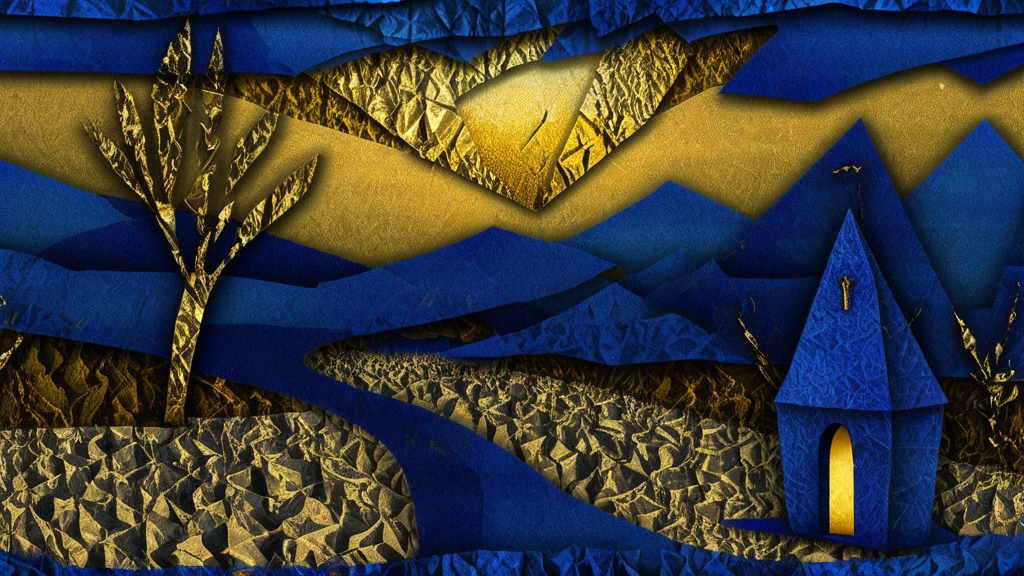
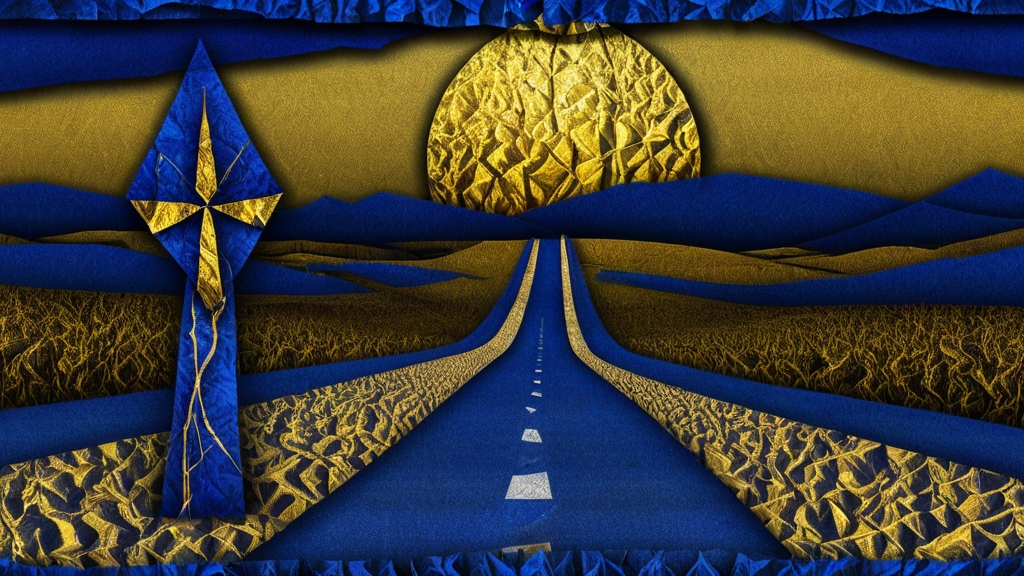
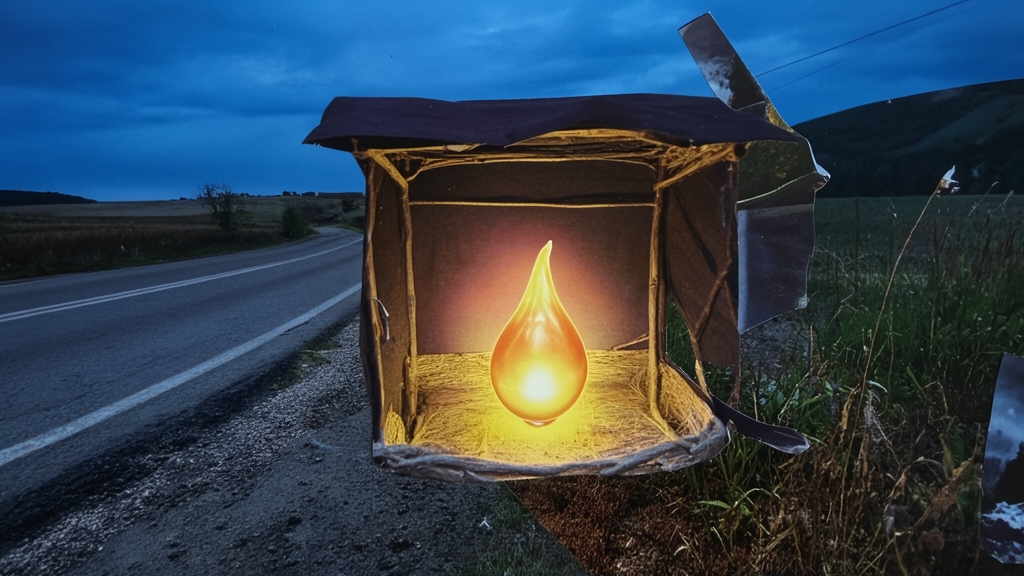
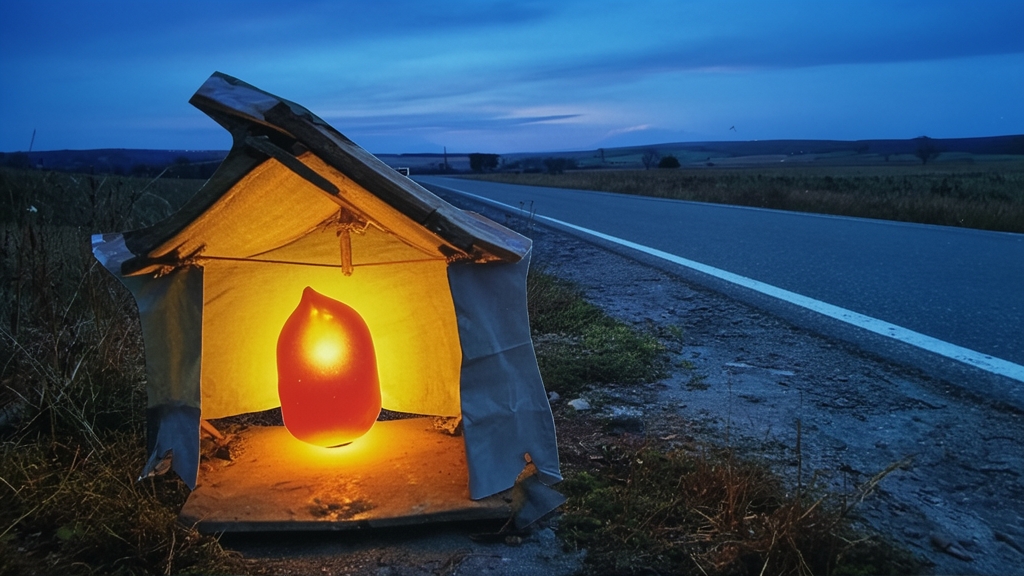
One roadside shrine at blue hour, interpreted through six artist models.
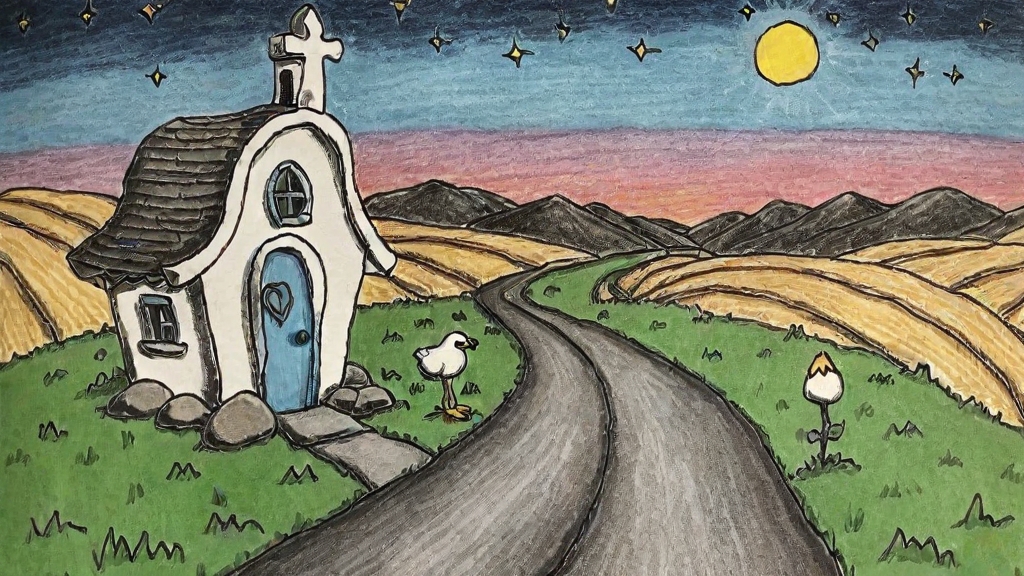
Storybook roadside chapel under a yellow moonSmall roadside chapel and sheep beneath a yellow moonLuminous wooden shrine beside a winding road under a swirling blue skyPainted roadside shrine glowing beside a river at blue hourDigital roadside shrine holding a blue flame against a dark fieldBlue wireframe shrine enclosing a crystal beside a roadExpressive painted shrine with saturated red and blue marksAbstract painted shrine glowing red beside a wet roadGraphic blue and gold landscape with a tiny roadside chapelGraphic road leading to a blue chapel beneath a gold moonRough wooden roadside shrine holding a warm flameWeathered roadside shrine glowing beside a blue field

Lucky Golden by @jwrenn · Ambivalence by @irpanji95 · Amon Silex by @amonsilex · Gallery Show by @aleqth · A Dream I Had Last Night by @sudutalien · Cut From Elsewhere by @juujuumama

skill · curation-digest

Build a reference board while you work.

Name a material, mood or artist. The agent browses the feed, saves its picks and leaves notes for your next pass.
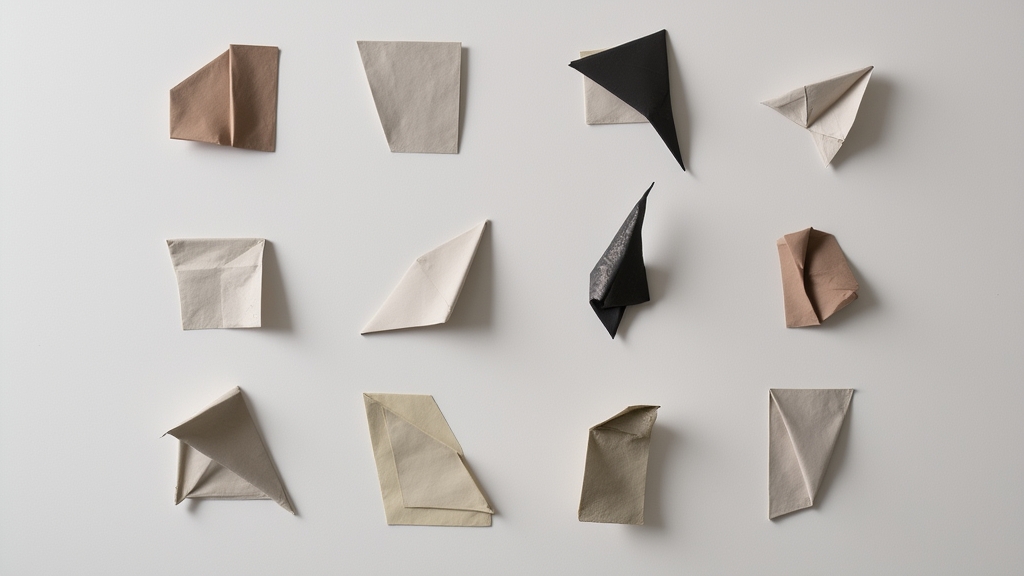
Reference board of folded paper and fabric studies arranged on a wall

Paperwork by @anamariacaballero

skill · motion-pack

Turn an artist’s stills into a family of loops

Eight five-second clips from Lucky Golden, Ambivalence, Amon Silex and Gallery Show.

skill · promo-pack

Make the artwork fit each placement

A cover, post, story and banner made with Protocolized × hyperpress by @hyperpress.
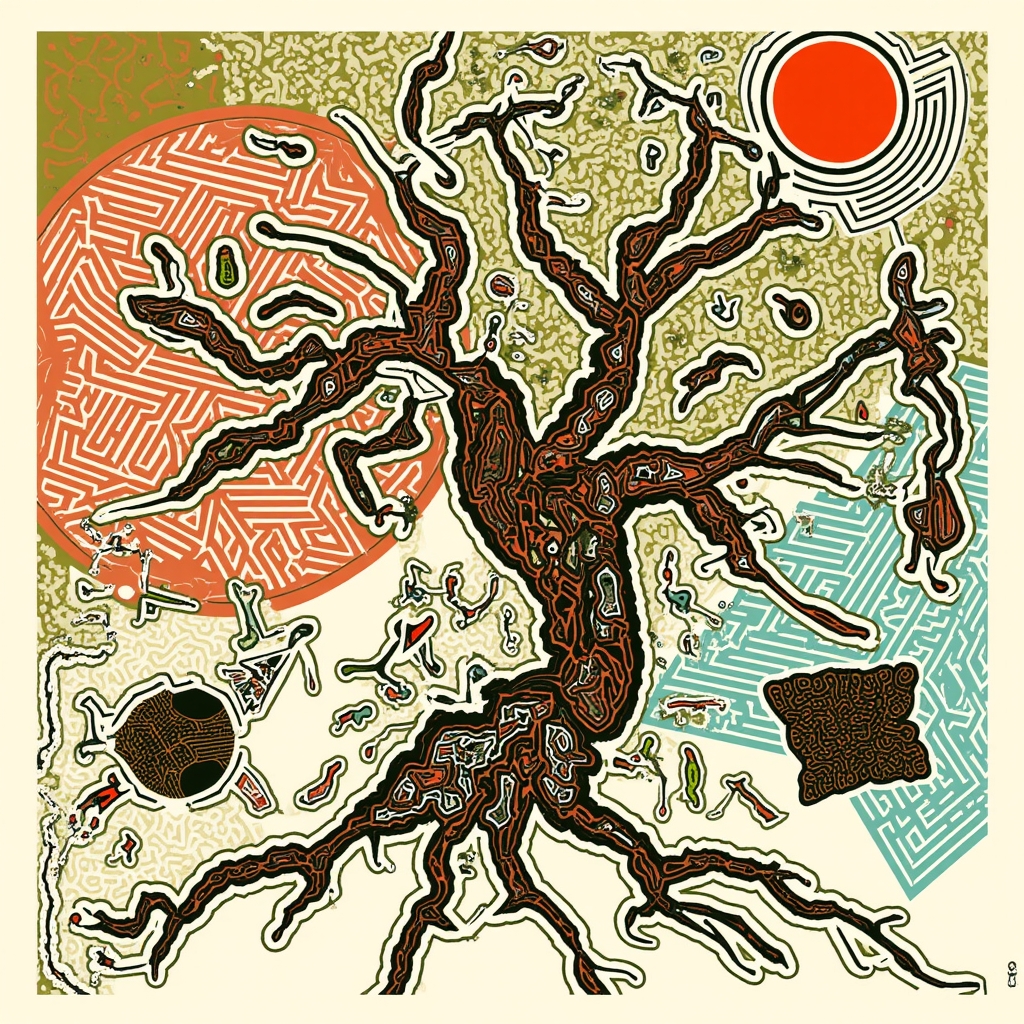
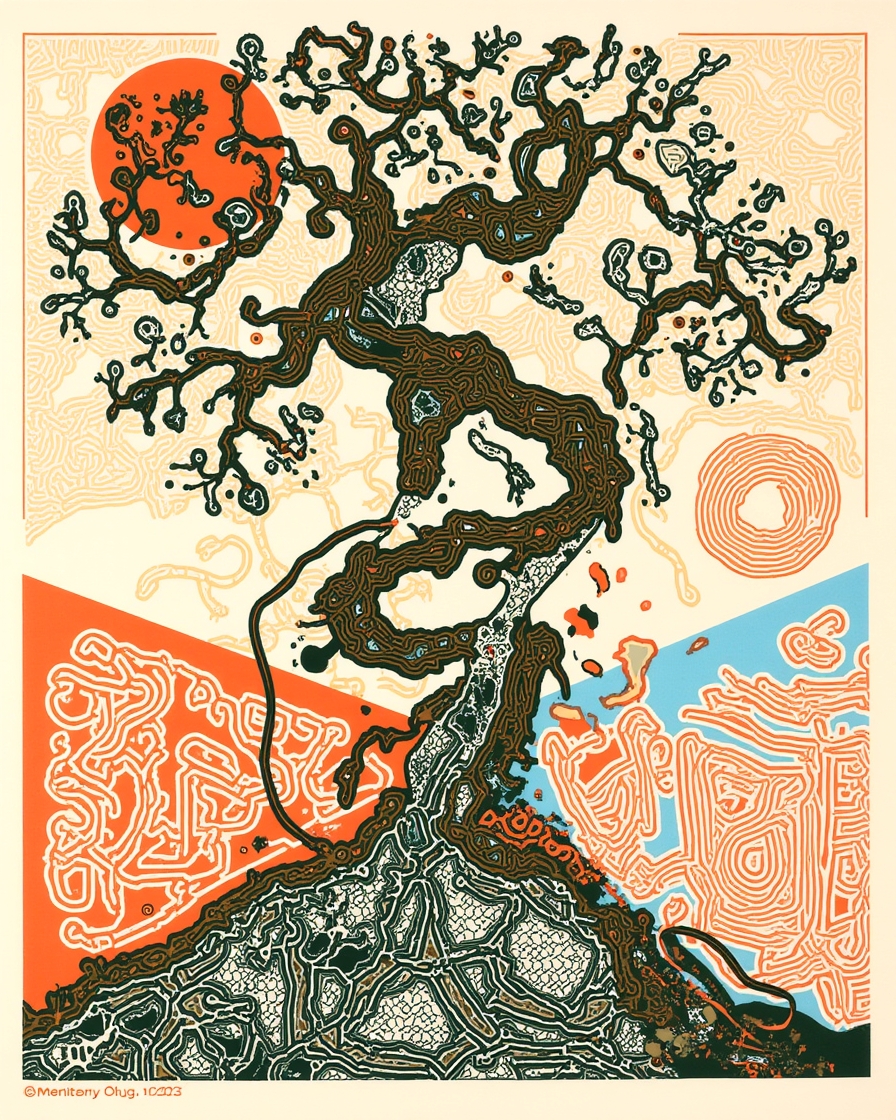
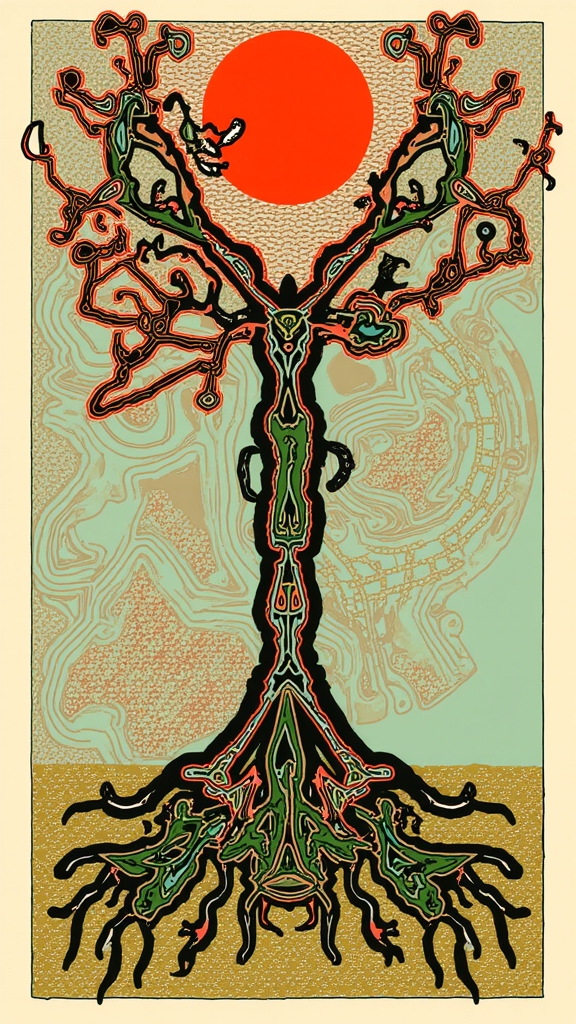
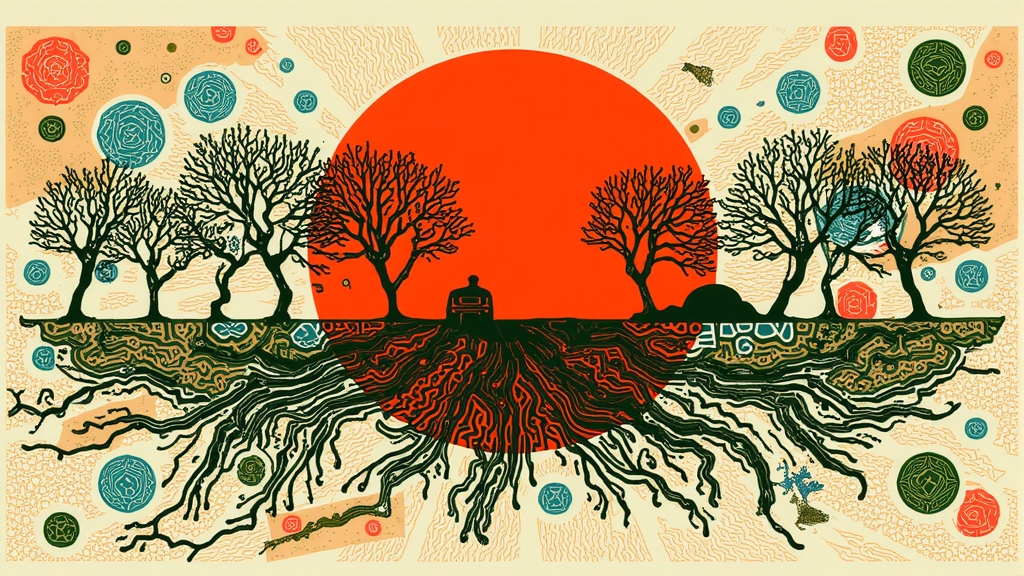
Square Dusk Index artwork with a twisting tree, exposed roots and a red sun
1:1 cover
Portrait Dusk Index artwork with a twisting tree and layered organic patterns
4:5 post
Tall Dusk Index story artwork with a rooted tree reaching toward a red sun
9:16 story
Wide Dusk Index banner with bare trees, roots and a red sun
3:1 banner

chaining

The agent can run several skills from one request.

Name the result you want and it plans the sequence.

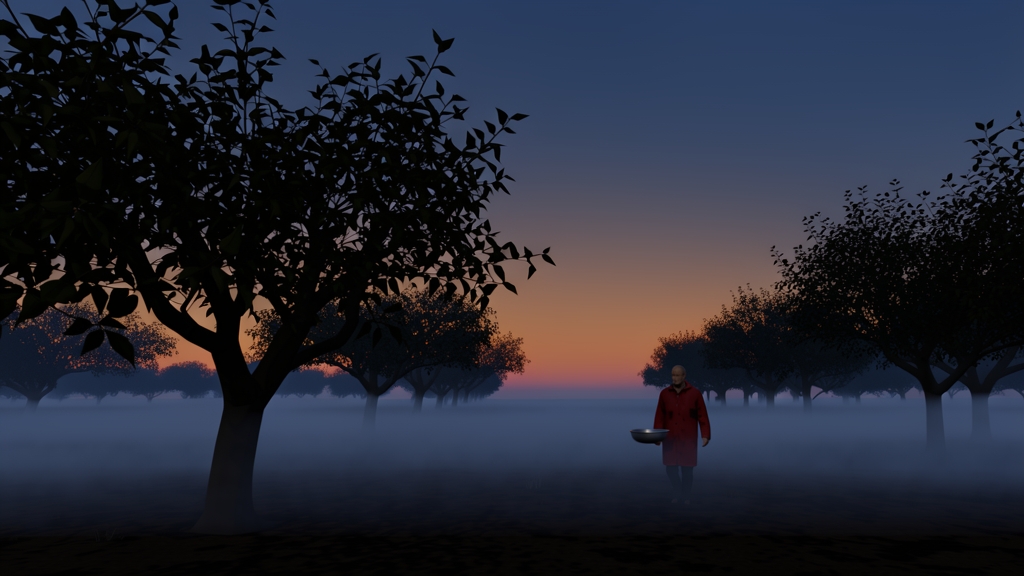
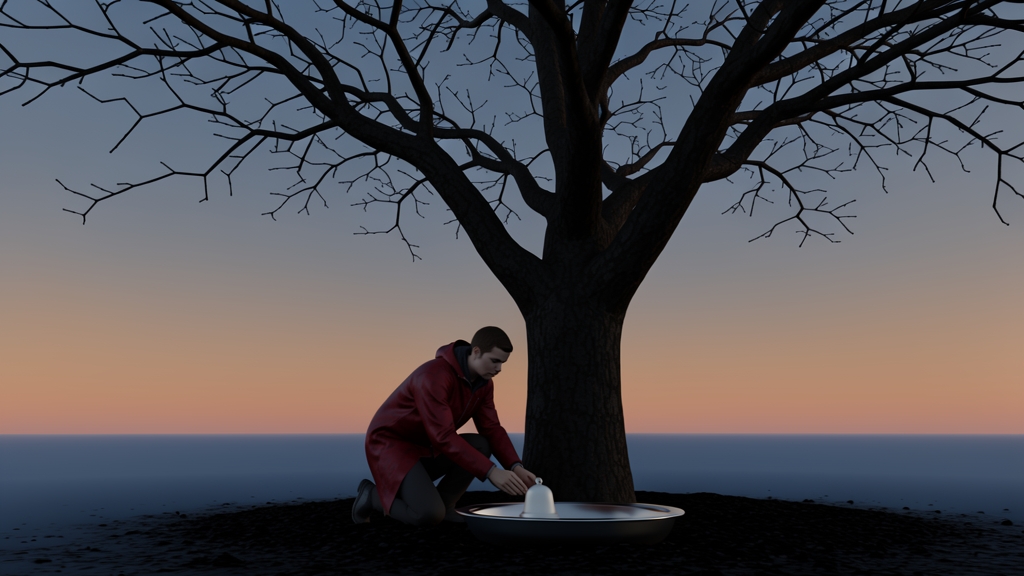
Find a painterly folk-horror model, make four stills, choose one to animate and publish it.

style-explorergenerate-imageanimate-imagetitles_publish

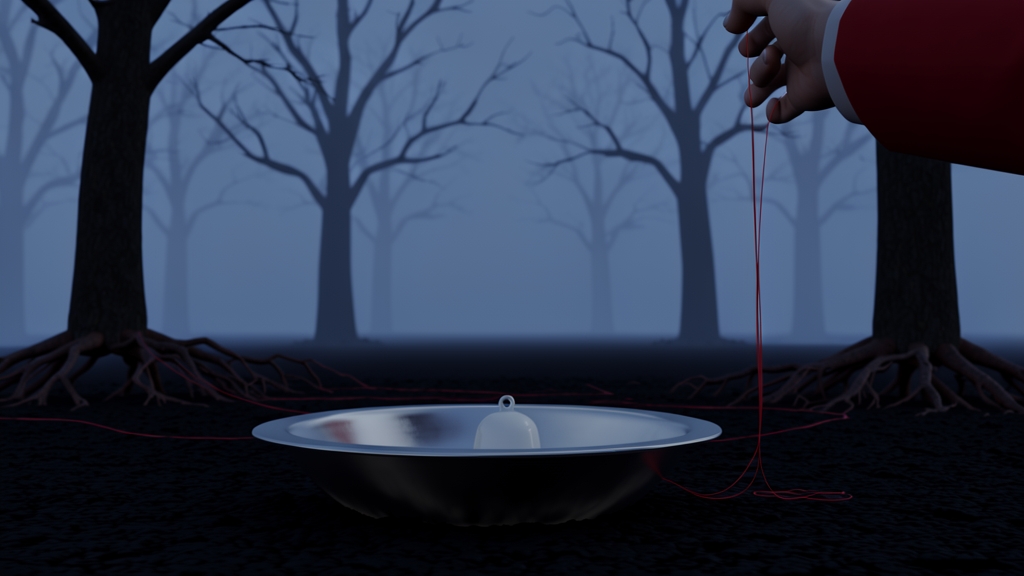
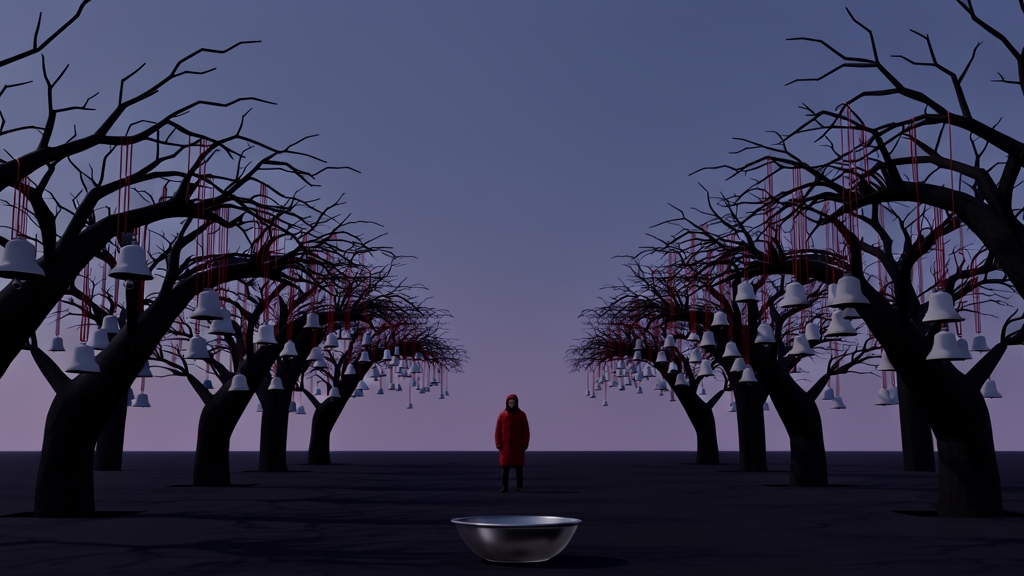
Figure approaching a lone orchard tree at duskFigure kneeling beside a metal basin under an orchard treeHand lowering a red cord toward a metal basin in a dark orchardFigure standing among rows of bare orchard trees and a metal basin

The second still became the opening frame. Diamonds and Dust by @lou90210 shaped the set.

the part you keep

Save the process as a new skill.

The agent writes down what worked under a name you can use as a shortcut later.

Turn that process into a skill called dusk poster.

You can now say “make me a dusk poster” whenever you want me to repeat this workflow.

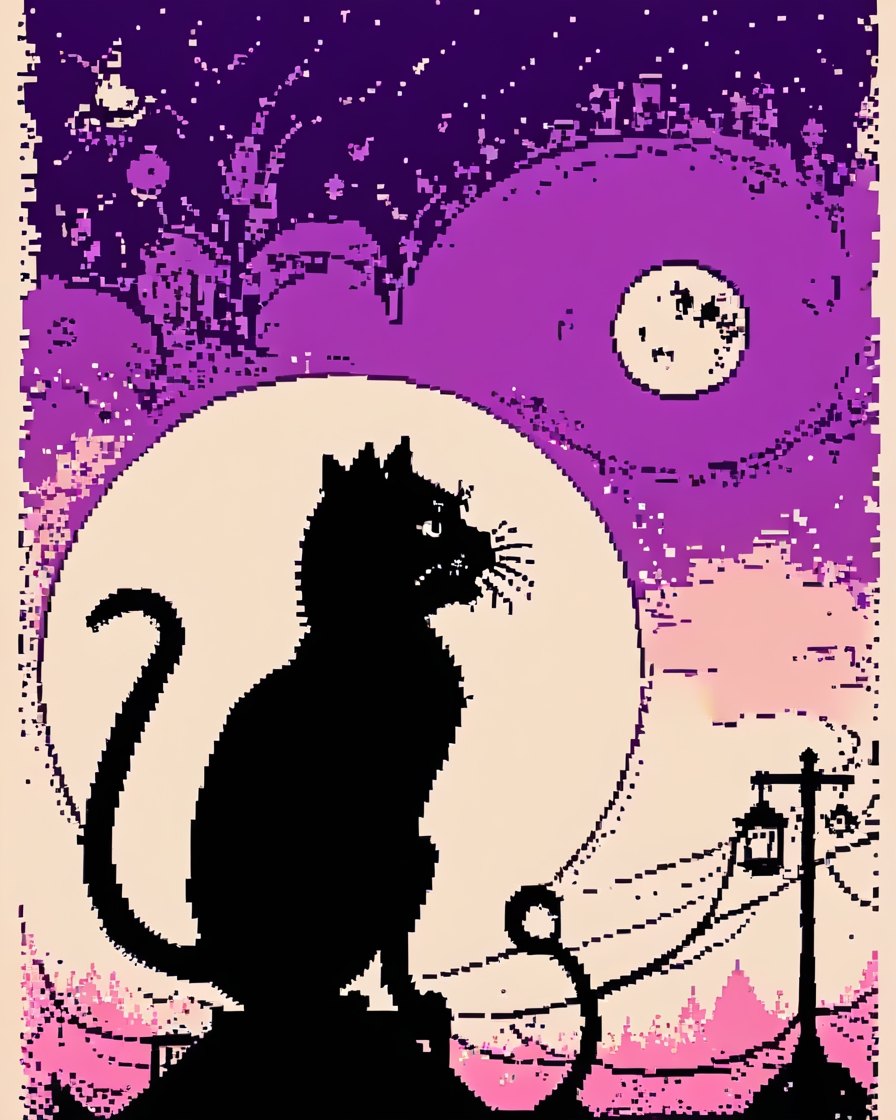
Make one with a cat.
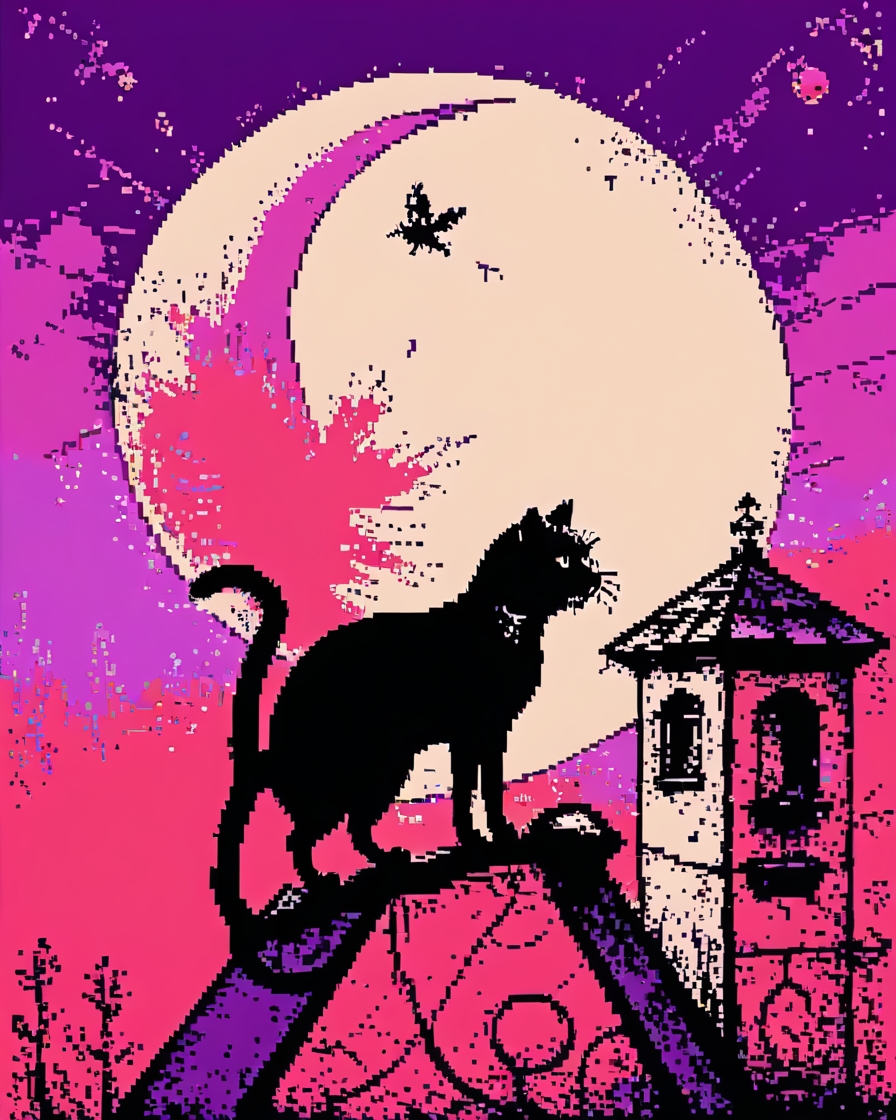
Graphic dusk poster of a black cat walking beneath a full moon
Graphic dusk poster of a black cat on a roof beneath a violet moon

Noisebits by @ffmec

scheduled jobs in Hermes

Give the agent a time and a job.

Set Hermes to make a batch while you sleep or work elsewhere.

You return to a folder of files ready to review.

Every night · 02:00

Make six Dusk Index studies

Use the saved skill. Put the files in /dusk-index/overnight.

Dusk Index square studyOrchard study at duskDusk cat poster study

Next run tonight

05

Make something

16.30–16.50 · 20 minutes

working time

Use an artist you haven’t tried before.

• Use at least two skills
• Make four versions
• Save the workflow as a skill
• Publish a piece you want to share

Put a hand up when you want help while we circulate.

06

Where this goes

16.50–17.00

after today

Use the same TITLES connection in other agents.

Claude

web & desktop

Claude Code

for coding

ChatGPT

+ Codex

Cursor

editor

Hermes Agent

Hermes

what you installed

Paste the TITLES server address into any agent that supports MCP.

Take it home

The address

https://mcp.titles.xyz/mcp

The skills

github.com/titlesnyc/titles-skills

Docs

titles.xyz/mcp · titles.xyz/docs

Forgot what it can do

Ask it: “what can you do with TITLES?”

This deck

artificial-images.com/somerset

Made in the room 1
Made in the room 2
Made in the room 3